LOOP SK06 Titanium Stonewashed EDC Torch Review
LOOP SK06#
- Specifications
- Introduction
- Torch in use
- Build quality
- LED, bezel, lens and reflector
- Size and comparison
- User interface
- Batteries and charging
- Powerbank
- Performance
- Beamshots
- Thermal Images
- Conclusion
- Price
- Product page
Specifications#
| Brand/model | LOOP SK06 |
|---|---|
| LED | Main Light, Side Light, UV, Cyan Laser Pointer |
| Maximum lumens | 2,400 lm |
| Maximum beam intensity | 16,500 cd |
| Maximum throw | 260 m |
| Battery | 18650 4000mAh |
| Onboard charging | Yes (USB-C) |
| Powerbank | Yes (USB-C) |
| Material | Titanium, Aluminium |
| Modes | 10+ |
| Blinkies | Strobe, SOS, Beacon |
| Reflector | OP |
| Waterproof | IP68 |
| Review date | October 2026 |
Introduction#
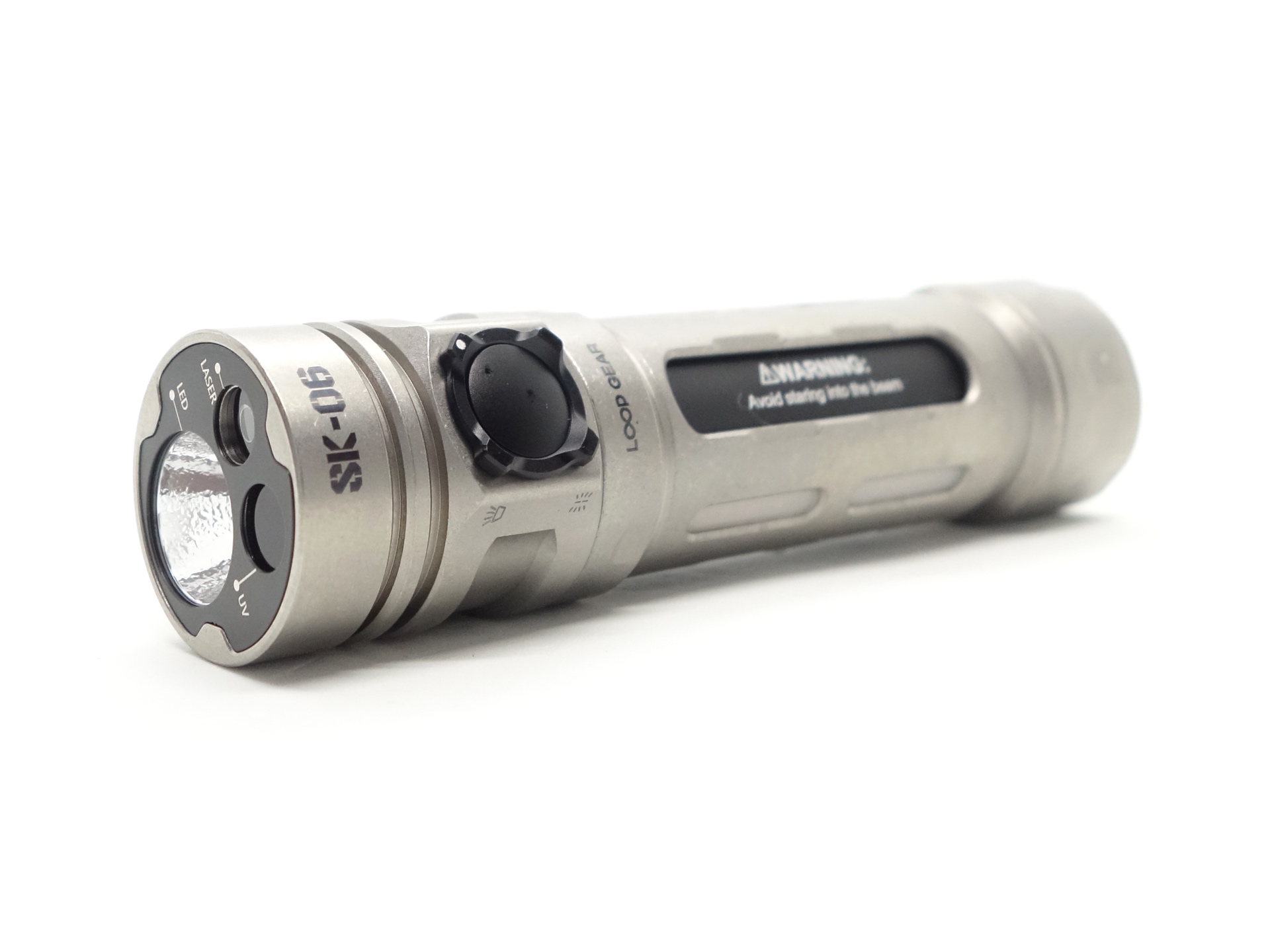
The LOOP GEAR SK06 Titanium Stonewashed is an 18650-sized 4-in-1 EDC torch with a Main Light, Cyan Laser Pointer, UV Light and a Side Light. It has a USB-C port that can be used for charging or discharging.
LOOP GEAR kindly sent this torch for review. I have not been paid for this review nor have I held back my opinions of this torch.
Packaging#
The LOOP SK06 comes in a white box with an image of the torch on the front.
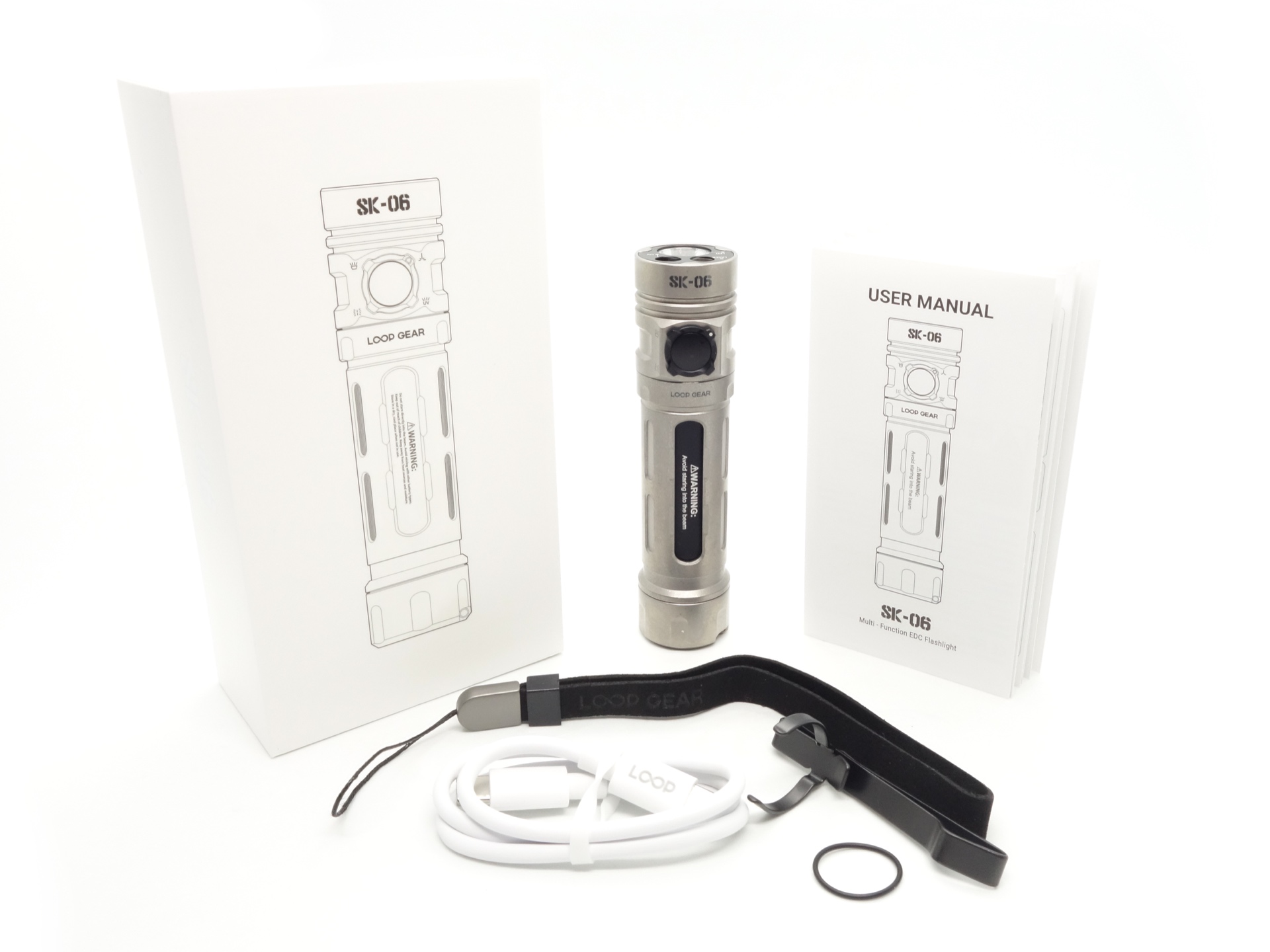
The following is included in the box:
- LOOP SK06.
- LOOP 18650 3.6V Li-ion 4000mAh battery.
- USB-C to USB-C charging cable.
- Pocket clip.
- Lanyard.
- Spare o-ring.
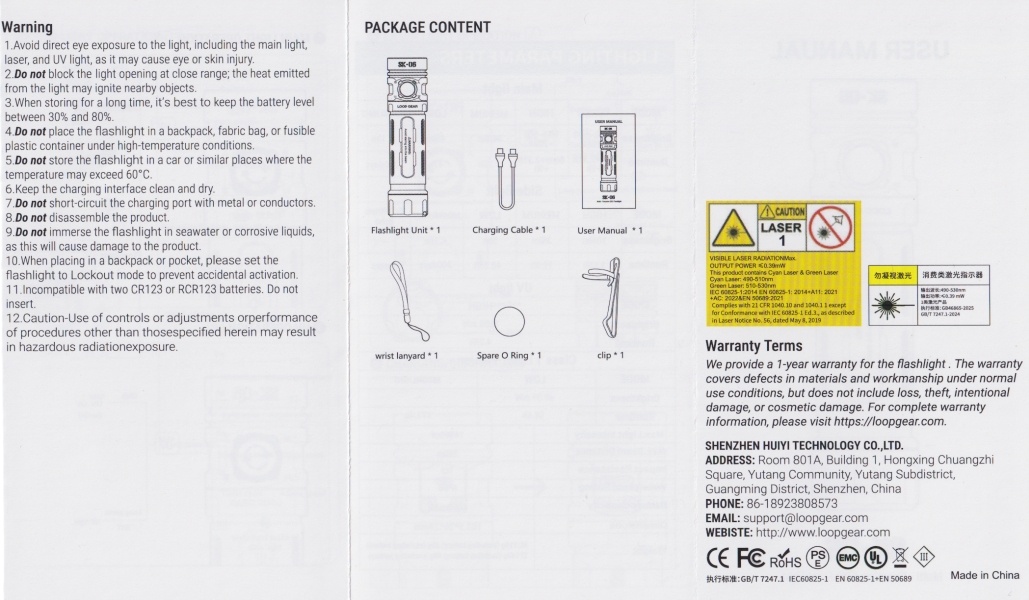
- User manual.
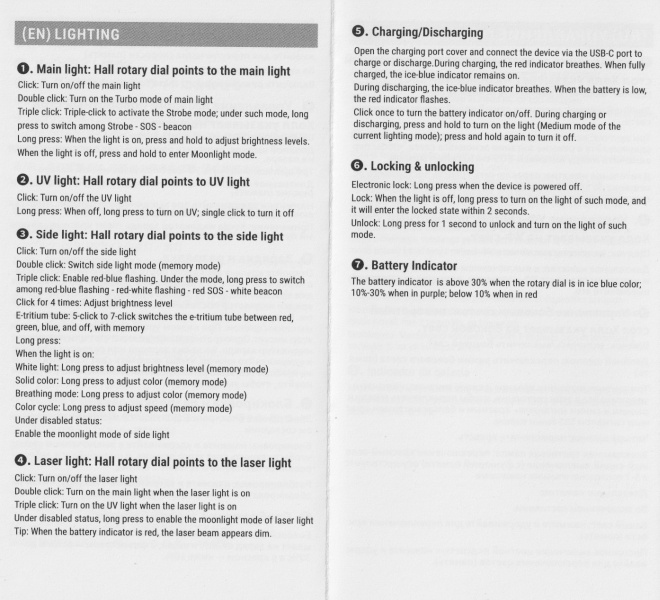
User manual#
Torch in use#
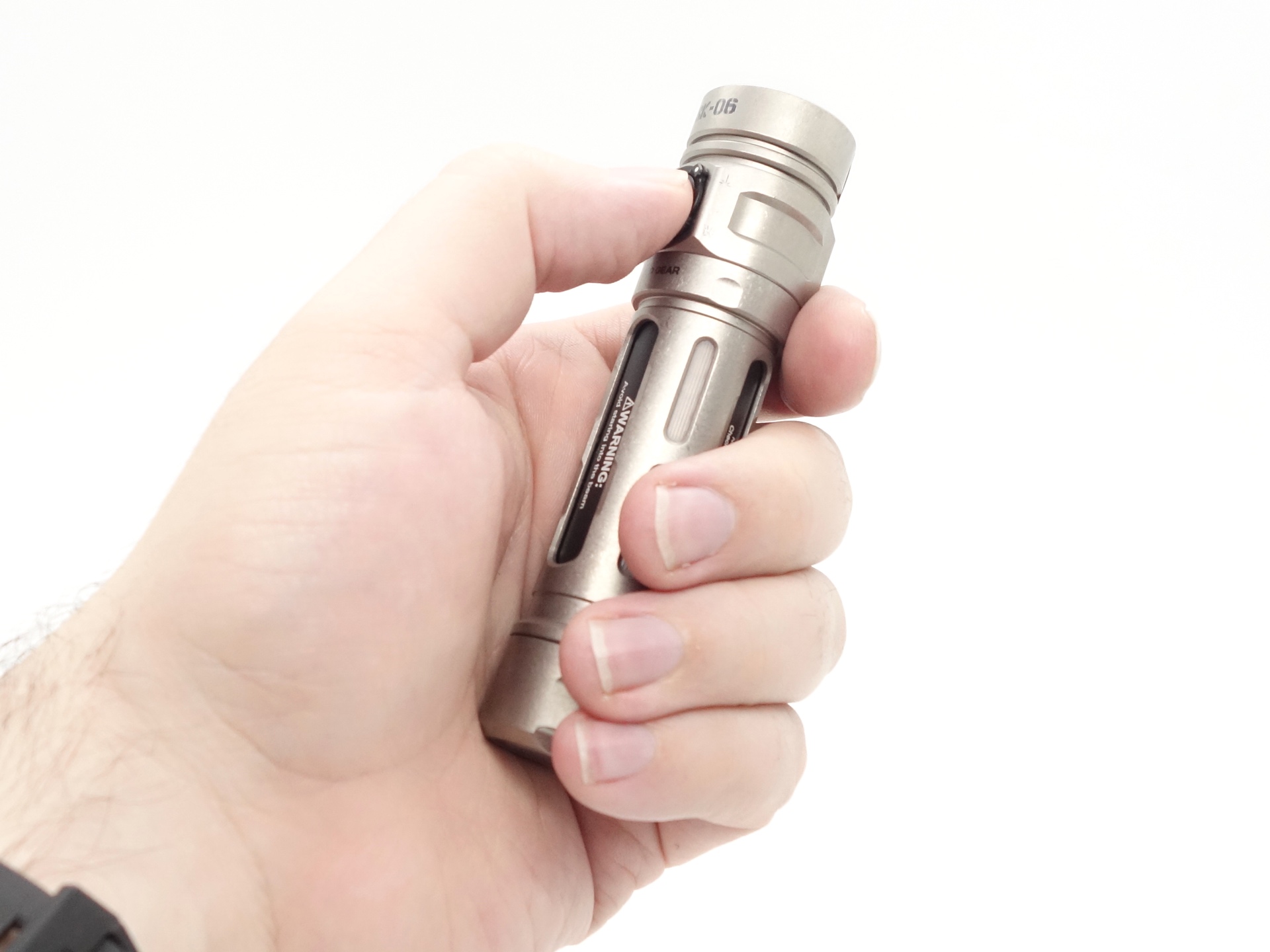
The LOOP SK06 feels comfortable to hold. It becomes a bit of a handwarmer on Turbo mode.
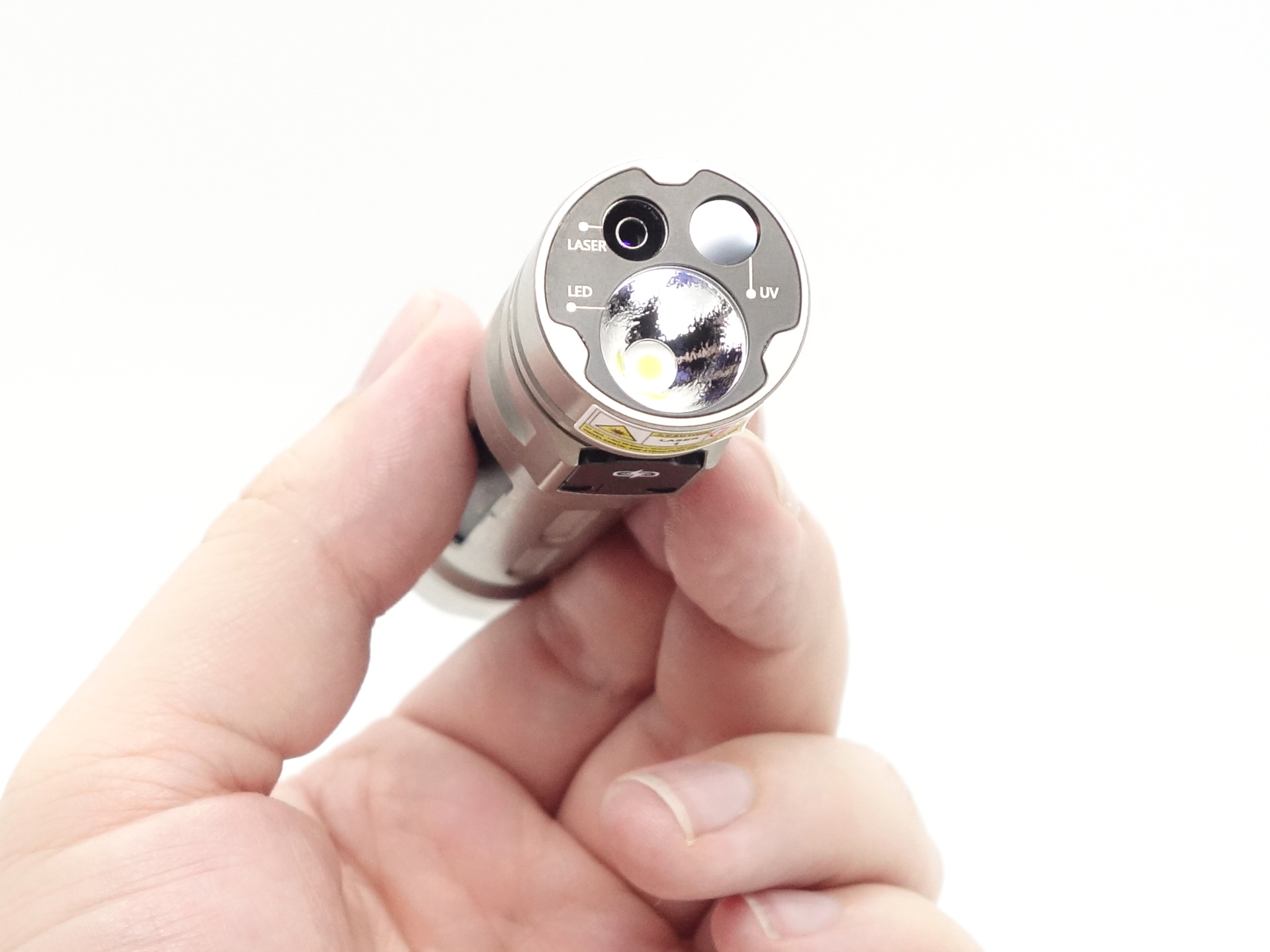
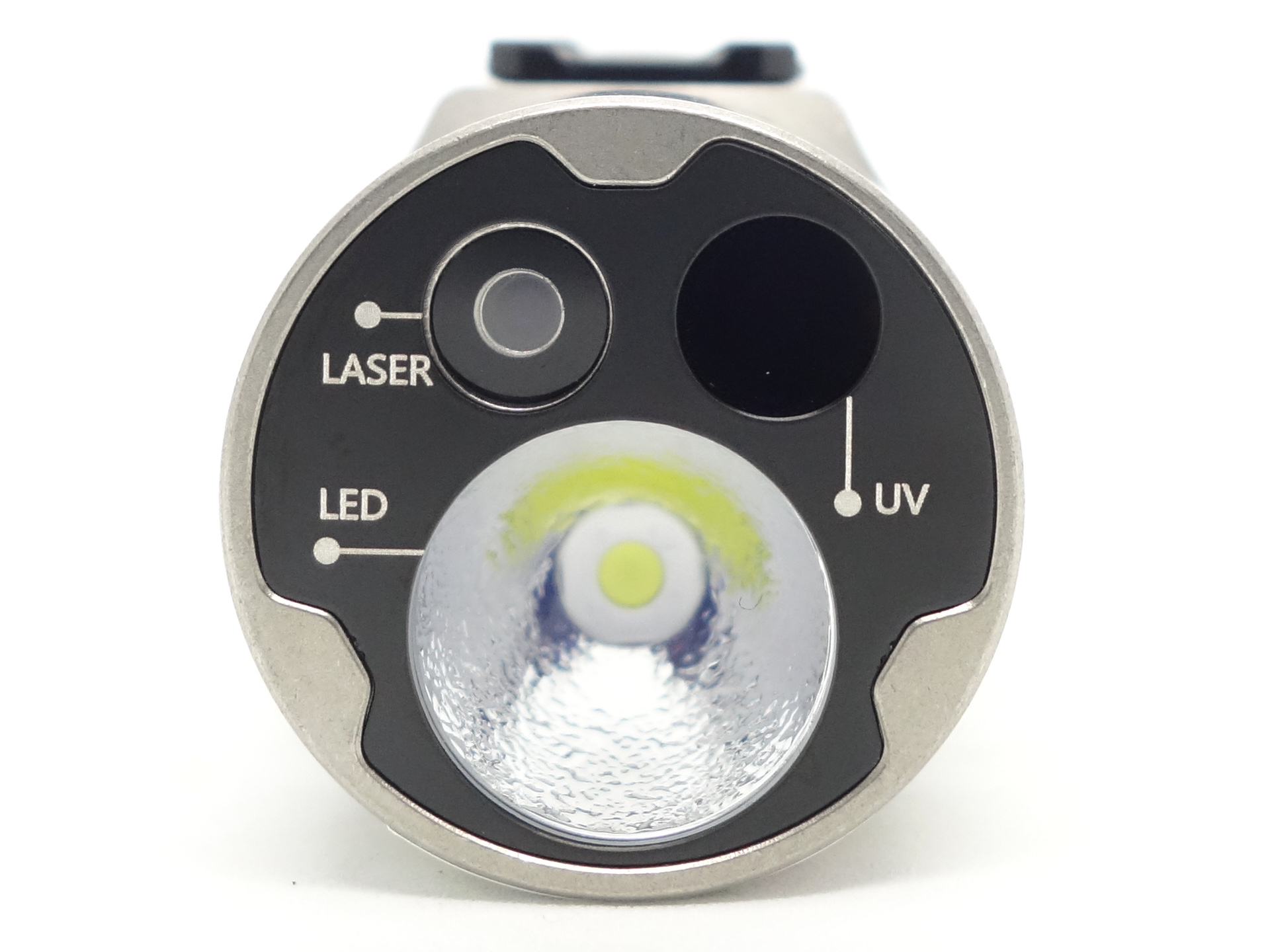
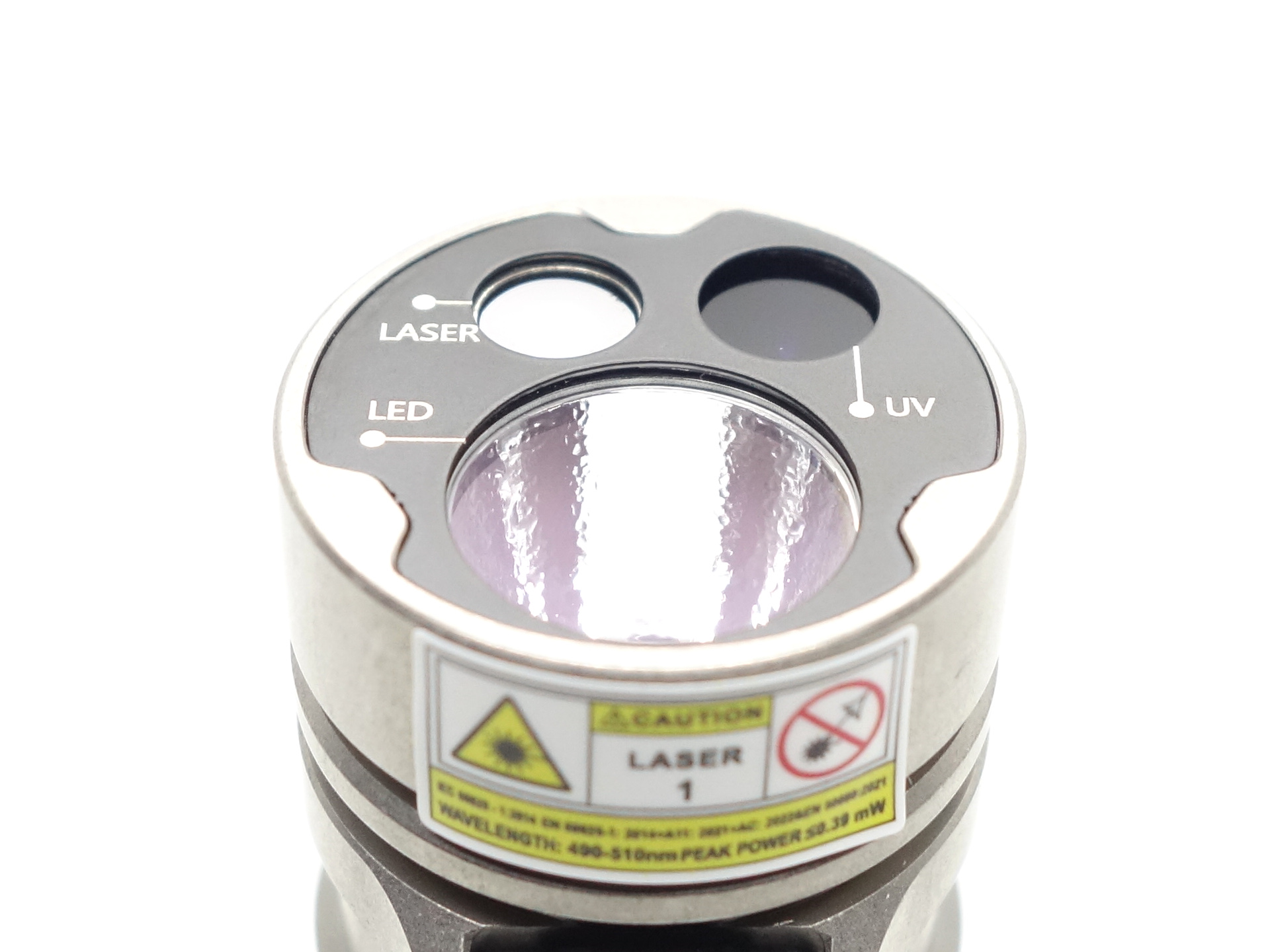
There are so many features packed into such a small head! A Cyan Laser Pointer, a UV Light, and a Main Light.
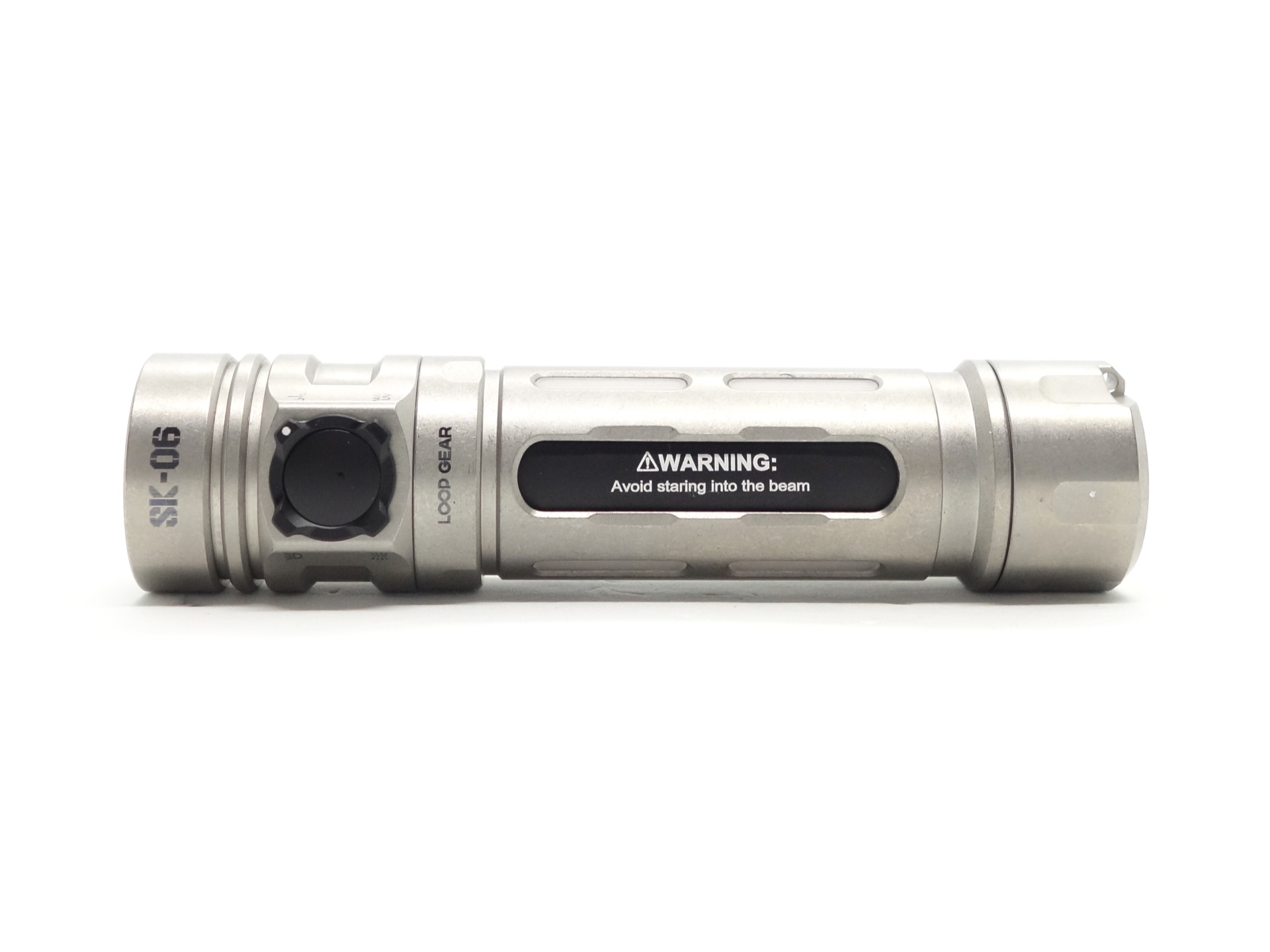
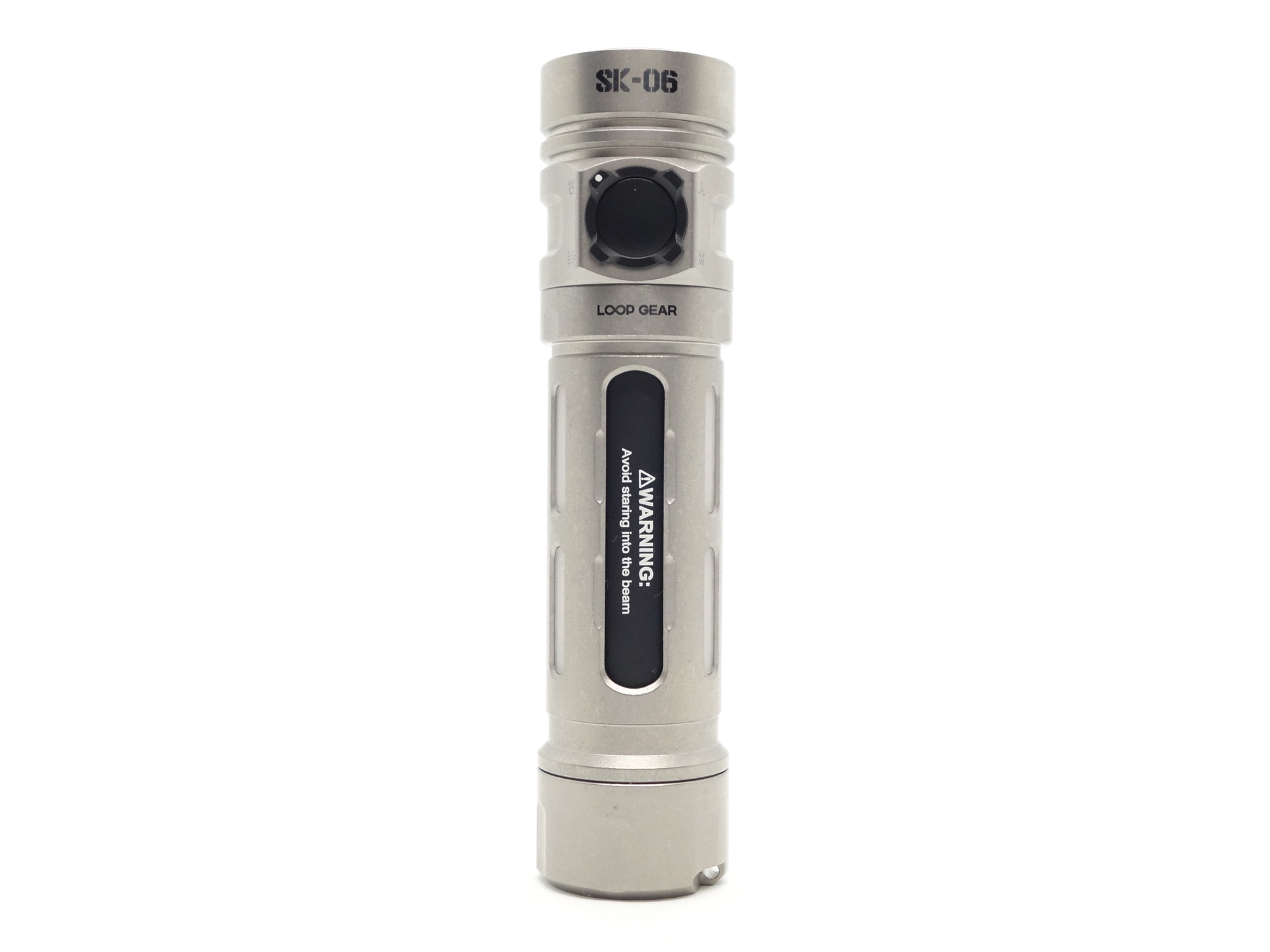
A rotary switch and button control the light.
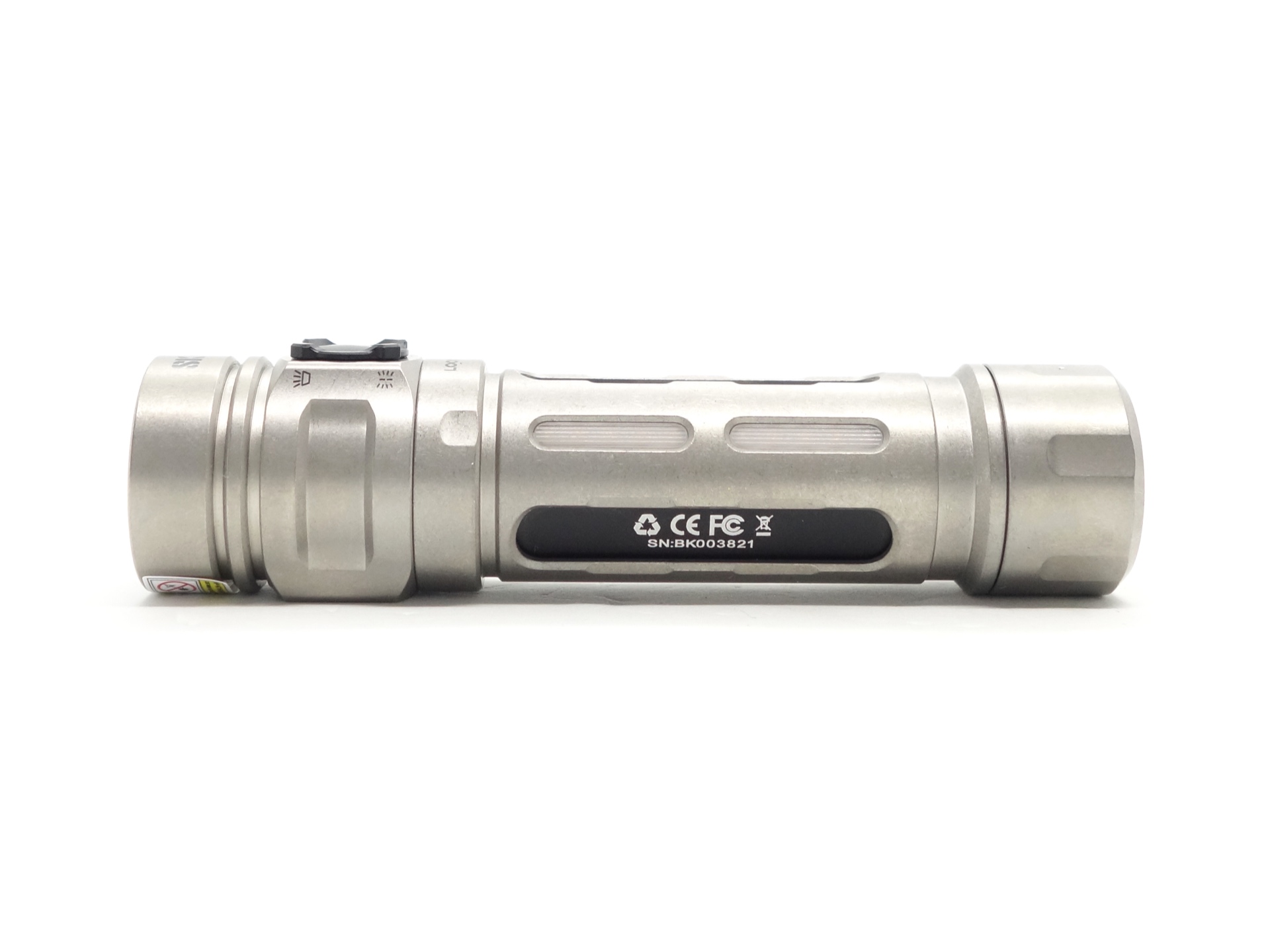
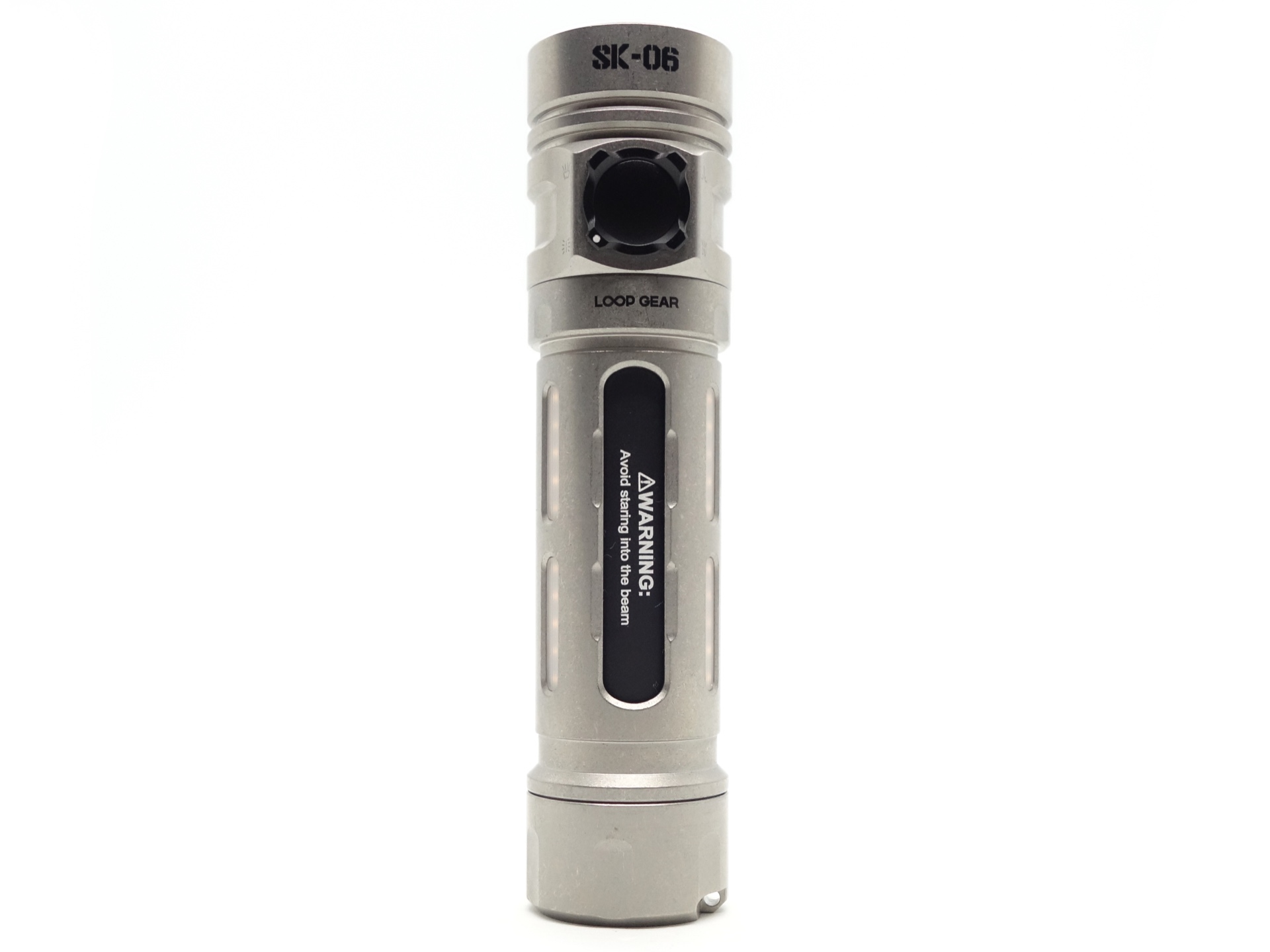
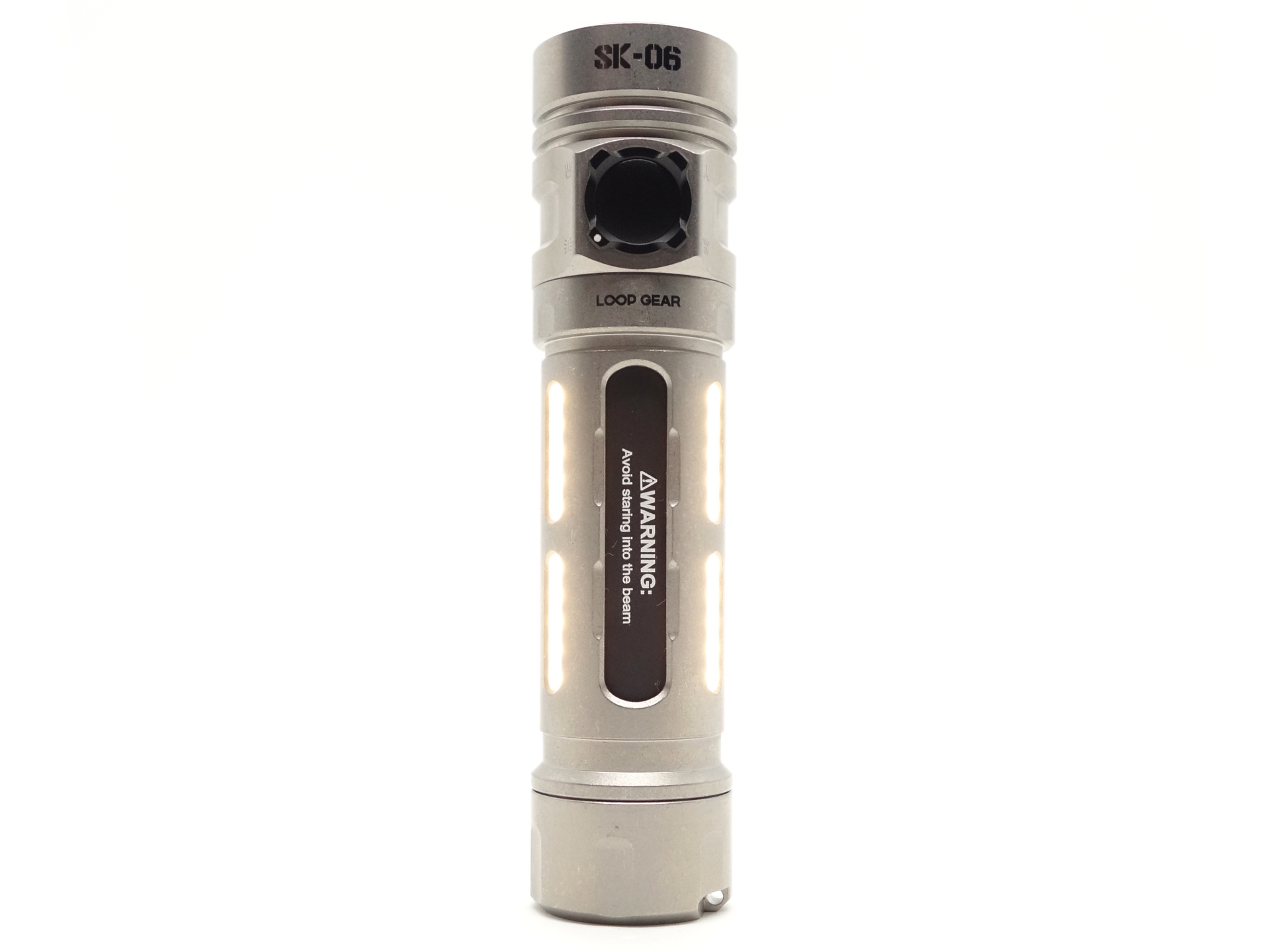
The tube has six Side Lights. These are RGB and Warm White.
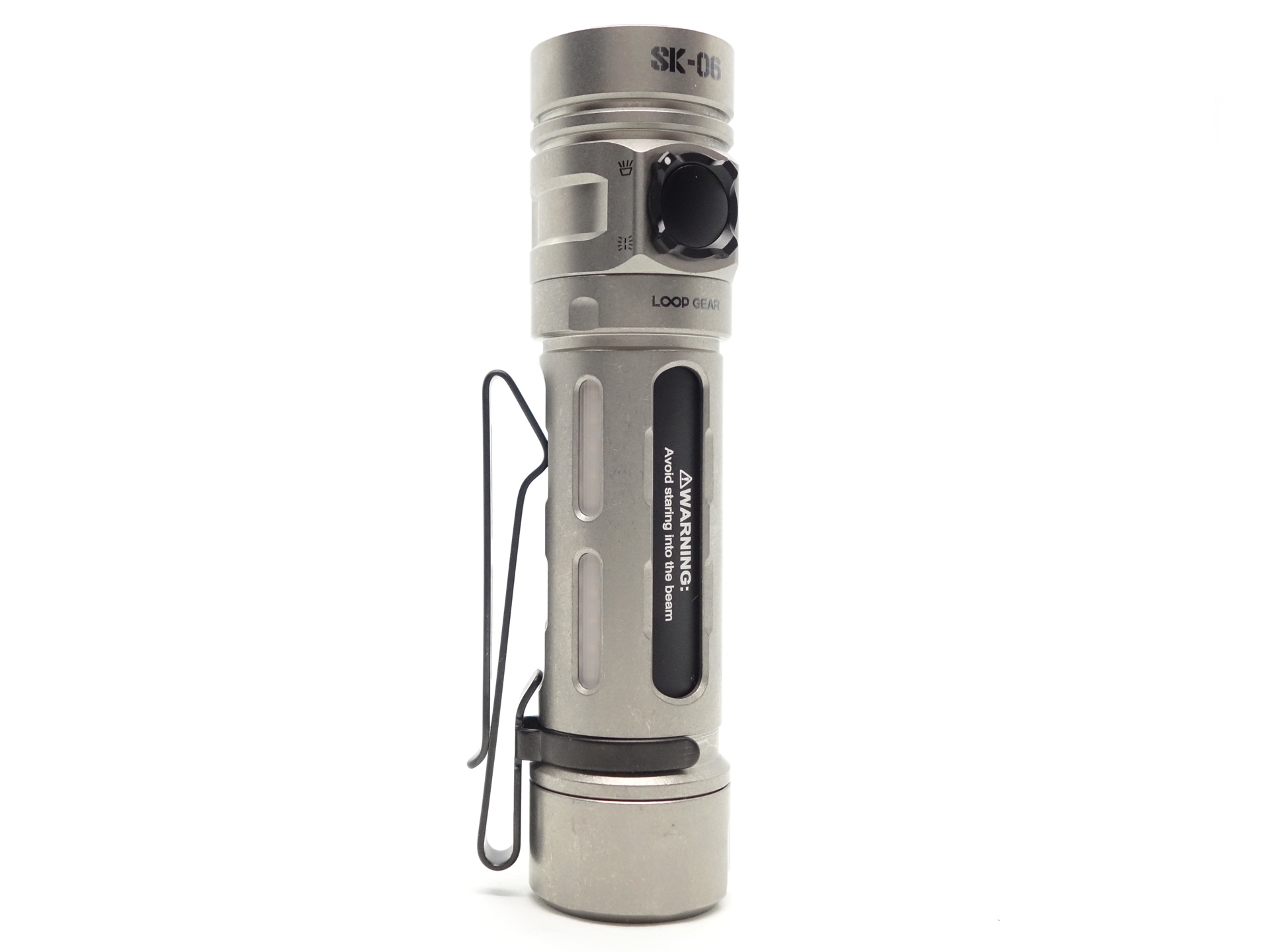
A two-way pocket clip can be attached to the tube.
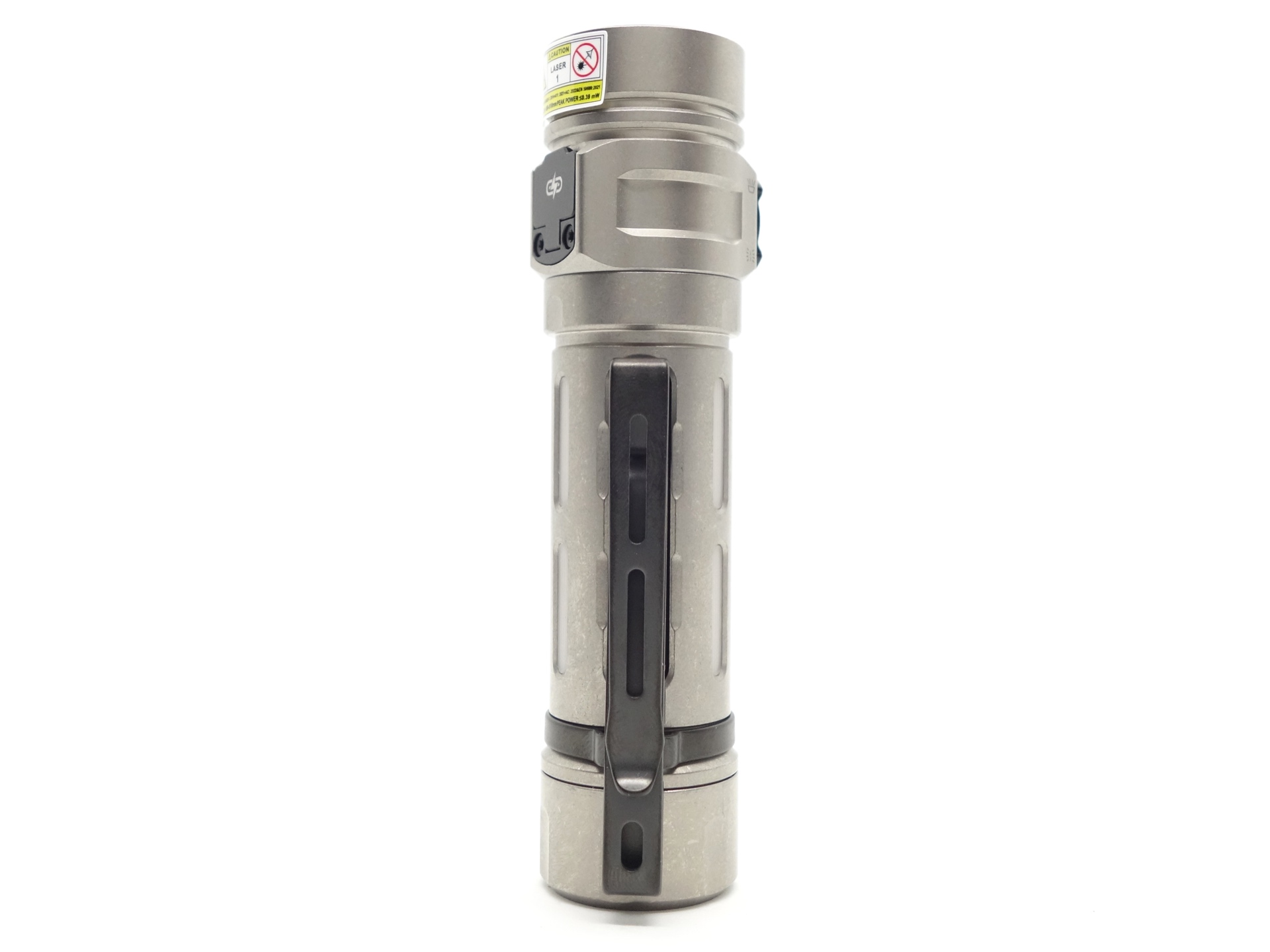
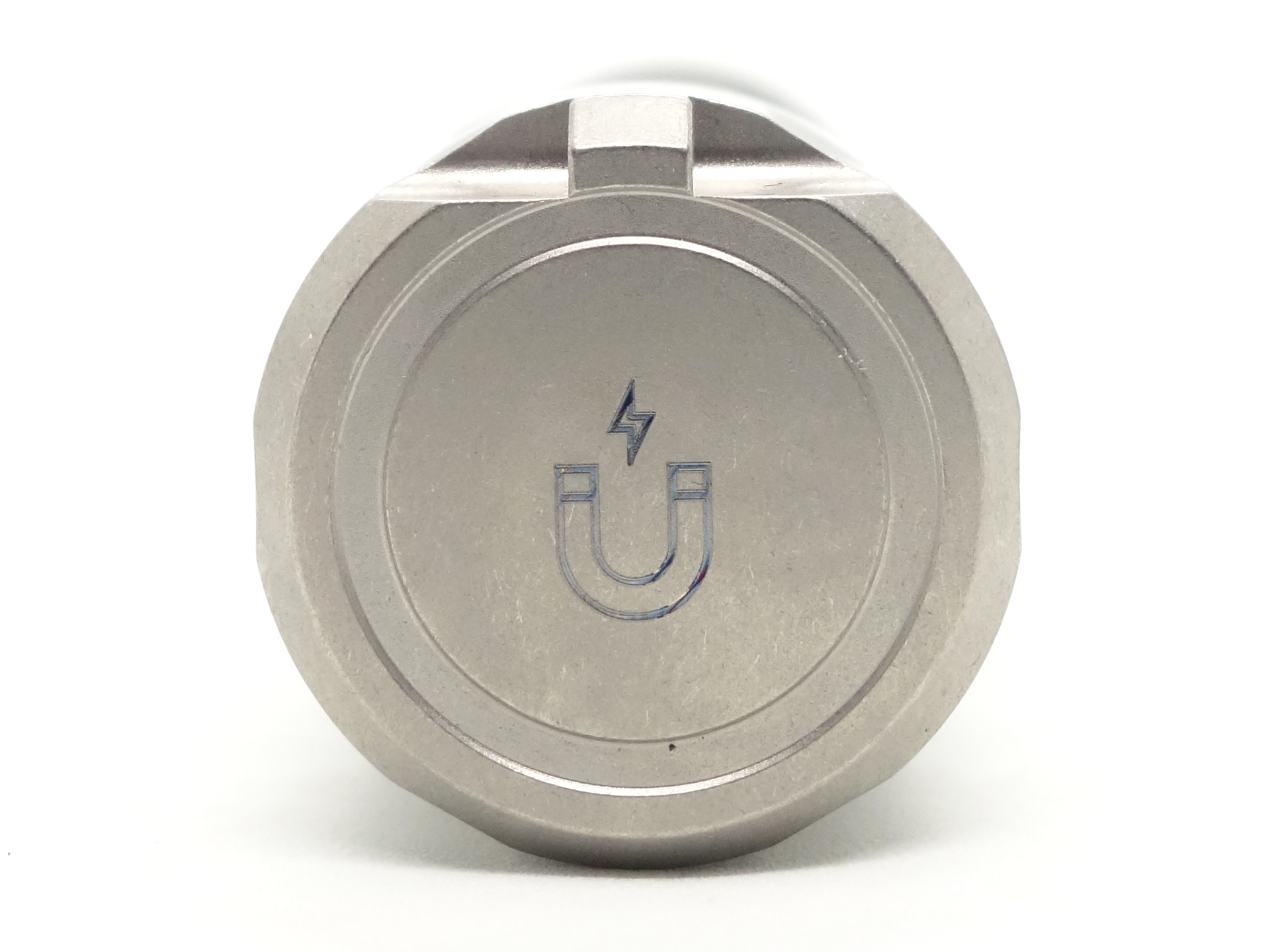
There is a strong magnet and a lanyard hole in the tailcap.
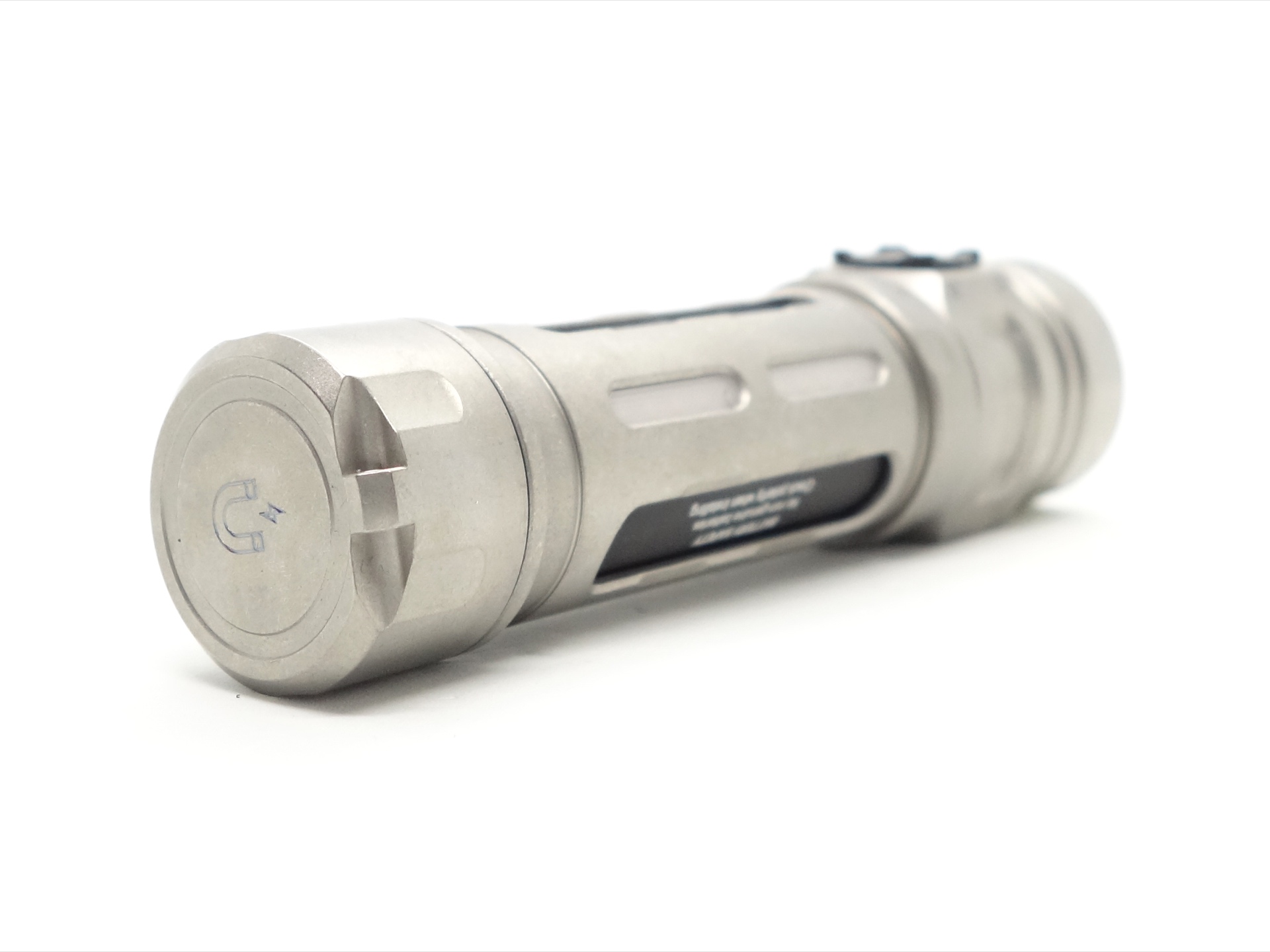
The lanyard is a bit difficult to thread through.
The torch can tailstand. And it does not roll away when placed sideways on a flat surface.
Build quality#
This LOOP SK06 has a Titanium Stonewashed exterior with an aluminium inner tube. There is also an aluminium version of this light with a green laser pointer.
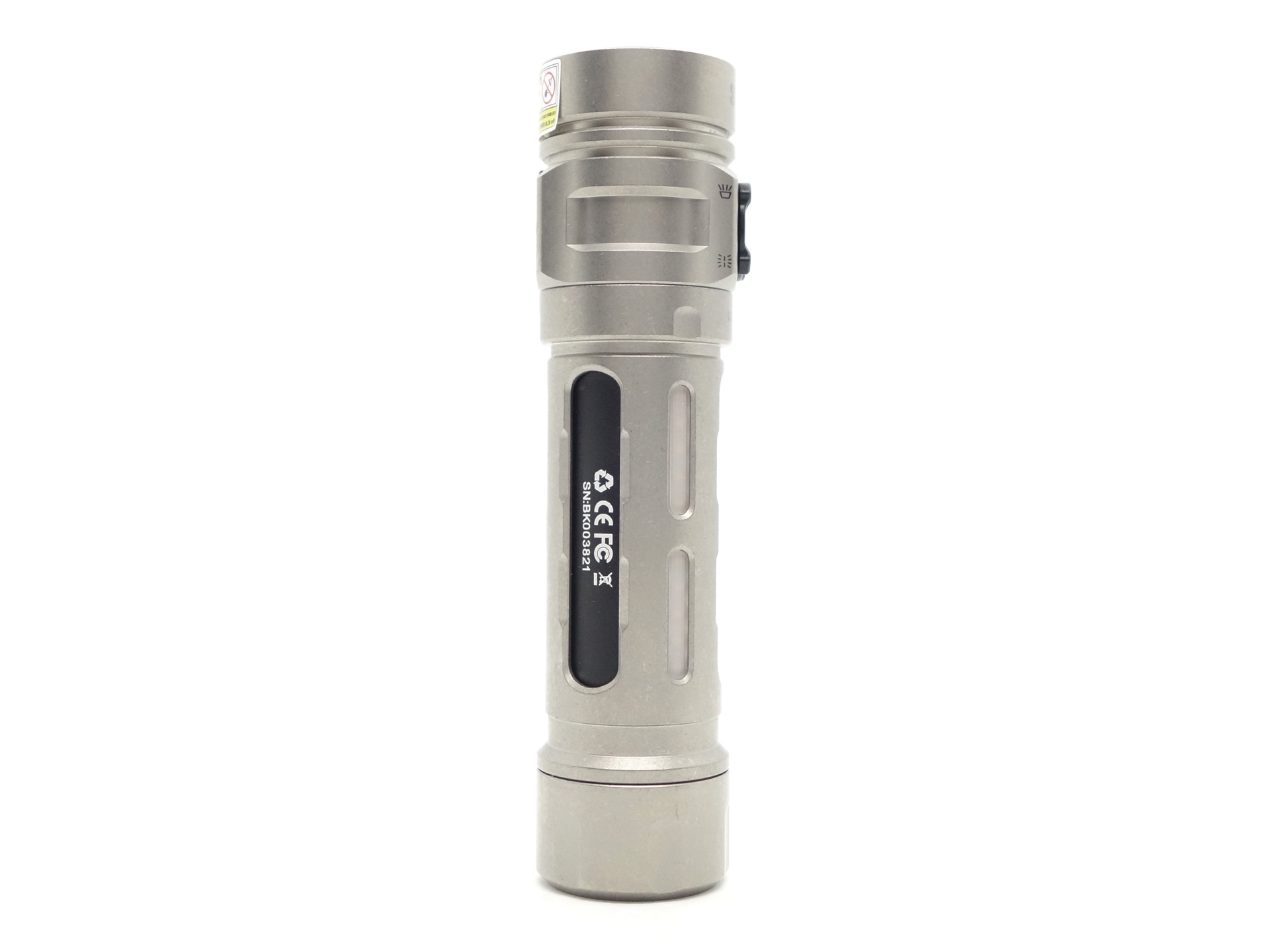
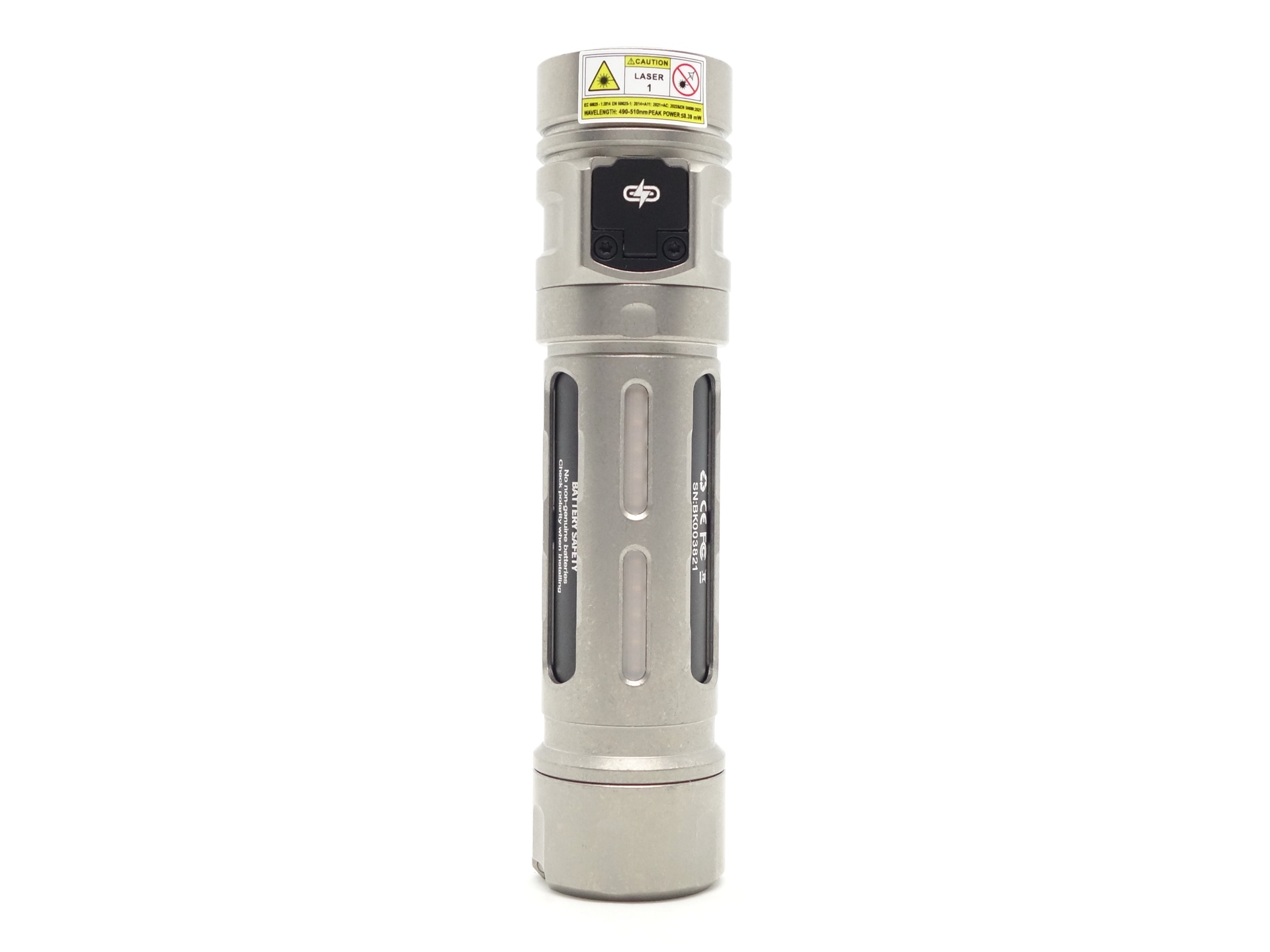
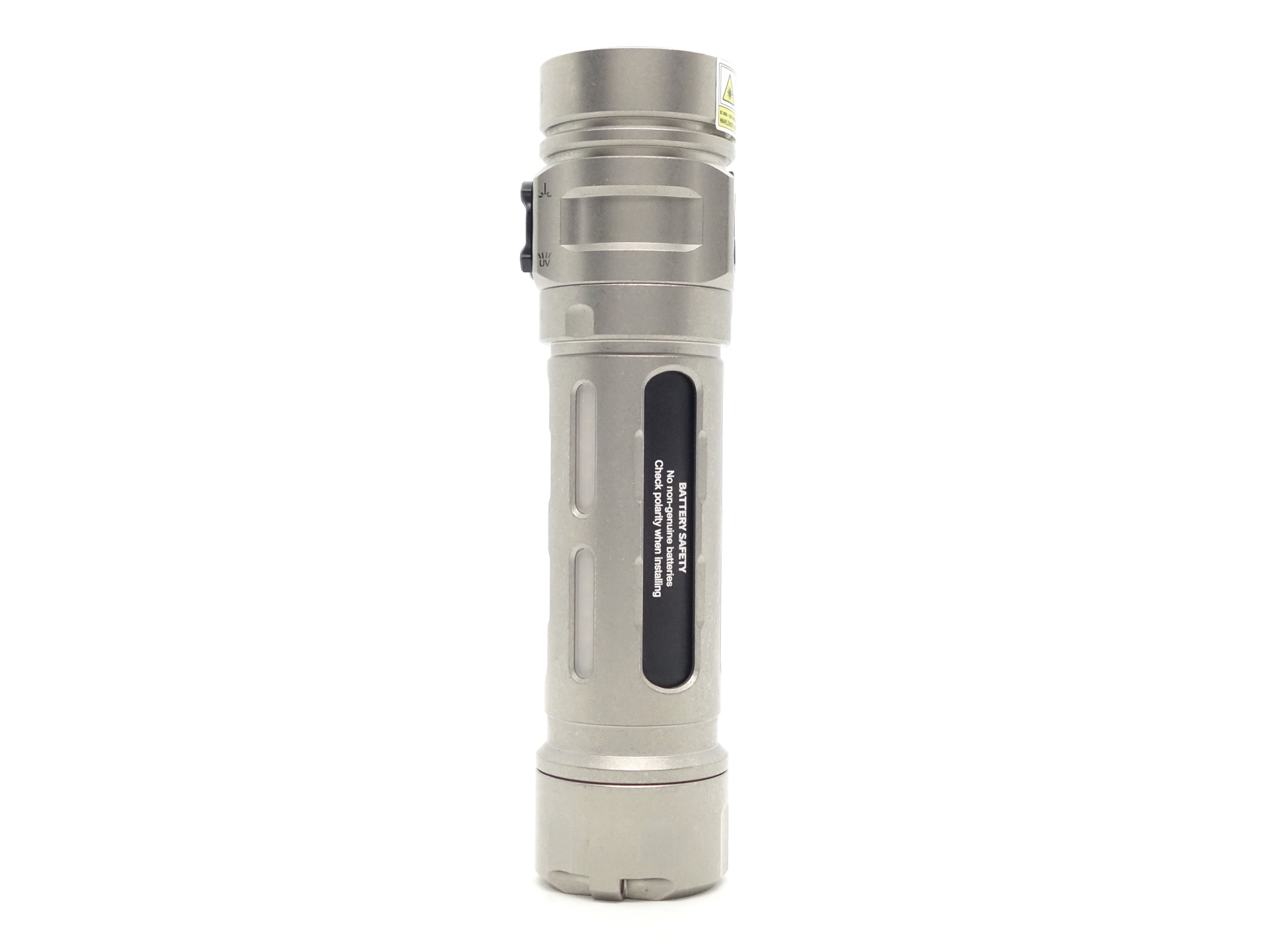
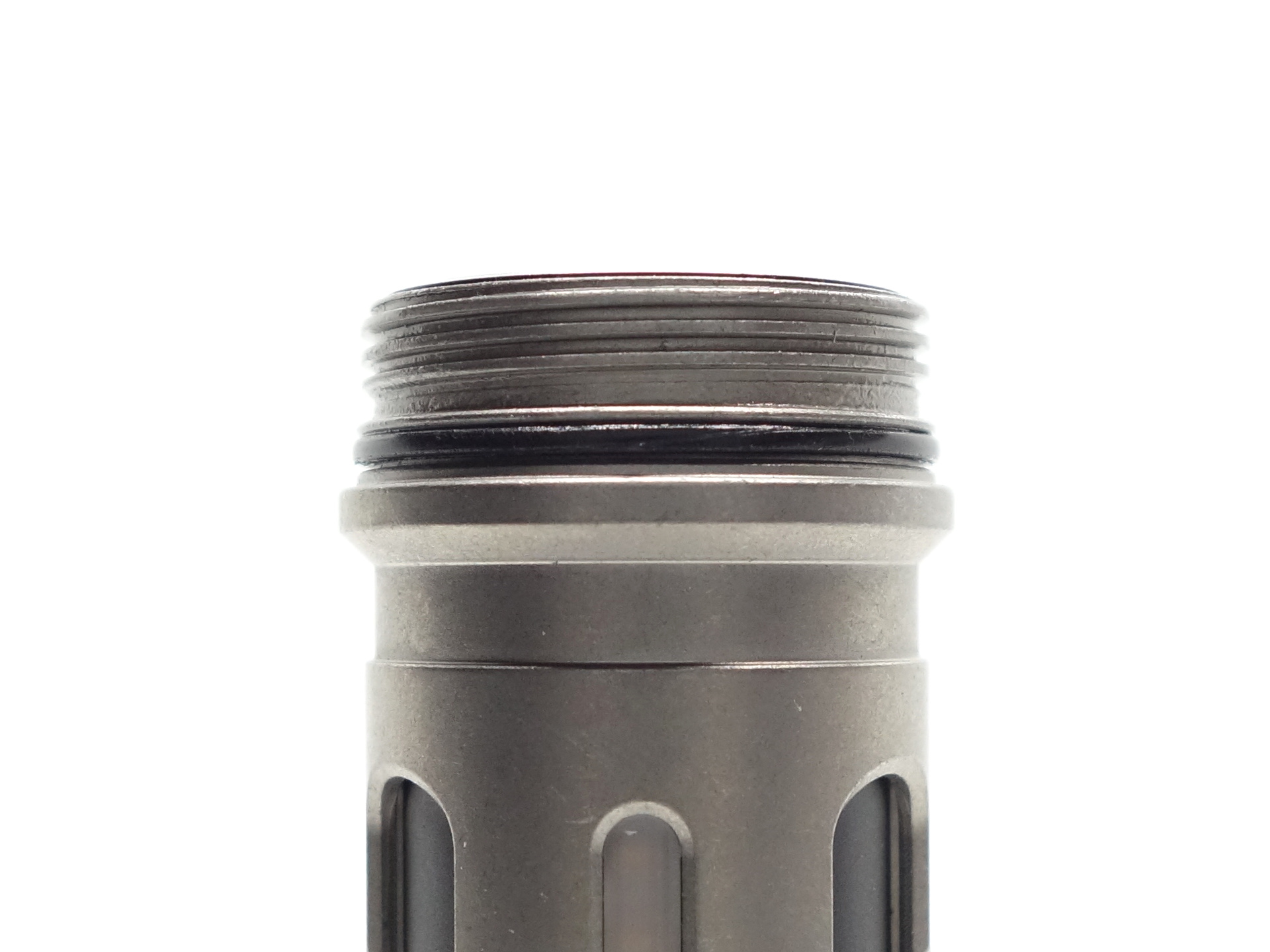
The square-cut threads are a little gritty but they turn smoothly overall.
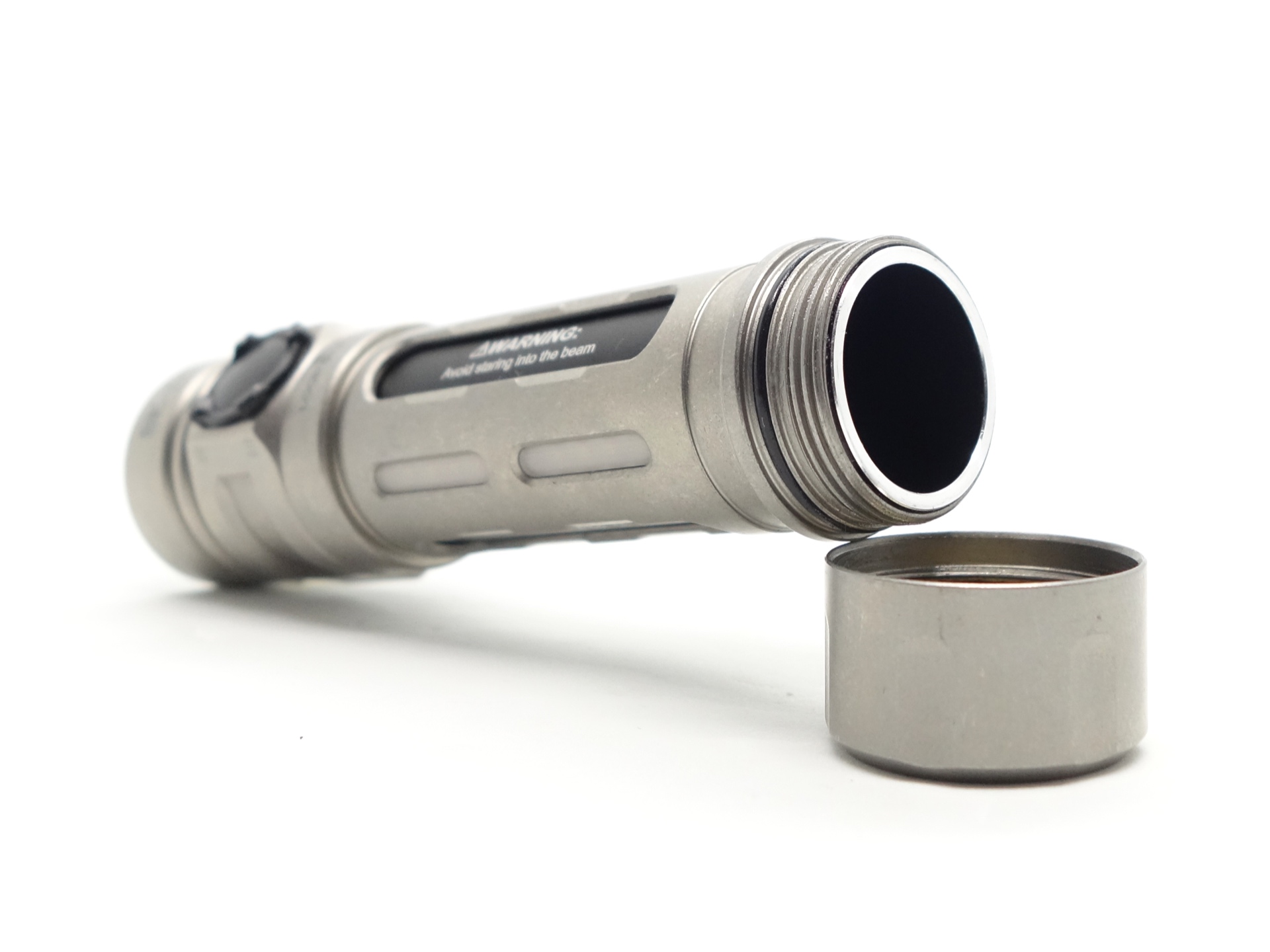
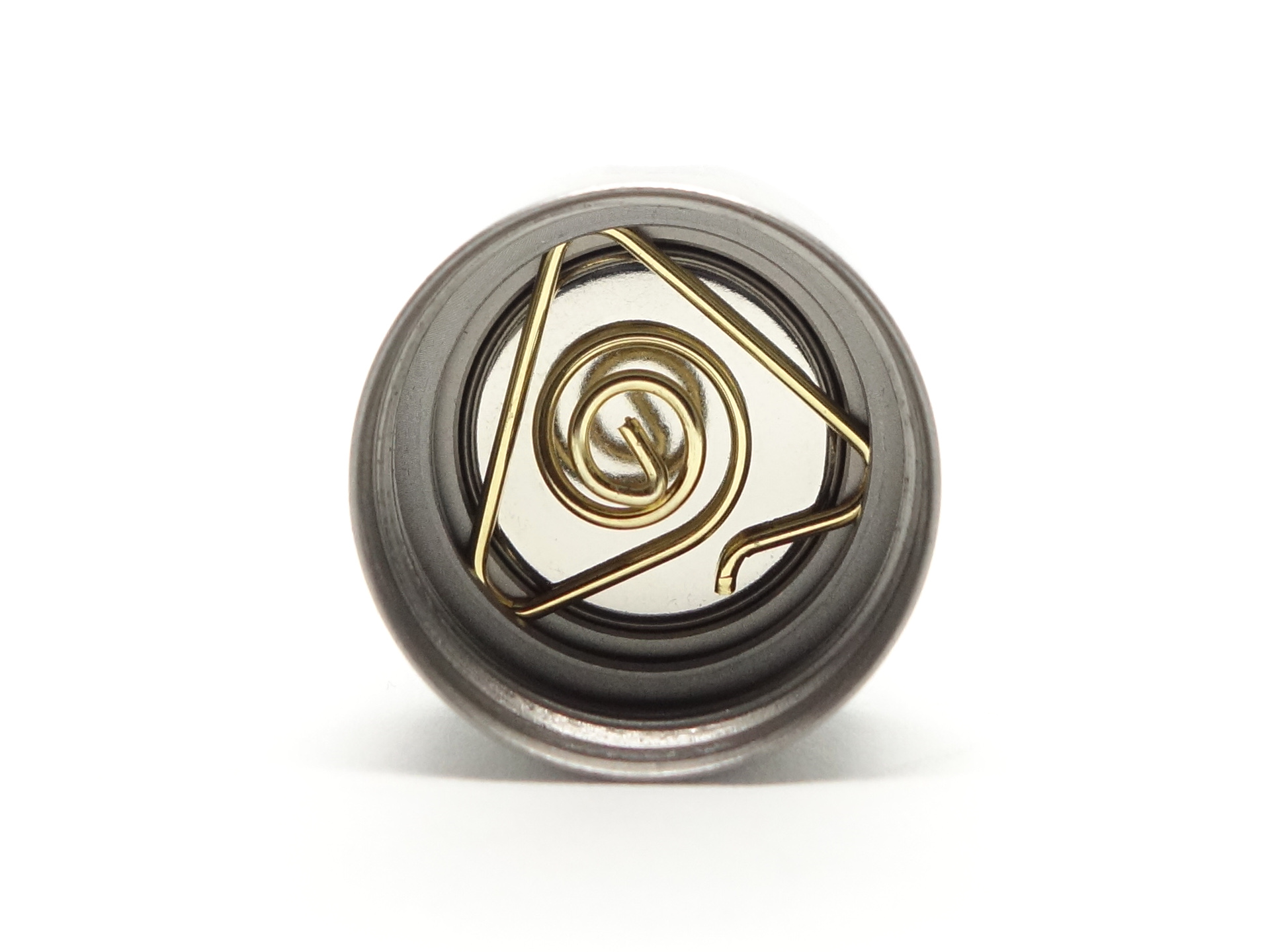
The magnet in the tailcap rattles around if the battery has been taken out but the spring does help keep it in place.
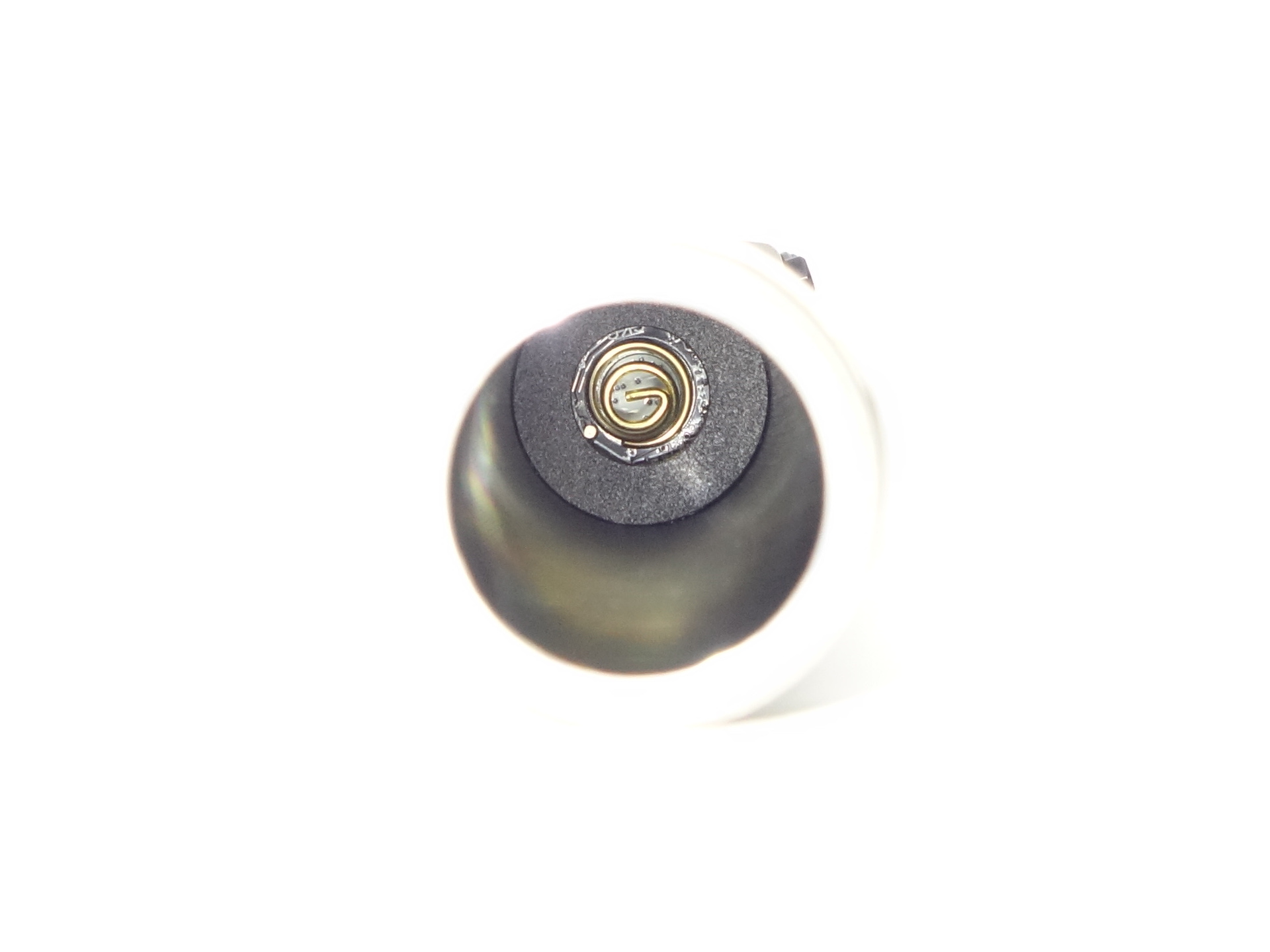
There is a small spring at the head of the torch with part of the driver protected by a ring.
The build quality is good.
LED, bezel, lens and reflector#
The Main Light has an orange-peel reflector, a glass lens with an anti-reflective coating and the UV light has a filter.
The Side Light has six columns of emitters.
LOOP has an “e-tritium” (electronic tritium vial, not actual tritium) mode with Red, Green and Blue options. White can also be selected in Moonlight mode.
CCT, CRI, and duv#
I have taken Correlated Colour Temperature (CCT) and Colour Rendering Index (CRI, RA of R1-R8) measurements with the torch positioned one metre away from an Opple Light Master Pro III (G3) for the Main Light and 2cm away for the Side Light.
The CCT is around 6000K, the CRI is around 65 and the Delta u, v is positive (slightly green) for the Main Light.
The CCT is around 3000K, the CRI is around 96 and the Delta u, v is positive (slightly green) for the Side Light.
The beam produced by the Main Light has an intense white hot spot surrounded by relatively narrow, but sufficiently wide, spill. There is a dark region in the spill around the hot spot.
| LED | Mode | CCT (K) | CRI (Ra) | x | y | Duv |
|---|---|---|---|---|---|---|
| Main | Low | 5909 | 65.3 | 0.3230 | 0.3482 | 0.0079 |
| Main | Medium | 5993 | 65.8 | 0.3213 | 0.3449 | 0.0070 |
| Main | High | 6063 | 66.3 | 0.3200 | 0.3422 | 0.0063 |
| Main | Turbo | 5993 | 66.1 | 0.3214 | 0.3441 | 0.0066 |
| Side | Low | 3047 | 96.8 | 0.4396 | 0.4151 | 0.0040 |
| Side | Medium | 3101 | 96.1 | 0.4386 | 0.4200 | 0.0060 |
| Side | High | 3062 | 96.1 | 0.4405 | 0.4189 | 0.0053 |
Calculate Duv from CIE 1931 xy coordinates
Dimensions and size comparison#
Dimensions#
I took the following measurements using a digital caliper.
| Measurement | Unit (mm) |
|---|---|
| Length | 107.75 |
| Head diameter | 26.12 |
| Head height | 27.78 |
| Tube diameter | 23.6 |
| Tail diameter | 25.79 |
Weight#
I took the following measurements using a digital scale.
| Weight | Unit (g) |
|---|---|
| Torch | 91.2 |
| Battery | 50.3 |
| Torch and battery | 141.5 |
Size comparison with its competition#
From left to right: ReyLight Dawn Max Ti Stonewashed, LOOP SK06 , LOOP SK05 Pro, Olight Arkfeld Ultra
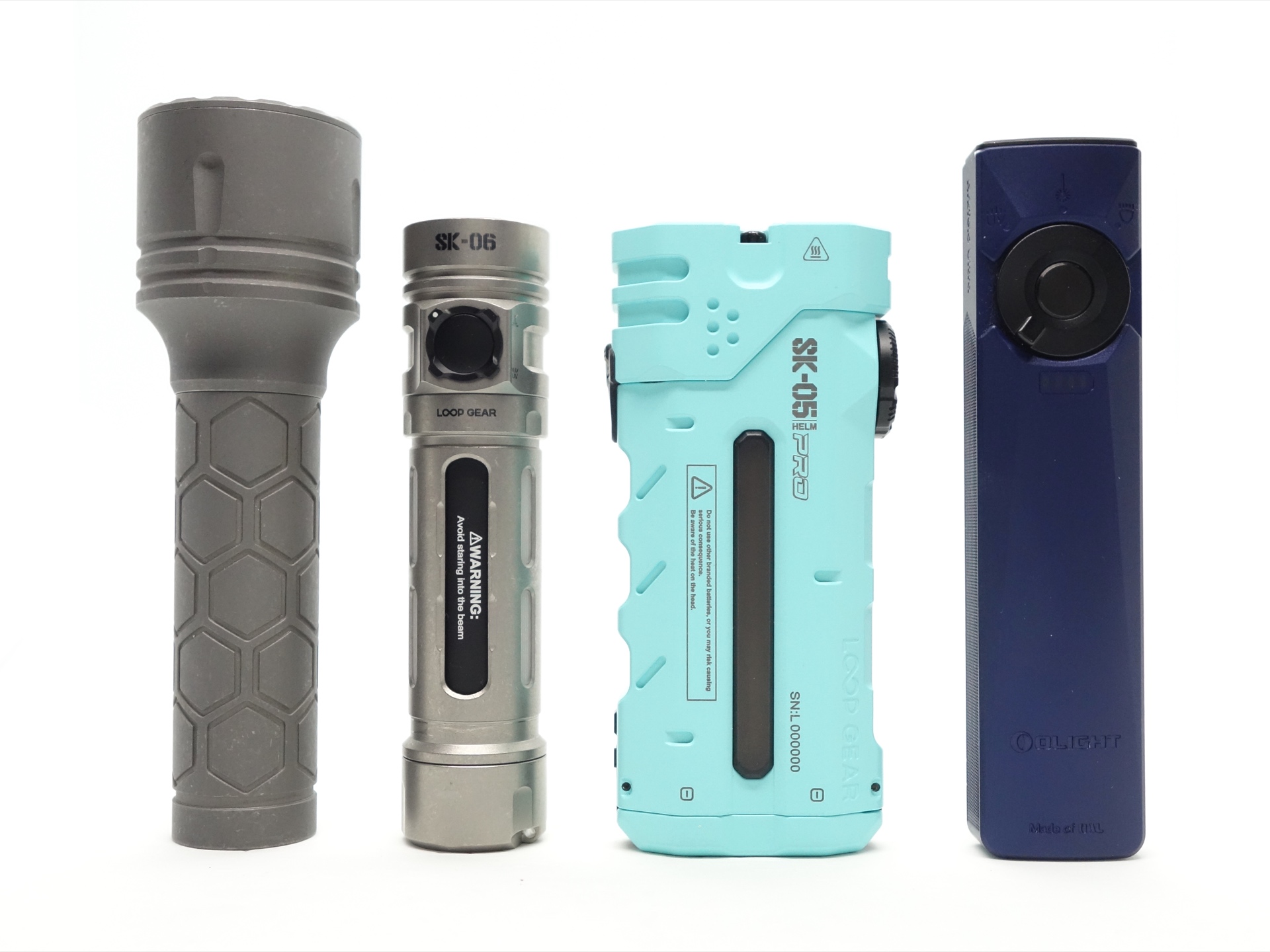
From left to right: ReyLight Dawn Max Ti Stonewashed, LOOP SK06 , LOOP SK05 Pro, Olight Arkfeld Ultra
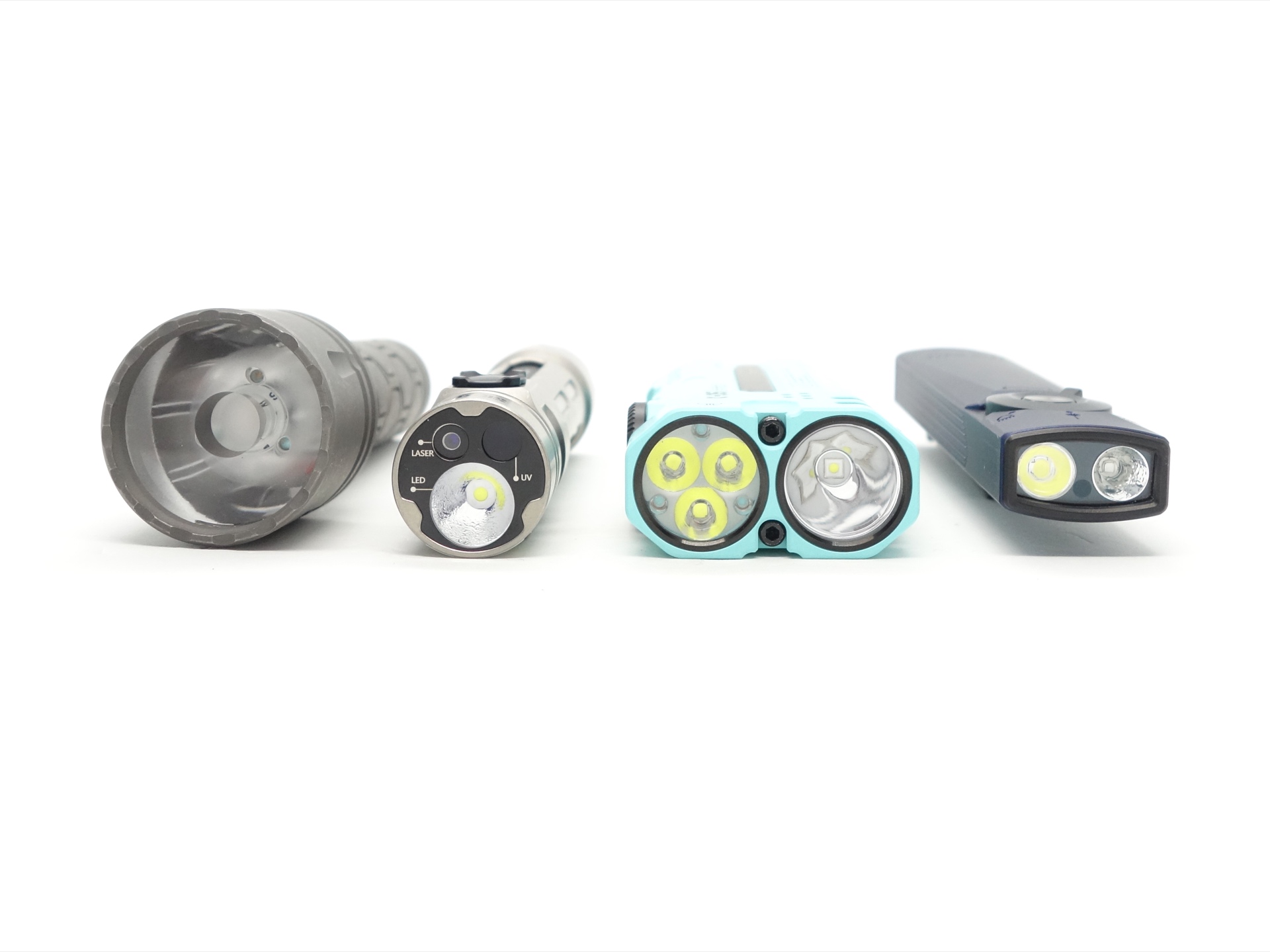
I prefer the stonewashed finish of the ReyLight Dawn Max. Some users have polished their LOOP SK06 Titanium Stonewashed torches.
User interface#
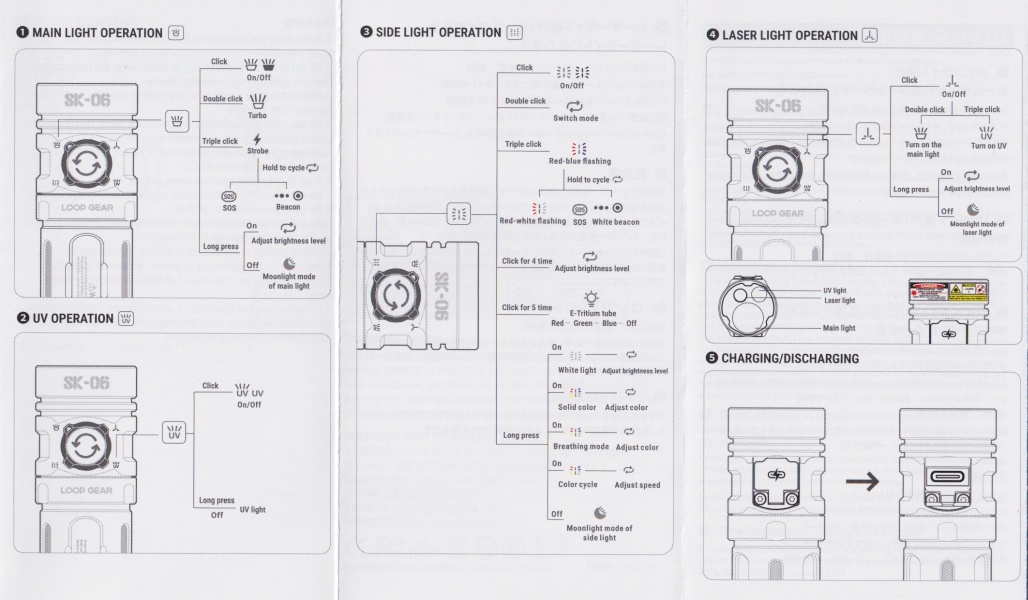
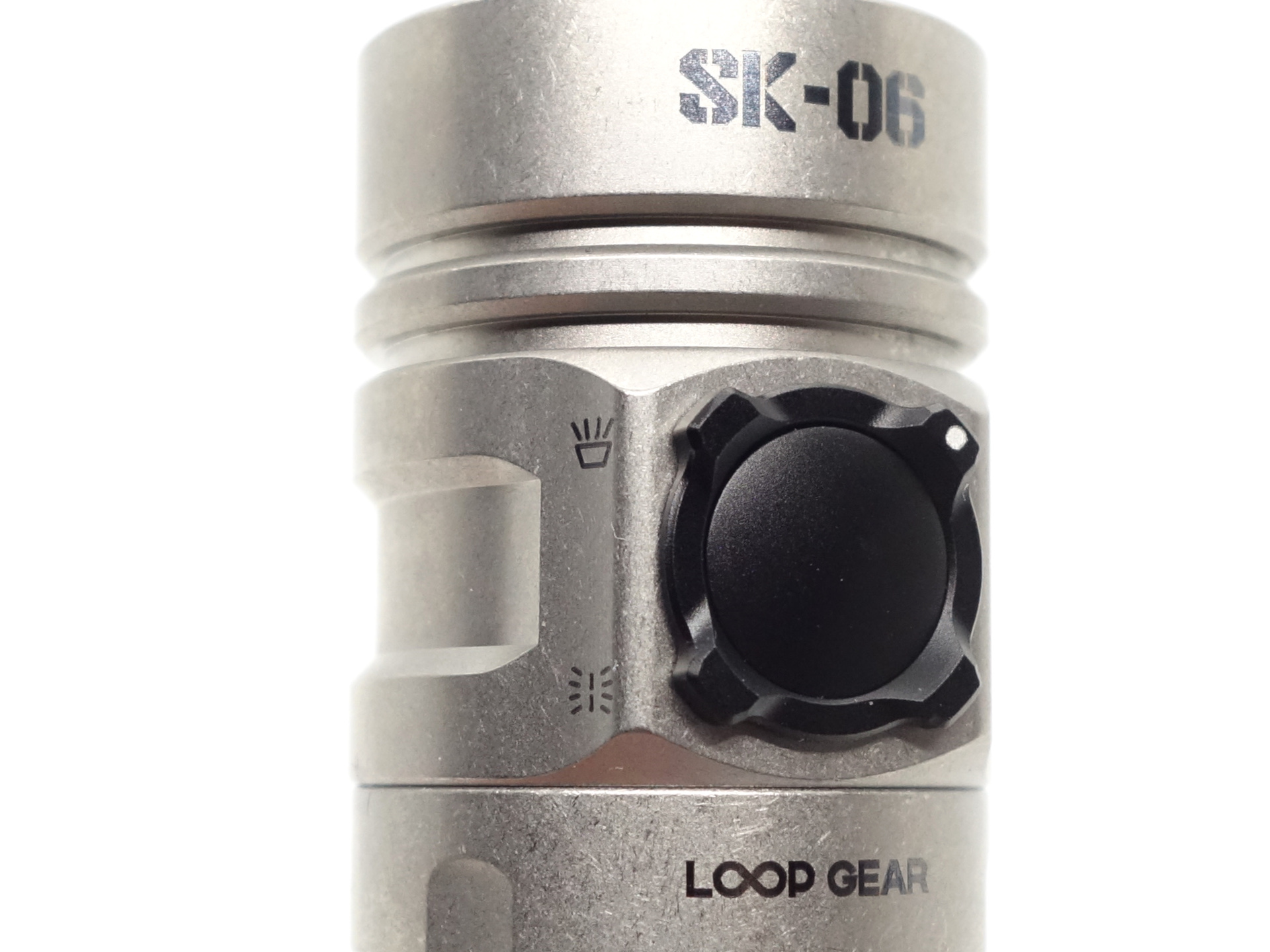
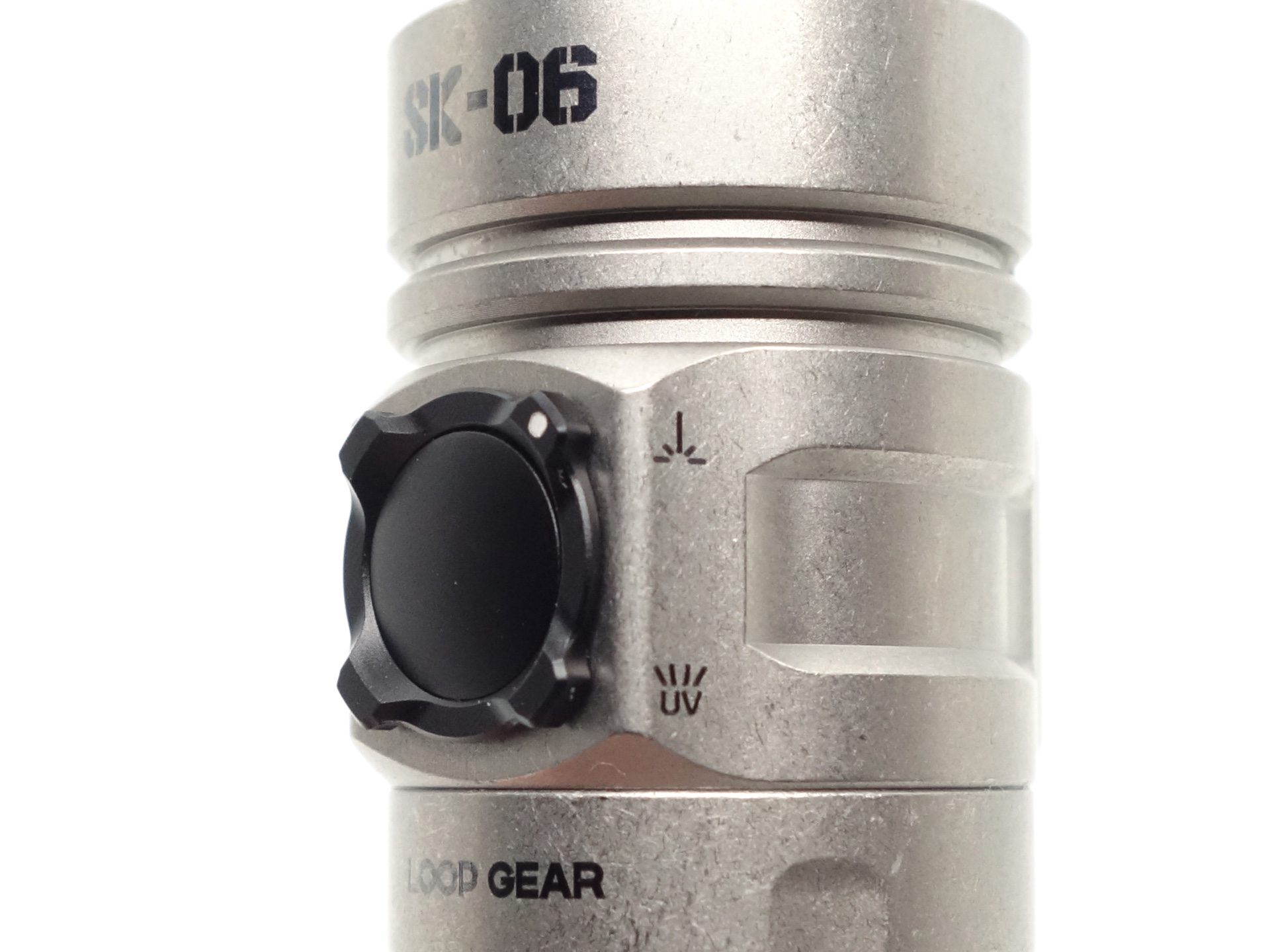
There is a rotary switch to select Main Light, Laser Pointer, UV Light or the Side Light and a button to turn the torch on and change modes.
Main Light#
The Main Light has three modes in the main group: Low, Medium and High. There is a shortcut to Moonlight, Turbo and Strobe. And there are three blinky modes: Strobe, SOS and Beacon.
| State | Action | Result |
|---|---|---|
| Off | Click | On (memory) |
| Off | Press and hold | Moonlight |
| Any | Two clicks | Turbo |
| Any | Three clicks | Strobe |
| Strobe | Press and hold | Cycle (Strobe, SOS, Beacon) |
| On | Press and hold | Cycle (Low, Medium, High) |
| On | Click | Off |
Cyan Laser Pointer#
The Cyan Laser Pointer has two modes for this Class 1 version: Moonlight and Low. The Main Light can be turned on in Medium with two clicks and the UV Light can be turned on in High with three clicks while the laser pointer is on.
| State | Action | Result |
|---|---|---|
| Off | Click | Low |
| Off | Press and hold | Moonlight |
| Moonlight | Press and hold | Low |
| Any | Two clicks | Laser Pointer (Low), Main Light (Medium) |
| Any | Three clicks | Laser Pointer (Low), UV Light (High) |
| On | Click | Off |
UV Light#
The UV Light has one mode: High.
| State | Action | Result |
|---|---|---|
| Off | Click | High |
| Off | Press and hold | High |
| On | Click | Off |
| On | Press and hold | Off |
Note: If you want to use the UV Light and then immediately rotate the switch to the Laser Pointer, Side Light or Main Light in Moonlight mode then you should first turn the UV Light on by pressing and holding the button. This will turn the UV Light on in High mode but the torch will think that it is in Moonlight mode when you rotate the switch.
Side Light#
The Side Light has three modes in the main group for the Warm White light: Low, Medium and High. There is a shortcut to Moonlight. There are multiple different blinky modes and there are three e-tritium modes (Red, Green and Blue).
| State | Action | Result |
|---|---|---|
| Off | Press and hold | White Light (Moonlight) |
| Off | Click | On (memory) |
| Off | Two clicks | On (memory) |
| Any | Three clicks | Red-blue flashing |
| Red-blue flashing | Press and hold | Cycle (Red-blue-pinkg flashing, Red-white flashing, Red SOS, White Beacon) |
| On | Two clicks | Cycle (White Light, Solid Colour, Breathing, Colour Cycle) |
| White Light | Press and hold | Cycle (Low, Medium, High) |
| Solid Colour | Press and hold | Adjust colour |
| Breathing | Press and hold | Adjust colour |
| Colour Cycle | Press and hold | Adjust speed |
| On | Four clicks | Adjust brightness |
Lockout Mode#
Press and hold the button for two seconds. The Side Lights will flash three times to indicate that the torch is locked or unlocked.
Mode memory#
Low, Medium, High and Turbo modes are memorised for the Main Light.
Side Light modes are memorised.
The torch will stay in Moonlight mode when you rotate the switch.
Lockout Mode and e-tritium modes (Red, Green and Blue) are memorised even after removing the battery.
Strobe#
Strobe has an alternating frequency.
Strobe, SOS, Beacon
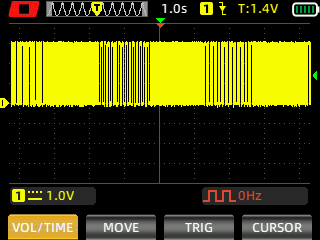
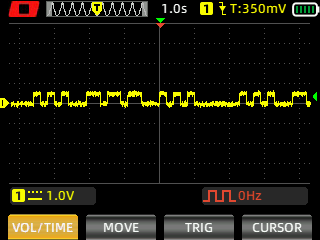
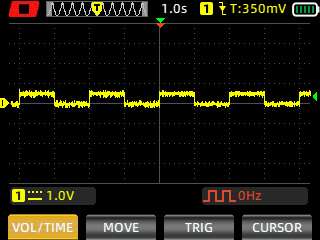
I measured Strobe, SOS and Beacon with a Zoyi ZT-706S oscilloscope using High Speed mode.
Battery level indicator#
The Side Light will flash each time the rotary switch is rotated while the torch is off to indicate the battery status.
The colour of the Side Light is Red when the battery is almost empty, Purple when the battery is partially full, and Ice-blue when the battery is considered fully charged.
The brightness of this flash can be adjusted by changing the brightness of the Low mode.
Low voltage protection#
There is low voltage protection. The light turns off around 2.76V.
I tested low voltage protection by connecting the driver of the torch to a bench power supply and then by lowering the voltage from 4.2V to 0V.
Pulse Width Modulation#
I did not notice any visible PWM (flickering).
Main Light (Low, Medium, High, Turbo)
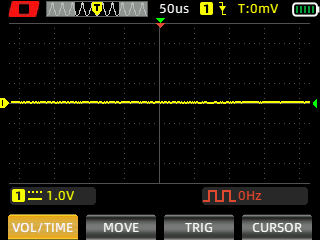
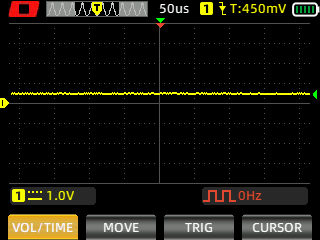
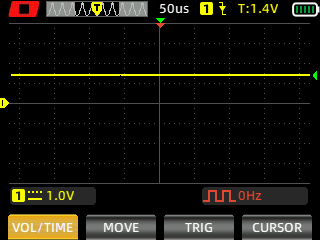
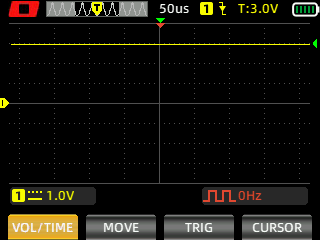
I measured the PWM of the light with a Zoyi ZT-706S oscilloscope.
What I like about the UI#
- Shortcut to Moonlight from off.
- Shortcut to Turbo from off.
- Shortcut to Strobe from off.
- The light fades on and fades off.
What could be improved#
It would be better if the rotary switch had one notch like on an Olight ArkPro instead of four notches so that it is easier to identify whether the Main Light, Laser Pointer, UV Light or Side Light has been selected before turning the torch on. I cannot tell which one has been selected based on feeling the rotary switch in the dark.
Batteries and charging#
Battery#
The LOOP SK06 comes with a protected button top LOOP 18650 3.6V Li-ion 4000mAh cell. The cells arrived with a voltage of 3.6V.
I measured a capacity of 3,984 mAh by discharging the battery at a rate of 1A with an Atorch DL24P electronic load.
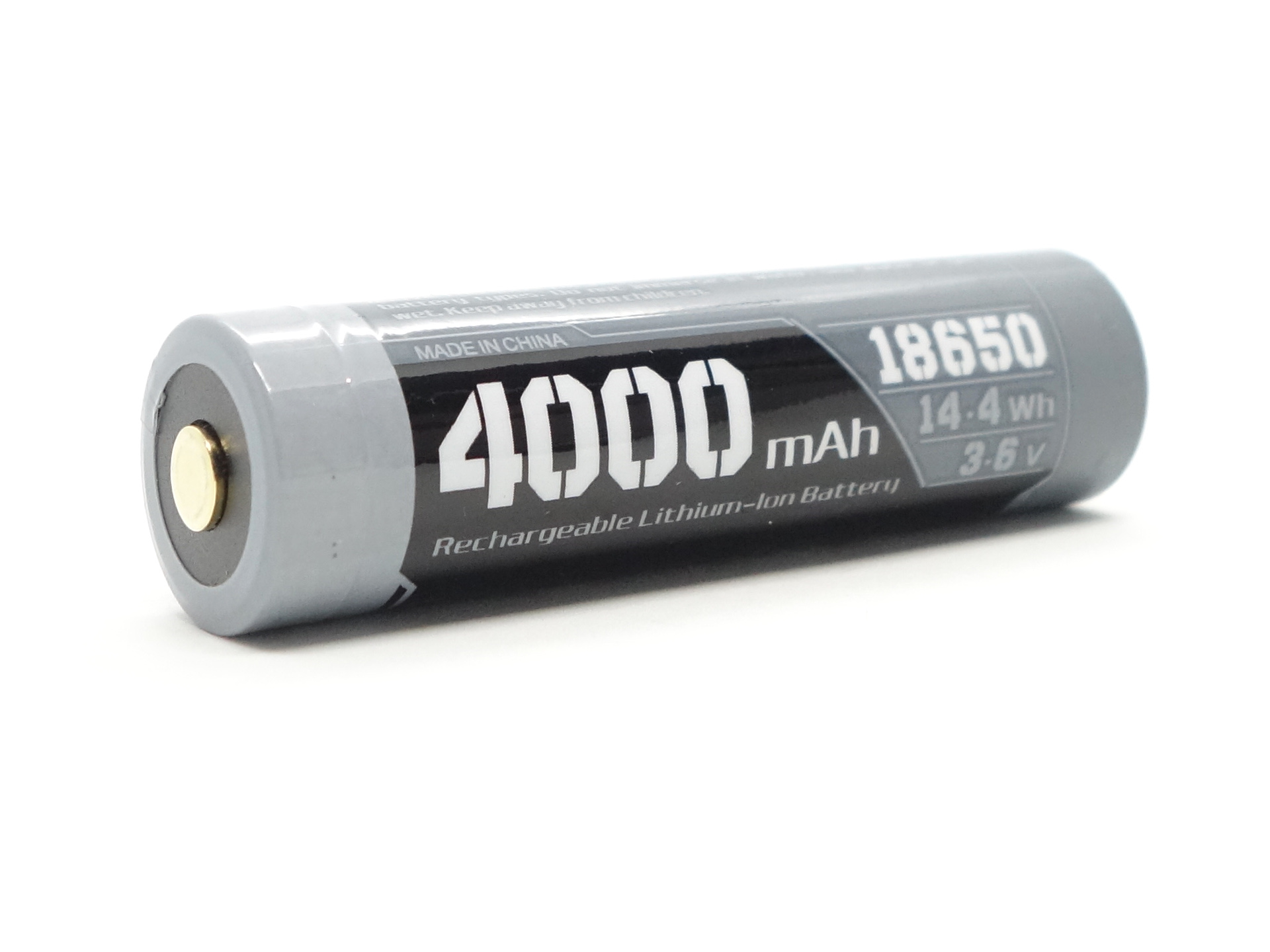
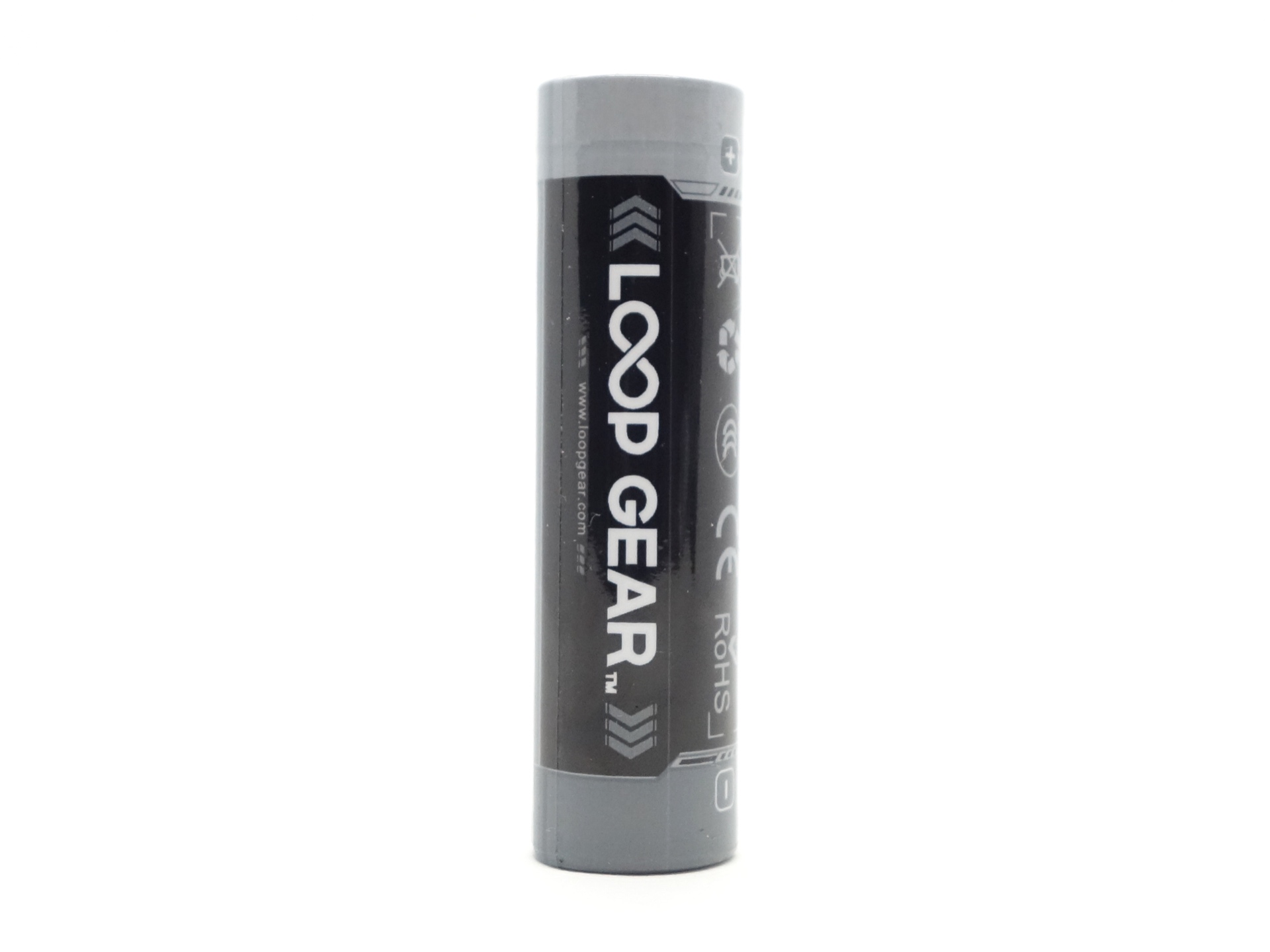
The cell was isolated with a piece of plastic to prevent accidentally turning the torch on.
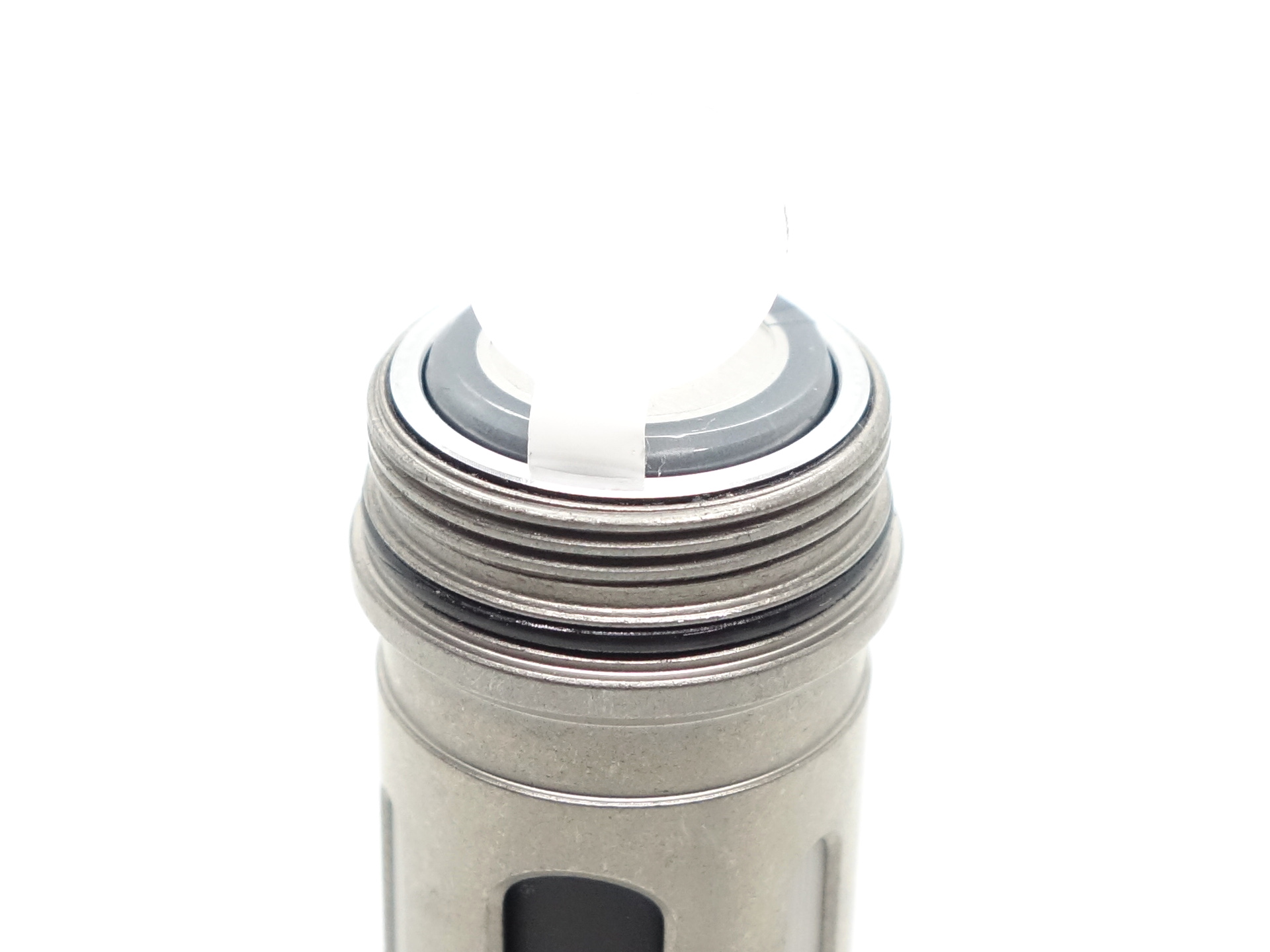
I tried the following cells:
| Cell | Top | Compatible? |
|---|---|---|
| LOOP 18650 3.6V Li-ion 4000mAh | Button | Yes |
| INR18650MJ1 3400mAh | Flat | No |
| NEXTORCH 18650 3.6V Li-ion 2600mAh | Button | Yes |
Unprotected flat top cells are too short.
Some protected button top cells might be a bit too wide. The NEXTORCH cell fit but it was a bit difficult to remove.
Charging#
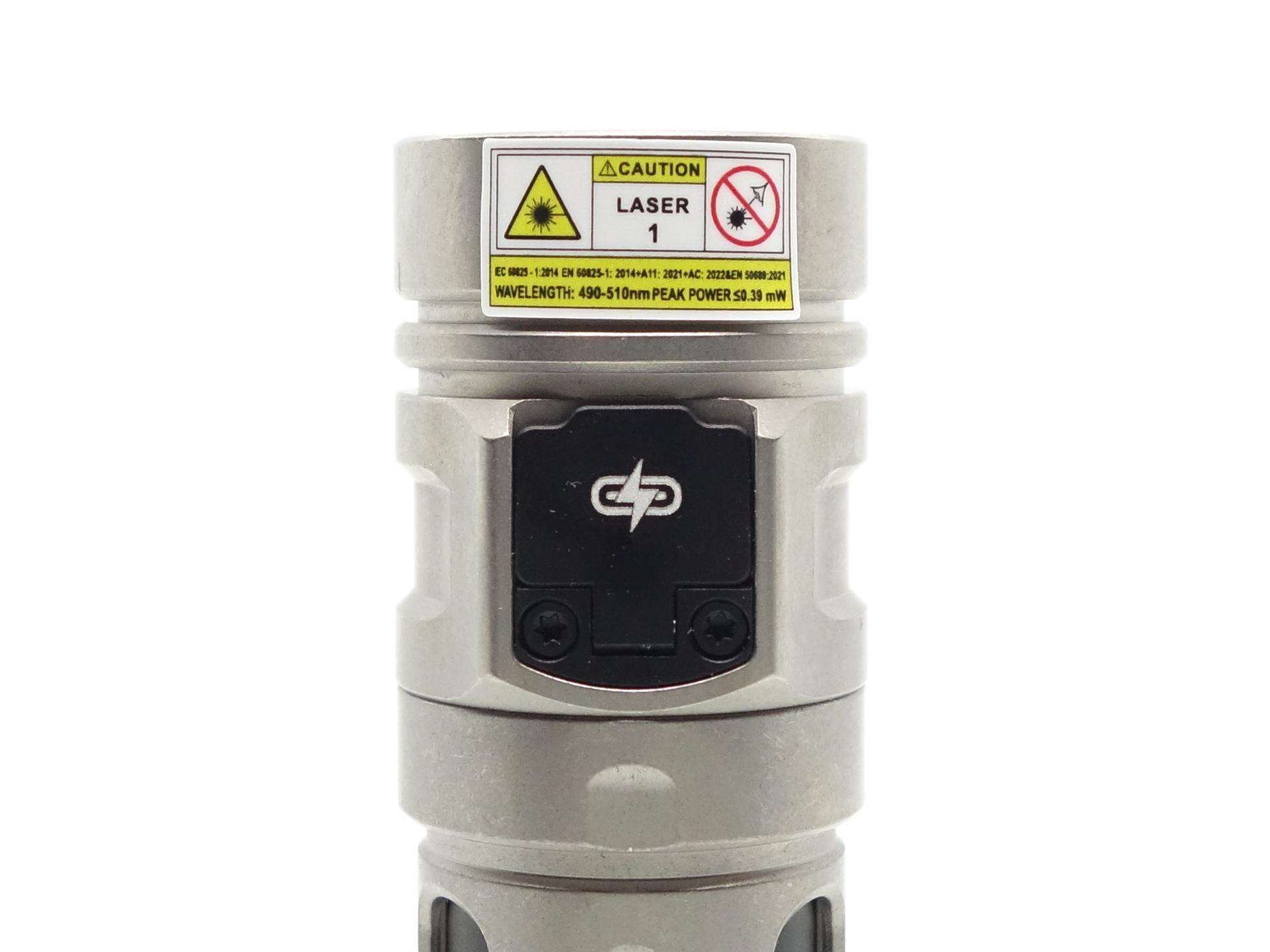
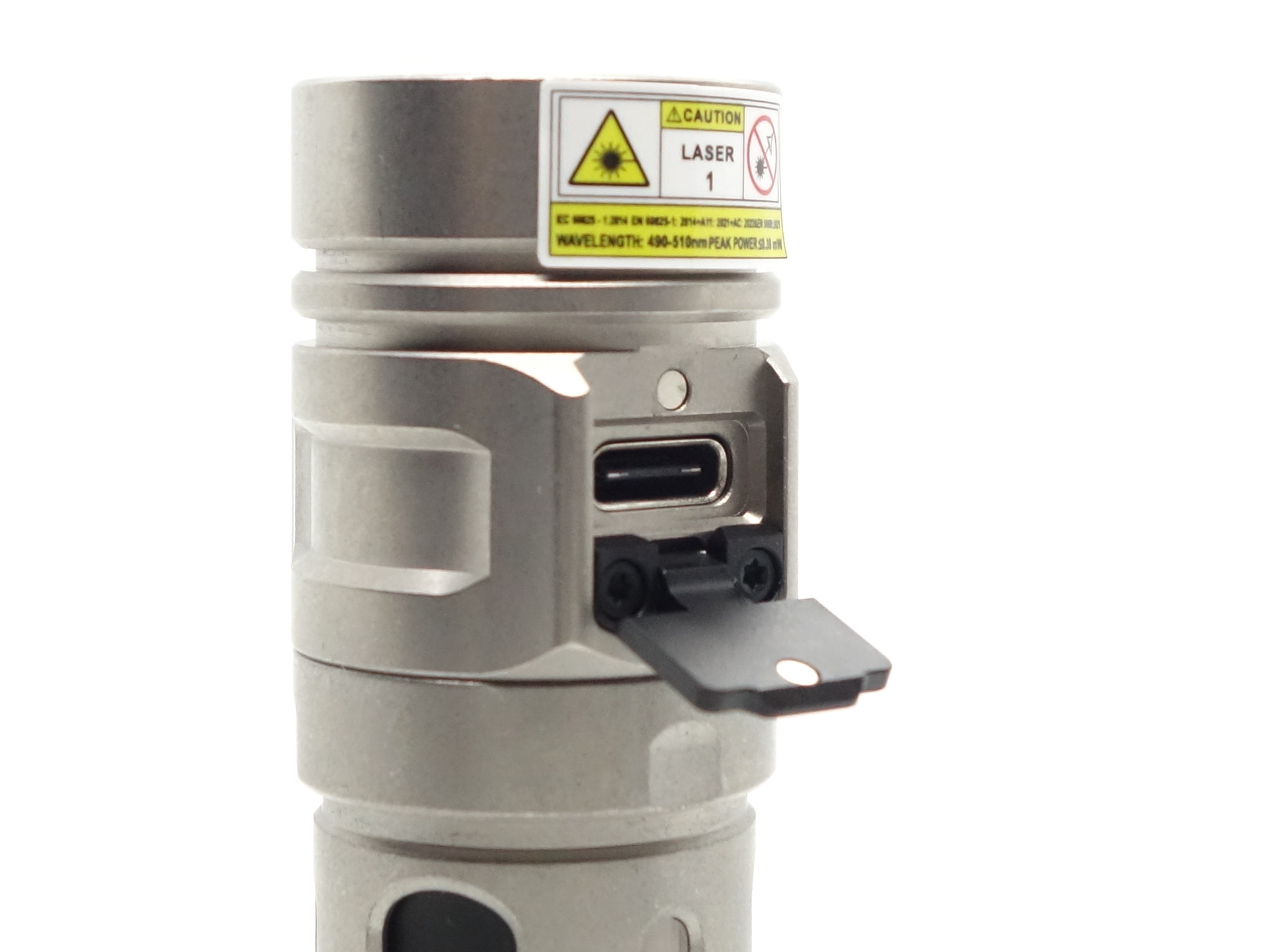
There is built-in USB-C charging. The metal USB-C charging cover with a magnet is a nice touch!
Power supply: PinePower Desktop USB-C
USB Meter: ChargerLAB Power-Z KM003C Amazon Australia
Room temperature: 15 C
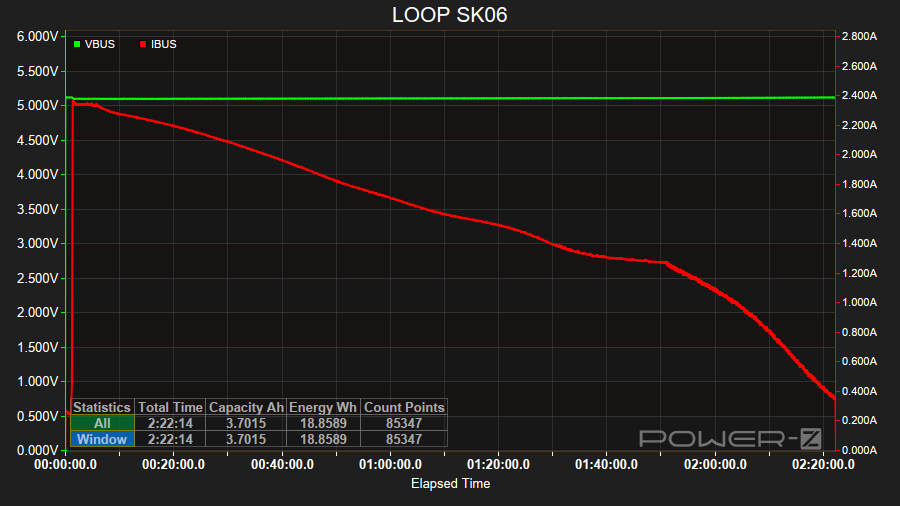
It took 2 hours 22 minutes to charge the battery from 2.89V to 4.17V at a rate of 5V/2.4A.
The charging status indicator is red while charging. It becomes purple and the blue when charging is complete.
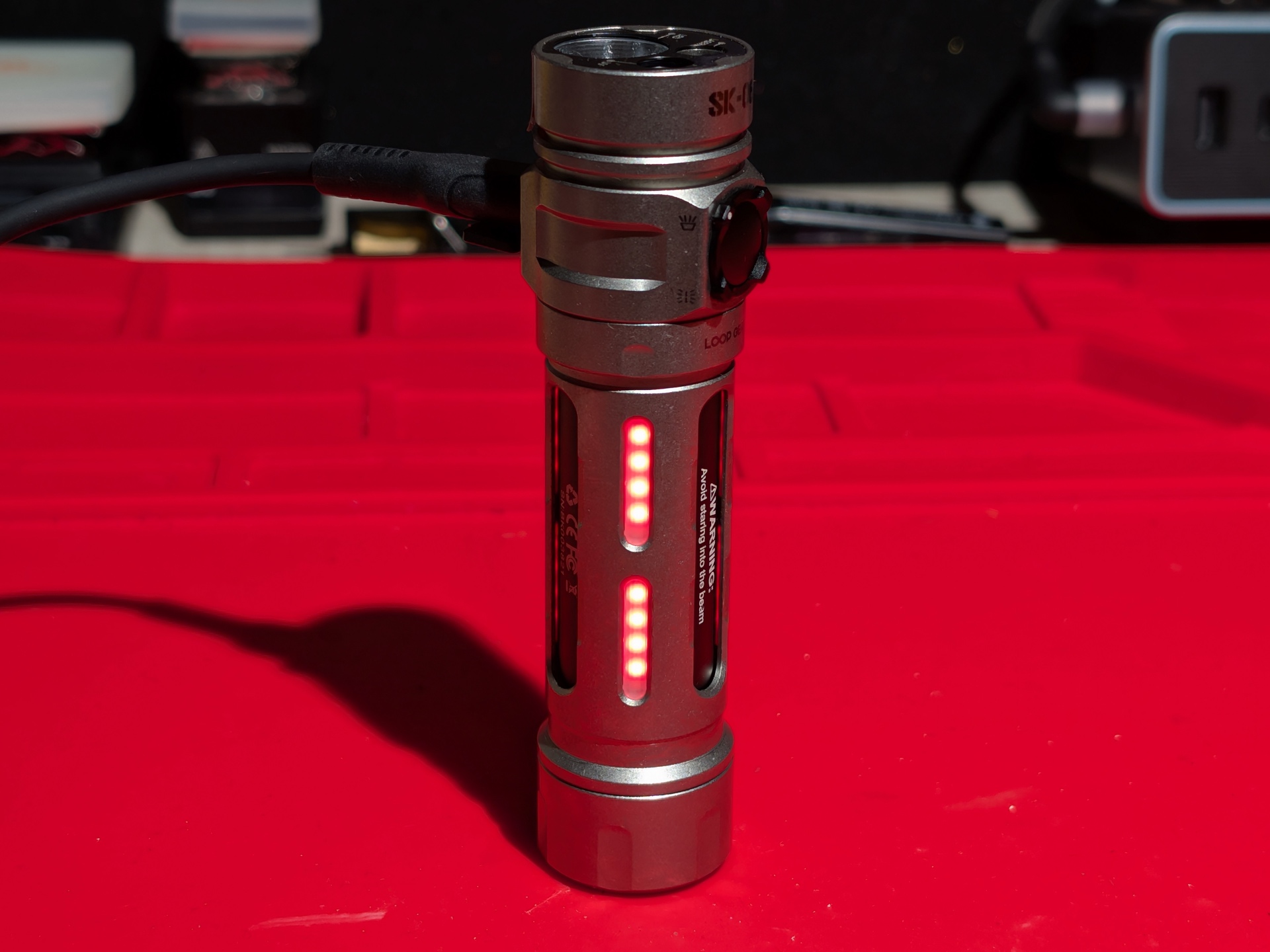
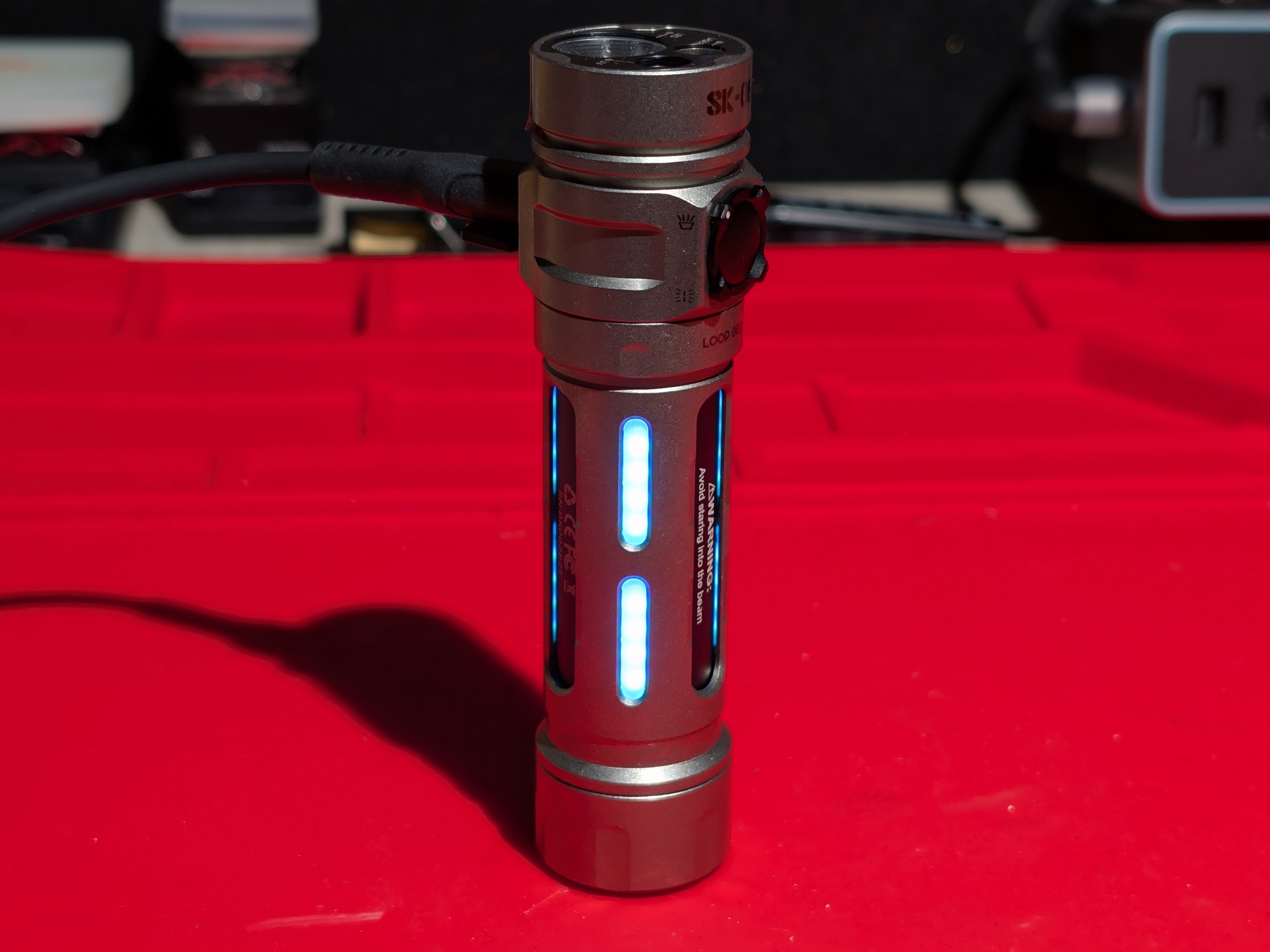
The charging status indicator can be turned off or on again by pressing the button.
Pressing and holding the button while charging or discharging will turn the light on in a Medium mode.
Powerbank#
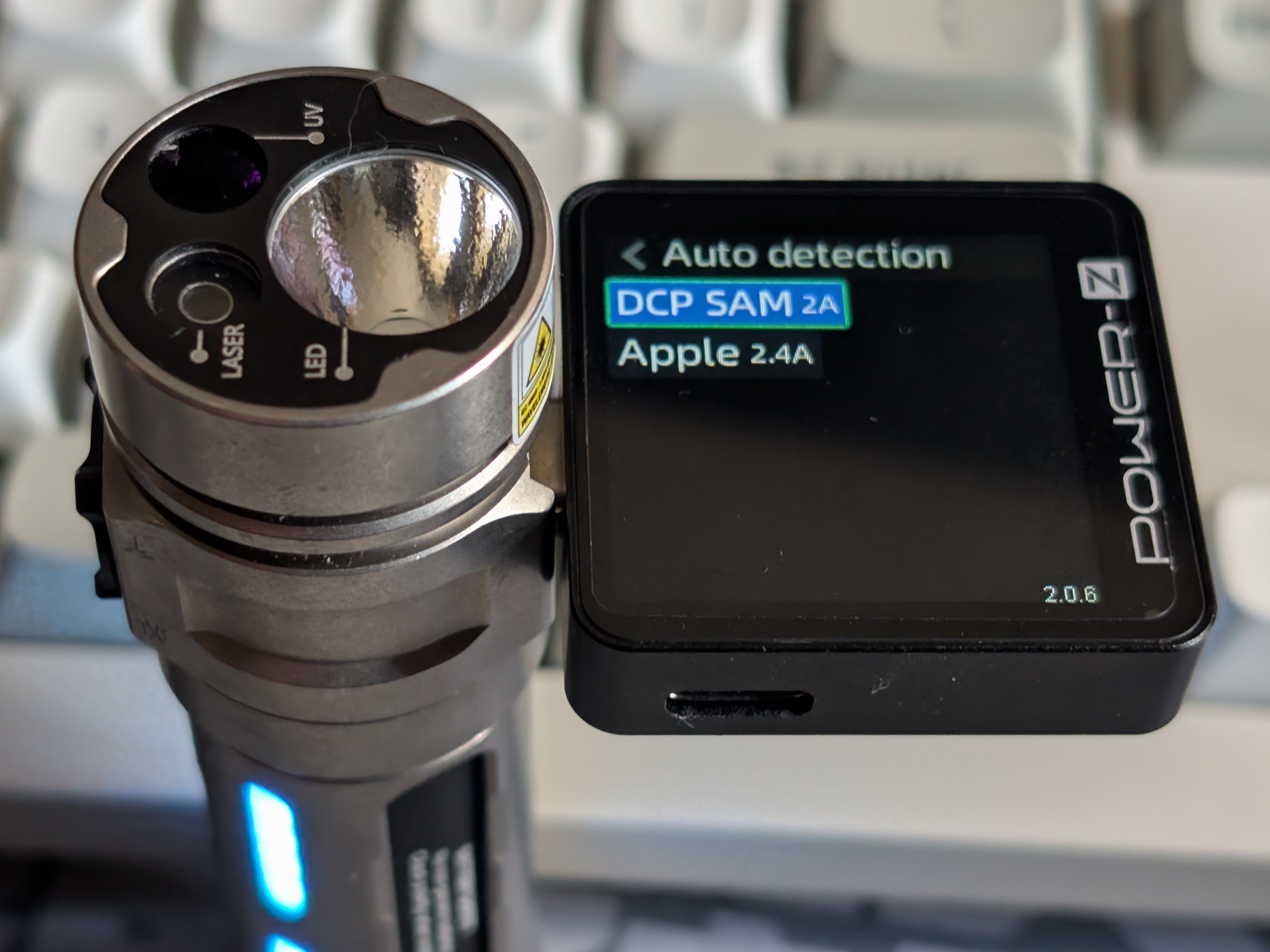
I used ChargerLAB Power-Z KM003C to detect the protocols that the torch supports when used as a powerbank.
It supports: DCP SAM 2A and Apple 2.4A.
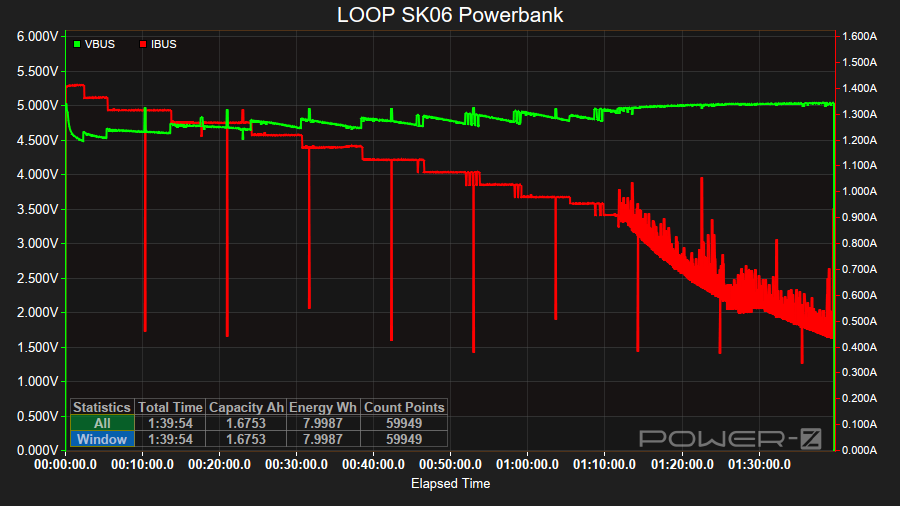
I charged my phone from 37% at a rate of 5V/1.4A initially. After 1 hour 40 minutes the phone was at 100%. The battery voltage for the LOOP SK06 had dropped from 4.20V to 3.26V.
Power supply compatibility#
I tried the following power supplies:
| Power supply | USB Type | Protocol | Does it charge? |
|---|---|---|---|
| PinePower Desktop | USB-C | PD | Yes |
| PinePower Desktop | USB-A | QC | Yes |
| PinePower Desktop | USB-A | Yes |
USB-C to USB-C charging works.
Performance#
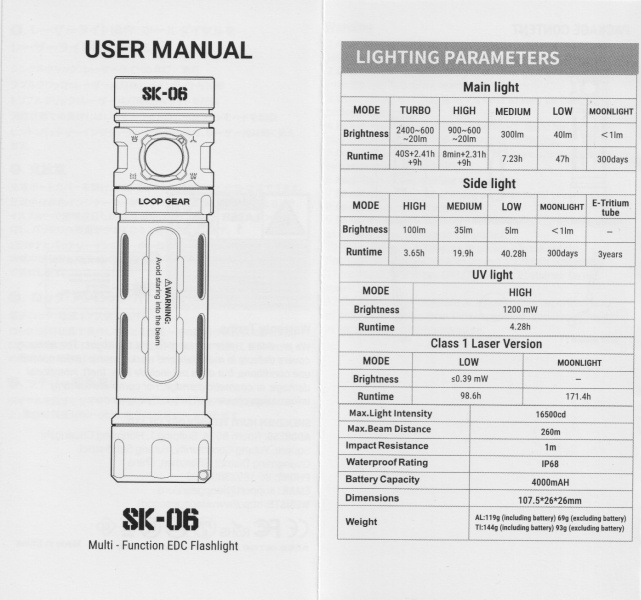
Specifications from the manual:
Main Light#
| MODE | Turbo | High | Medium | Low | Moonlight |
|---|---|---|---|---|---|
| Output (lumens) | 2,400 + 600 + 20 | 900 + 600 + 20 | 300 | 40 | < 1 |
| Runtime | 40s + 2h 24min 36s + 9h | 8min + 2h 18min 36s + 9h | 7h 13min 48s | 47h | 300 days |
| Beam Distance (metres) | 260 | ||||
| Beam Intensity (cd) | 16,500 |
Side Light#
| MODE | High | Medium | Low | Moonlight | E-Tritium Tube |
|---|---|---|---|---|---|
| Output (lumens) | 100 | 35 | 5 | < 1 | |
| Runtime | 3h 39min | 19h 54min | 40h 16min 48s | 300 days | 3 years |
UV Light#
| MODE | High |
|---|---|
| Brightness | 1200 mW |
| Runtime | 4h 16min 48s |
Class 1 Laser Pointer#
| MODE | Low | Moonlight |
|---|---|---|
| Brightness | ≤ 0.39 mW | |
| Wavelength | 490 - 510 nm | |
| Runtime | 98h 36min | 171h 24min |
I used the included cell for the following tests.
Lumen measurements#
I used a bench power supply to measure the current at turn on for most of the Main Light modes. I used a Zoyi ZT-706S Oscilloscope Multimeter to measure the current at turn on for the Side Light, Laser Pointer, UV Light, and Moonlight mode for the Main Light.
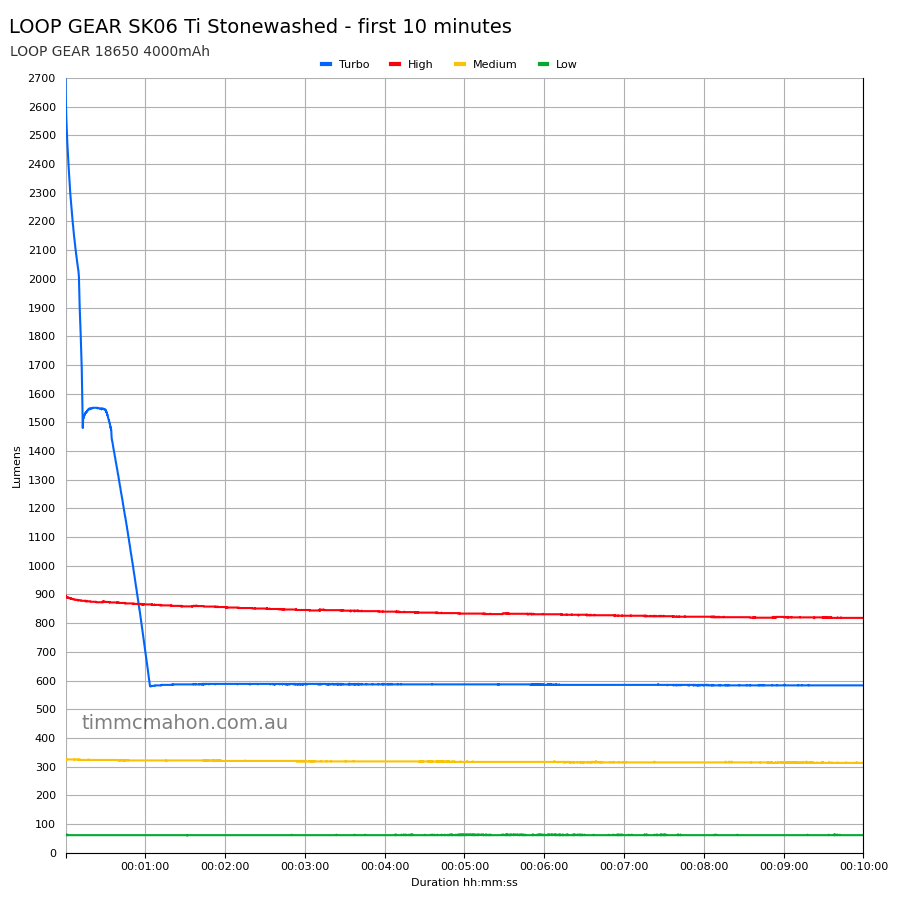
| Mode | Amps at start | Specs | Lumens @turn on | Lumens @30 sec | Lumens @10 min |
|---|---|---|---|---|---|
| Moonlight | 0.4 mA | < 1 | |||
| Low | 0.09 A | 40 | 62 | 61 | 61 |
| Medium | 0.54 A | 300 | 325 | 323 | 313 |
| High | 1.94 A | 900 + 600 + 20 | 897 | 873 | 818 |
| Turbo | 6.40 A | 2,400 + 600 + 20 | 2,698 | 1,544 | 583 |
Side Light 0.09A on Low.
Side Light 0.30A on Medium.
Side Light 0.99A on High.
Laser pointer 4.7 mA on Moonlight.
Laser pointer 23.7 mA on Low.
UV 187 mA.
Moonlight was too low for my DIY lumen tube to detect.
Note: Lumen measurements may be off by 10% with my DIY lumen tube.
Standby drain#
I measured a standby current of 70 µA with a Zoyi ZT-706S Oscilloscope Multimeter.
Runtime graphs#
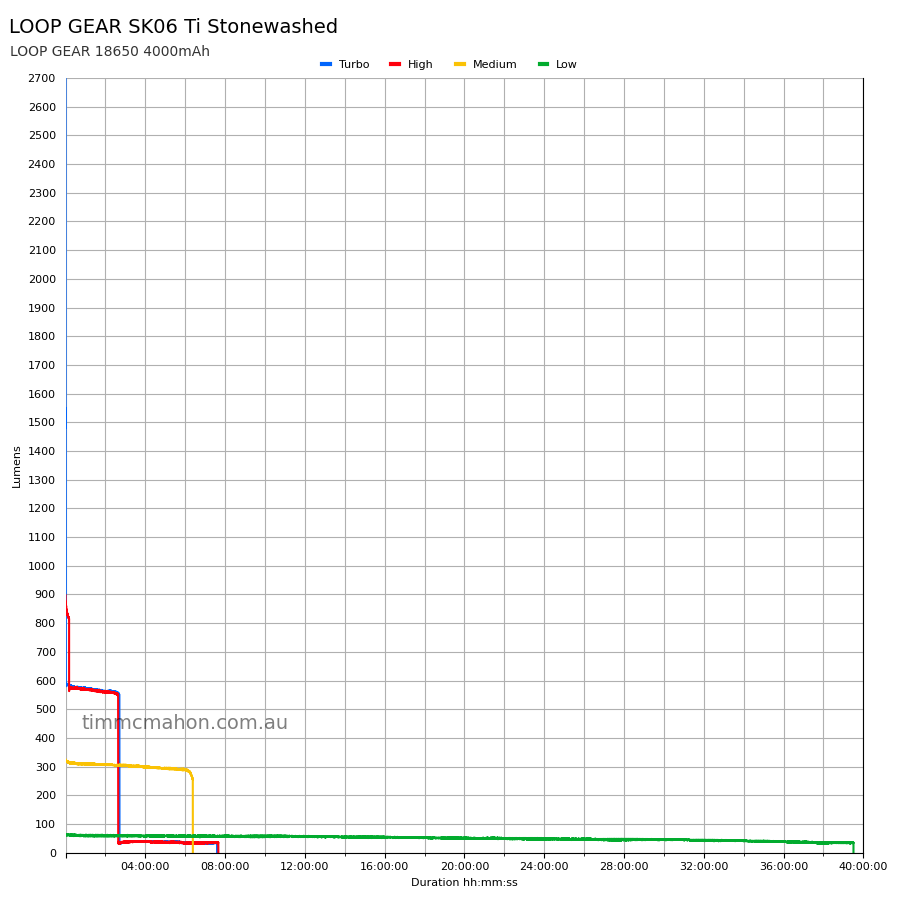
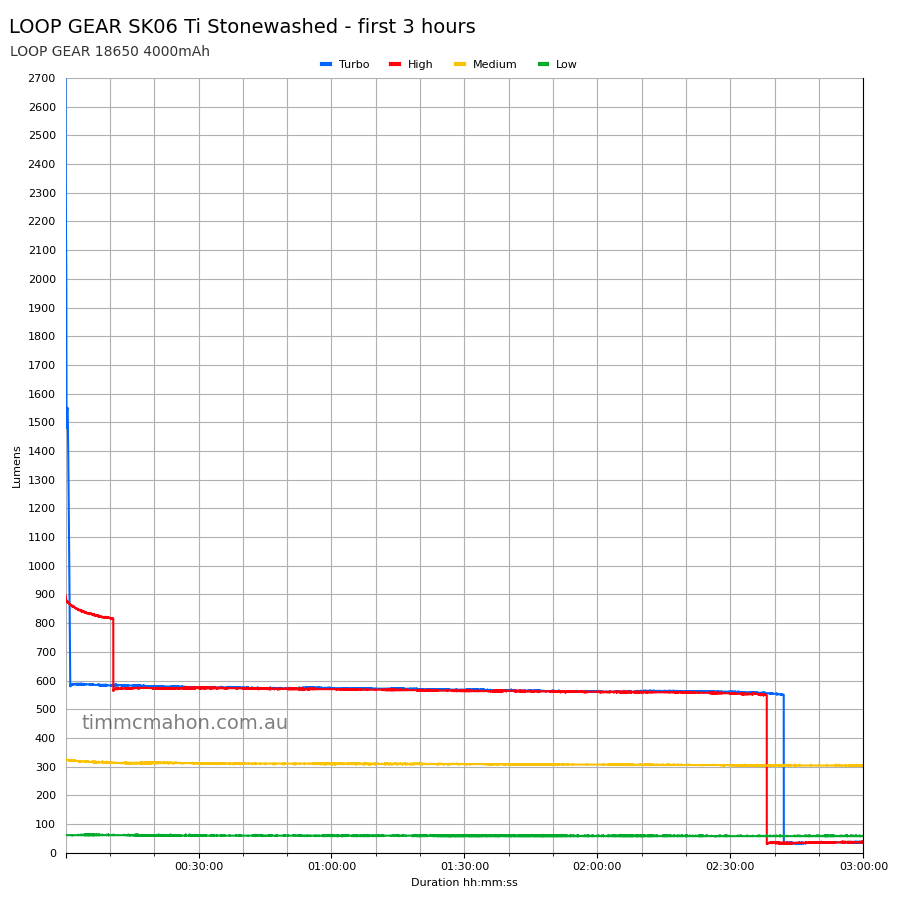
I used my own DIY lumen tube with a TSL2591 sensor and forked bmengineer’s project RuTiTe to record runtimes.
The room temperature was approximately 15 C.
Runtime#
Here is a summary of the runtime results:
| LED | Mode | User manual | Runtime | Turn off | Final voltage |
|---|---|---|---|---|---|
| Main | Turbo | 40s + 2h 24min 36s + 9h | 2h 42min 1s | 7h 36min 0s | 2.89 |
| Main | High | 8min + 2h 18min 36s + 8h | 2h 38min 12s | 7h 39min 47s | 2.90 |
| Main | Medium | 7h 13min 48s | 6h 23min 4s | 6h 23min 4s | 3.00 |
| Main | Low | 47h | 39h 30min 25s | 39h 30min 25s | 2.93 |
| Main | Moonlight | 300d | 10min+ | 10min+ |
“Runtime” is the time until the output reduces to 10% of the output at 30 seconds (as per the ANSI/PLATO FL1 2019 Standard).
“Turn off” is the time until my DIY lumen tube no longer detects more than 1 lumen.
“+” indicates that the light remained on after recording had stopped.
The runtimes are pretty good but they fell slightly short overall compared to what LOOP GEAR claims.
The output is well regulated.
Throw#
I took lux measurements with a UNI-T UT383BT at 30 seconds. Turbo and High were measured at five metres.
| Mode | Specs (cd) | Specs (m) | Candela measured (cd) | Distance (m) |
|---|---|---|---|---|
| High | 8,750 | 187 | ||
| Turbo | 16,500 | 260 | 15,500 | 248 |
Beamshots#
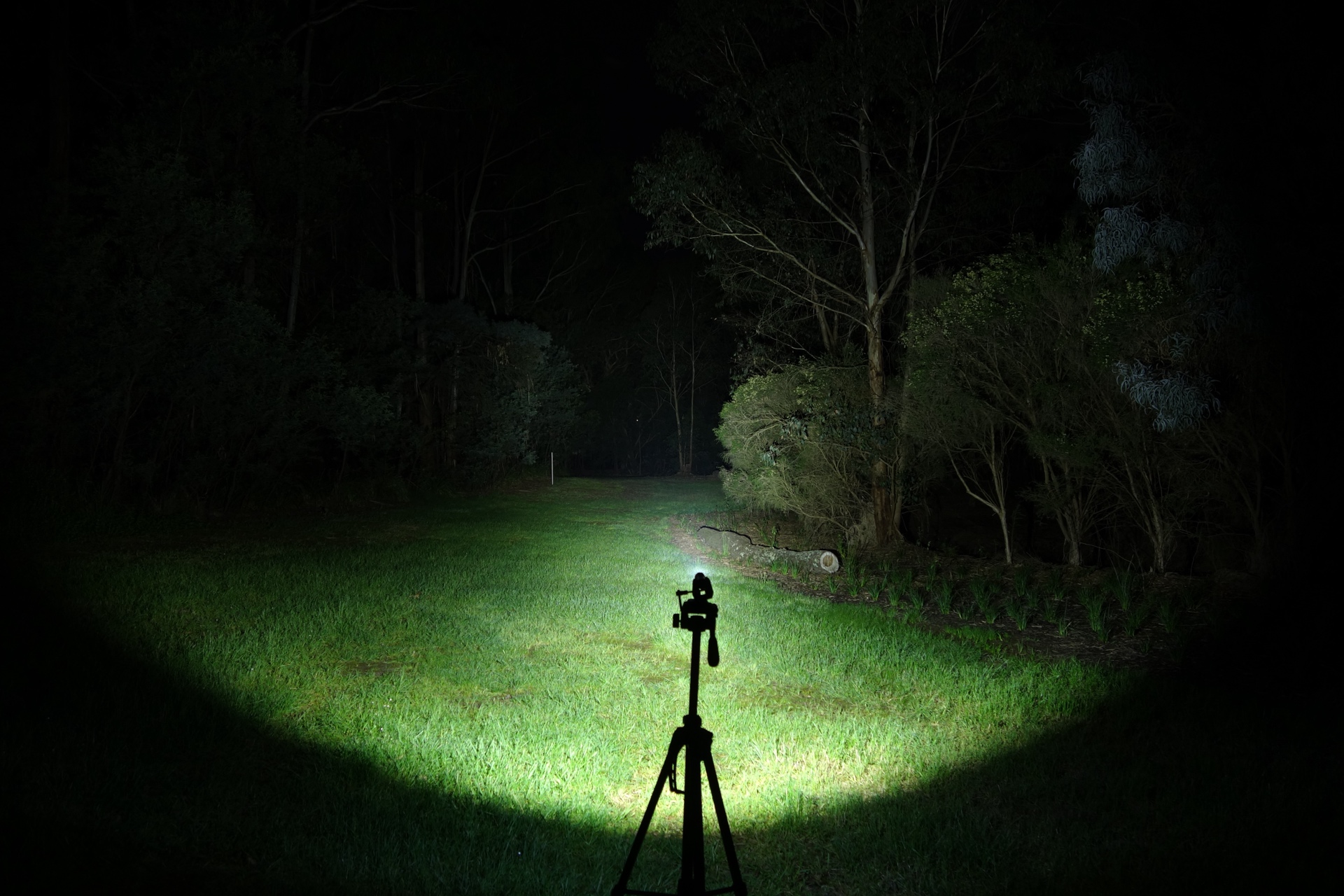
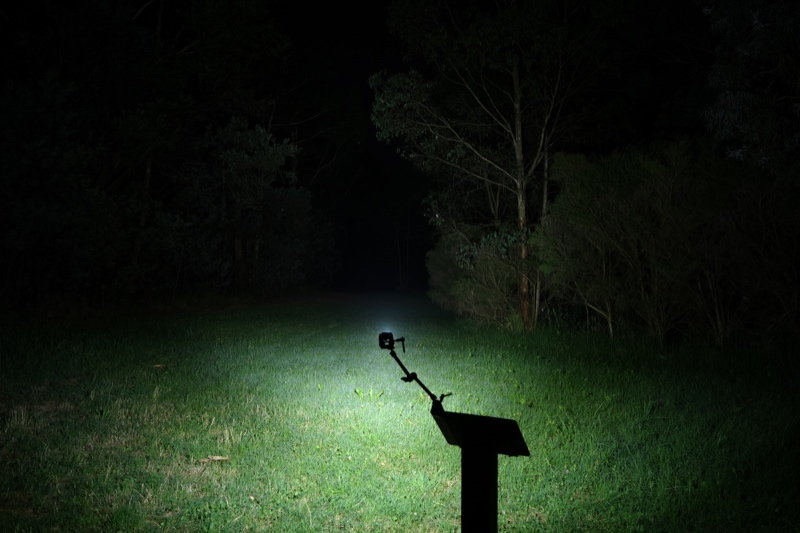
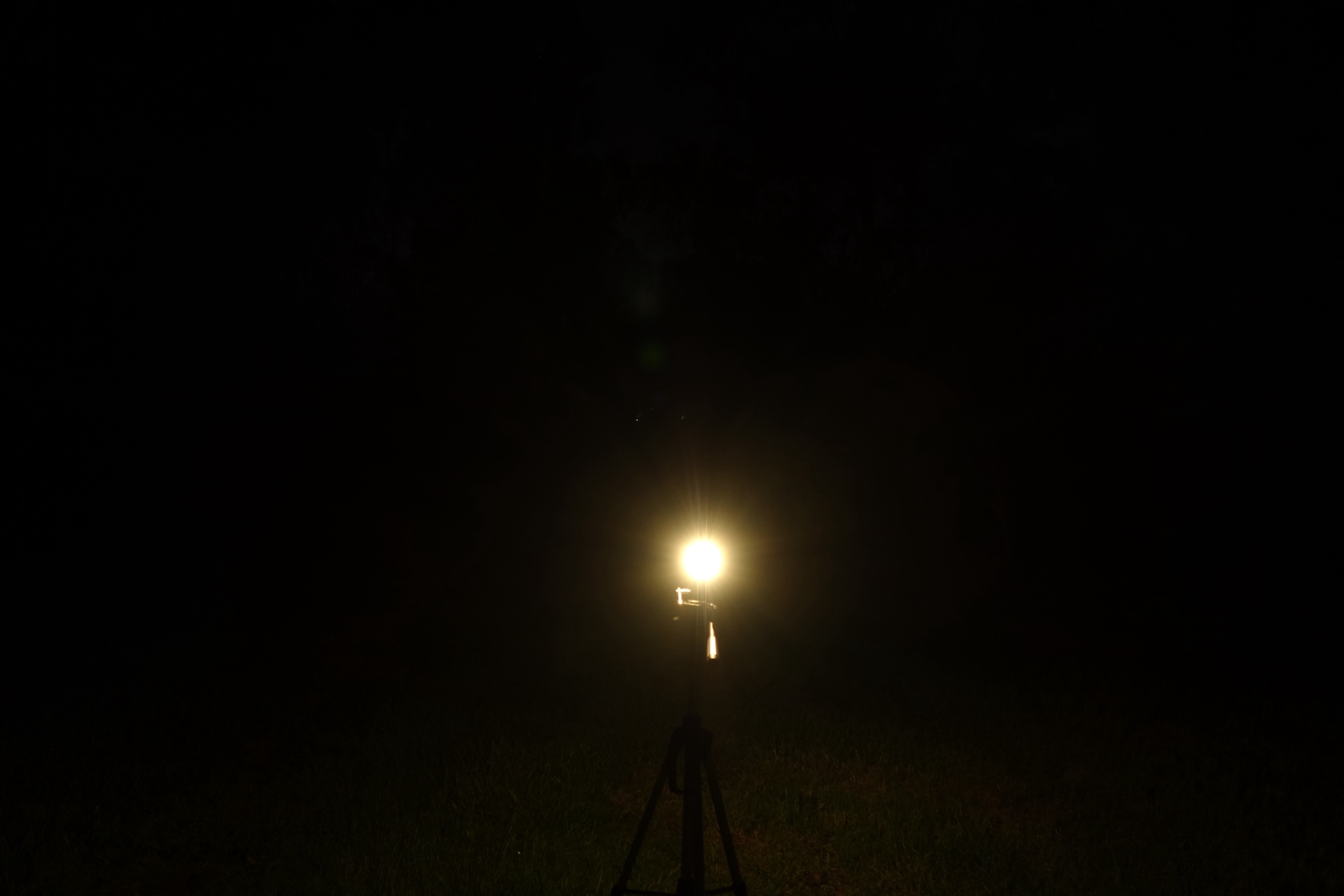
I went to a local park and aimed the torch at a tree 70 metres away while using Turbo.
Beamshots were taken using a Sony RX100M2 using 3.2", f3.2, ISO 100, 5000K WB.
LOOP SK06 Main Light (Turbo)#
Olight Arkfeld Ultra (Turbo)#
Olight ArkPro Ultra Spotlight (Turbo)#
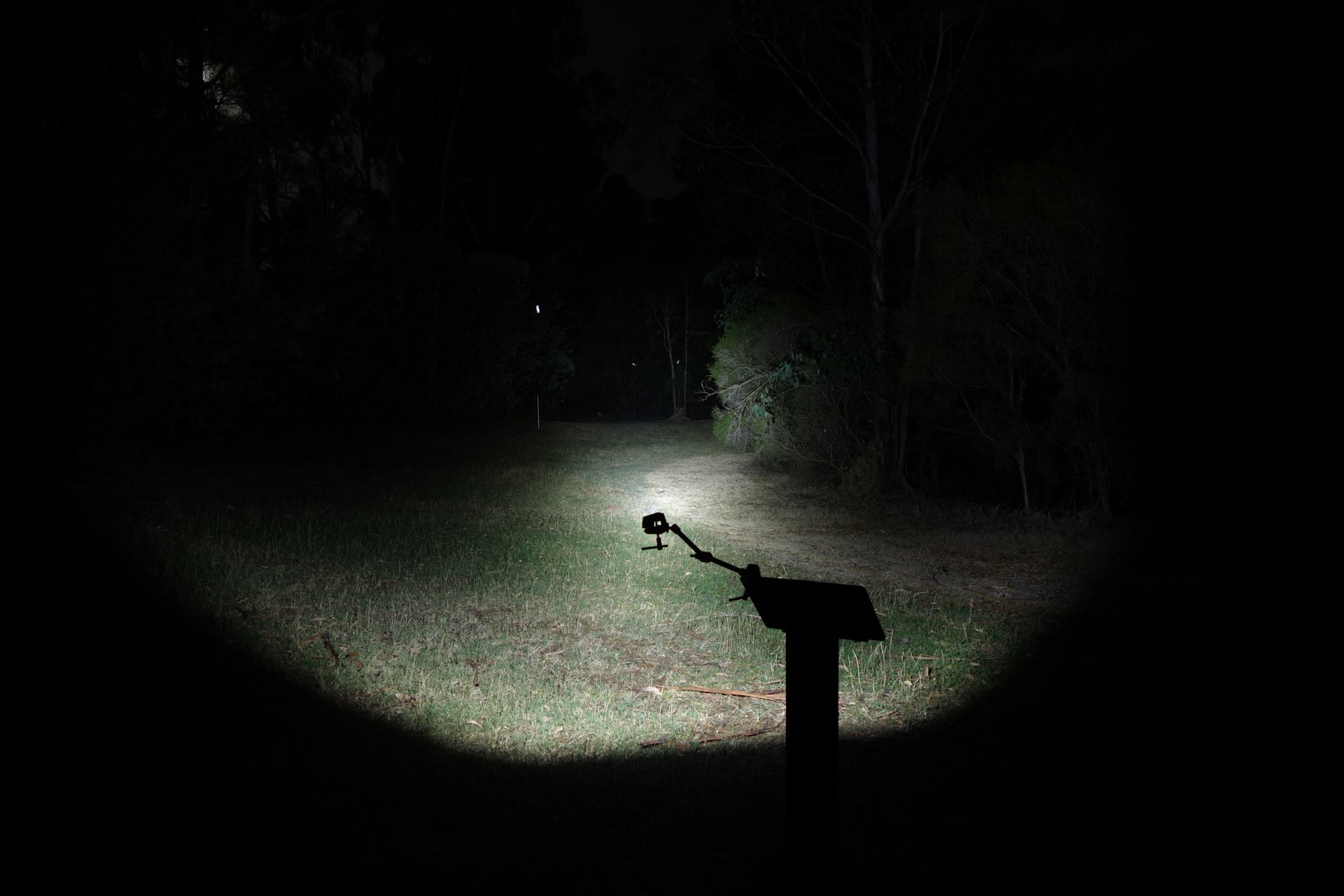
Olight ArkPro Ultra Pure Flood (Turbo)#
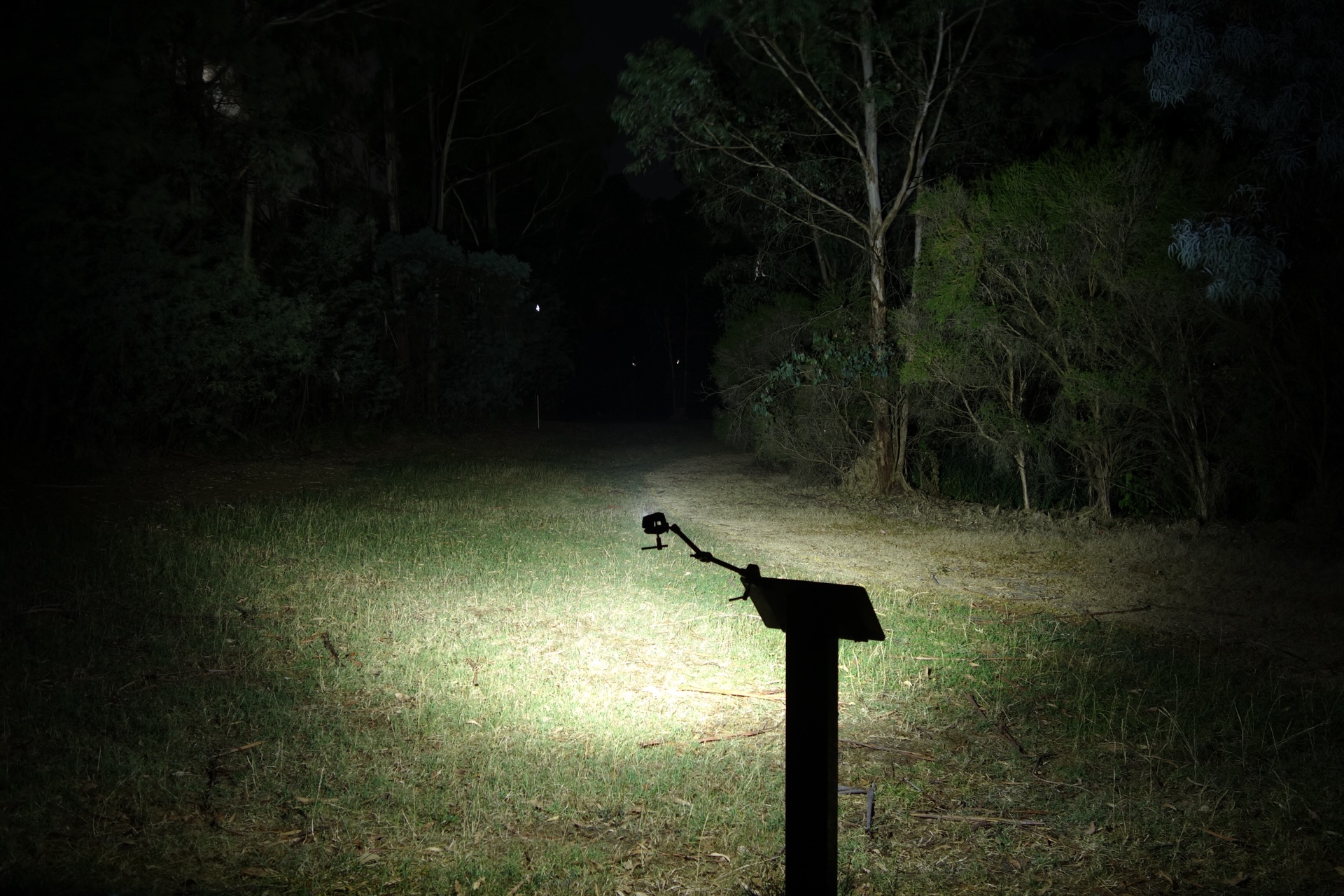
LOOP SK05 Pro Spotlight (Turbo)#
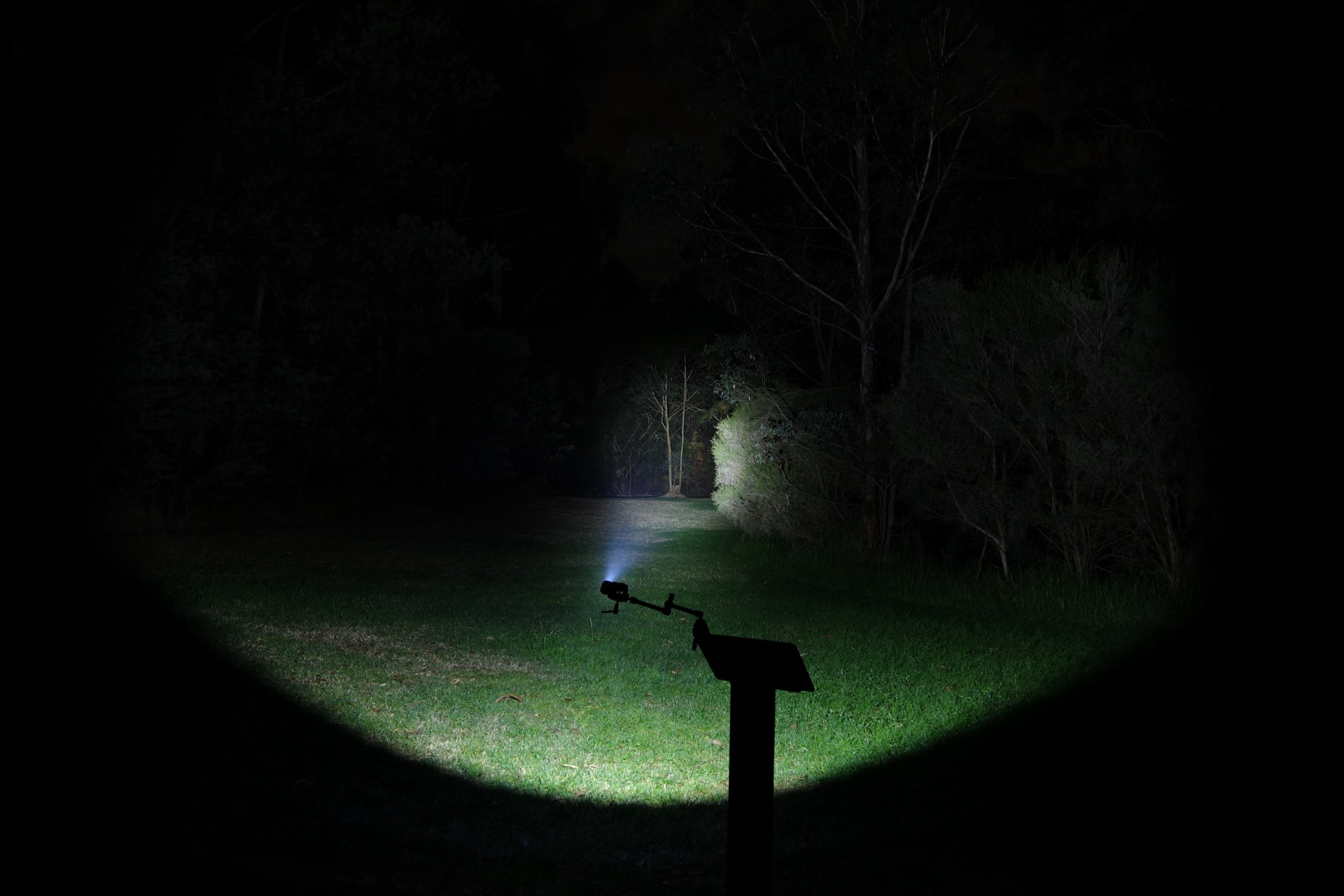
LOOP SK05 Pro Floodlight (Turbo)#
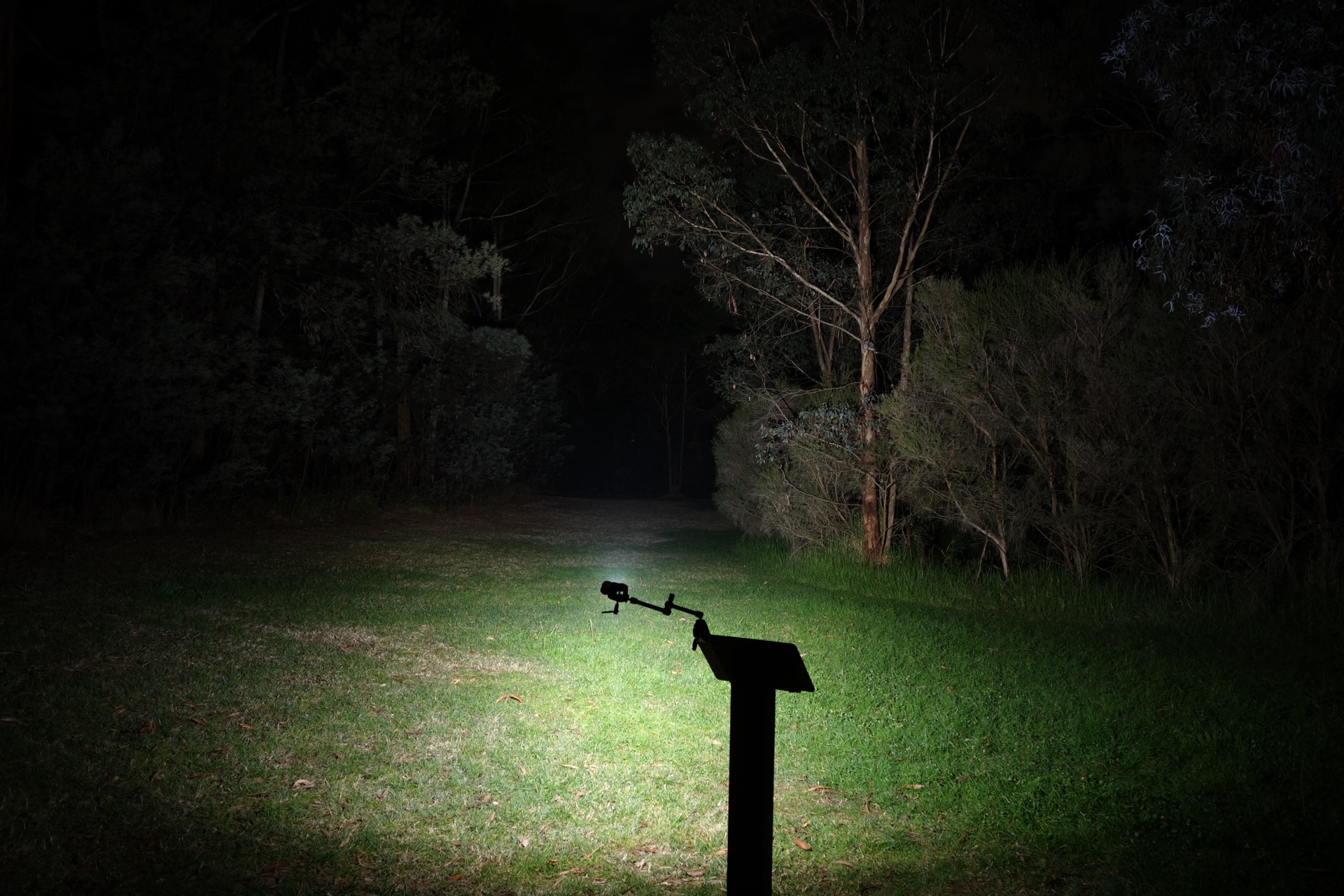
ReyLight Dawn Max Ti Stonewashed (100%)#

LOOP SK06 Side Light (High)#
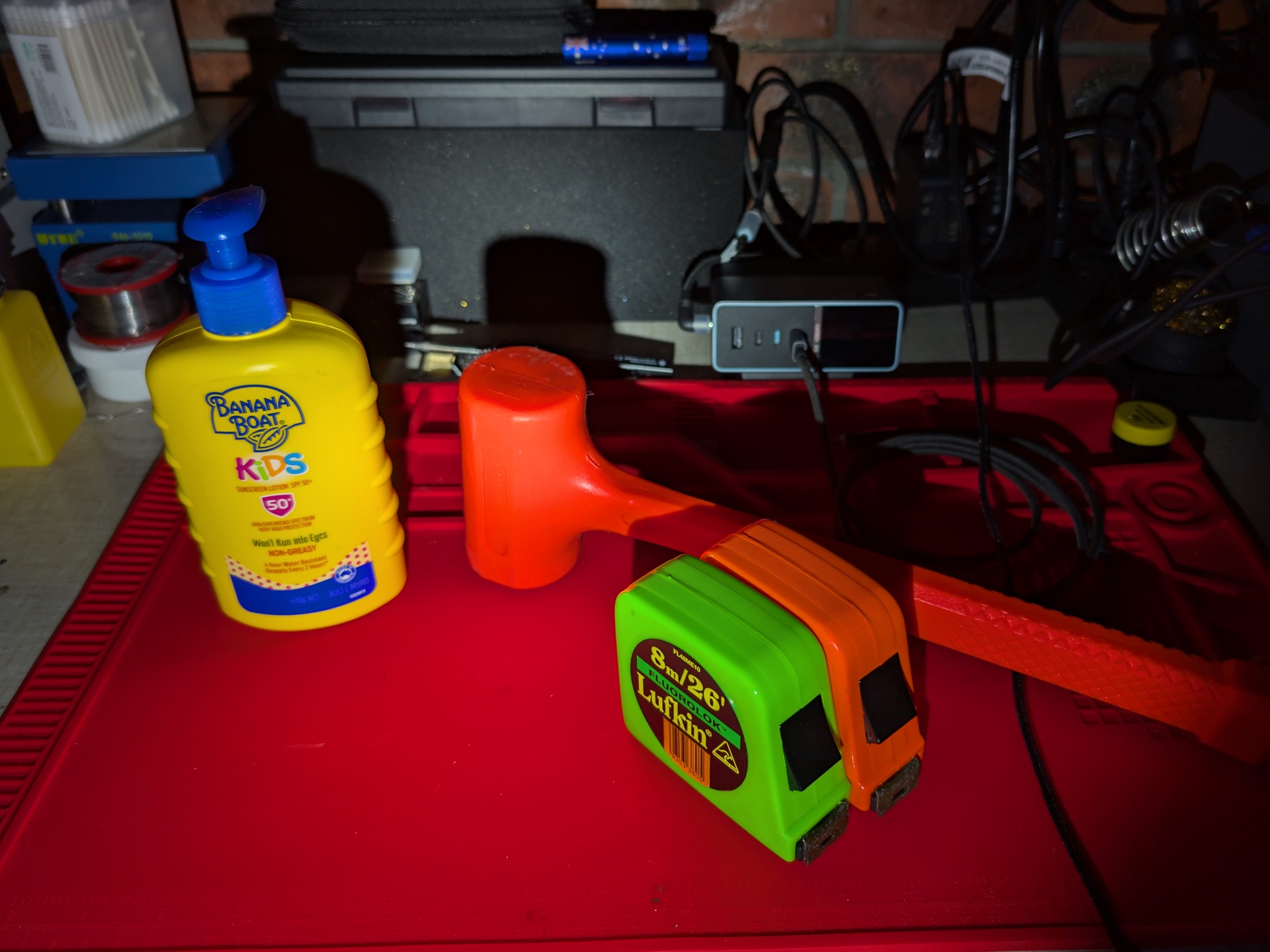
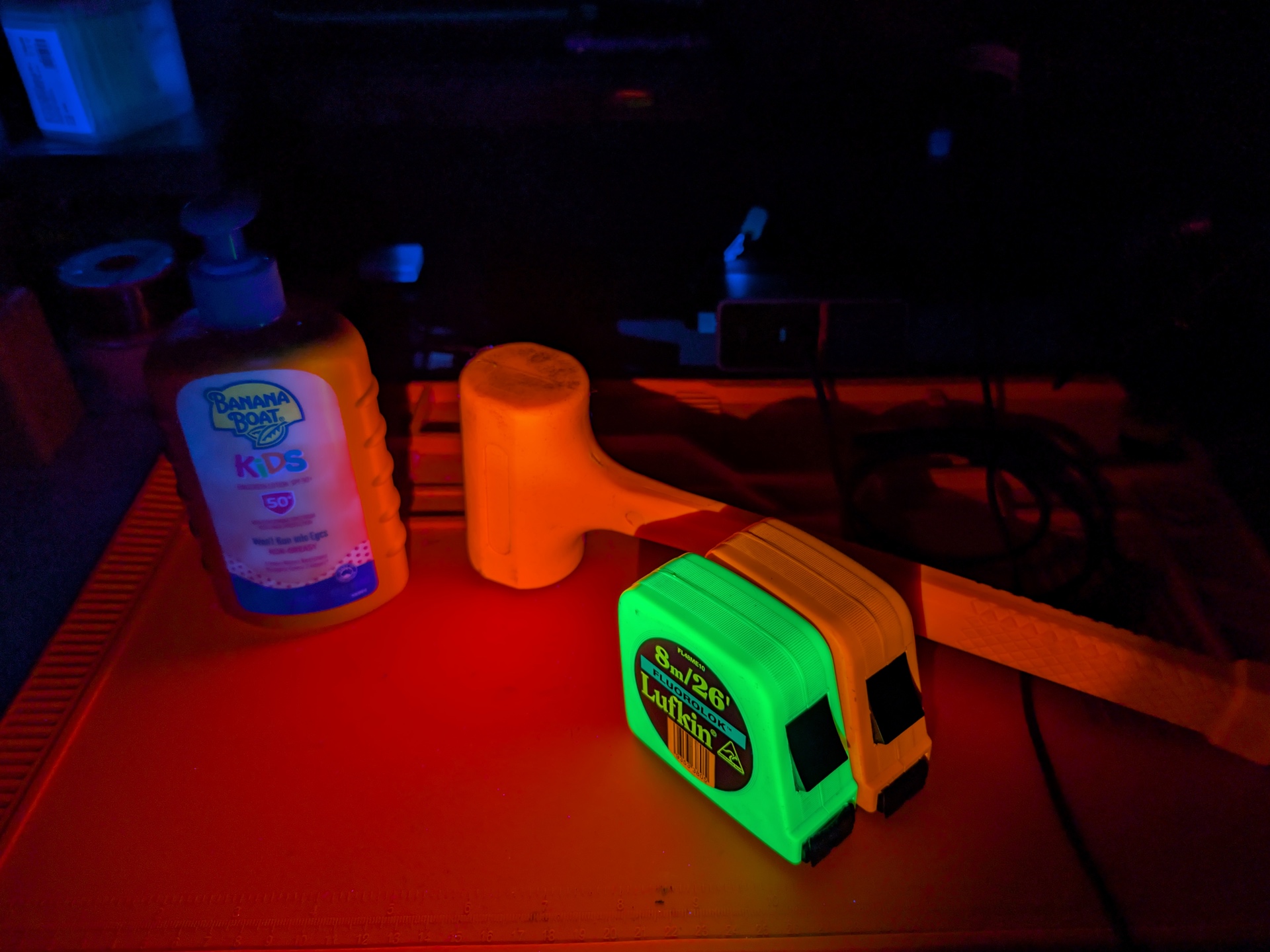
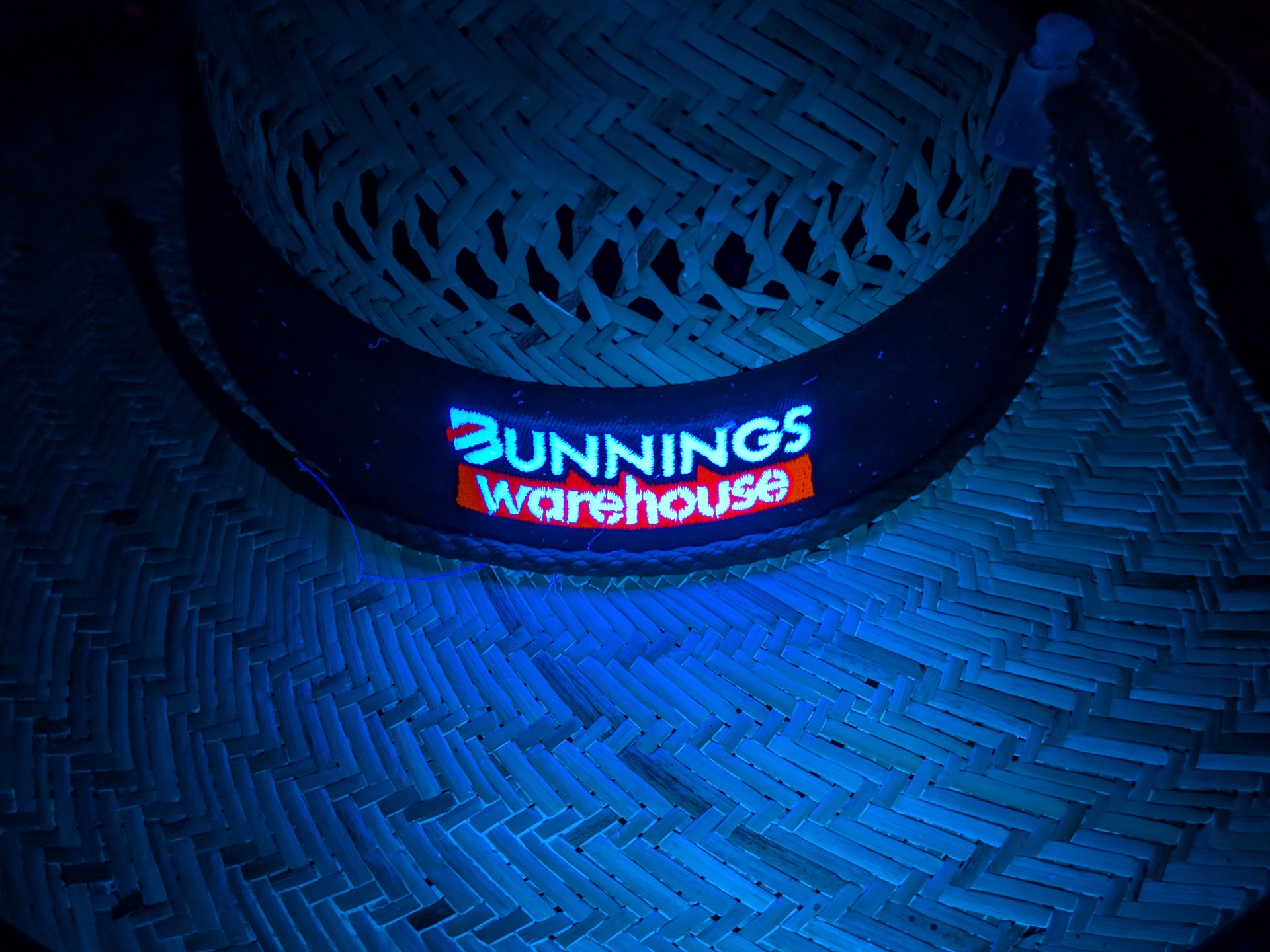
UV Light#
From left to right: Main Light, UV Light
Thermal Images#
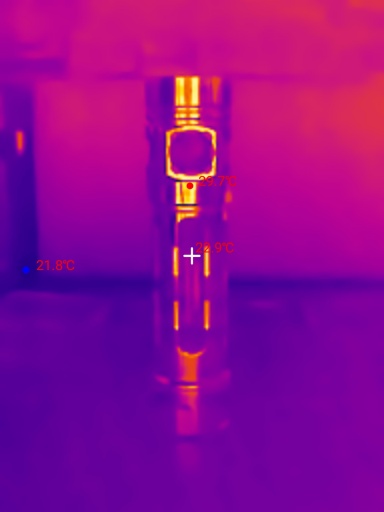
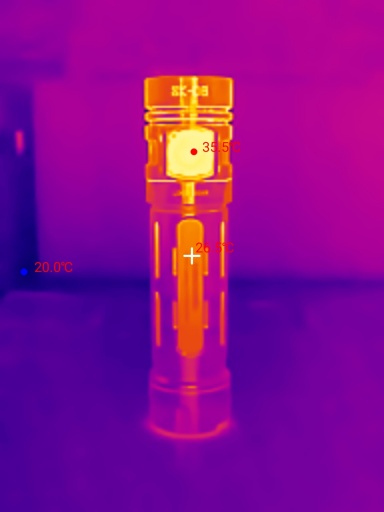
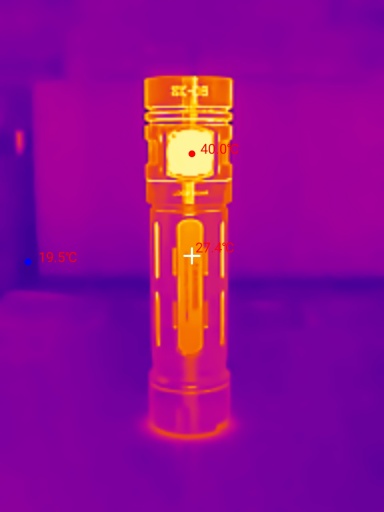
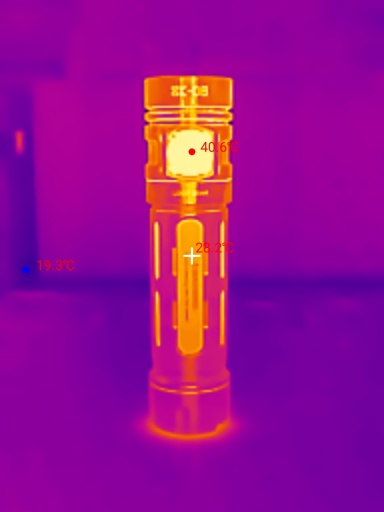
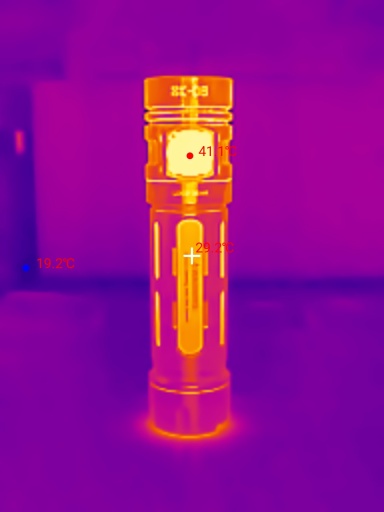
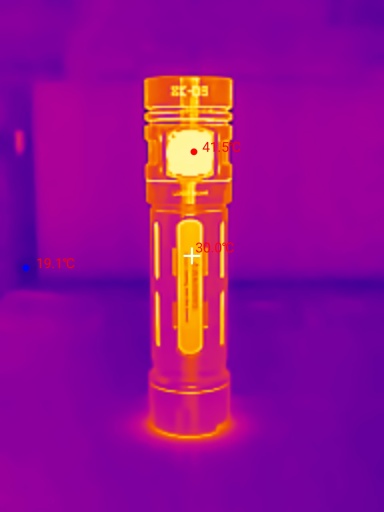
I used a Thermal Master P3 to take thermal images of the torch while using Turbo. Get 10% off the Thermal Master P3 with code Mcmahon10
Room temperature: 20 C
| Time (mm:ss) | Max Temperature |
|---|---|
| 00:00 | 22.9 C |
| 01:00 | 35.5 C |
| 02:00 | 40.0 C |
| 03:00 | 40.6 C |
| 04:00 | 41.1 C |
| 05:00 | 41.5 C |
The torch reached 41.5 C within the first five minutes. The output for Turbo dropped around 10 seconds in so the torch did not heat up much.
Conclusion#
The LOOP GEAR SK06 Titanium Stonewashed seems like it has been built by enthusiasts for enthusiasts.
It has a lot of features packed into a relatively small 18650-sized package: Main Light, Laser Pointer, UV Light, Side Light, Charging and a Powerbank.
The lumen output for Turbo appears to be overstated at 2,400 lumens because the output drops significantly after 10 seconds. I measured closer to 1,500 lumens at 30 seconds.
The beam distance is pretty close to what LOOP GEAR claim. 260 metres is decent for such a small reflector.
I would say that the user interface is a bit complex but if you already have a LOOP SK05 Pro then it is relatively straight forward.
Should you get this? Yes, if you are a flashlight enthusiast and want an all-in-one torch to replace a bunch of other torches.
Pros:#
- Good build quality.
- High CRI Side Light.
- UV Light has a filter.
- Laser Pointer has more than one mode.
- USB-C charging and powerbank.
- Metal USB-C cover.
- Pocket clip and lanyard included.
- Strong magnet in the tailcap.
- Battery can be removed.
Cons:#
- Runtimes fell slightly short.
- Beam distance fell slightly short.
- Turbo drops after 10 seconds. The torch does not reach 2,400 lumens at 30 seconds.
- It takes certain protected button top 18650 cells.
- 65 CRI Main Light.
Price#
The LOOP SK06 Titanium Stonewashed is AU$146.30 at loopgear.com
Product page#
Use code Tim05 for an extra 5% off.
SK06 at loopgear.com (affiliate link)
I may earn a commission if you use an affiliate link or a promo code. This will help fund future torch reviews and tutorials.