Olight Oclip 2 Ultra Clip Light Review
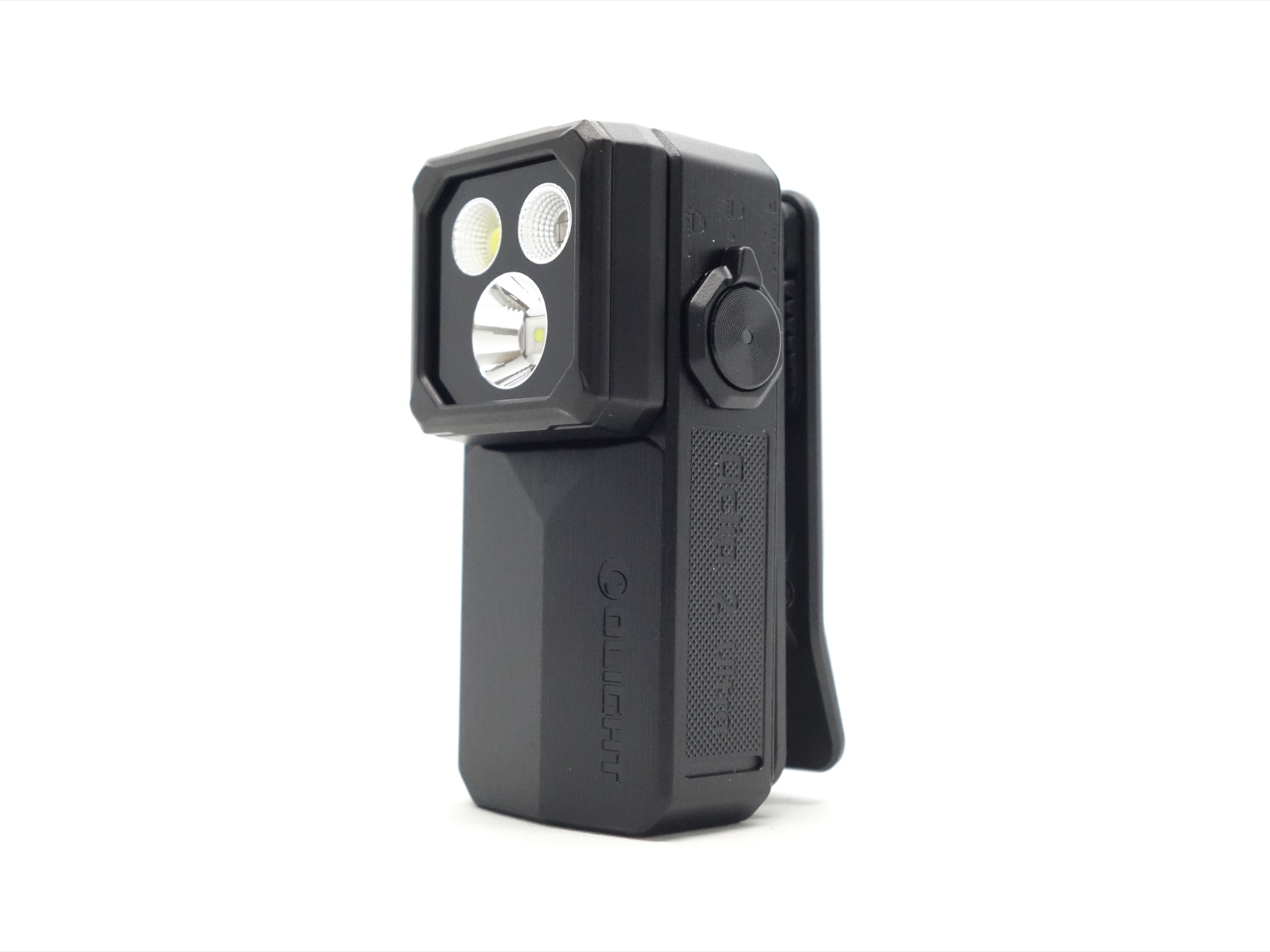
Olight Oclip 2 Ultra#
- Specifications
- Introduction
- Torch in use
- Build quality
- LED, bezel, lens and reflector
- Size and comparison
- User interface
- Batteries and charging
- Performance
- Beamshots
- Thermal Images
- Conclusion
- Price
- Product page
Specifications#
| Brand/model | Olight Oclip 2 Ultra |
|---|---|
| LED | Spotlight, Pure Flood, UV, Red |
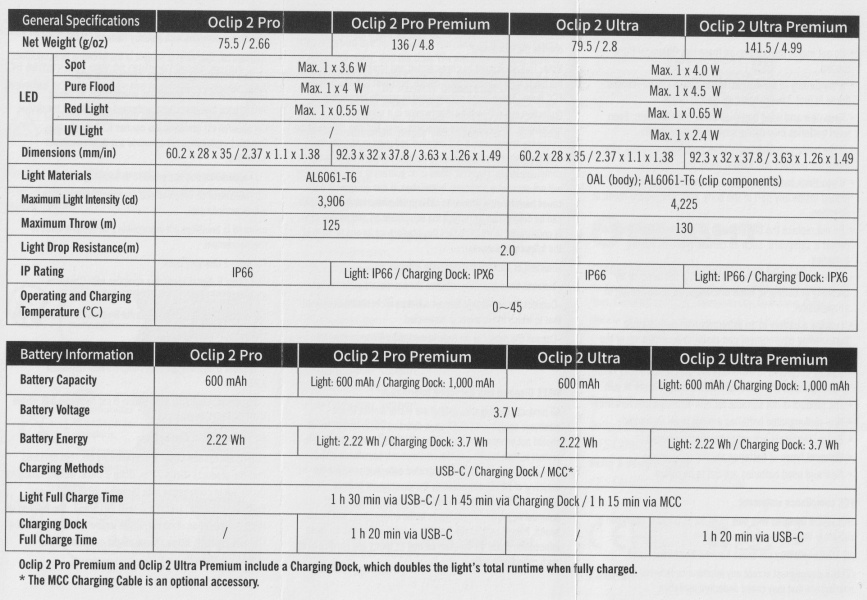
| Maximum lumens | 580 lm |
| Maximum beam intensity | 4,225 cd |
| Maximum throw | 130 m |
| Battery | 600 mAh |
| Onboard charging | Yes (USB-C and magnetic) |
| Material | OAL (body), AL6061-T6 (clip) |
| Modes | 5 |
| Blinkies | Spot (Strobe, Beacon), Pure Flood (Strobe, Beacon), Red (Flash) |
| Reflector | Spot (Smooth), Pure Flood (OP), UV/Red (OP) |
| Waterproof | IP66 |
| Review date | October 2026 |
Introduction#
The Olight Oclip 2 Ultra is a 4-in-1 EDC Clip Light with a Spotlight, Floodlight, UV light and a Red light. It has USB-C and magnetic charging. The head can swivel up and down. And the built-in clip can rotate 360 degrees.
I bought this torch to attach to my backpack strap so that I can walk around at night with my hands free.
Spoiler alert: It is perfect for my particular use case (clip to backpack strap).
Packaging#
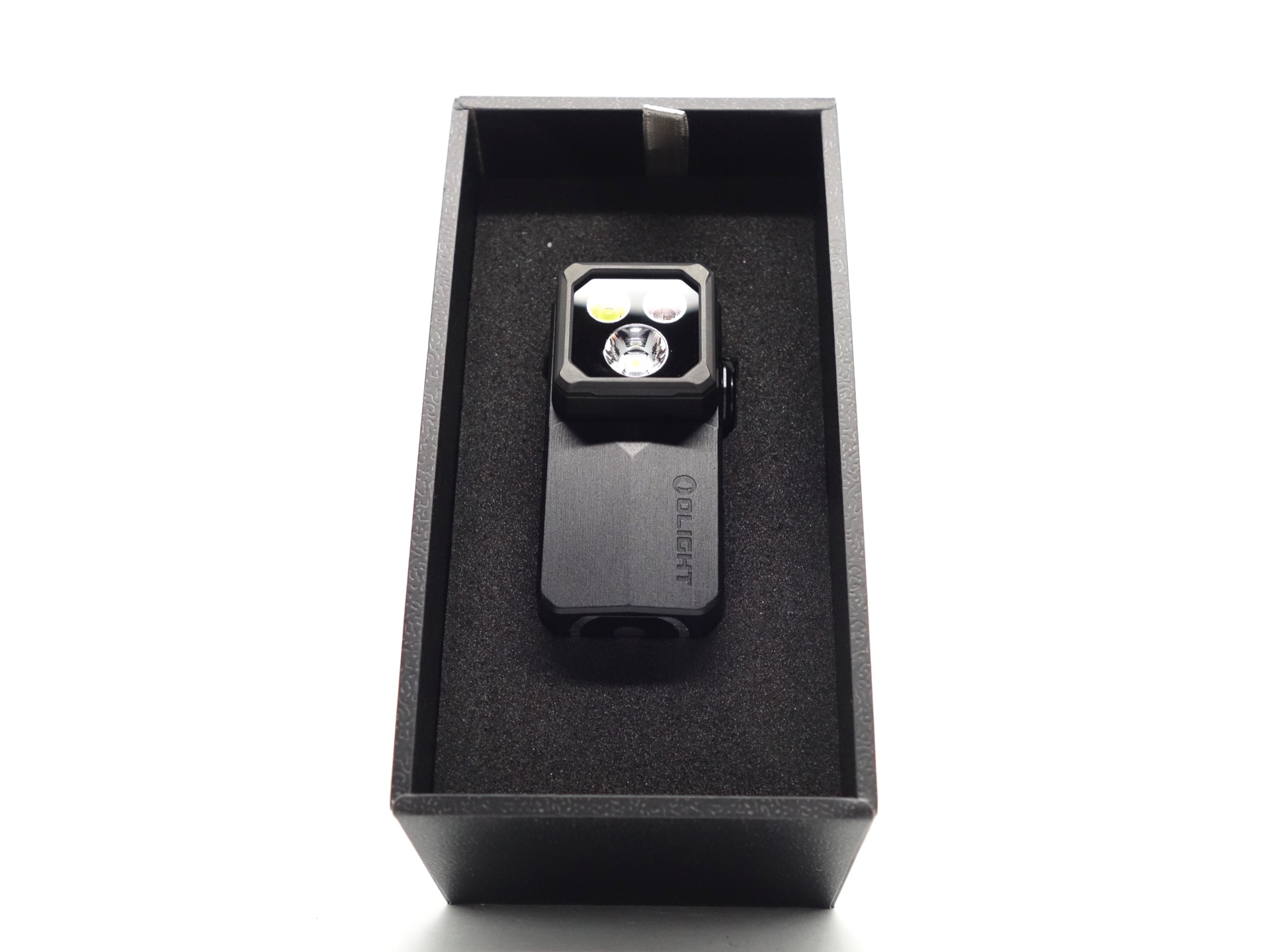
The torch comes in a super fancy black box with an image of the torch on the front. It has a little ribbon. There are two pull-tabs on the back. It remind me of what the experience is like when opening an Apple product box
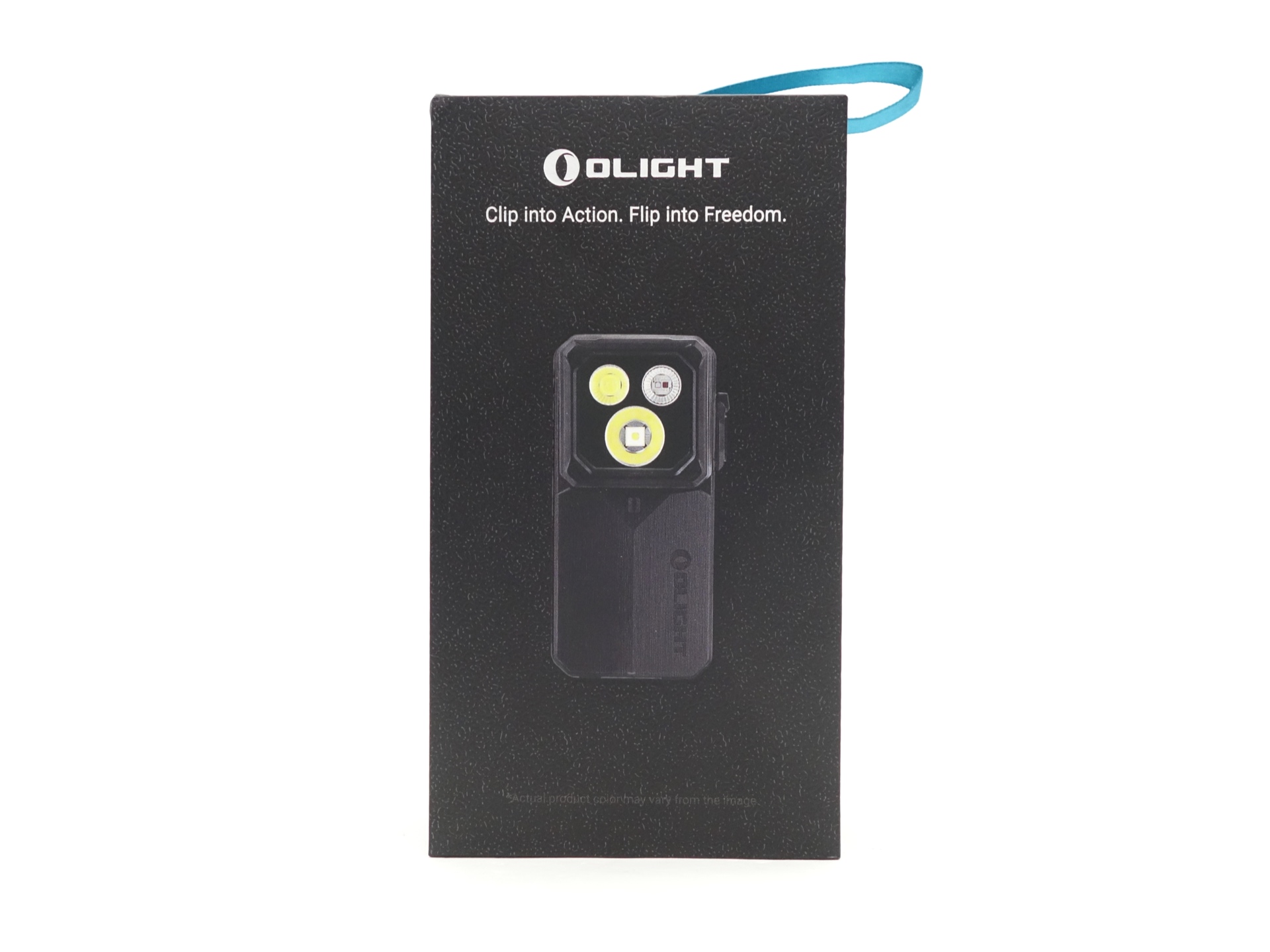
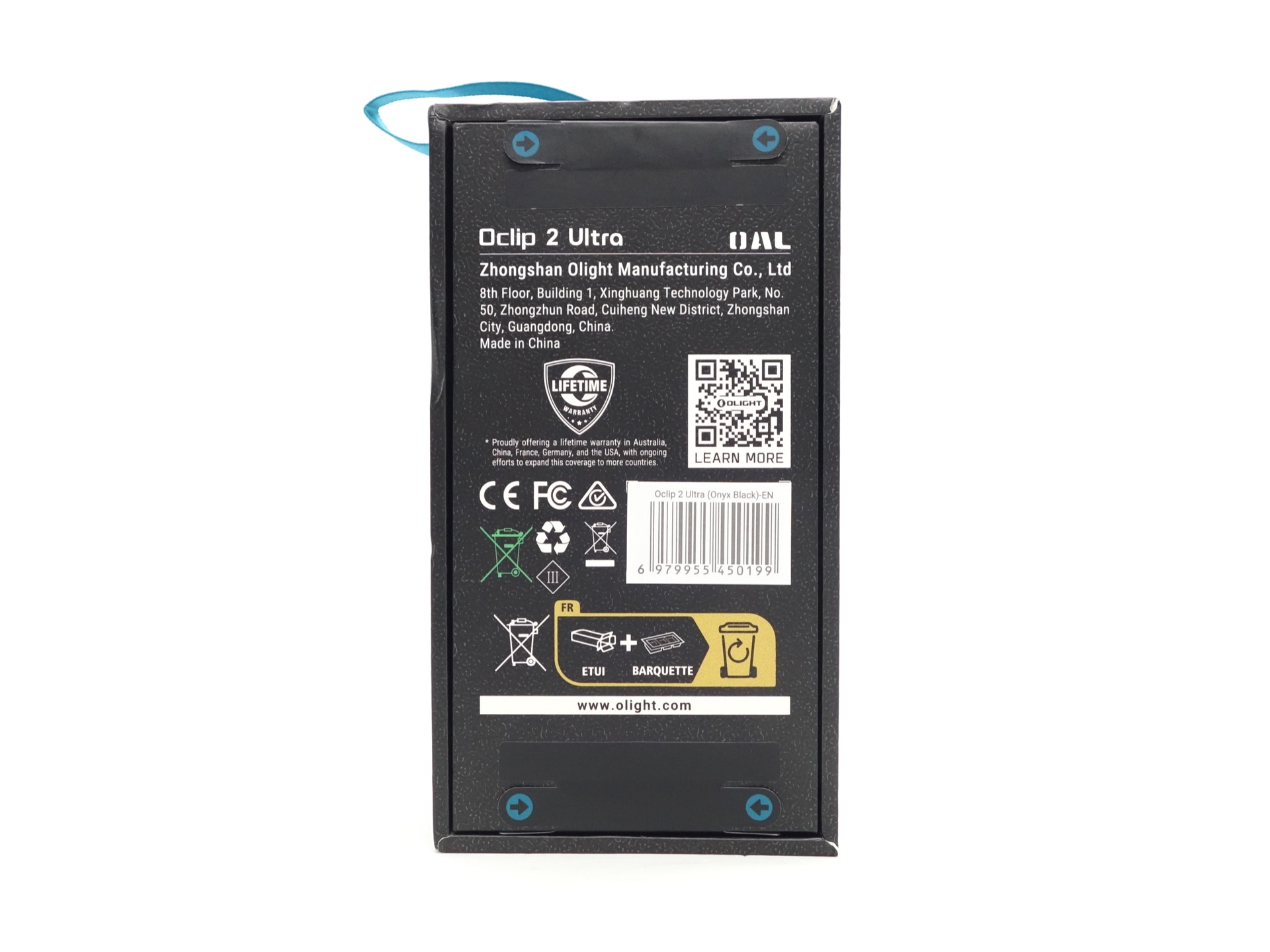
The Olight Oclip 2 Ultra is revealed in all its glory when I lift the cover.
Behind the torch lays a hidden message. I whisper to myself “Uncover the Ultra… ultra… ultraaa”.
The foam insert lifts to reveal an OclipBeat Card, a USB-A to USB-C charging cable and a User Manual.
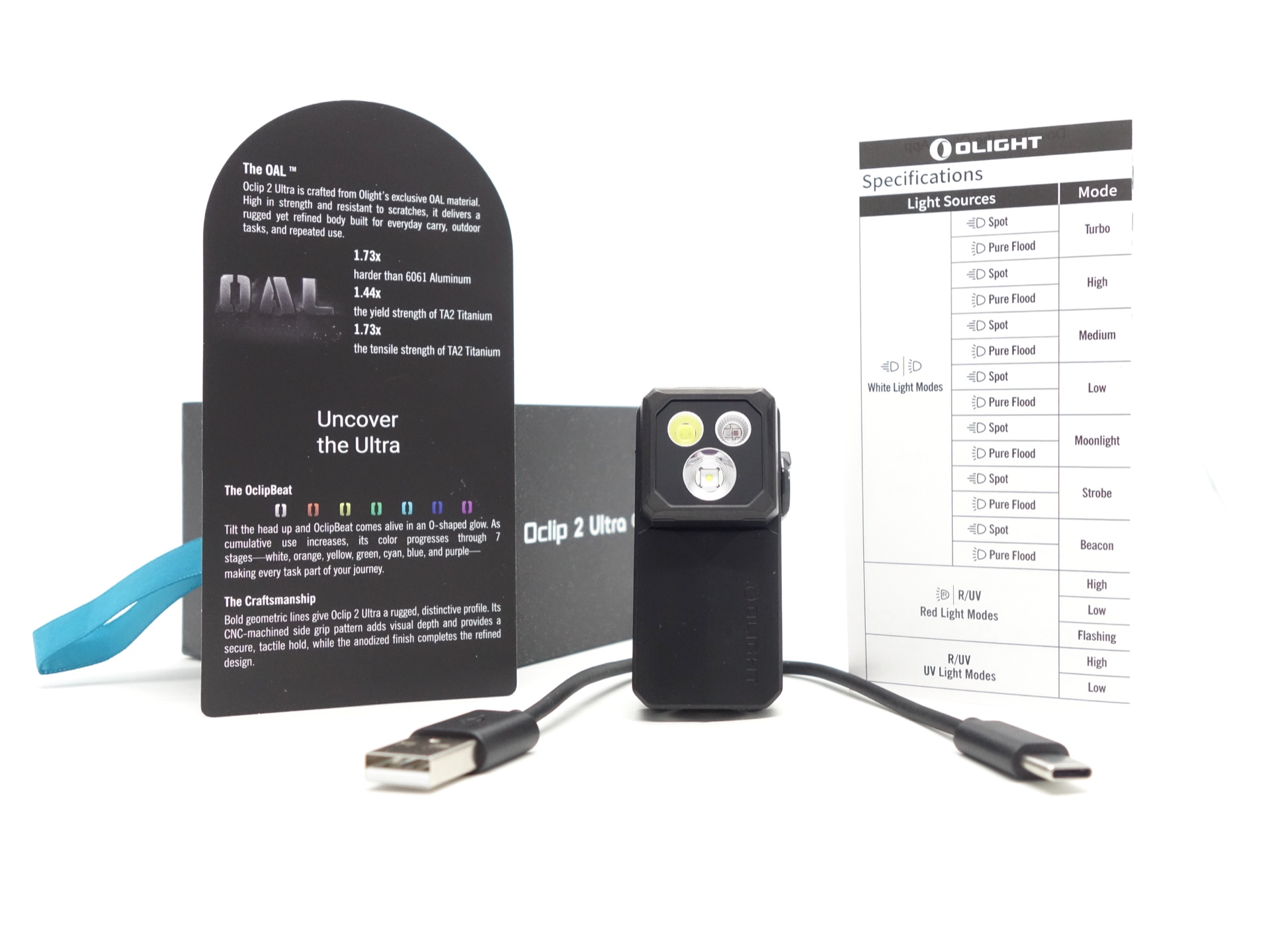
The following is included in the box:
- Olight Oclip 2 Ultra.
- USB-A to USB-C cable.
- OclipBeat Card.
- User manual.
I wonder how much the torch would cost if I could forego the fancy retail packaging and just get it in a simple recycled cardboard box? Oh, well. To some, boxes are part of the Olight experience. In fact, some collectors have stacks of unopened Olight boxes.
OclipBeat Card#
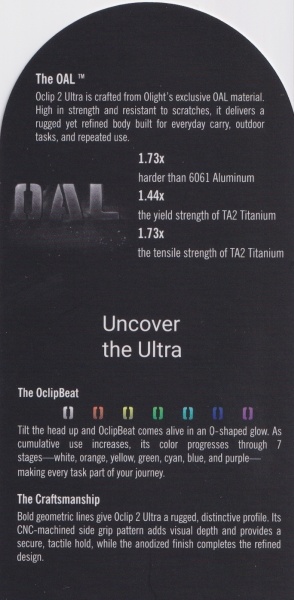
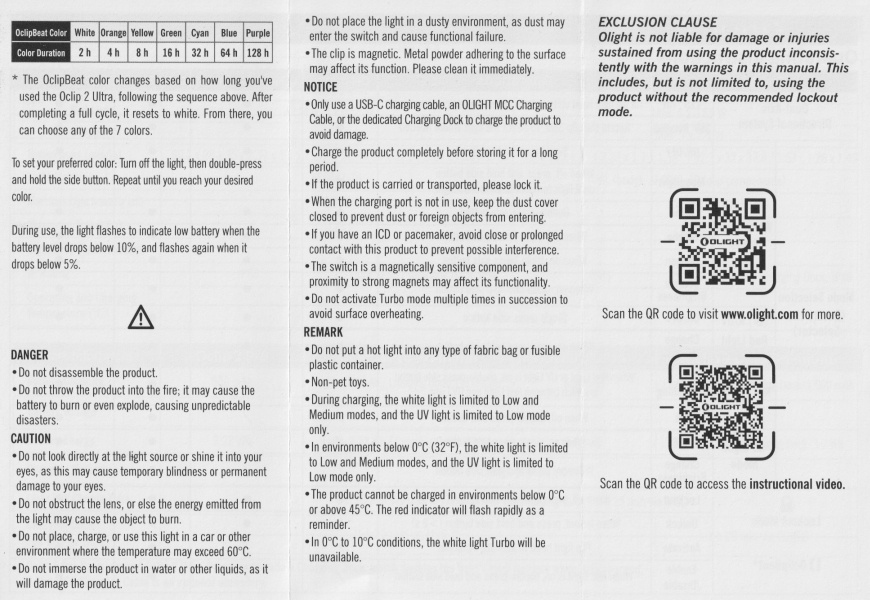
The “Ultra” part of Oclip 2 Ultra is the OclipBeat feature where there is a little O-shape that lights up when you tilt the head.
The colour gradually changes the longer you use the torch:
| OclipBeat Color | White | Orange | Yellow | Green | Cyan | Blue | Purple |
|---|---|---|---|---|---|---|---|
| Color Duration | 2 h | 4 h | 8 h | 16 h | 32 h | 64 h | 128 h |
User manual#
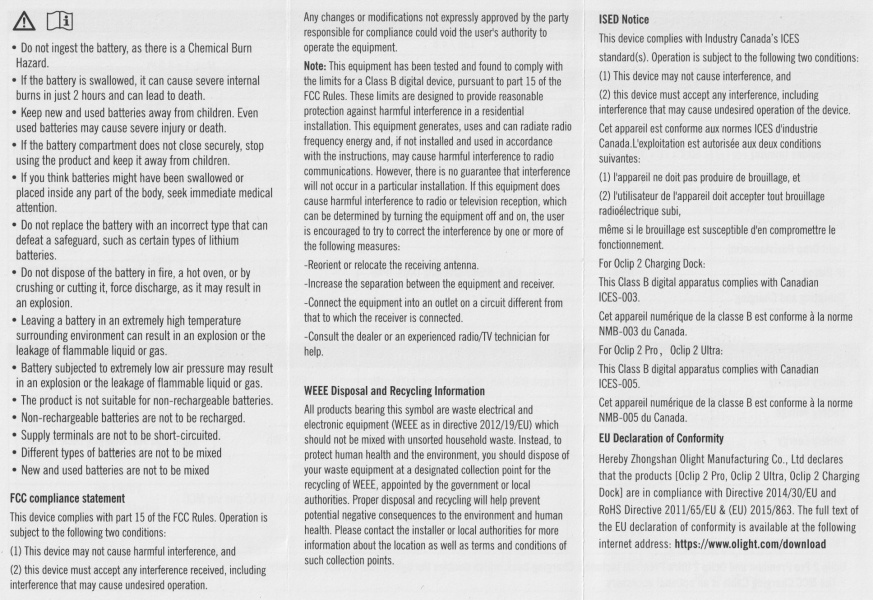
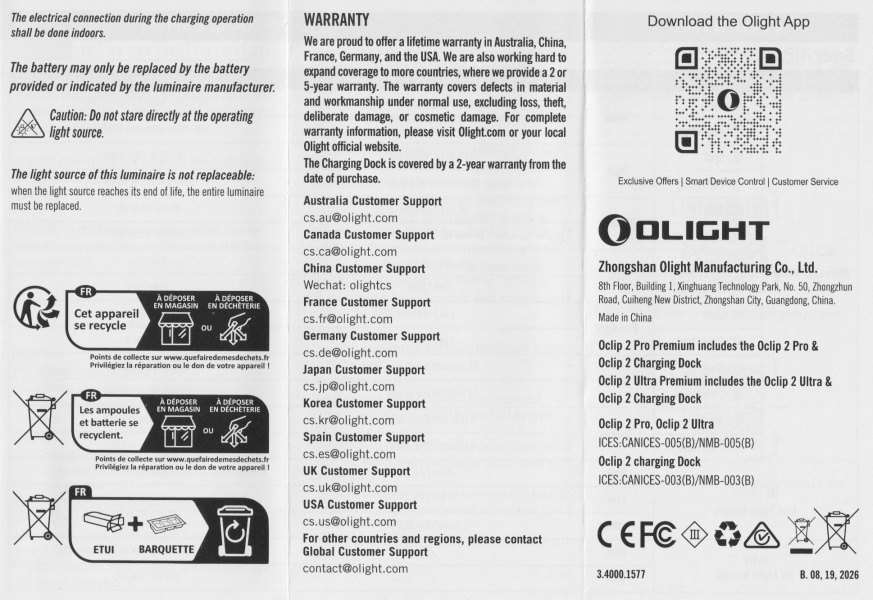
The user manual includes information about the Oclip 2 Pro, Oclip 2 Pro Premium, Oclip 2 Ultra and the Oclip 2 Ultra Premium. It is a bit complex to read with so many different torches.
I wish that Olight included a simple user manual for just this one torch: the Olight Oclip 2 Ultra.
Torch in use#
I bought the Olight Oclip 2 Ultra to clip to my backpack strap so that I can light up the path at night while my hands are free.
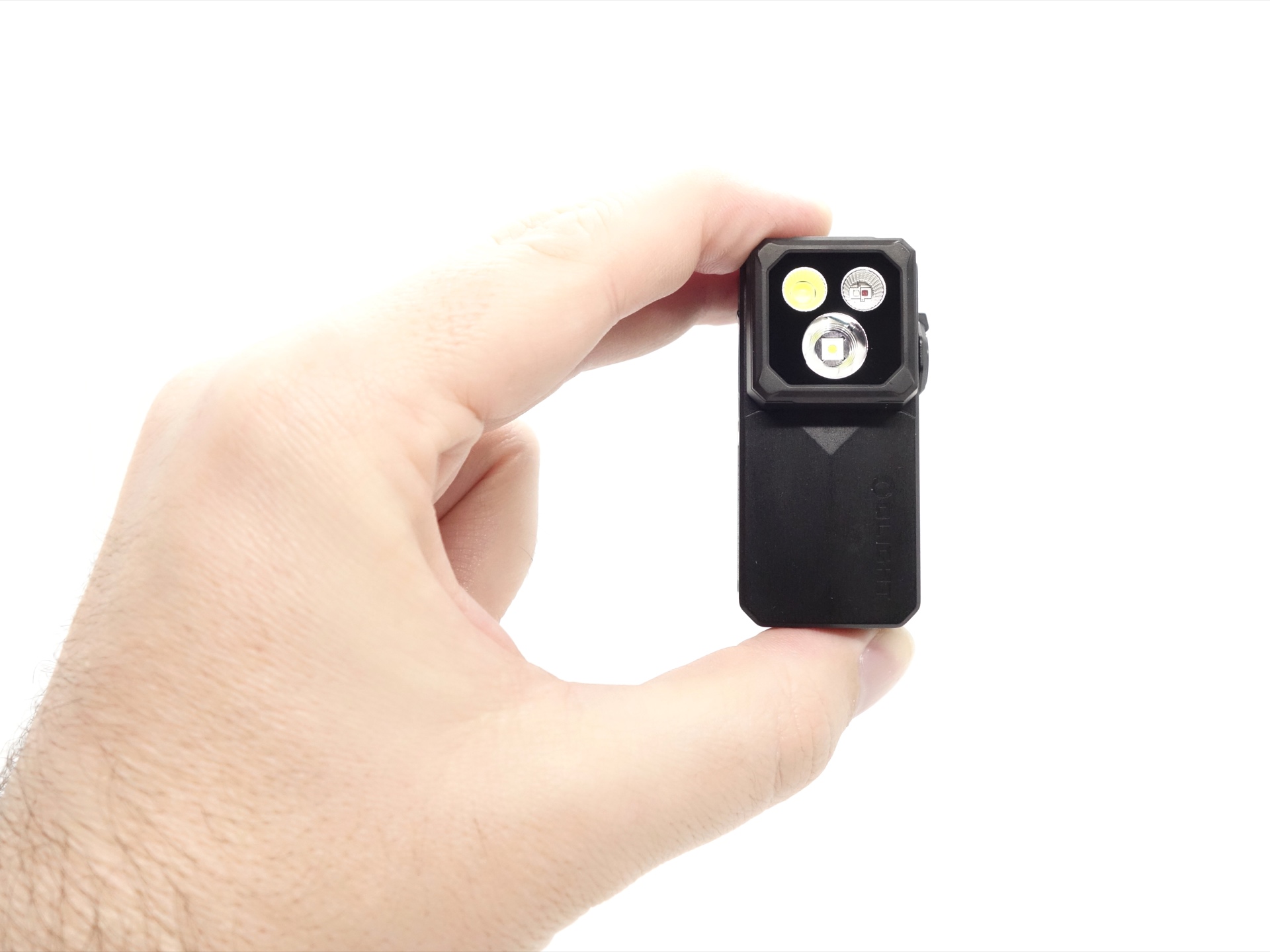
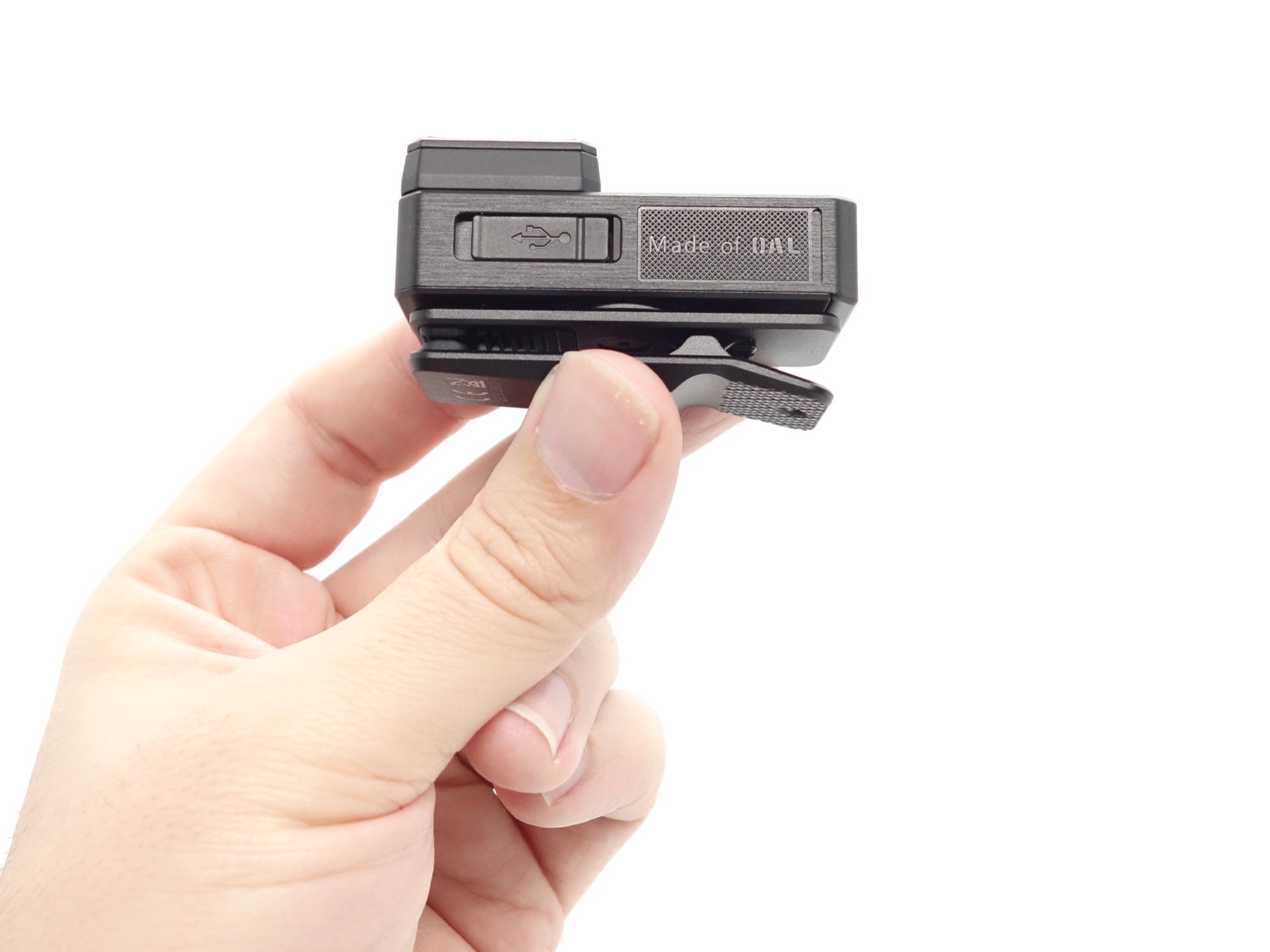
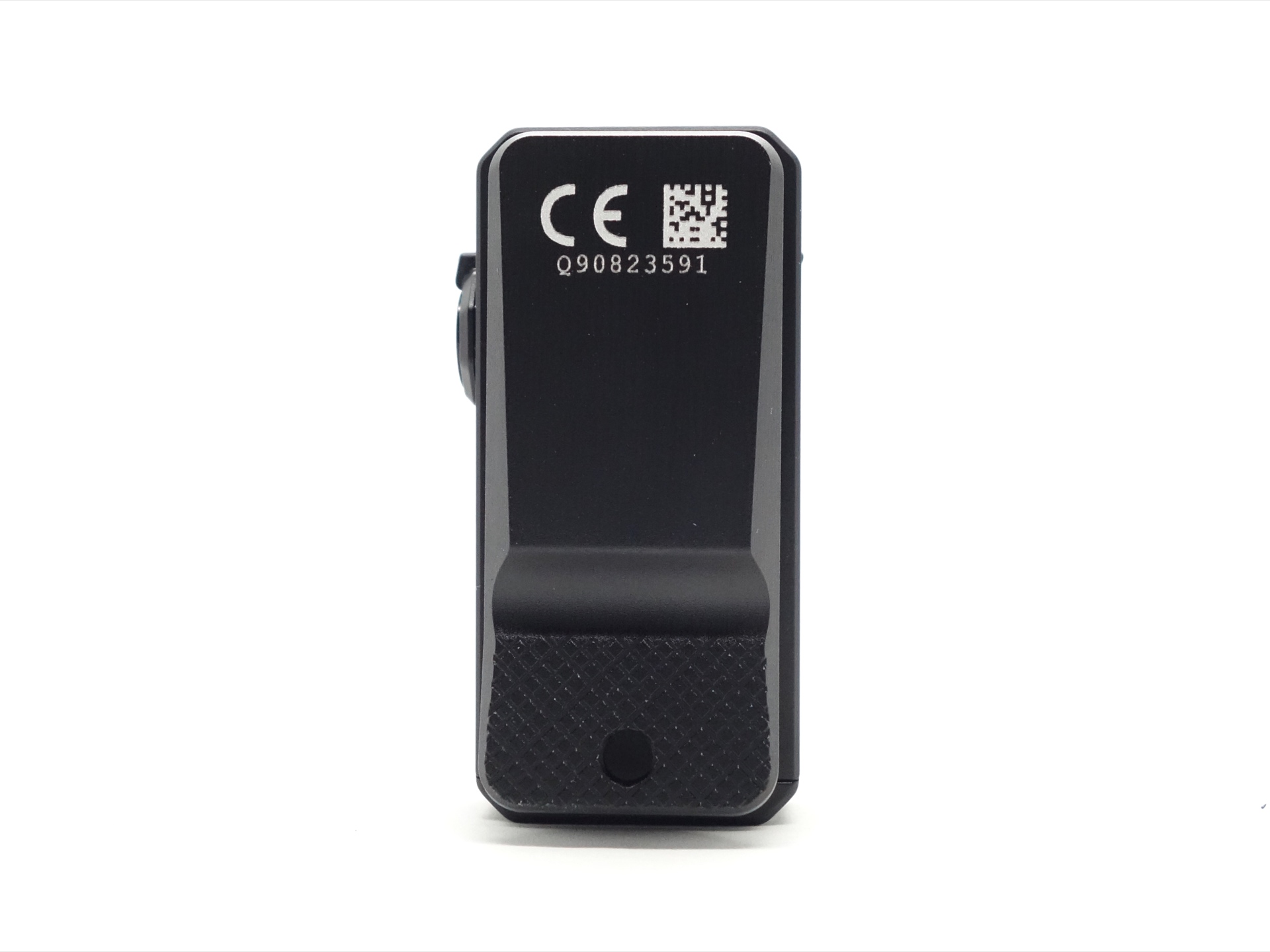
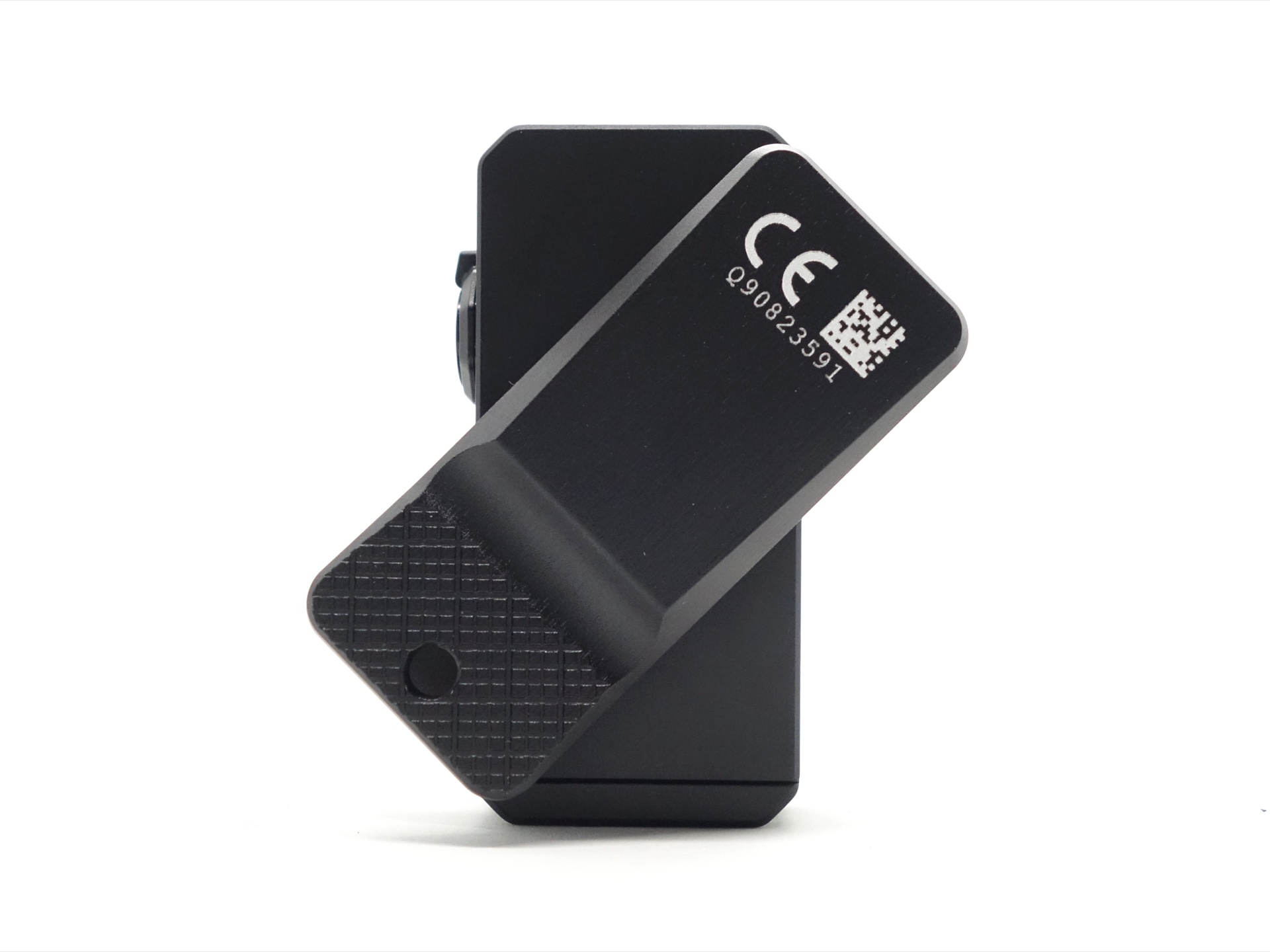
This torch has a clip that can rotate 360 degrees.
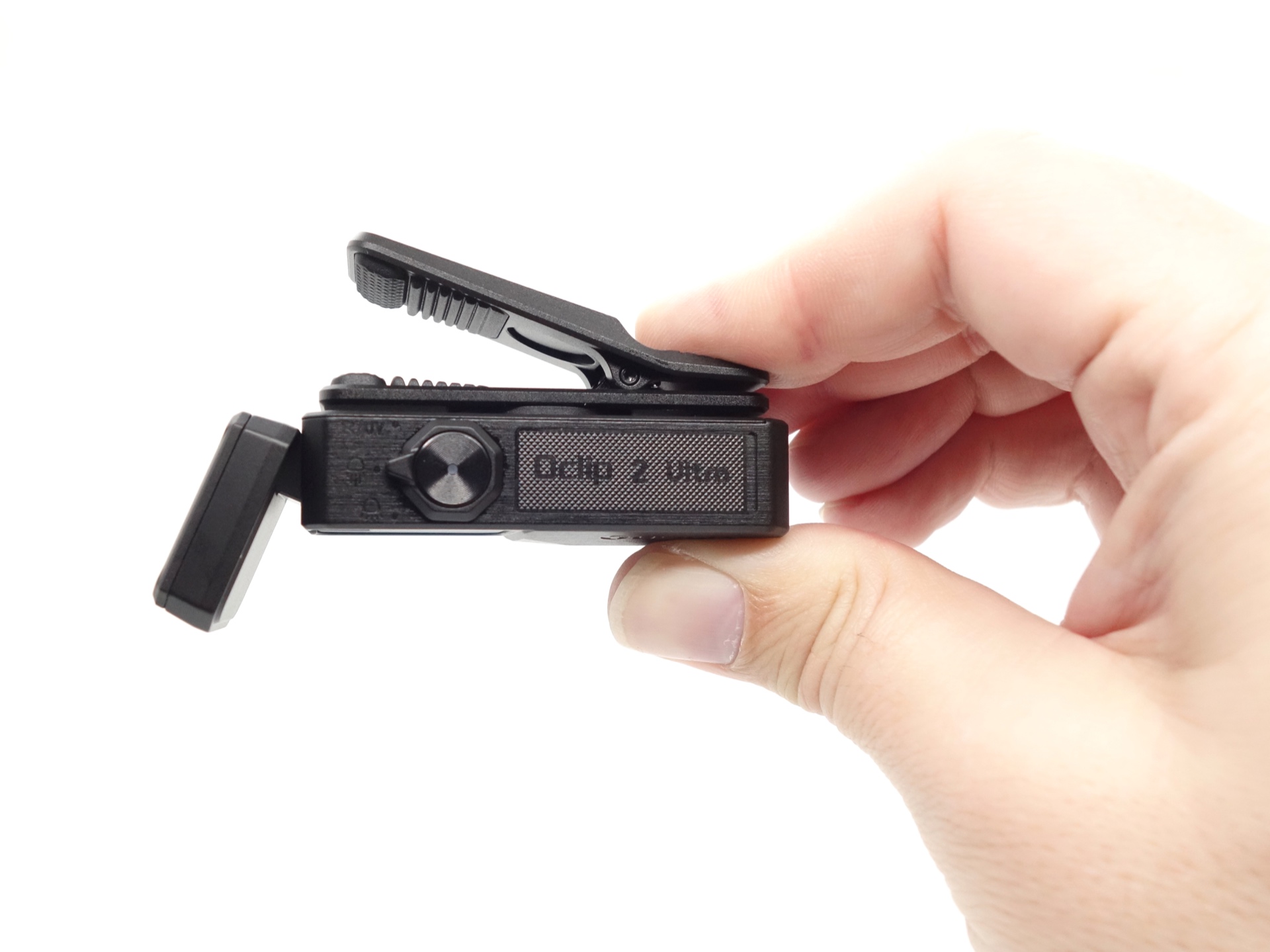
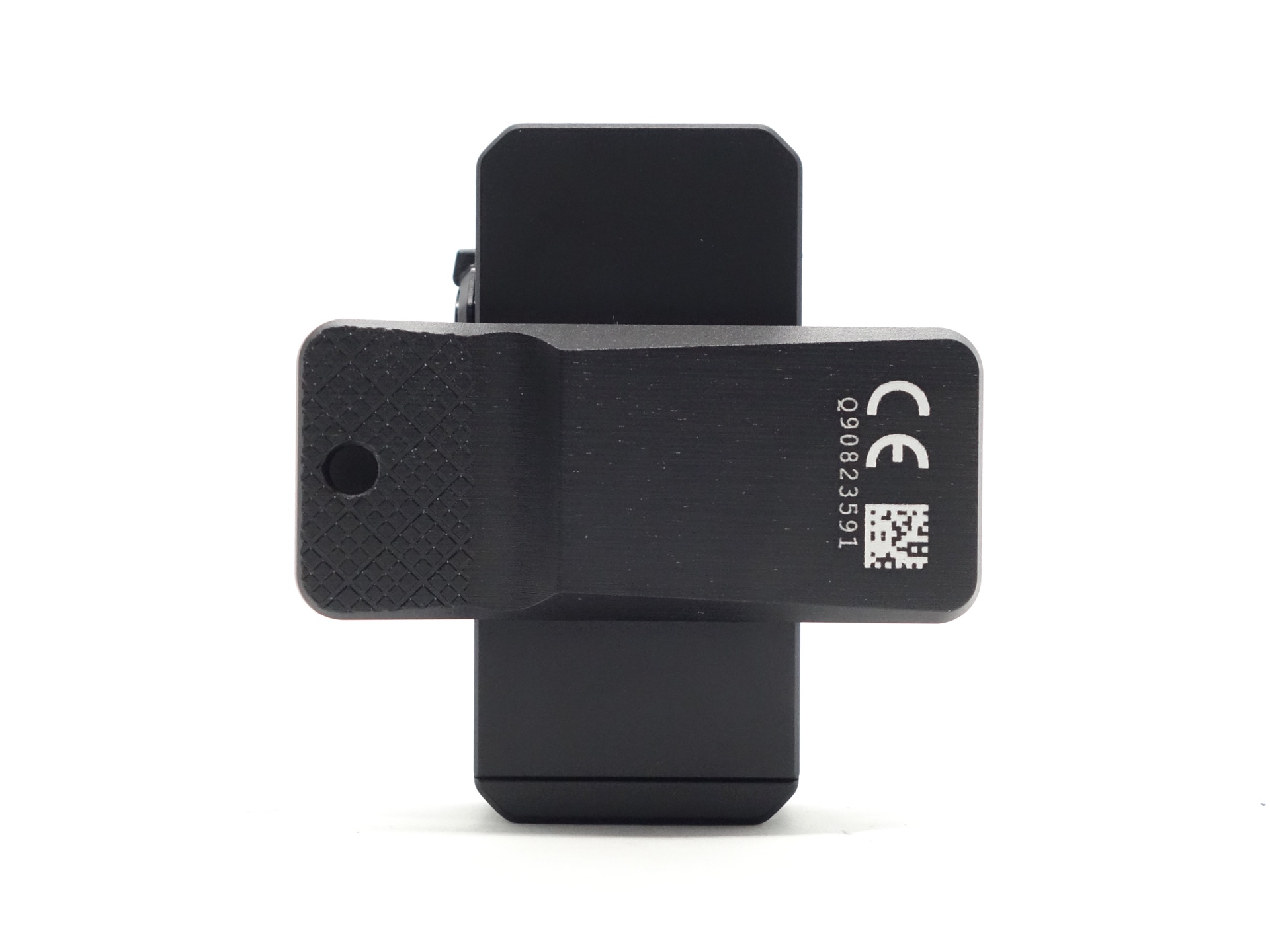
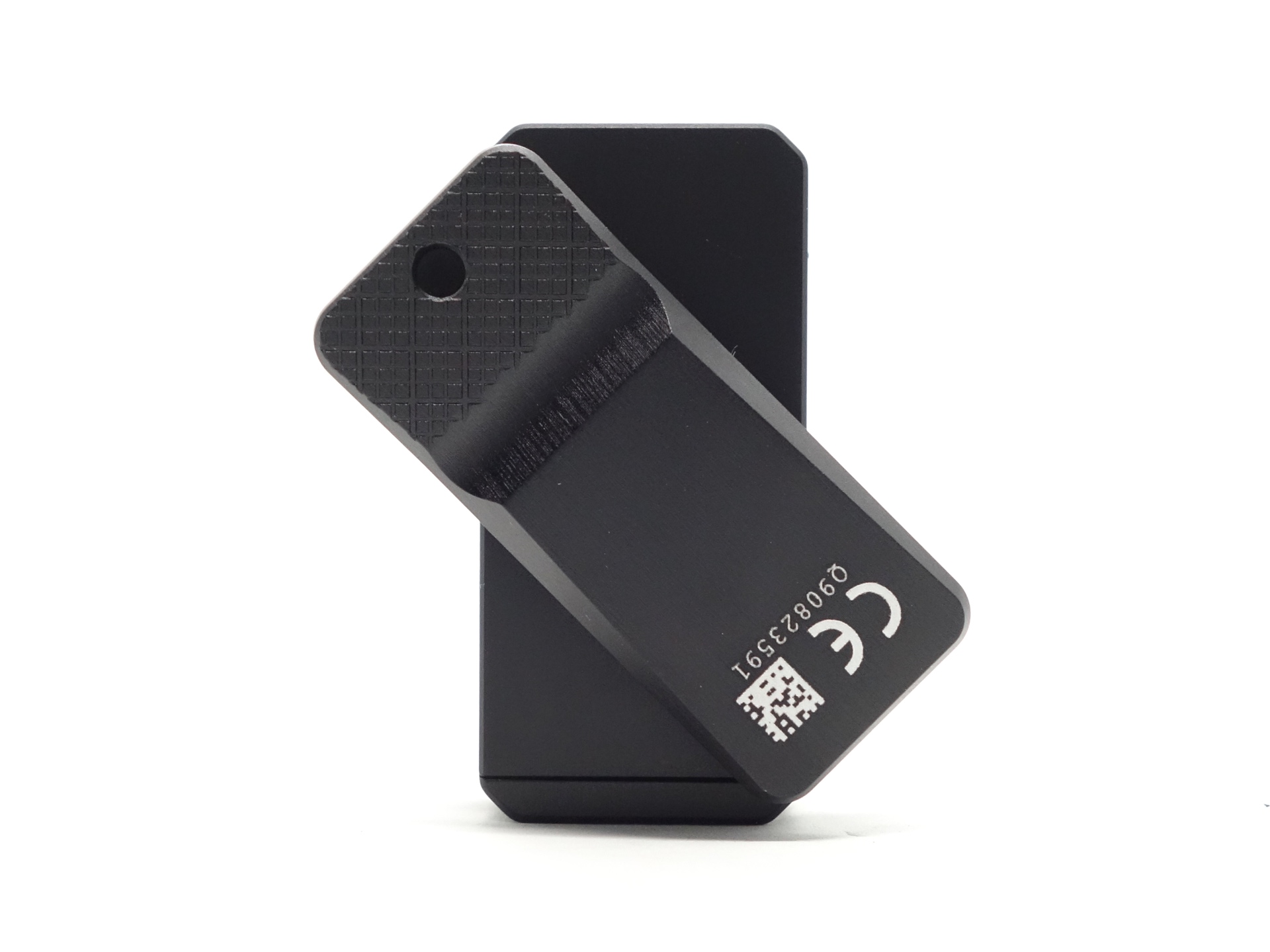
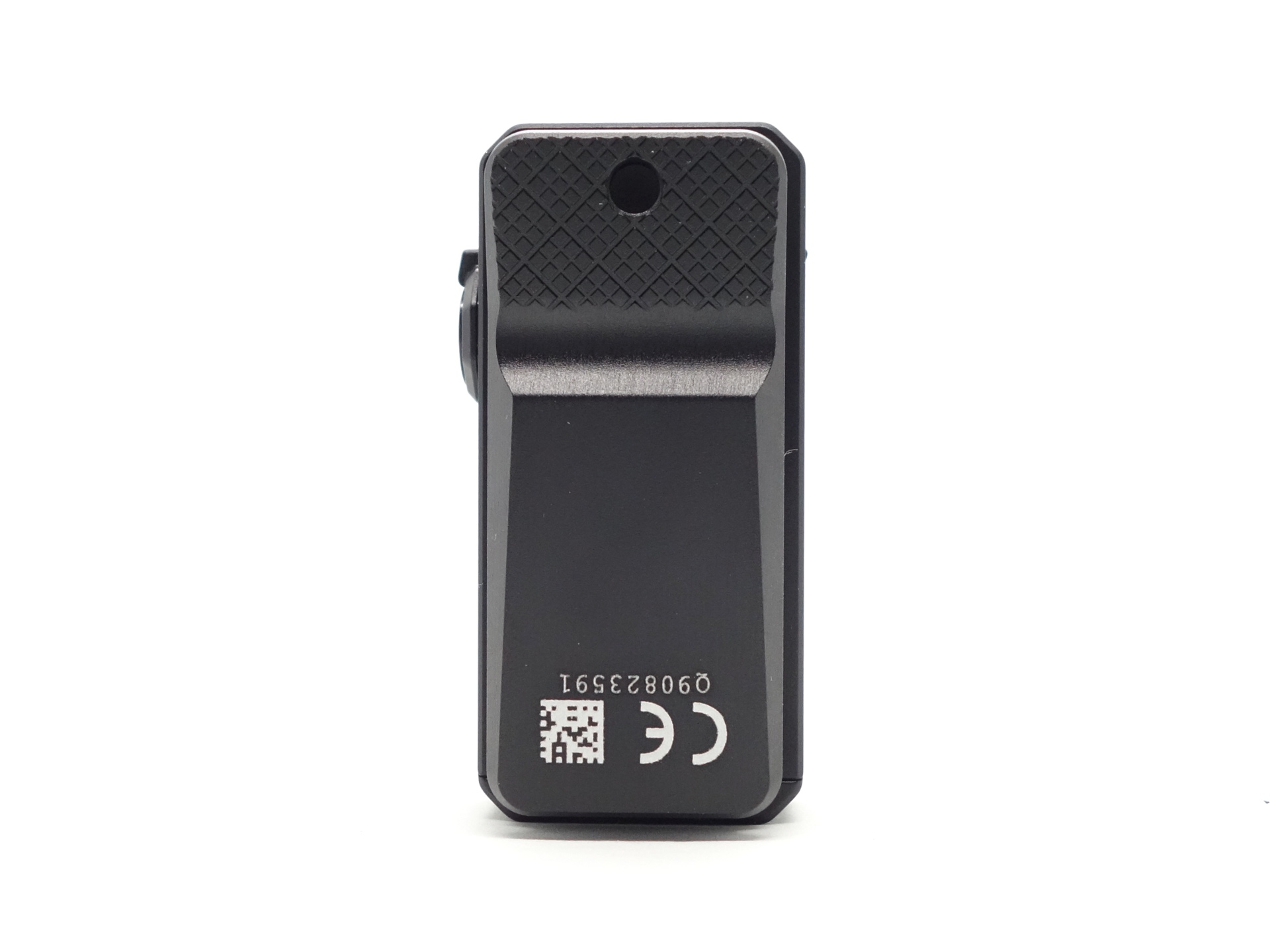
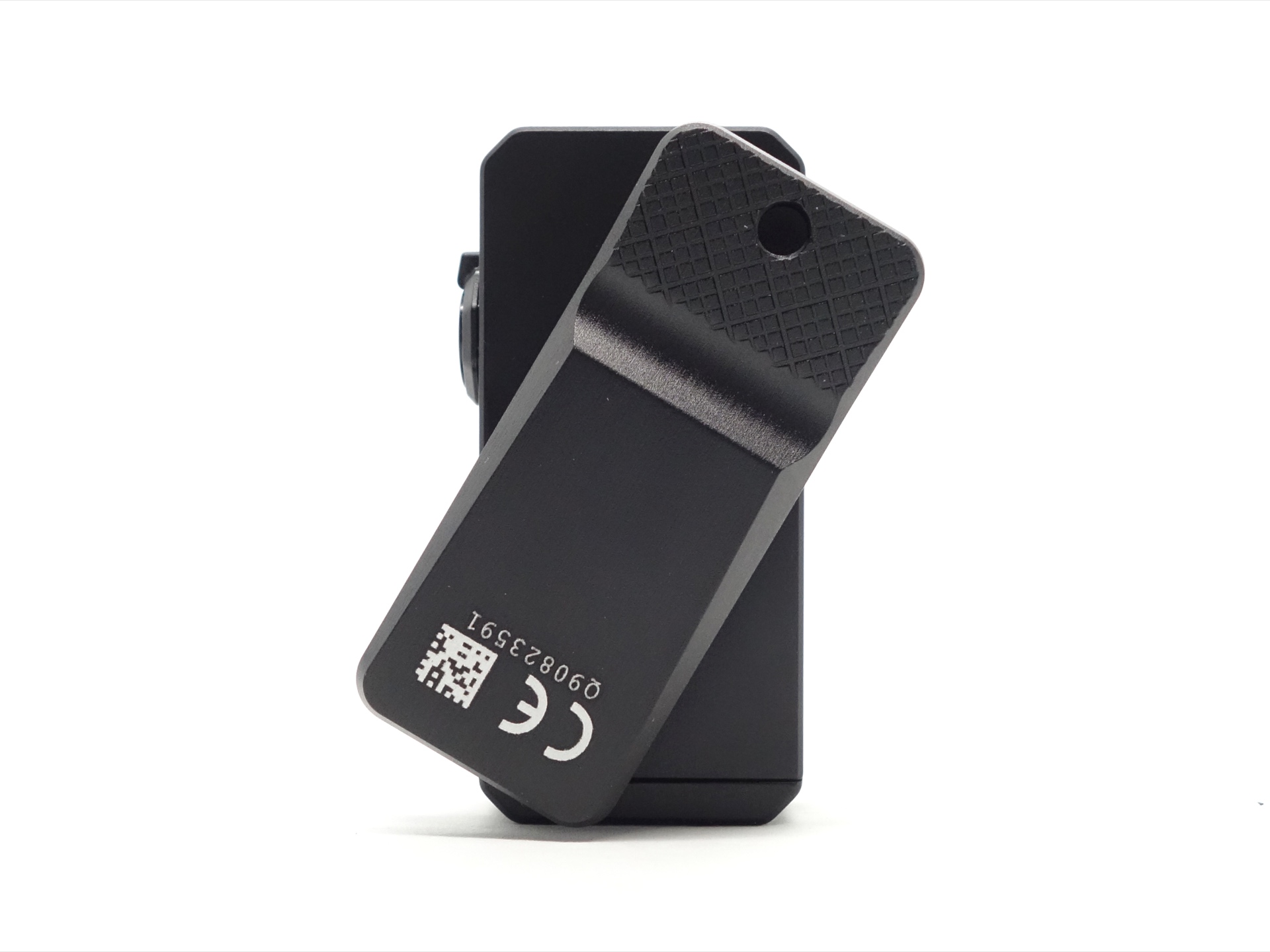
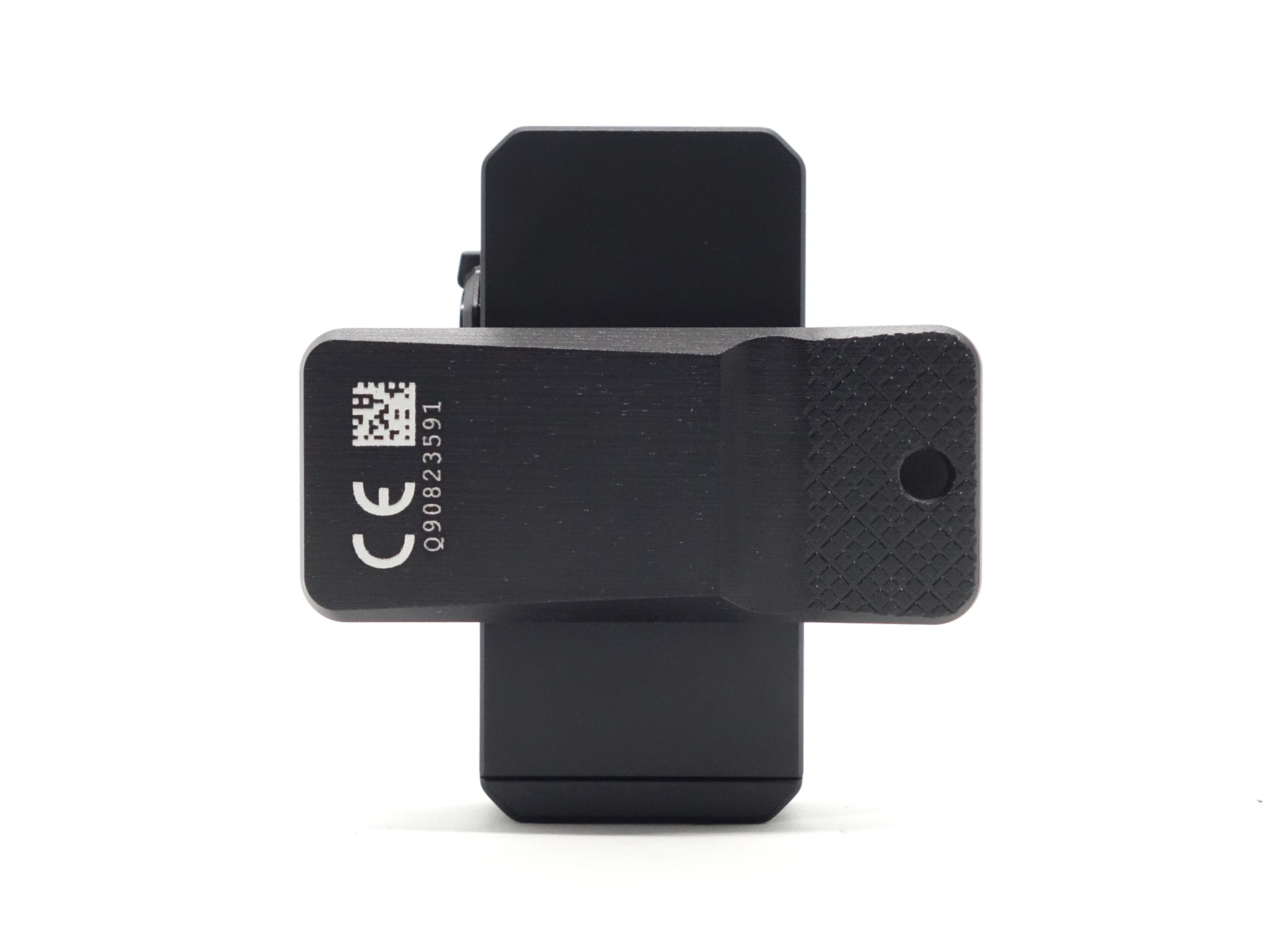
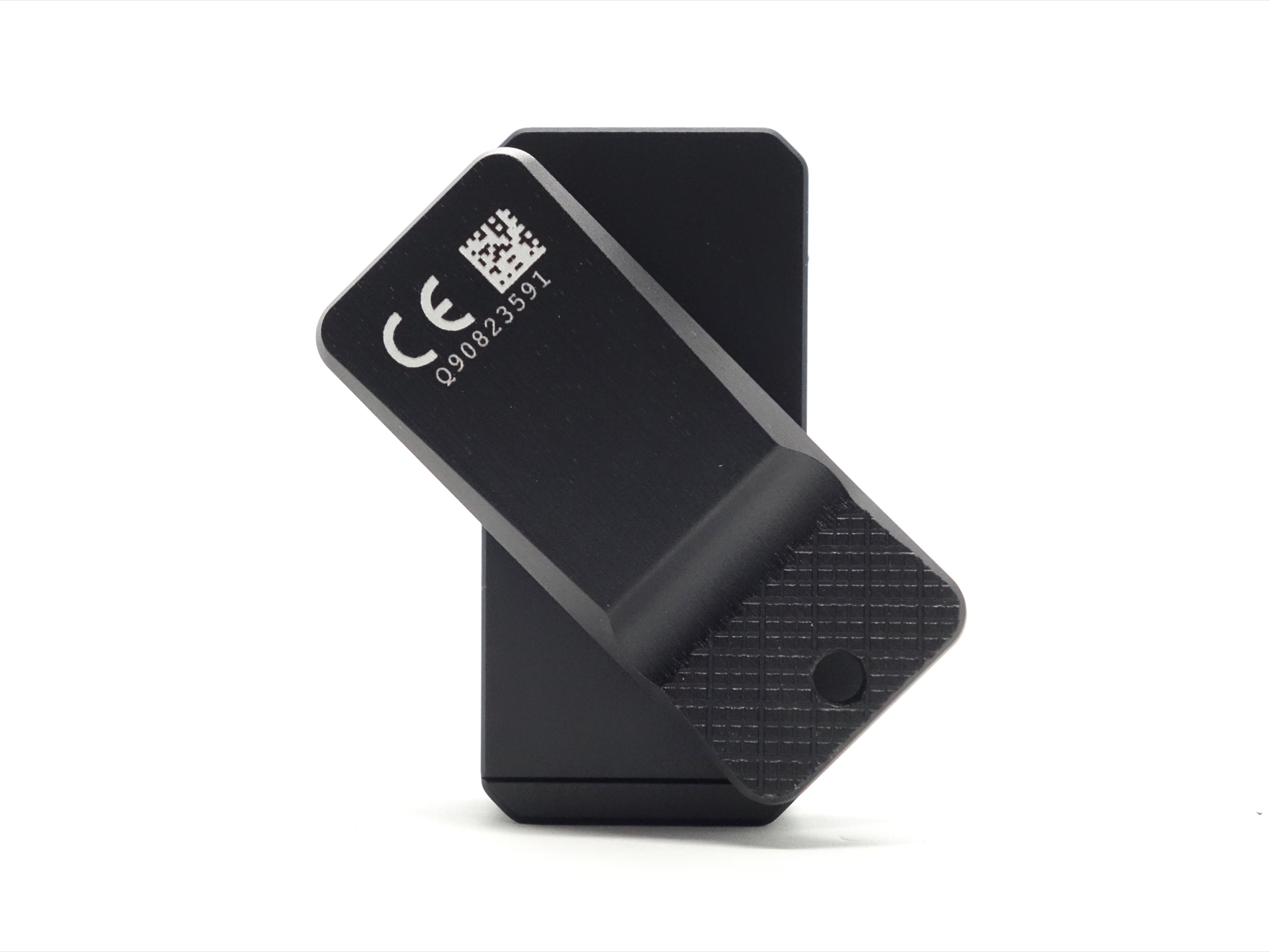
The head can tilt up and down.
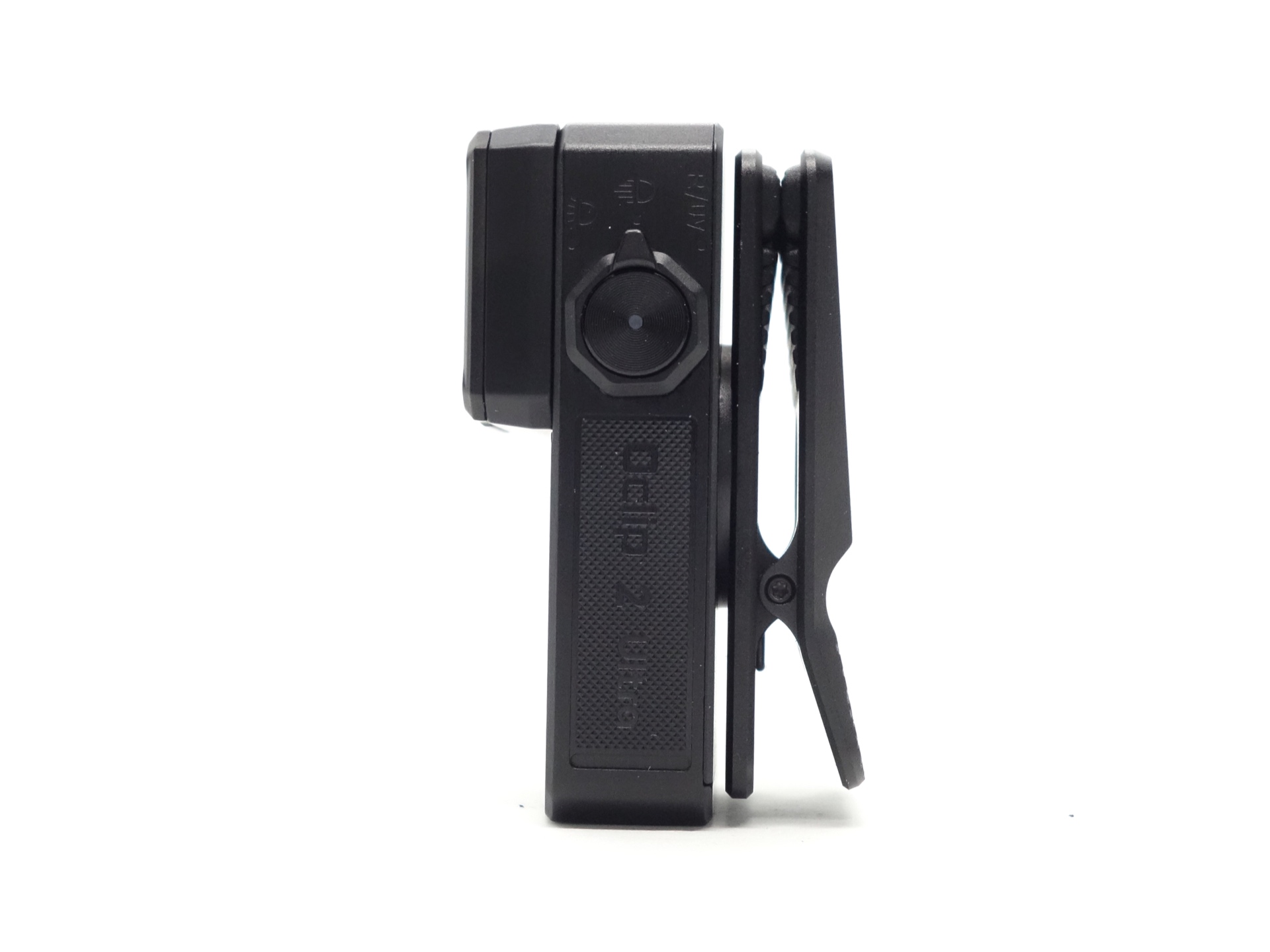
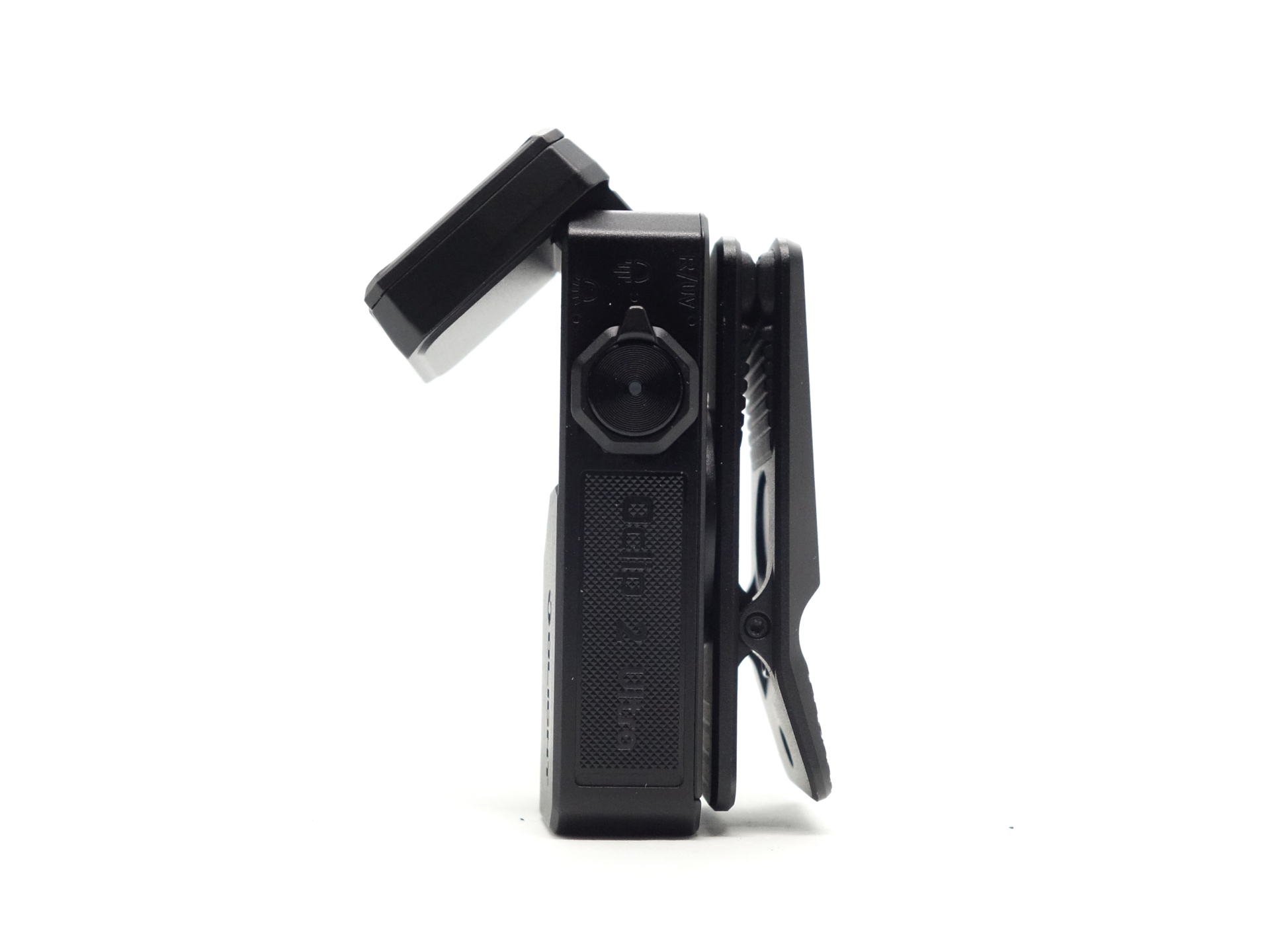
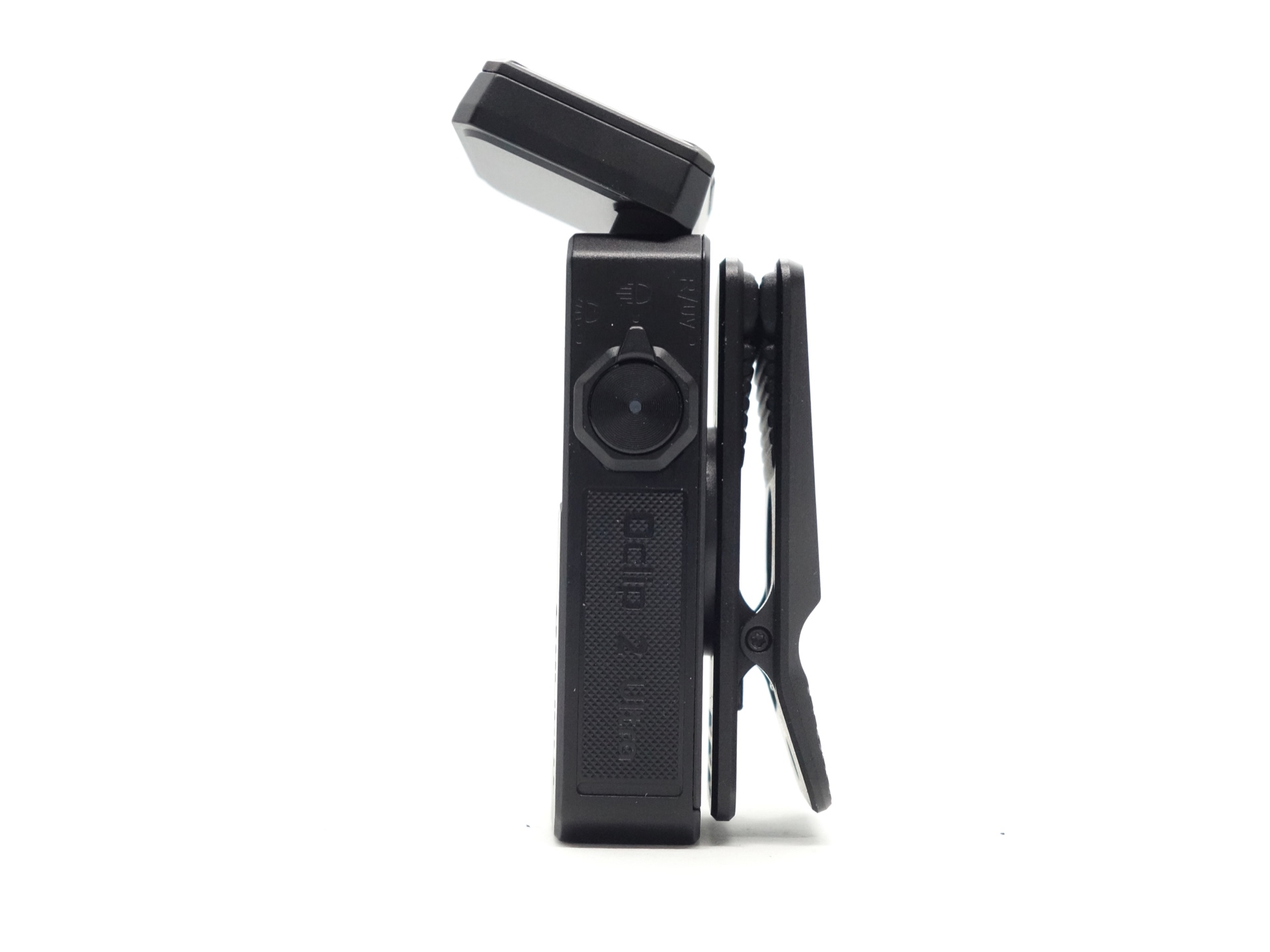
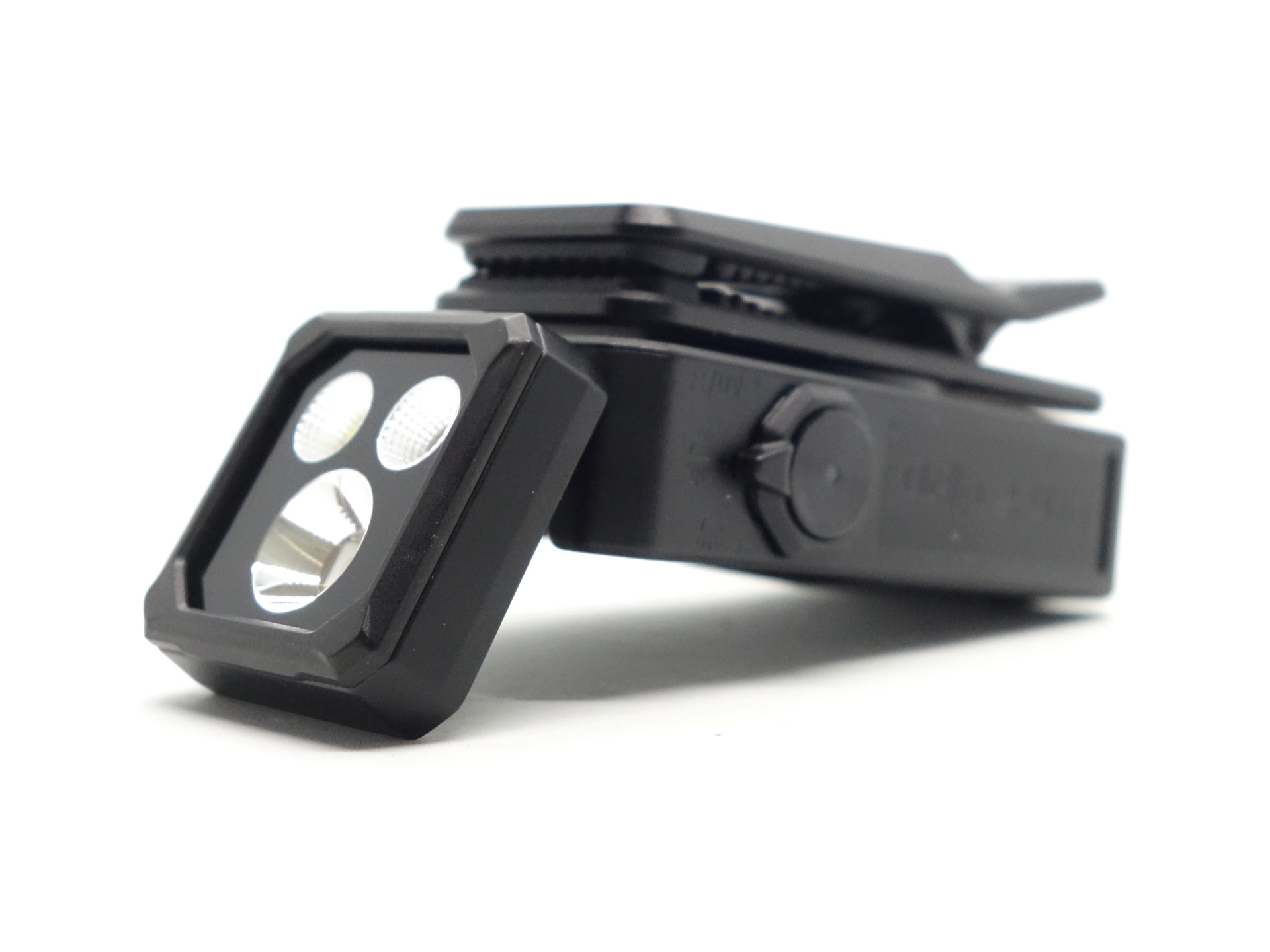
There is a magnet in the tail for magnetic charging and there is a magnet in the clip.
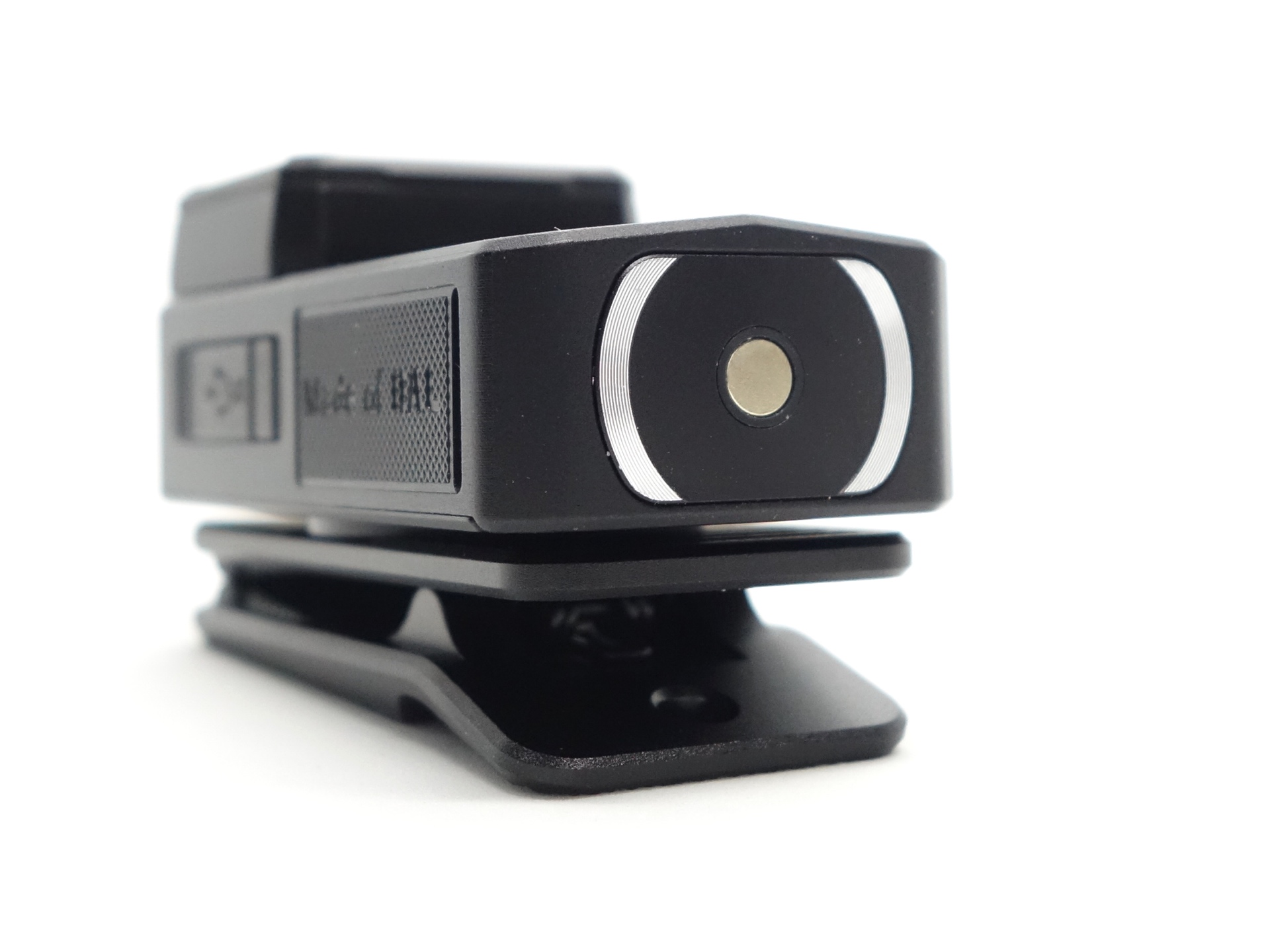
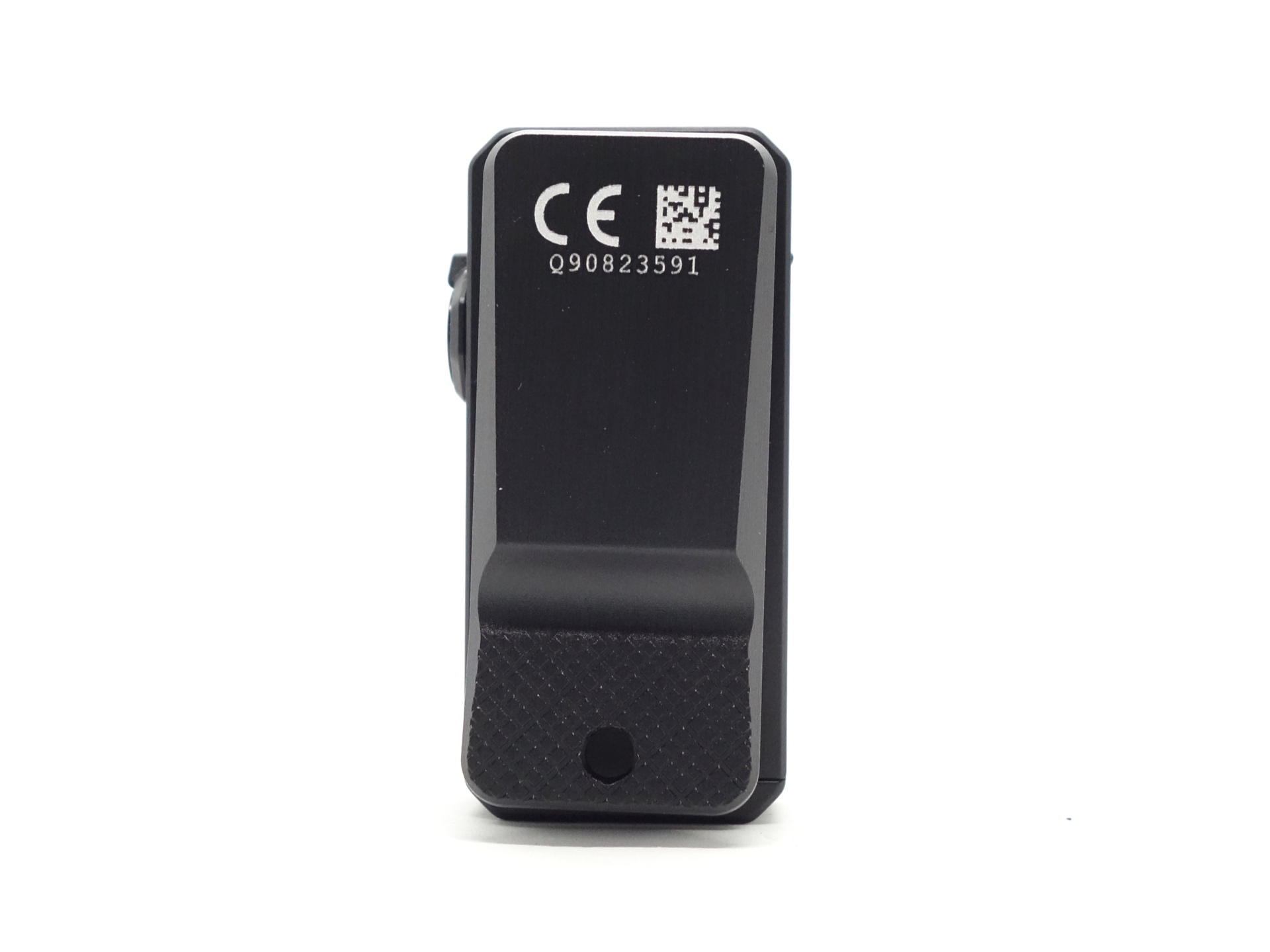
The torch can tail stand. And there is a hole in the clip that could be used for a lanyard (not included) or a strap to prevent it from falling off and becoming lost.
Build quality#
The Olight Oclip 2 Ultra has a body made of Olight Aluminium (OAL) with an Onyx Black finish. The clip is made of AL6061-T6 aluminium.
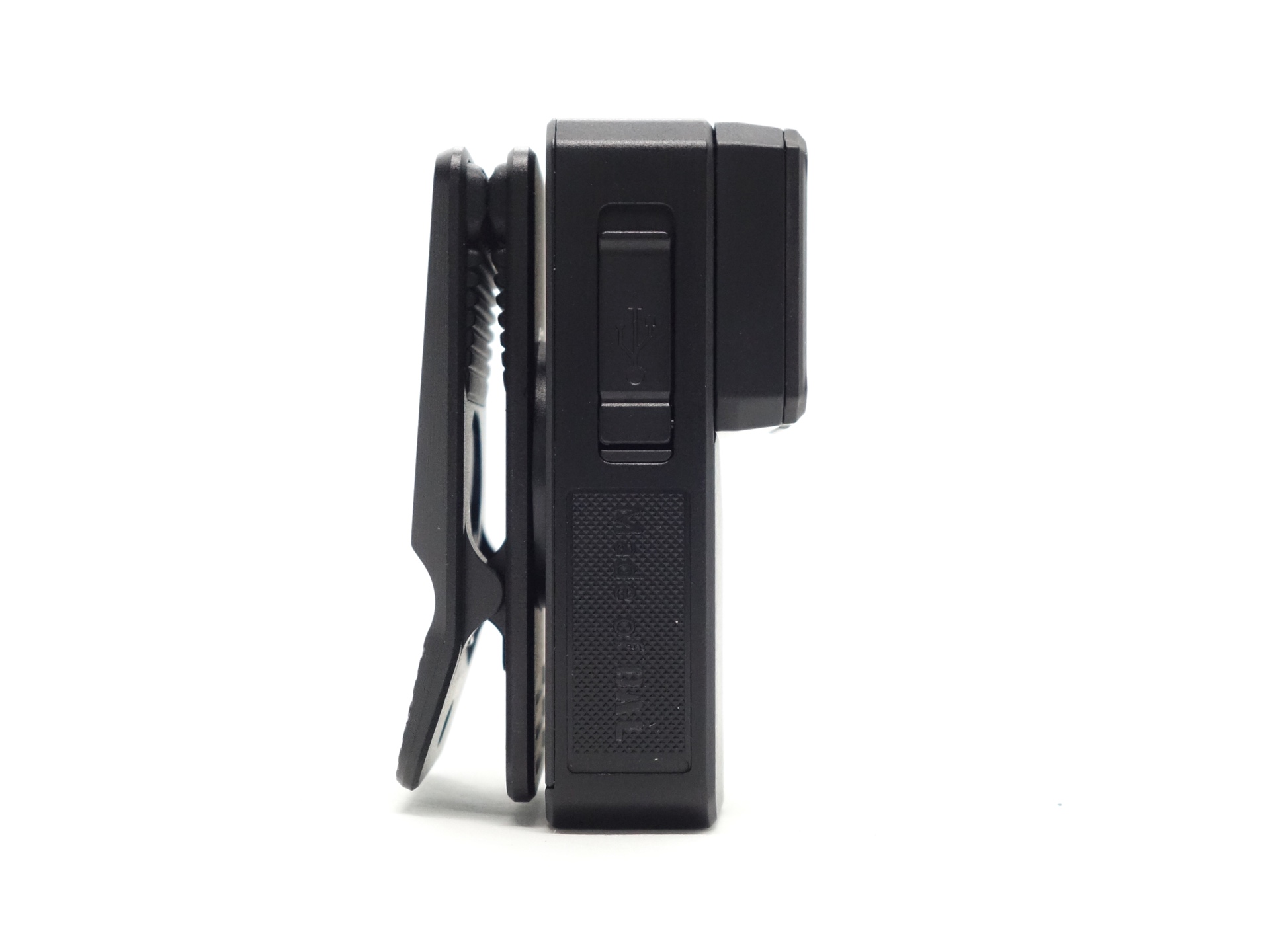
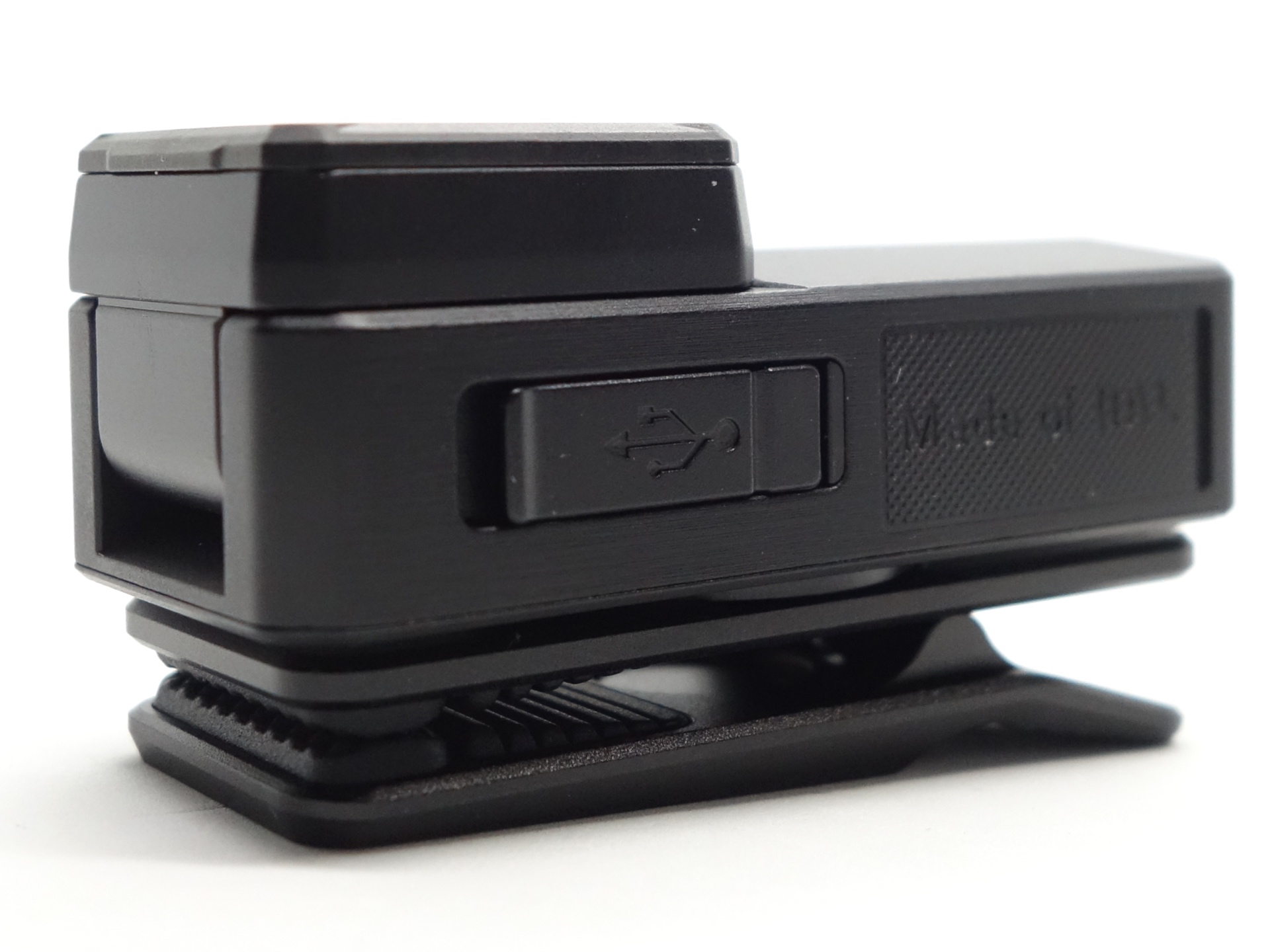
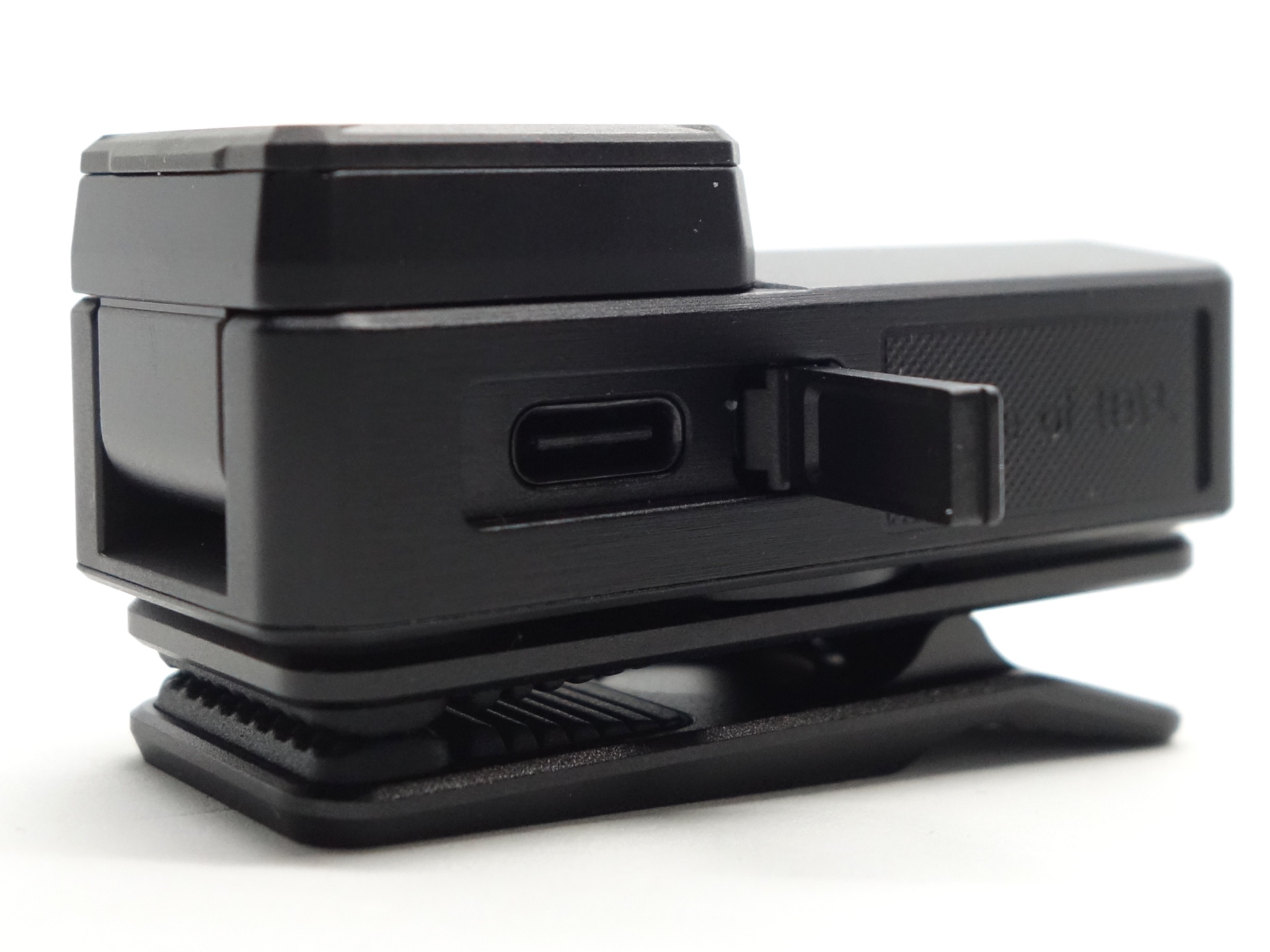
The metal USB-C cover is awesome. It opens wide to fit both small and large USB-C plugs. The little nail-nick (or lift) is a nice touch. It makes opening the USB-C cover easy.
The clip has rubber teeth to form a fairly secure grip. However, the torch has fallen off my backpack twice in the past few weeks while commuting to and from work. It would be even better if the teeth were deeper or if metal was used instead of rubber.
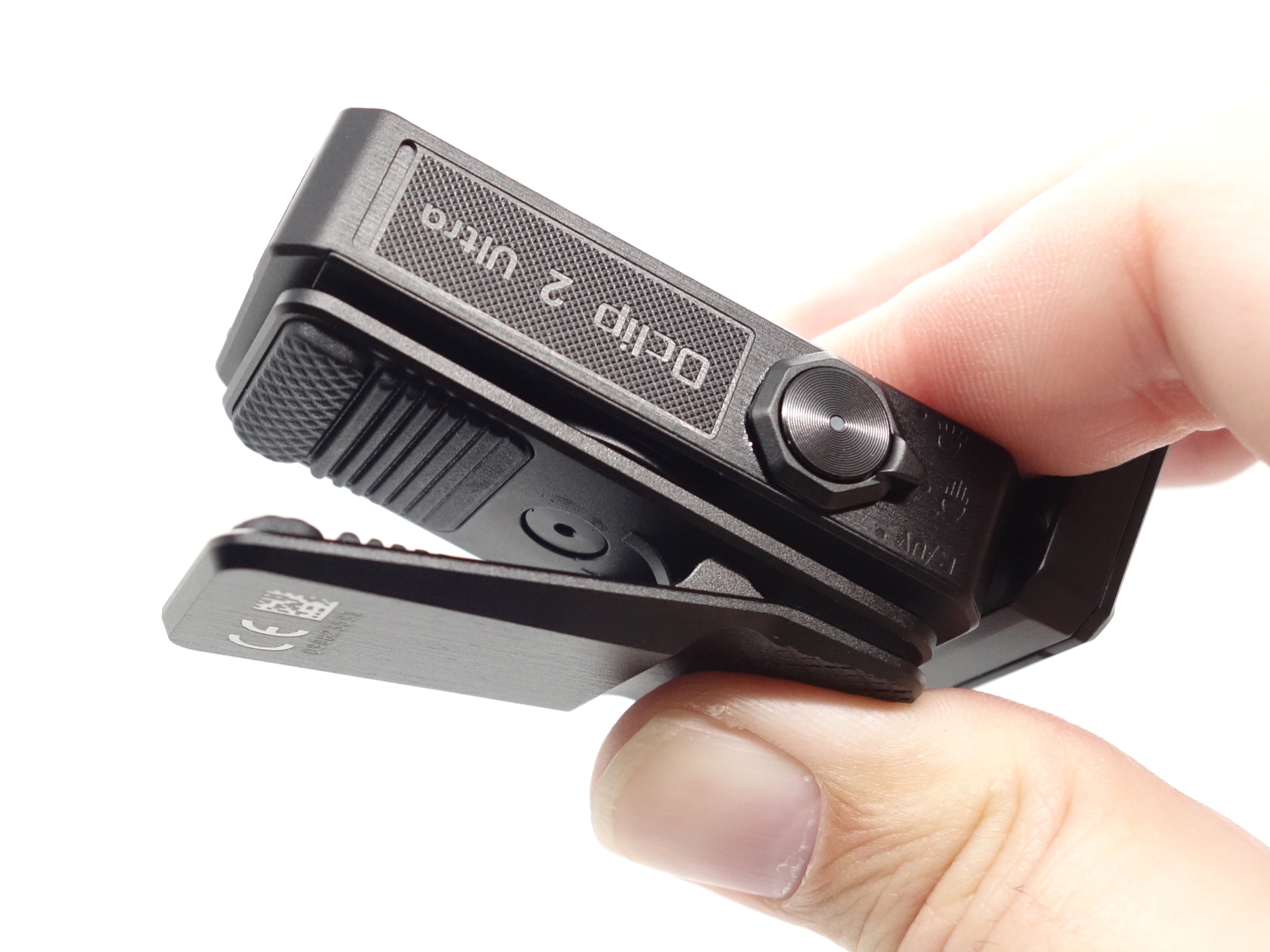
The hinge allows fine adjustments to be performed until the head is tilted about 1cm away from a closed position. After that point it snaps closed.
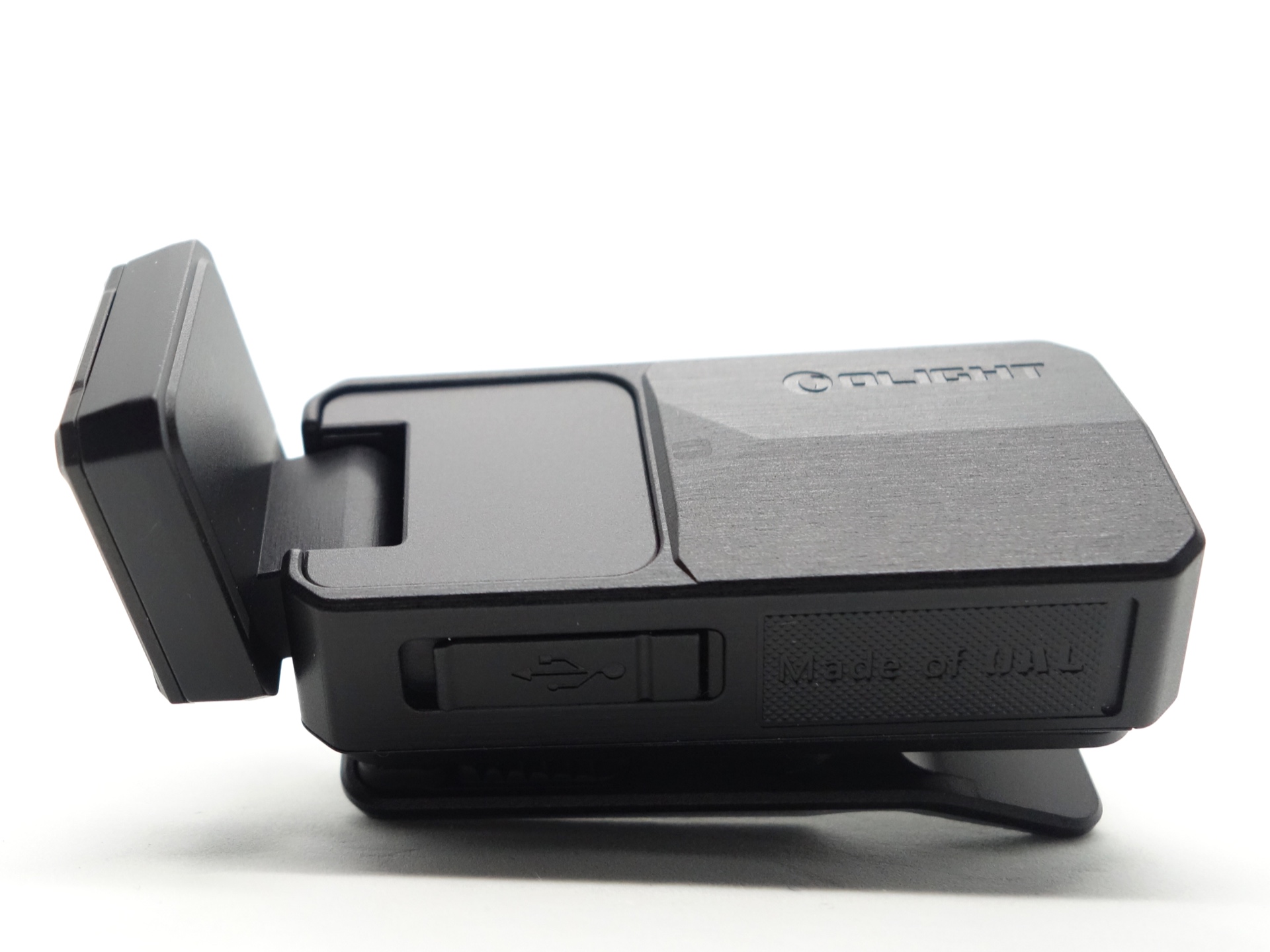
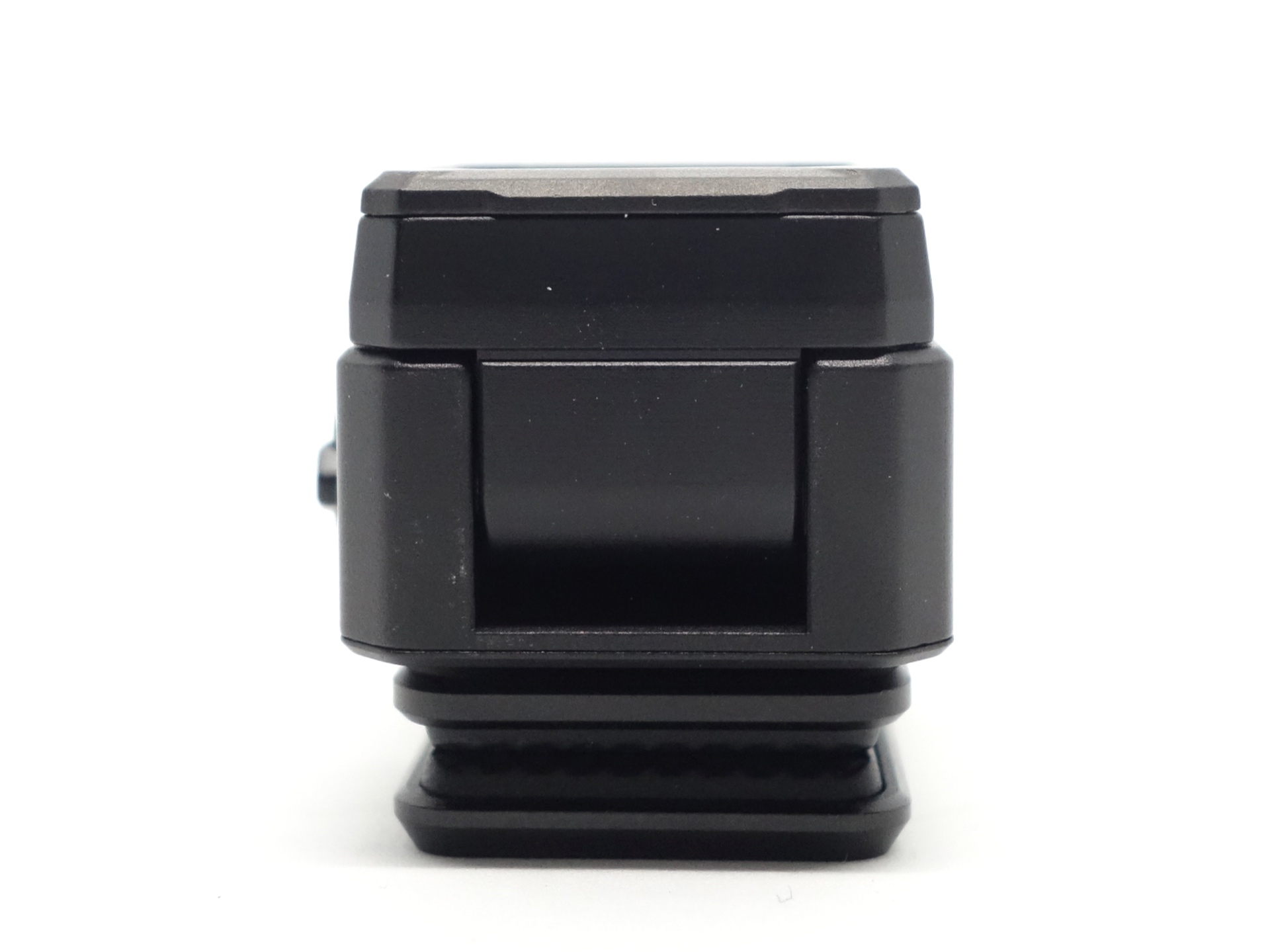
Overall, the build quality is excellent.
LED, bezel, lens and reflector#
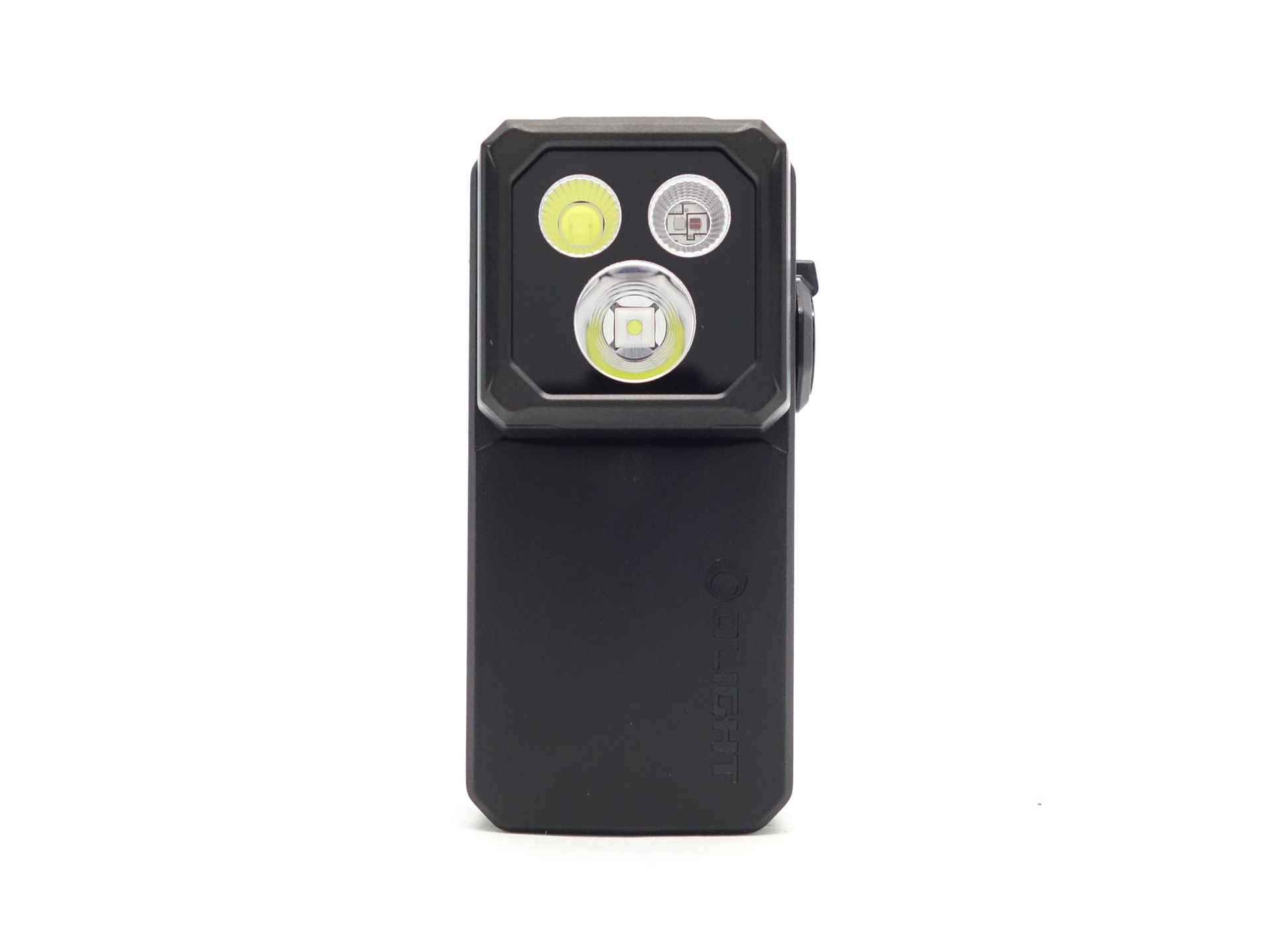
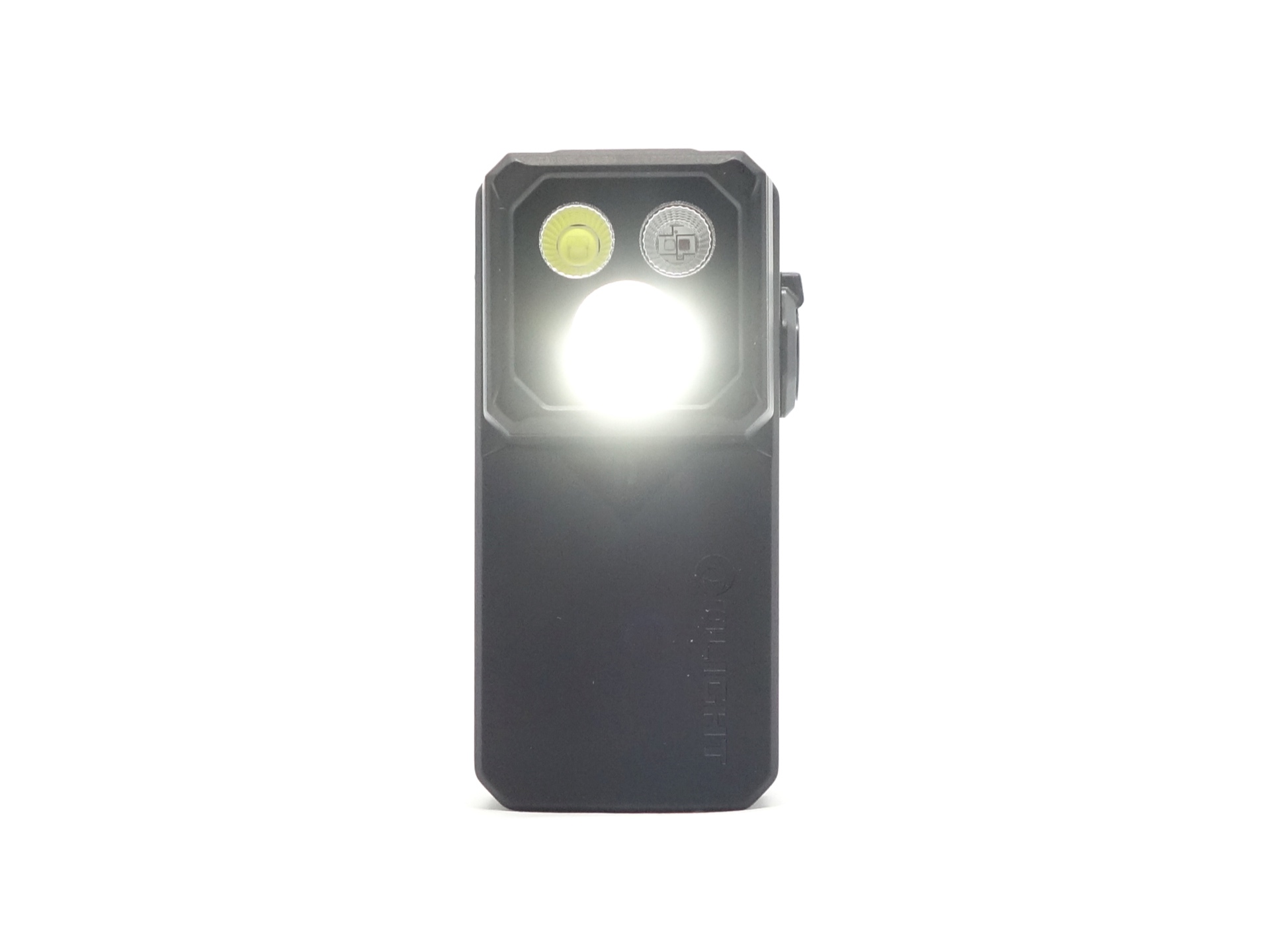
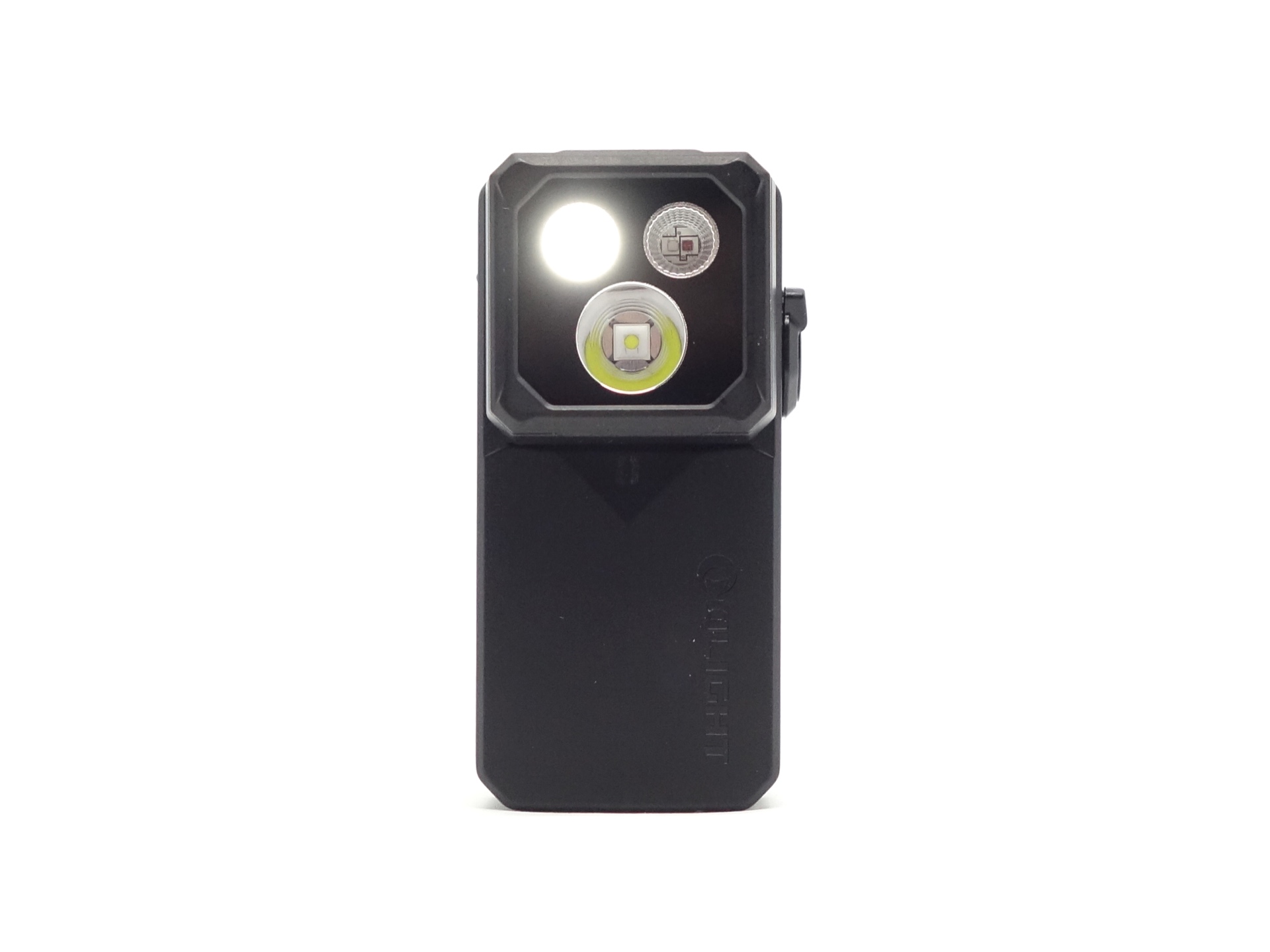
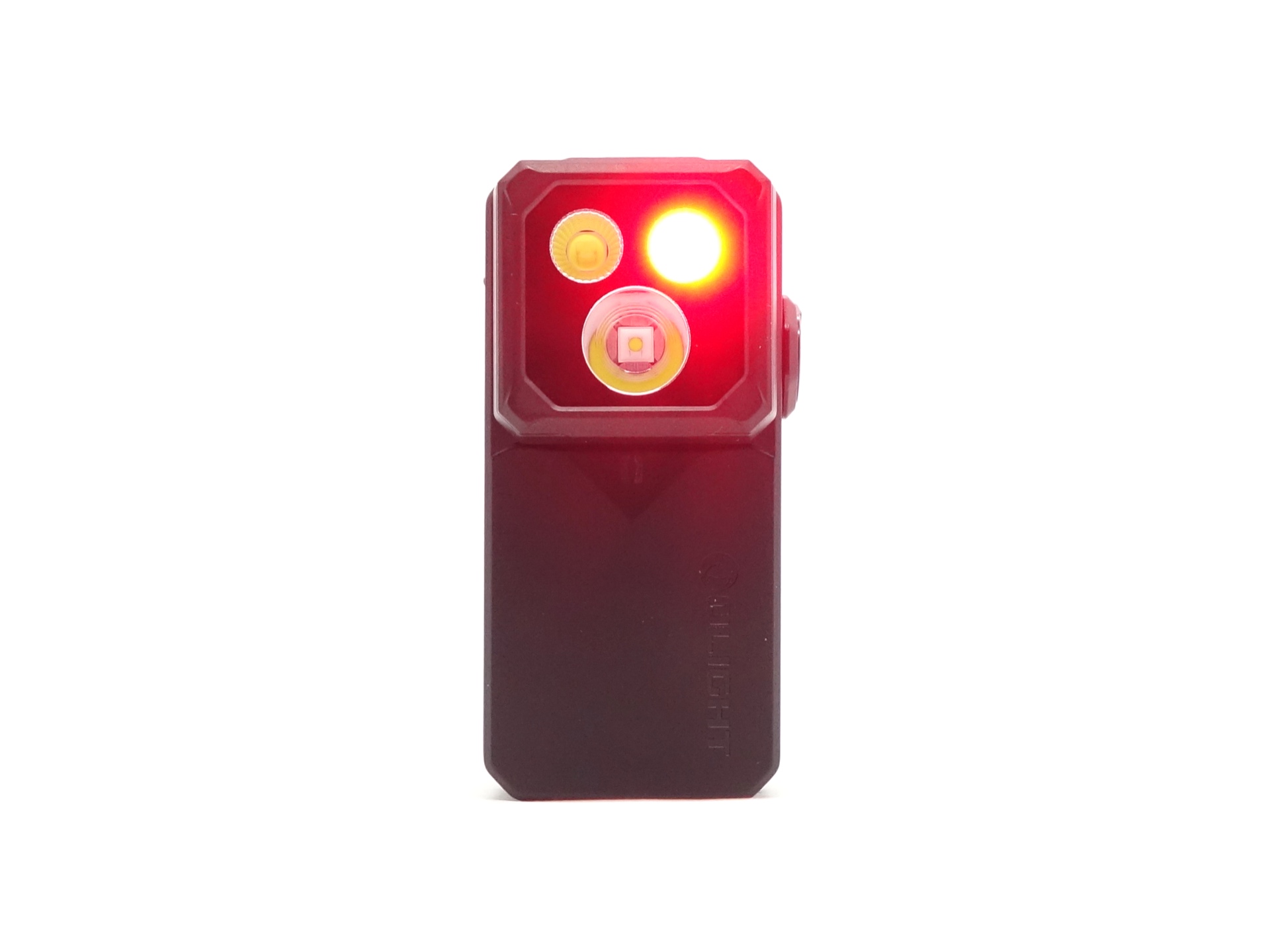
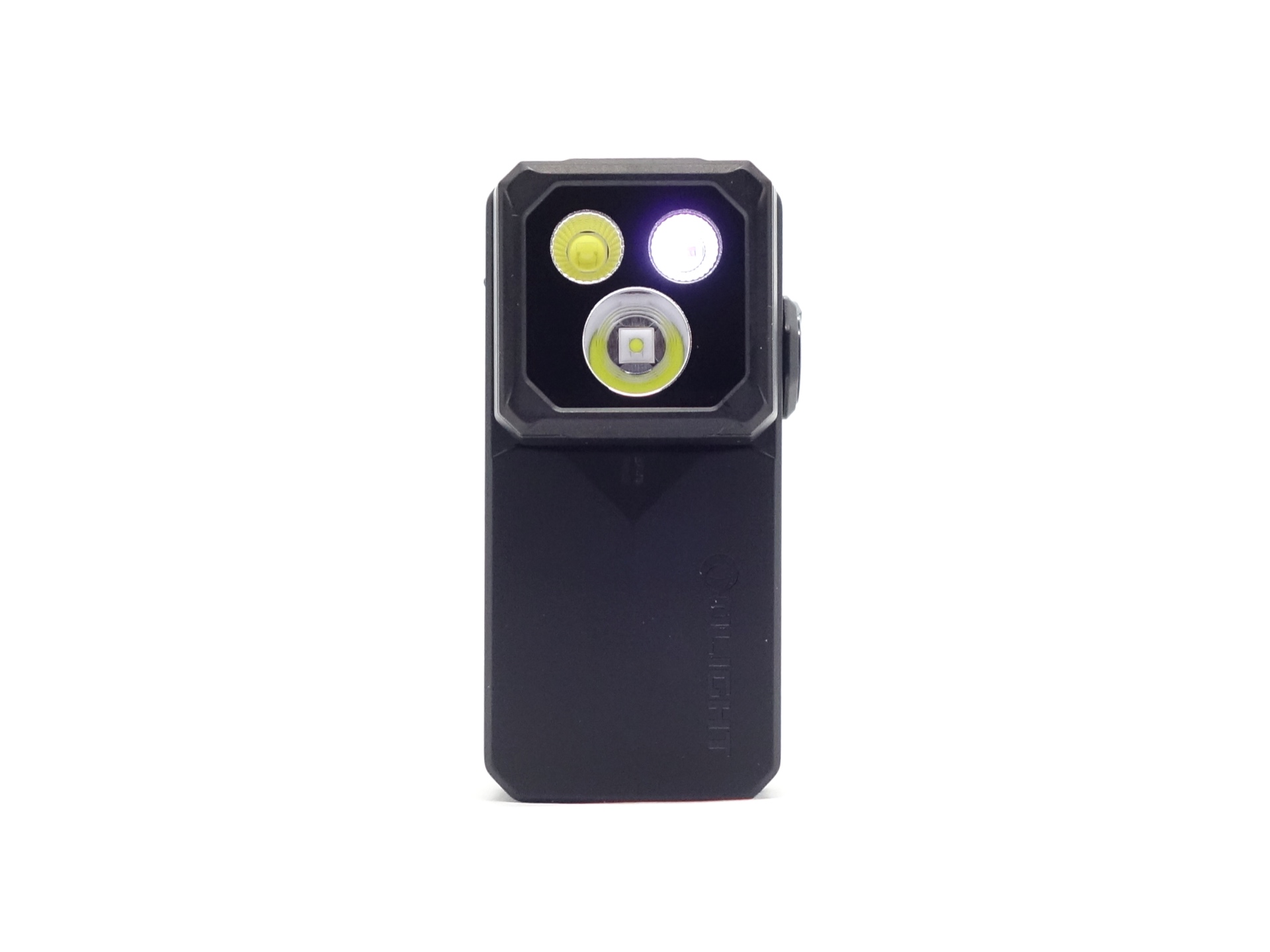
There is a glass lens with an anti-reflective coating held down by a square bezel.
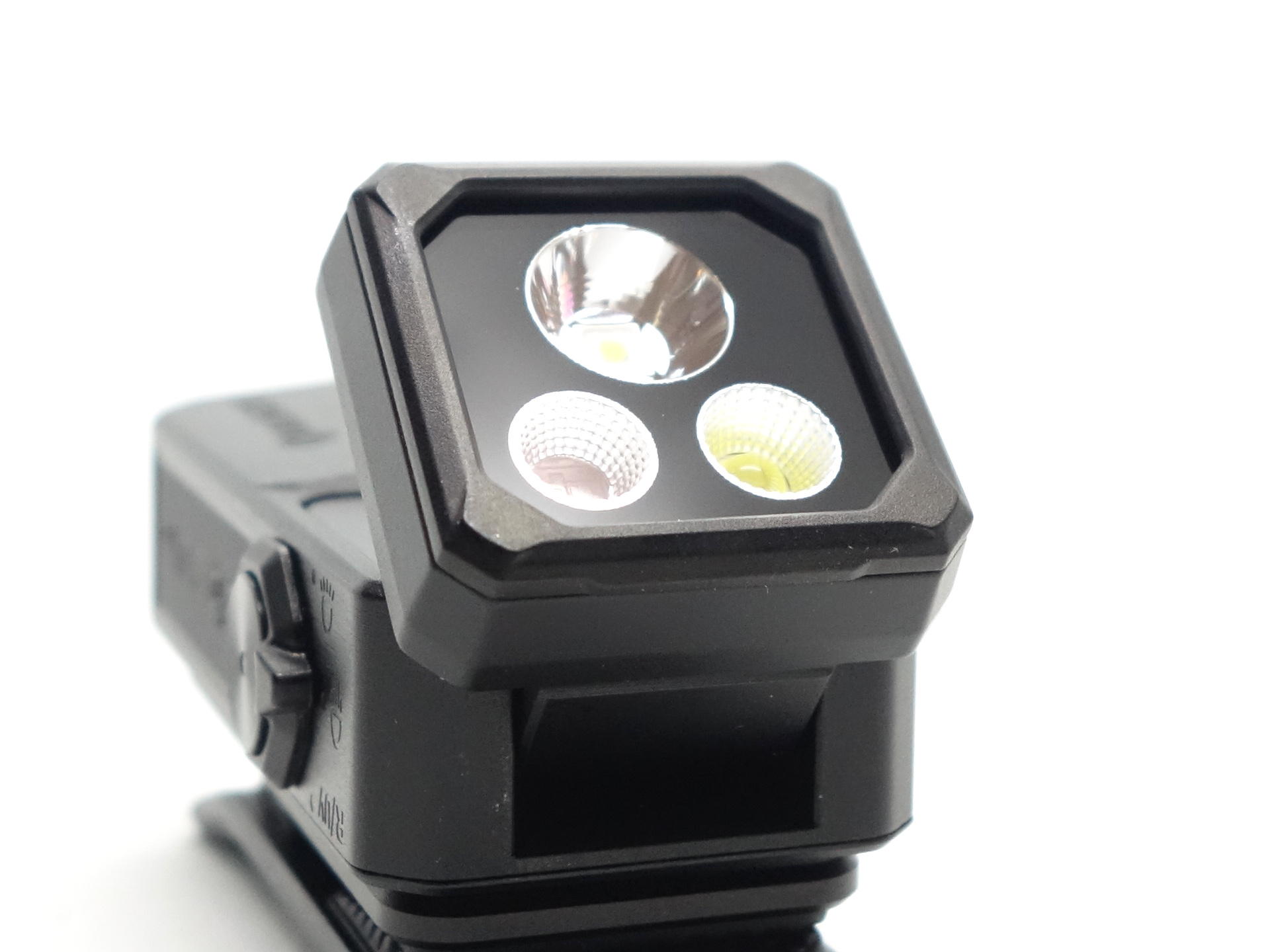
The Spotlight has a smooth reflector.
Pure Flood, Red and UV each have what looks like an orange-peel reflector.
CCT, CRI, and duv#
I have taken Correlated Colour Temperature (CCT) and Colour Rendering Index (CRI, RA of R1-R8) measurements with the torch positioned half a metre away from an Opple Light Master Pro III (G3).
The CCT is around 5600K, the CRI is around 62 and the Delta u, v is positive (green) for Spotlight.
The beam produced by the Spotlight has an intense white hotspot surrounded by a dull spill. The spill is mostly circular but the bottom part is cut off due to the bezel getting in the way of the beam.
The CCT is around 5943K, the CRI is around 67 and the Delta u, v is positive (green) for Pure Flood.
The beam produced by the Floodlight has is very floody. It has a big pillow shape.
I wish that Olight would make lights where the beam is not cut off by the bezel. The head could be a rectangle shape instead of a square so that it can fit the LEDs more easily. It could have two Pure Flood lights, a Spotlight with a slightly larger reflector, an individual UV light with a ZWB2 filter, and an individual red light.
| LED | Mode | CCT (K) | CRI (Ra) | x | y | Duv |
|---|---|---|---|---|---|---|
| Spotlight | Low | 5412 | 60.7 | 0.3350 | 0.3743 | 0.0150 |
| Spotlight | Medium | 5518 | 61.8 | 0.3320 | 0.3679 | 0.0133 |
| Spotlight | High | 5695 | 63.4 | 0.3276 | 0.3591 | 0.0111 |
| Spotlight | Turbo | 5807 | 64.7 | 0.3251 | 0.3535 | 0.0095 |
| Pure Flood | Low | 5811 | 67.0 | 0.3251 | 0.3515 | 0.0085 |
| Pure Flood | Medium | 5934 | 67.4 | 0.3224 | 0.3482 | 0.0082 |
| Pure Flood | High | 5995 | 67.7 | 0.3212 | 0.3462 | 0.0077 |
| Pure Flood | Turbo | 6035 | 68.1 | 0.3204 | 0.3446 | 0.0073 |
Calculate Duv from CIE 1931 xy coordinates
Dimensions and size comparison#
Dimensions#
I took the following measurements using a digital caliper.
| Measurement | Unit (mm) |
|---|---|
| Height | 60 |
| Width | 30.75 |
| Depth | 32.65 |
Weight#
I took the following measurements using a digital scale.
| Weight | Unit (g) |
|---|---|
| Torch | 80.63 |
Size comparison with its competition#
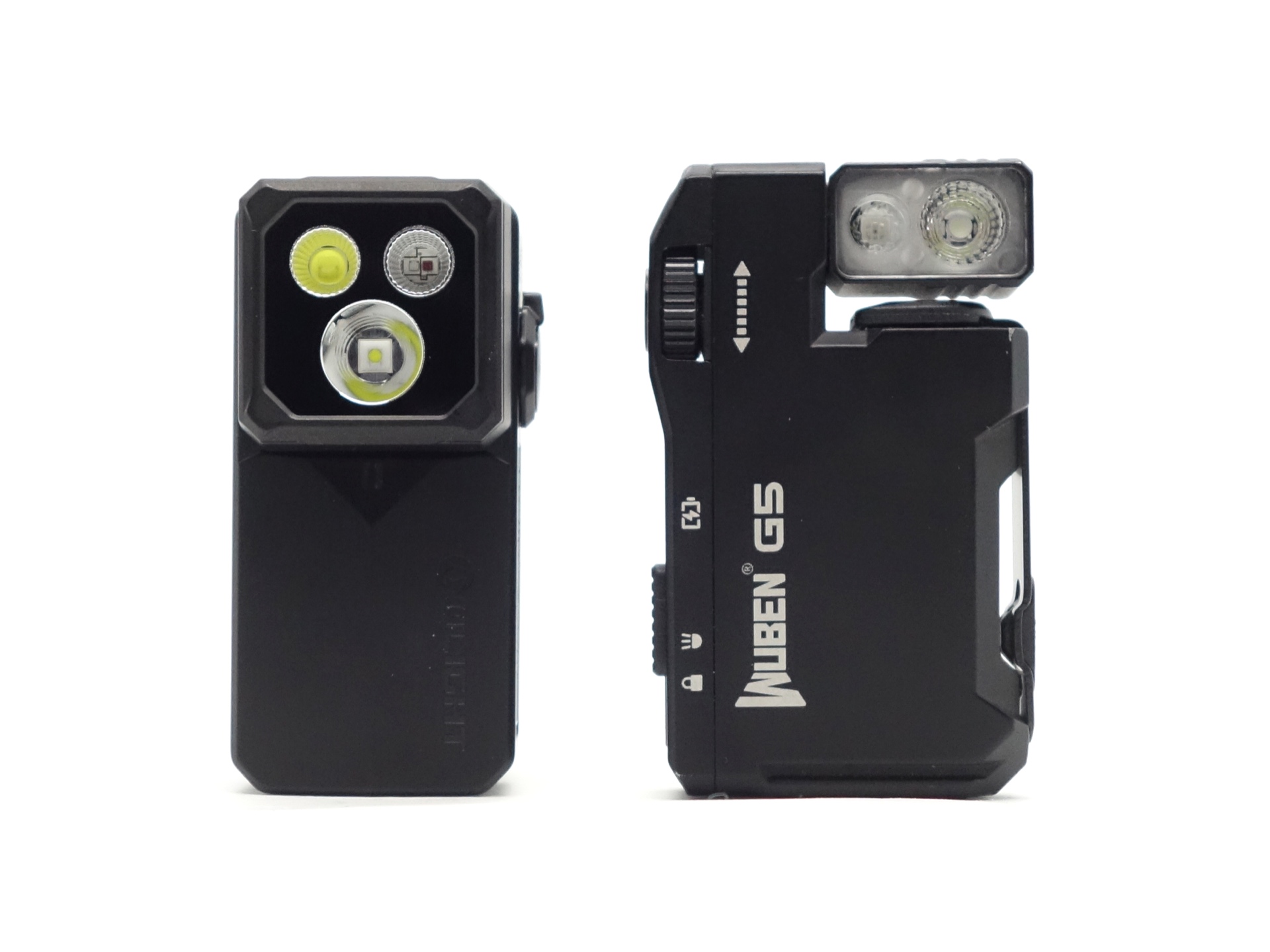
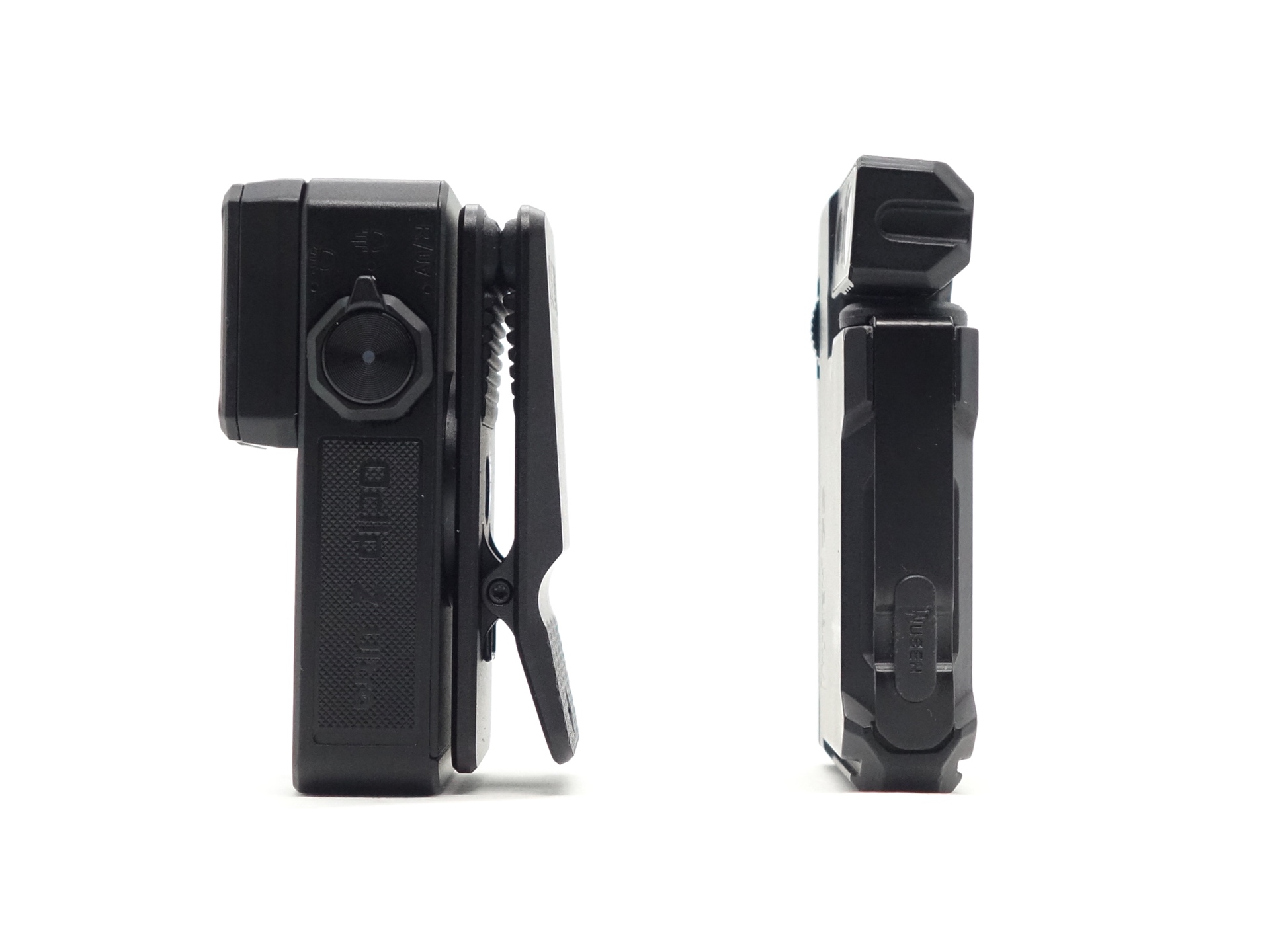
From left to right: Olight Oclip 2 Ultra, Wuben G5
User interface#
The Olight Oclip 2 Ultra can be controlled with: a button and a rotary switch.
The rotary switch can select:
- Pure Flood
- Spotlight
- Red/UV
There are three levels (Low, Medium, High) in the main group for Pure White and Spotlight. And there are shortcuts to Moonlight, Turbo, Strobe and Beacon.
There are two levels (Low, High) for the Red Light. And one Red Flash blinky mode.
There are two levels (Low, High) for the UV Light.
Pure Flood and Spotlight Modes#
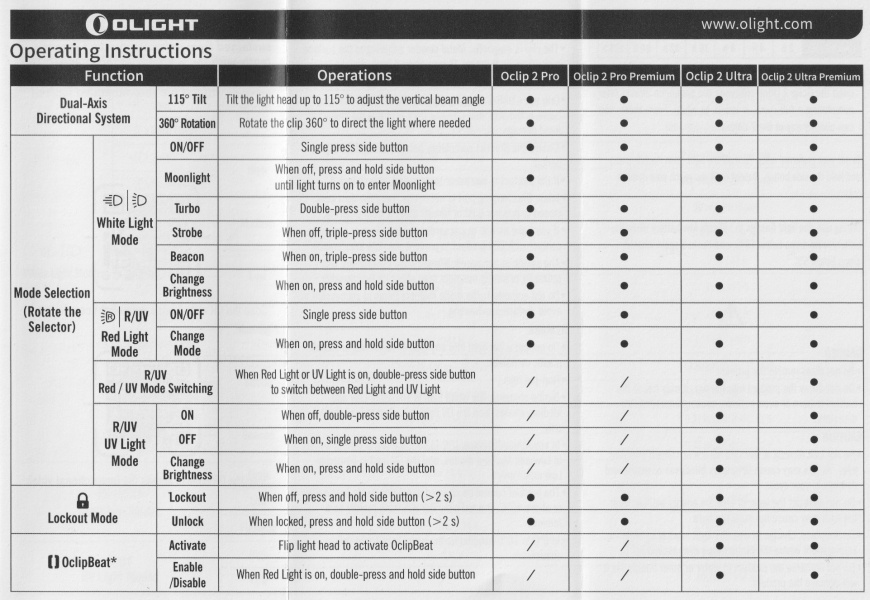
| State | Action | Result |
|---|---|---|
| Off | Press and hold for 1 to 2 seconds | Moonlight |
| Off | Click | On (mode memory) |
| Any | Double click | Turbo |
| Off | Triple click | Strobe |
| On | Press and hold | Cycle (Low, Medium, High) |
| On | Click | Off |
| On | Triple click | Beacon |
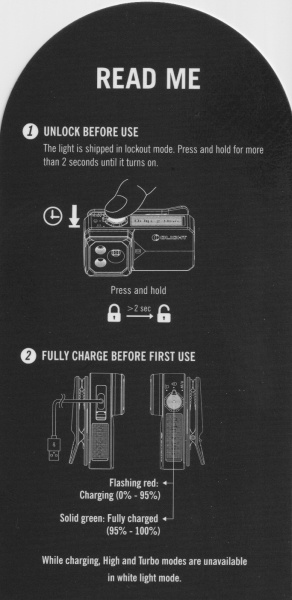
| Off | Press and hold for > 2 seconds | Lockout |
| Lockout | Press and hold for > 2 seconds | Unlock |
Red Light Mode#
| State | Action | Result |
|---|---|---|
| Off | Press and hold for 1 to 2 seconds | Low |
| Off | Click | On (memory) |
| Off | Double click | UV Light (Low) |
| On | Press and hold | Cycle (Low, High, Red Flash) |
| On | Click, release, press and hold with the head tilted | Toggle OclipBeat On/Off |
| On | Click | Off |
| On | Double click | UV Light (Low) |
| Off | Press and hold for > 2 seconds | Lockout |
| Lockout | Press and hold for > 2 seconds | Unlock |
UV Light Mode#
| State | Action | Result |
|---|---|---|
| On | Press and hold | Cycle (Low, High) |
| On | Click | Off |
| On | Double click | Red Light (memory) |
OclipBeat#
Tilt the head to activate OclipBeat.
Mode memory#
There is mode memory for Pure Flood, Spotlight and Red Light.
Pure Flood and Spotlight:
Moonlight, Low, Medium and High are memorised when the torch is turned off and on.
If the last used mode was Turbo then it will drop to High when the torch is turned on.
After charging the torch, the mode will drop to Medium if the last used mode was High.
Red Light:
Low, High or Red Flash are memorised.
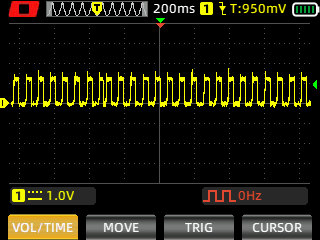
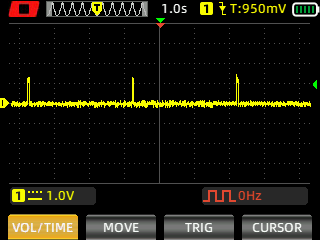
Strobe#
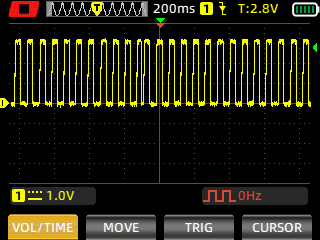
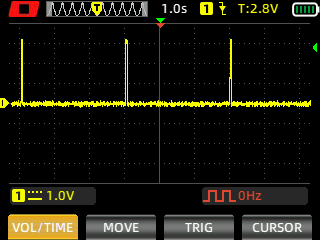
Strobe has a constant frequency.
Spotlight (Strobe, Beacon)
Floodlight (Strobe, Beacon)
Red Light (Flash)
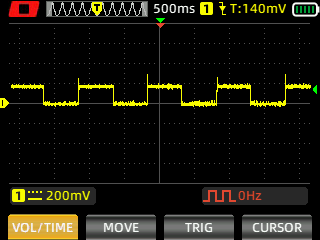
I measured Strobe and Beacon with a Zoyi ZT-706S oscilloscope using High Speed mode.
Battery level indicator#
There is a battery status indicator in the button.
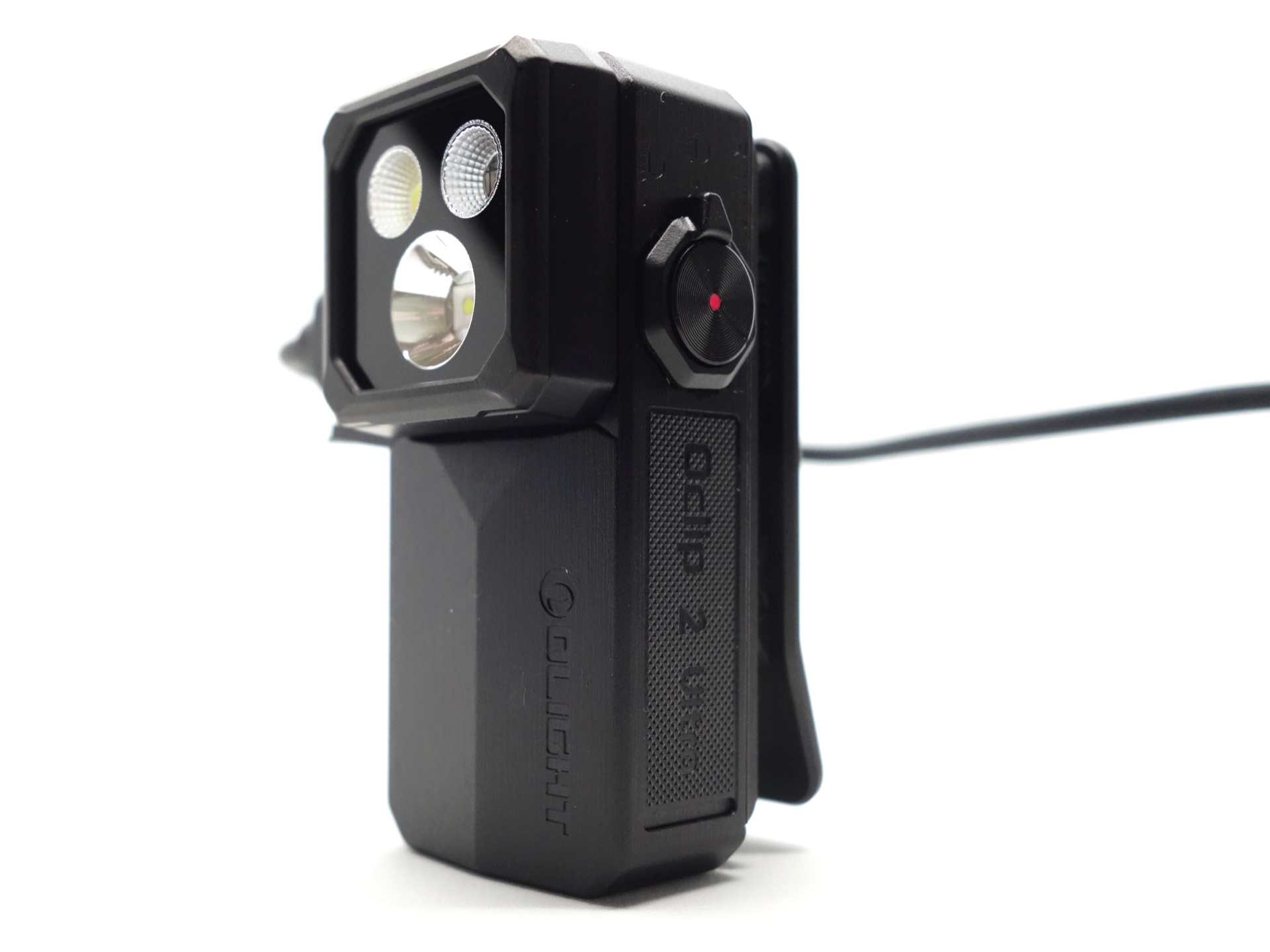
The light will flash to indicate that the battery has dropped below 10%. It will flash again when it drops below 5%.
Pulse Width Modulation#
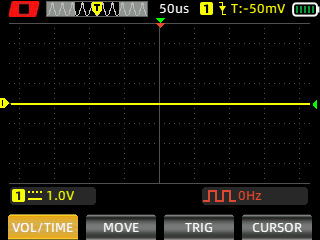
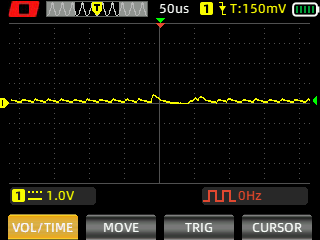
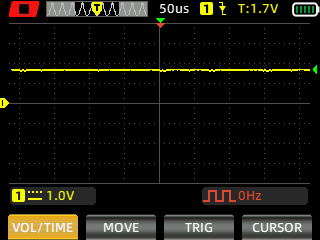
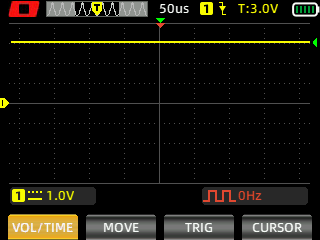
I did not notice any visible PWM (flickering).
Spotlight (Moonlight, Low, Medium, High, Turbo)
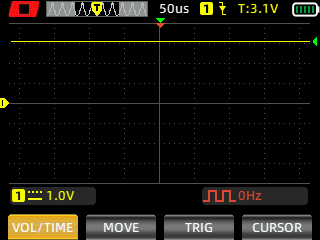
Pure Flood (Moonlight, Low, Medium, High, Turbo)
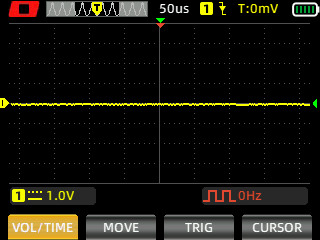
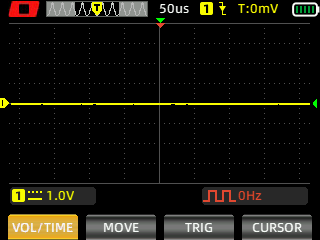
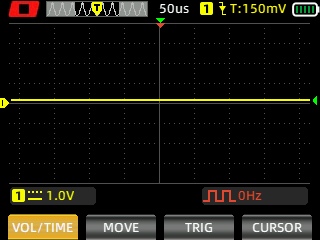
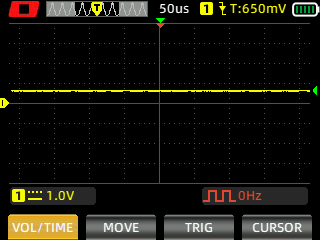
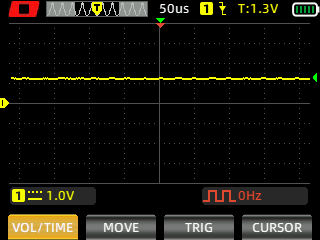
I measured the PWM of the light with a Zoyi ZT-706S oscilloscope.
What I like about the UI#
- Shortcut to Moonlight from off.
- Shortcut to Turbo from off.
- Shortcut to Strobe from off.
- The user interface is similar to the Arkfeld/ArkPro series (e.g. Olight ArkPro Ultra).
What could be improved#
- Split up the Red and UV lights and add a fourth LED and a fourth position for the rotary switch. I love the rotary switch and button due to the simplicity. But having a combined Red/UV light and a sequence of button presses makes the user interface less intuitive and more complicated.
- The OclipBeat controls via the Red light sub-menu with 1H to toggle it on/off is definitely not intuitive.
- When the battery is 0%, you cannot turn the light on. I am kind of stating the obvious. But it would be nice if you could squeeze a bit more juice out a light on Moonlight mode so that you are not left in total darkness.
Batteries and charging#
Battery#
The torch has a built-in 600mAh battery.
Charging#
The Olight Oclip 2 Ultra has USB-C charging and magnetic charging. A magnetic charging cable is not included.
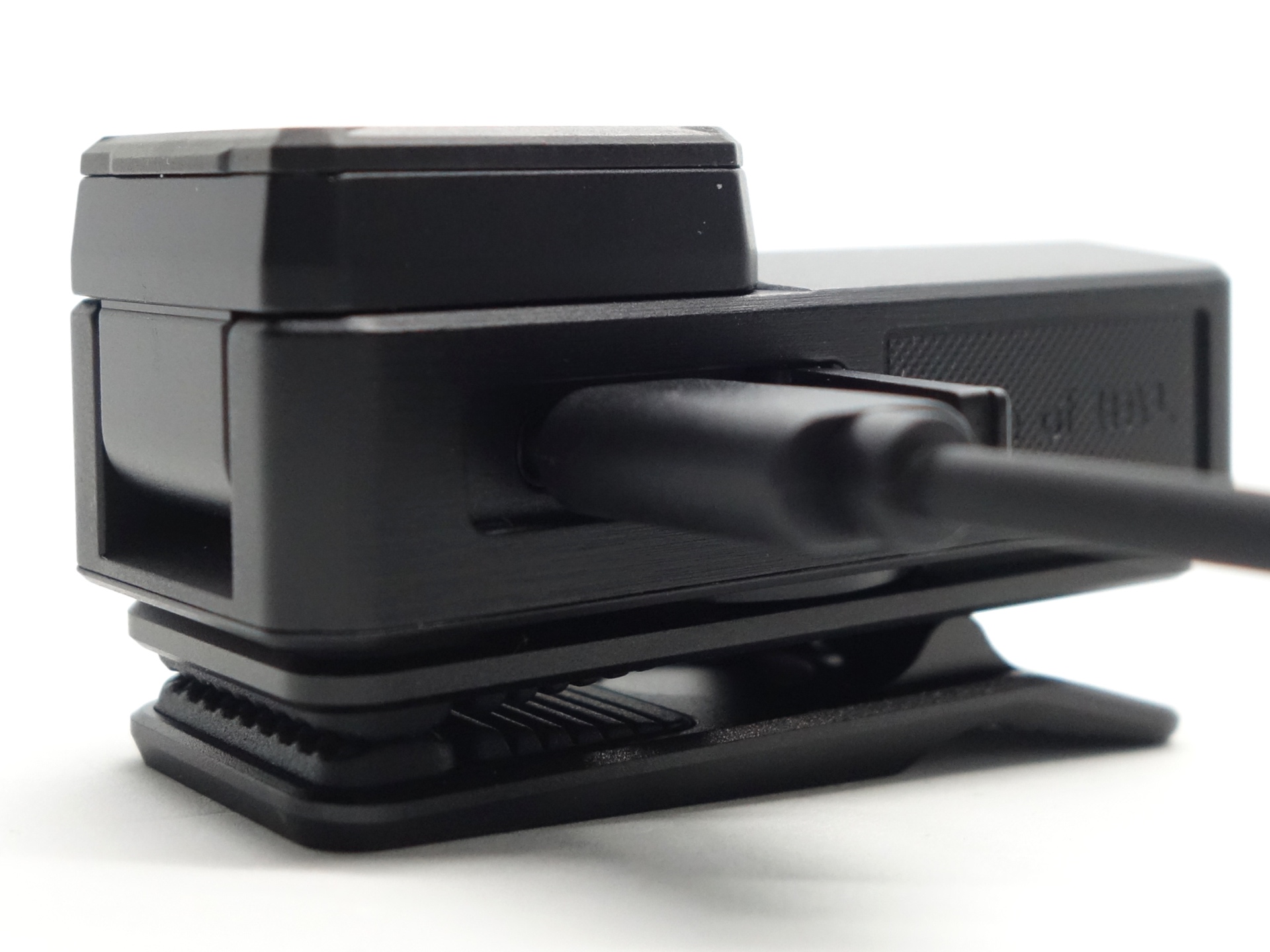
Power supply: PinePower Desktop USB-C
USB Meter: ChargerLAB Power-Z KM003C Amazon Australia
Room temperature: 20 C
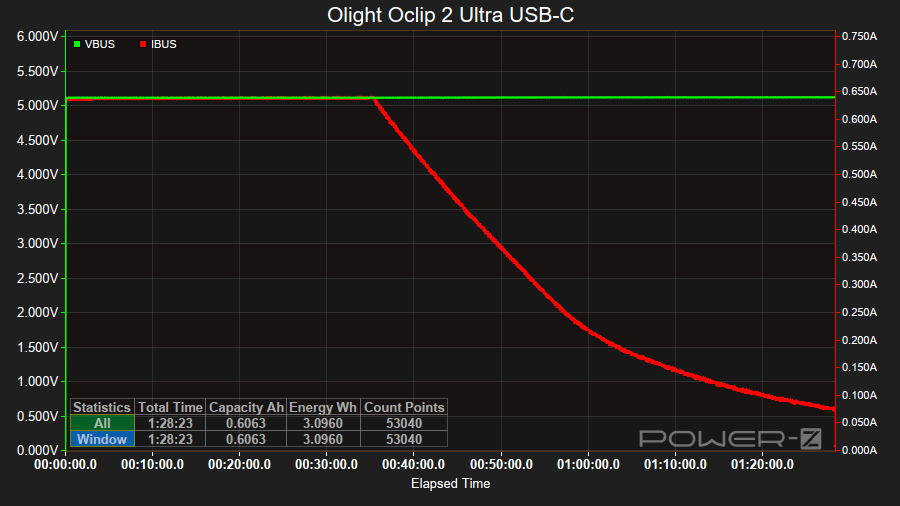
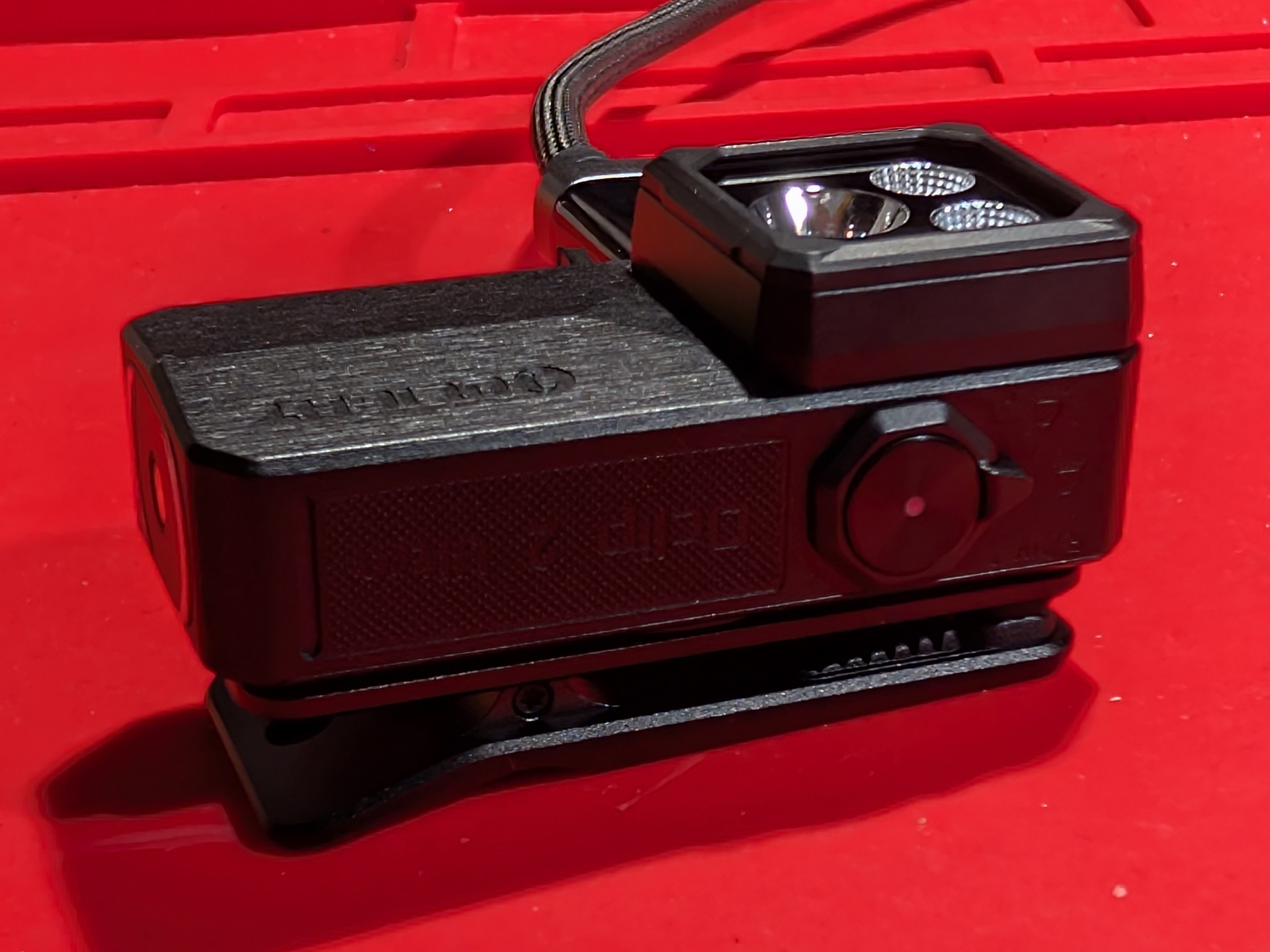
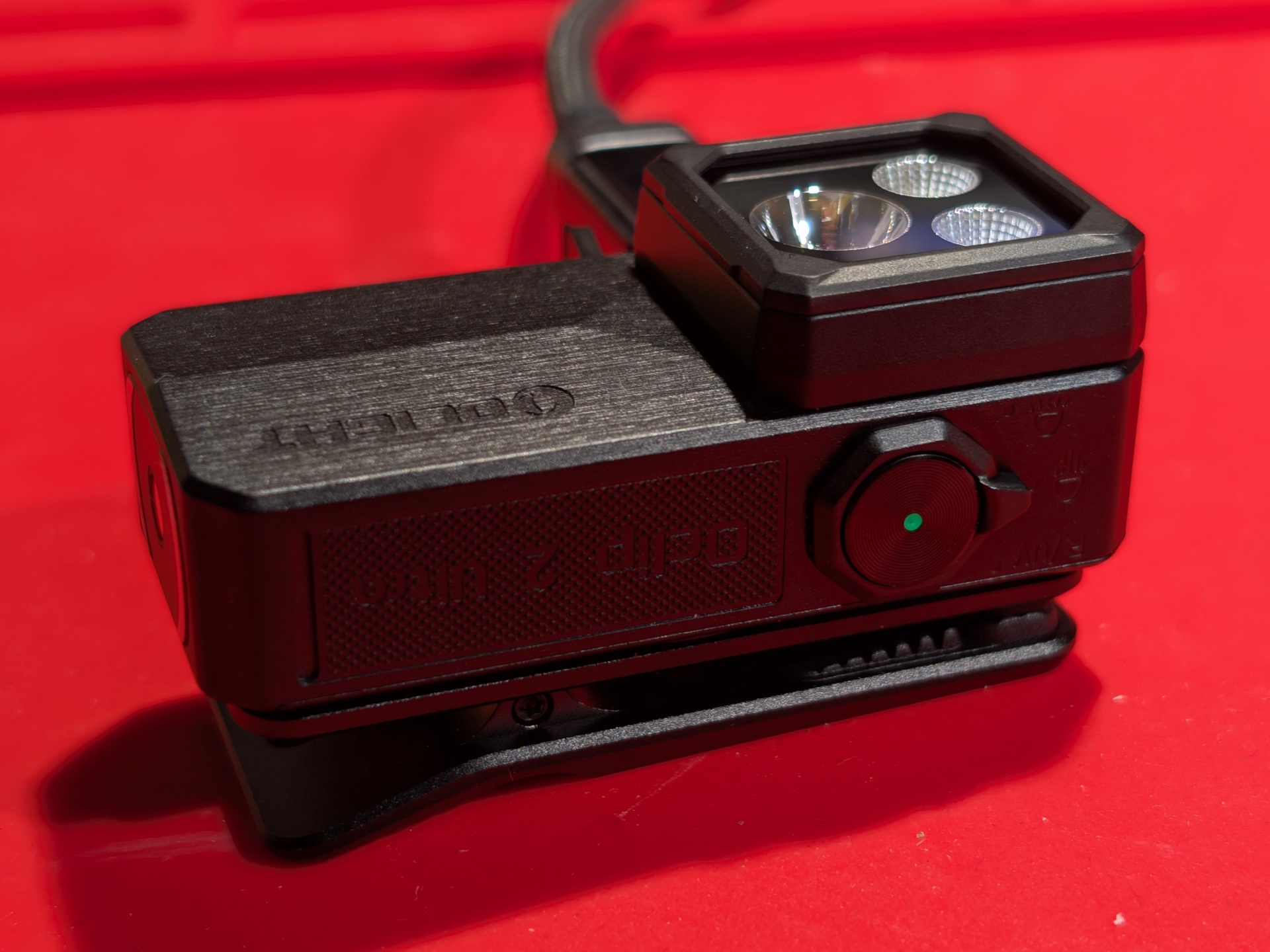
It took 1 hour 28 minutes to charge the torch at a rate of 5V/0.64A using USB-C.
The charging status indicator is red while charging and it becomes green when charging is complete.
Power supply compatibility#
I tried the following power supplies:
| Power supply | USB Type | Protocol | Does it charge? |
|---|---|---|---|
| PinePower Desktop | USB-C | PD | Yes |
| PinePower Desktop | USB-A | QC | Yes |
| PinePower Desktop | USB-A | Yes |
USB-C to USB-C charging works.
Performance#
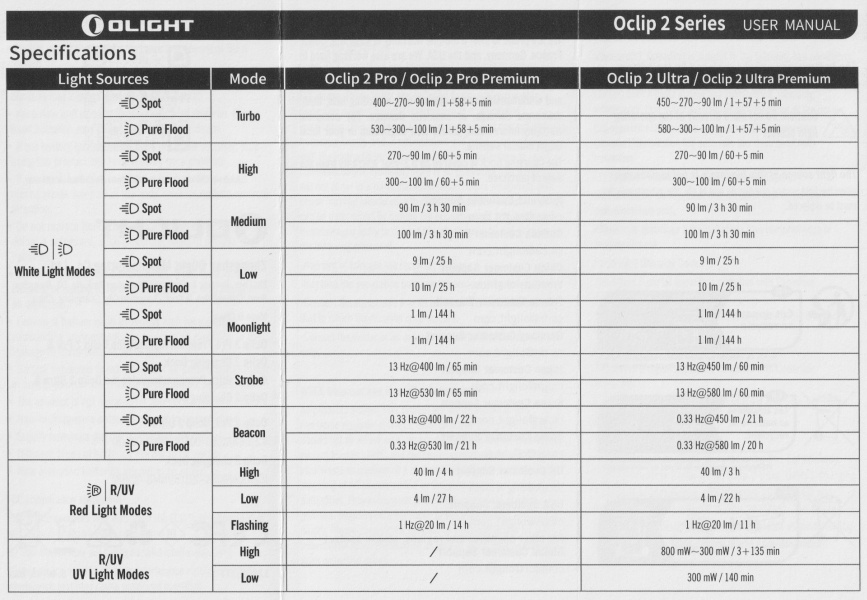
Specifications from the manual:
Pure Flood#
| Lumens | Runtime | |
|---|---|---|
| Turbo | 580 + 300 + 100 | 1 + 57 + 5 min |
| High | 300 + 100 | 60 + 5 min |
| Medium | 100 | 3 h 30 min |
| Low | 10 | 25 h |
| Moonlight | 1 | 144 h |
| Strobe | 13 Hz @ 580 | 60 min |
| Beacon | 0.33 Hz @ 580 | 20 h |
Spotlight#
| Lumens | Runtime | Throw | Candela | |
|---|---|---|---|---|
| Turbo | 450 + 270 + 90 | 1 + 57 + 5 min | 130 m | 4,225 cd |
| High | 270 + 90 | 60 + 5 min | ||
| Medium | 90 | 3 h 30 min | ||
| Low | 9 | 25 h | ||
| Moonlight | 1 | 144 h | ||
| Strobe | 13 Hz @ 450 | 60 min | ||
| Beacon | 0.33 Hz @ 450 | 20 h |
Red Light#
| Lumens | Runtime | |
|---|---|---|
| High | 40 | 3 h |
| Low | 4 | 22 h |
| Flashing | 1 Hz @ 20 | 14 h |
UV Light#
| Power | Runtime | Wavelength | |
|---|---|---|---|
| High | 800 + 300 mW | 3 + 135 min | 365 nm |
| Low | 300 mW | 140 min | 365 nm |
Lumen measurements#
| LED | Mode | Specs | Lumens @turn on | Lumens @30 sec | Lumens @10 min |
|---|---|---|---|---|---|
| Red | Low | 4 | 2.8 | 2.8 | 2.8 |
| Red | High | 40 | 32 | 31 | 31 |
| Pure Flood | Moonlight | 1 | |||
| Pure Flood | Low | 10 | 10 | 10 | 8 |
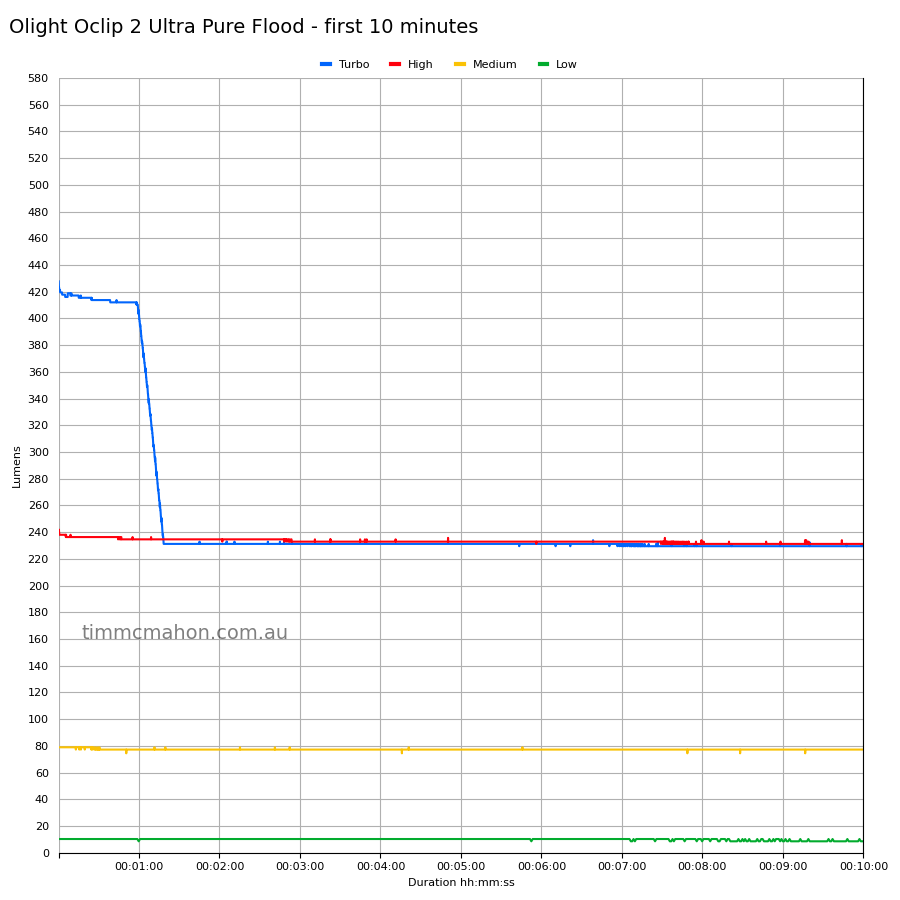
| Pure Flood | Medium | 100 | 78 | 77 | 77 |
| Pure Flood | High | 300 + 100 | 242 | 236 | 231 |
| Pure Flood | Turbo | 580 + 300 + 100 | 428 | 413 | 229 |
| Spot | Moonlight | 1 | |||
| Spot | Low | 9 | 8 | 8 | 8 |
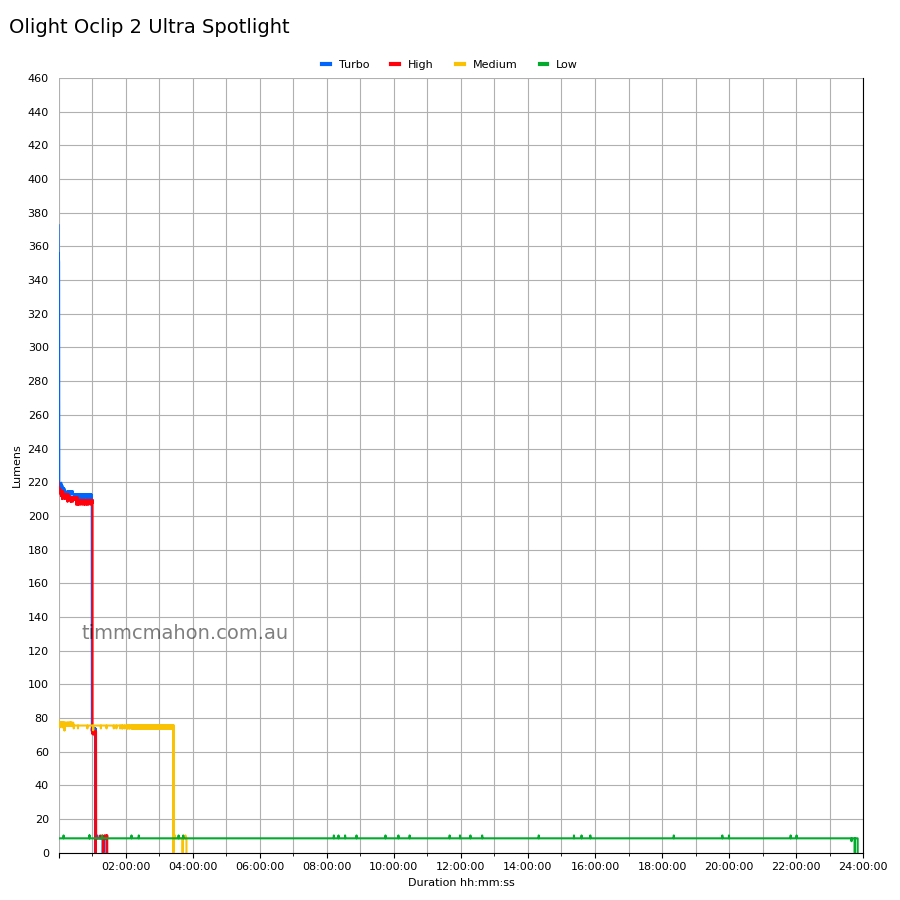
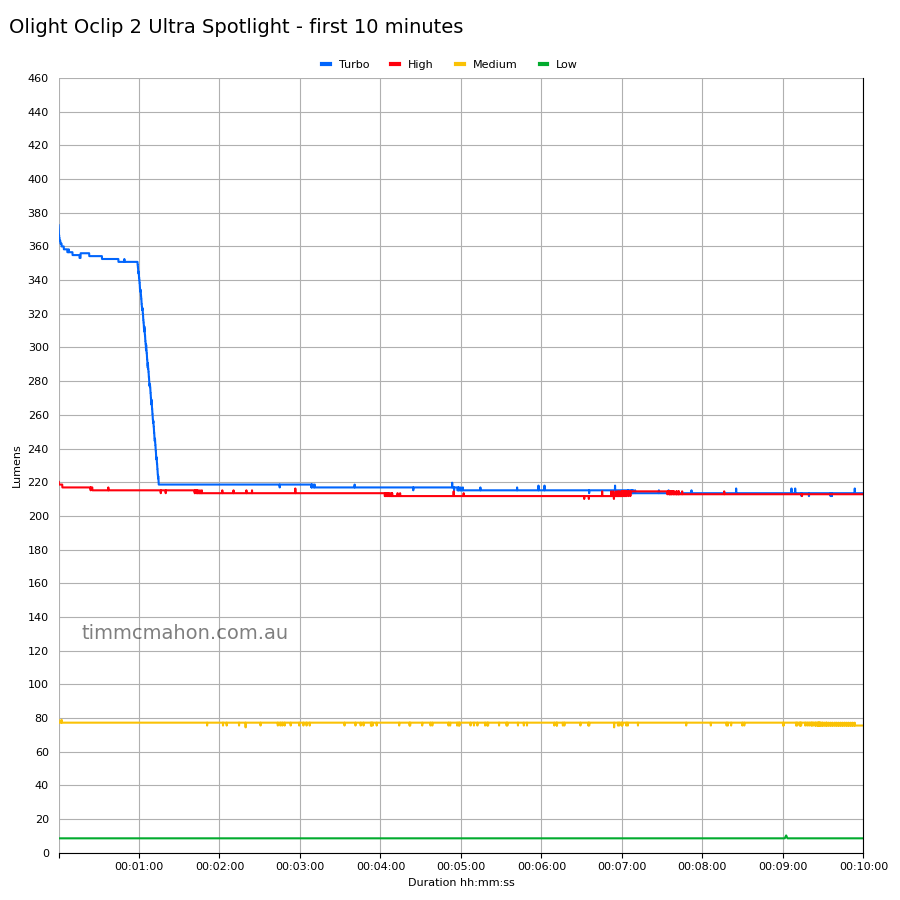
| Spot | Medium | 90 | 78 | 77 | 75 |
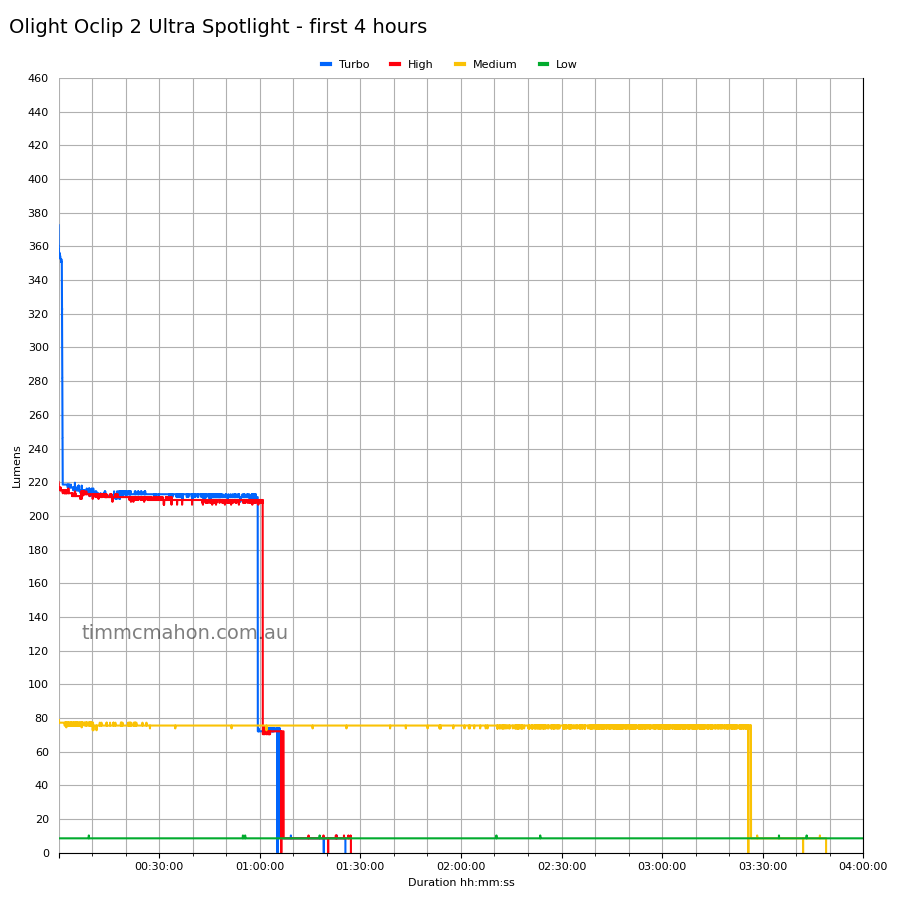
| Spot | High | 270 + 90 | 220 | 215 | 212 |
| Spot | Turbo | 450 + 270 + 90 | 372 | 354 | 213 |
The lumen output is slightly lower than expected. You could take my results with a grain of salt or spoon of sugar.
Note: Lumen measurements may be off by 10% with my DIY lumen tube.
Runtime graphs#
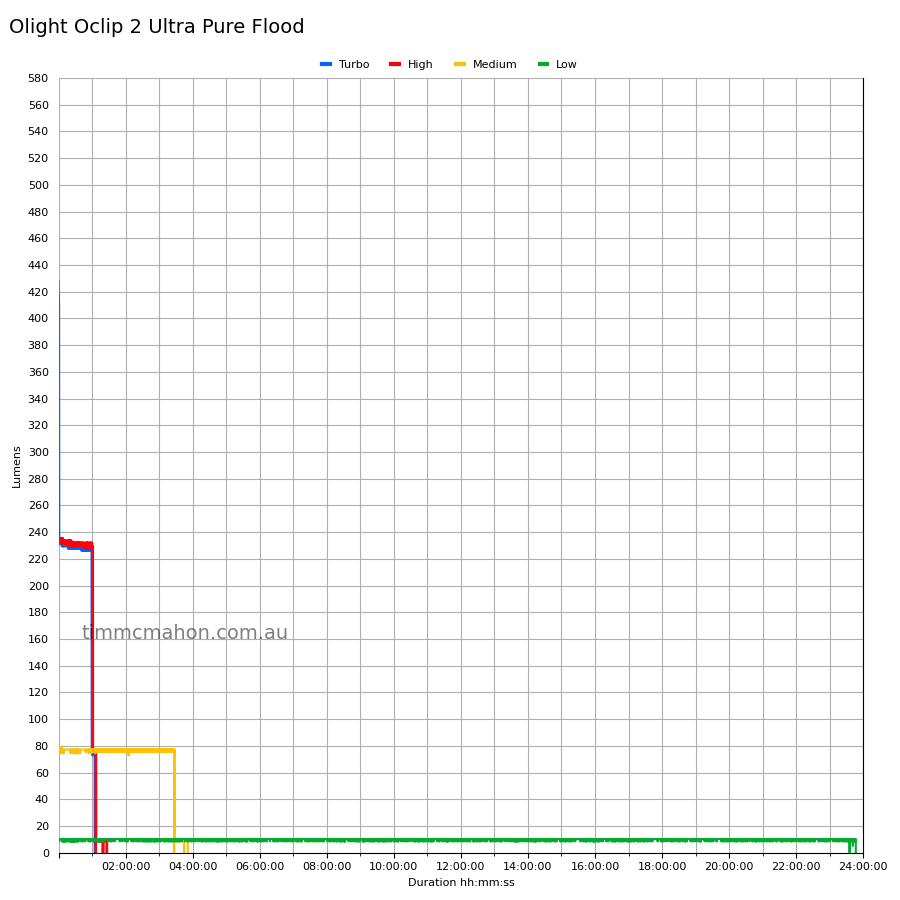
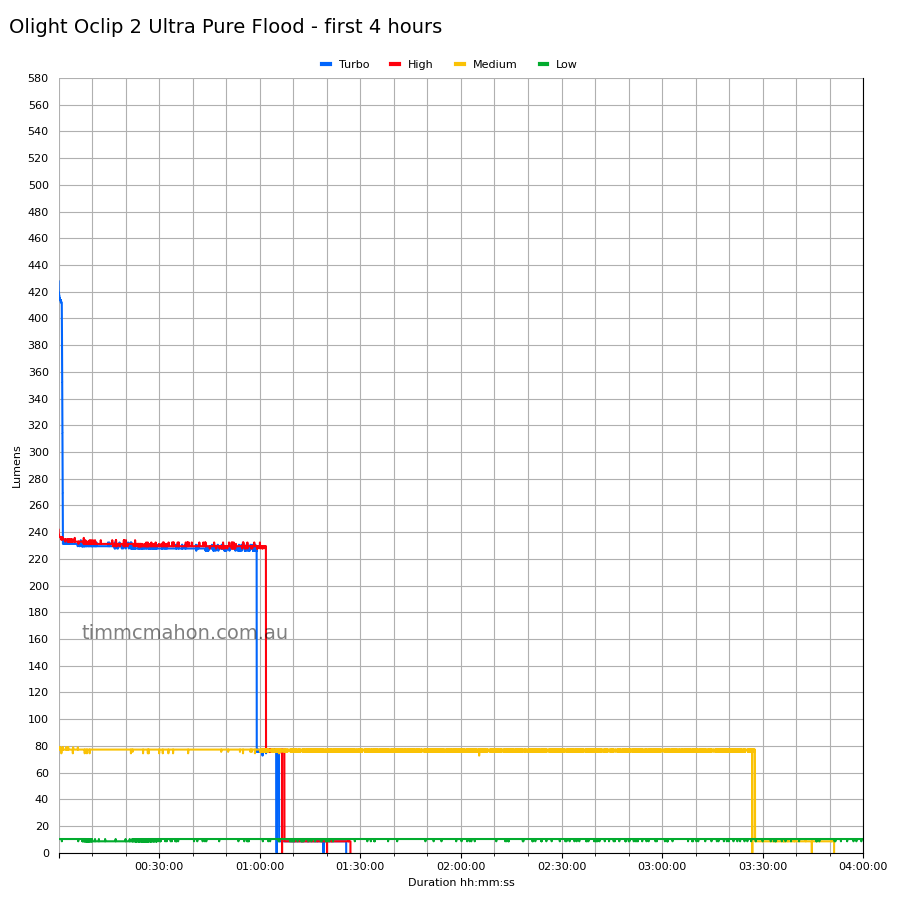
I used my own DIY lumen tube with a TSL2591 sensor and forked bmengineer’s project RuTiTe to record runtimes.
The room temperature was approximately 20 C.
Pure Flood#
Spotlight#
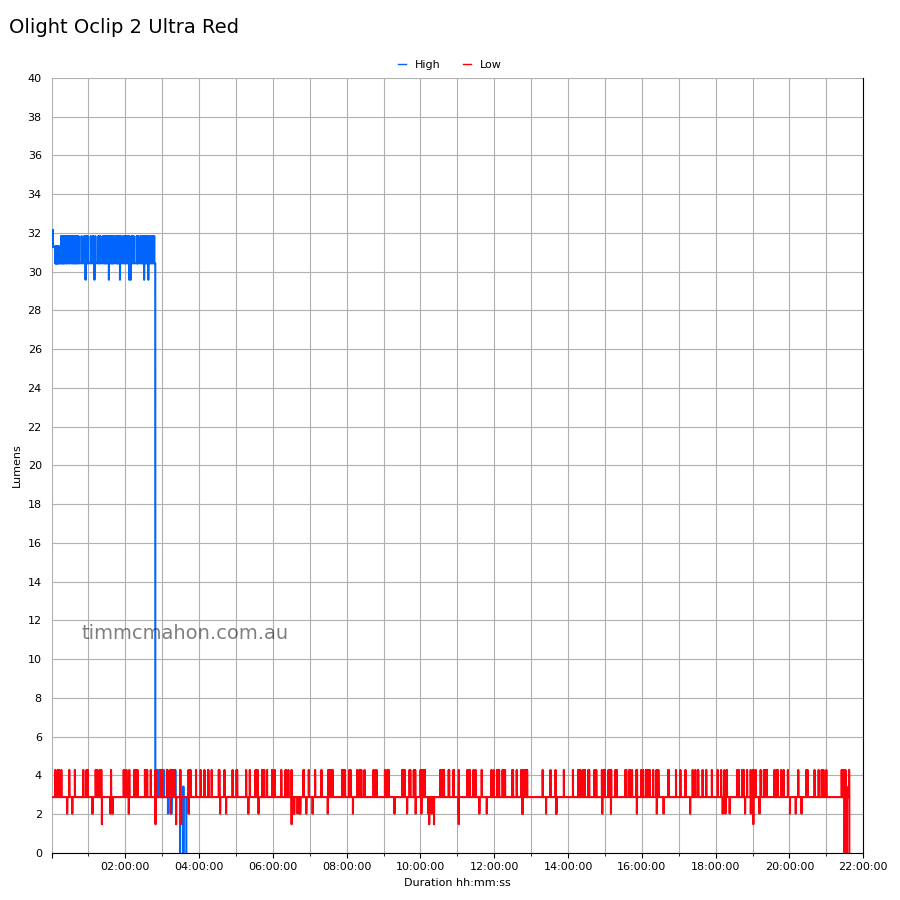
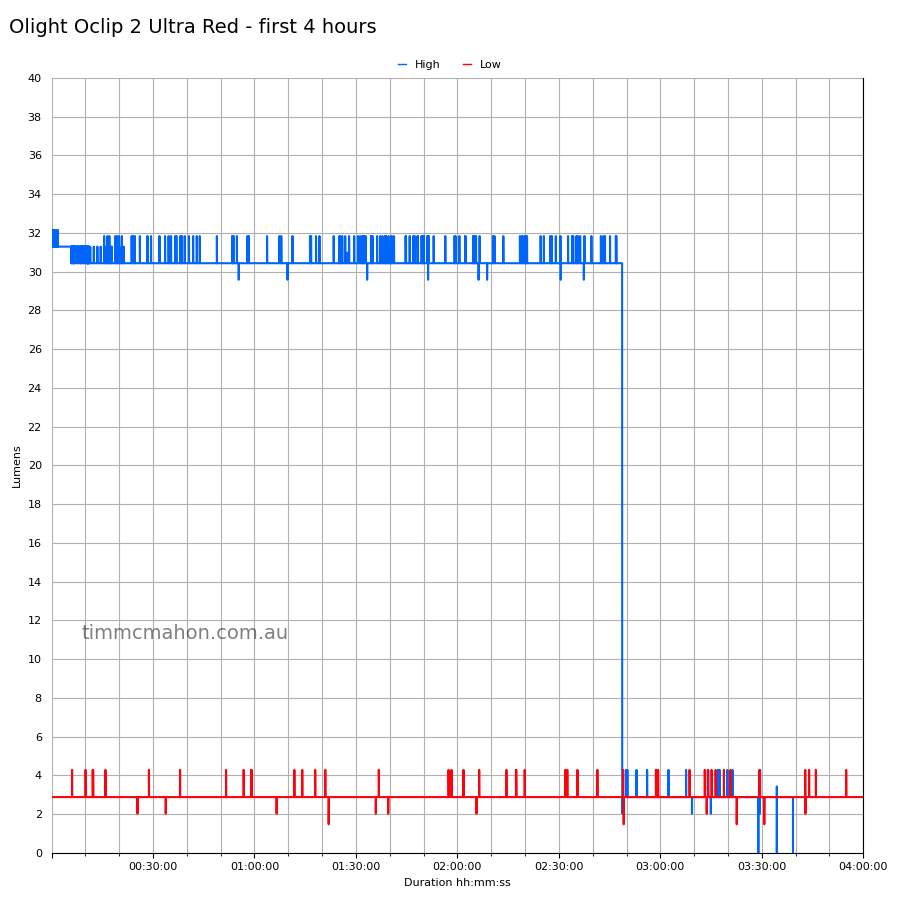
Red Light#
Runtime#
Here is a summary of the runtime results:
| LED | Mode | User manual | Runtime | Turn off |
|---|---|---|---|---|
| Pure Flood | Turbo | 1 + 57 + 5 min | 1h 5min 43s | 1h 25min 47s |
| Pure Flood | High | 60 + 5 min | 1h 7min 20s | 1h 27min 3s |
| Pure Flood | Medium | 3 h 30 min | 3h 51min 17s | 3h 51min 17s |
| Pure Flood | Low | 25 h | 23h 46min 39s | 23h 46min 39s |
| Pure Flood | Moonlight | 144 h | 10min+ | 10min+ |
| Spot | Turbo | 1 + 57 + 5 min | 1h 6min 0s | 1h 25min 33s |
| Spot | High | 60 + 5 min | 1h 7min 6s | 1h 27min 11s |
| Spot | Medium | 3 h 30 min | 3h 48min 54s | 3h 48min 54s |
| Spot | Low | 25 h | 23h 50min 0s | 23h 50min 0s |
| Spot | Moonlight | 144 h | 10min+ | 10min+ |
| Red | High | 3 h | 3h 39min 12s | 3h 39min 12s |
| Red | Low | 22 h | 21h 37min 23s | 21h 37min 23s |
“Runtime” is the time until the output reduces to 10% of the output at 30 seconds (as per the ANSI/PLATO FL1 2019 Standard).
“Turn off” is the time until my DIY lumen tube no longer detects more than 1 lumen.
“+” indicates that the light remained on after recording had stopped.
The runtimes are pretty good for Medium, High and Turbo modes.
The runtimes fell slightly short for the Low modes.
The output is well regulated.
Throw#
I took lux measurements with a UNI-T UT383BT at 30 seconds. Turbo was measured at five metres
| LED | Mode | Specs (cd) | Specs (m) | Candela measured (cd) | Distance (m) |
|---|---|---|---|---|---|
| Pure Flood | Turbo | 550 | 46 | ||
| Spot | Turbo | 4,225 | 130 | 4,950 | 140 |
Beamshots#
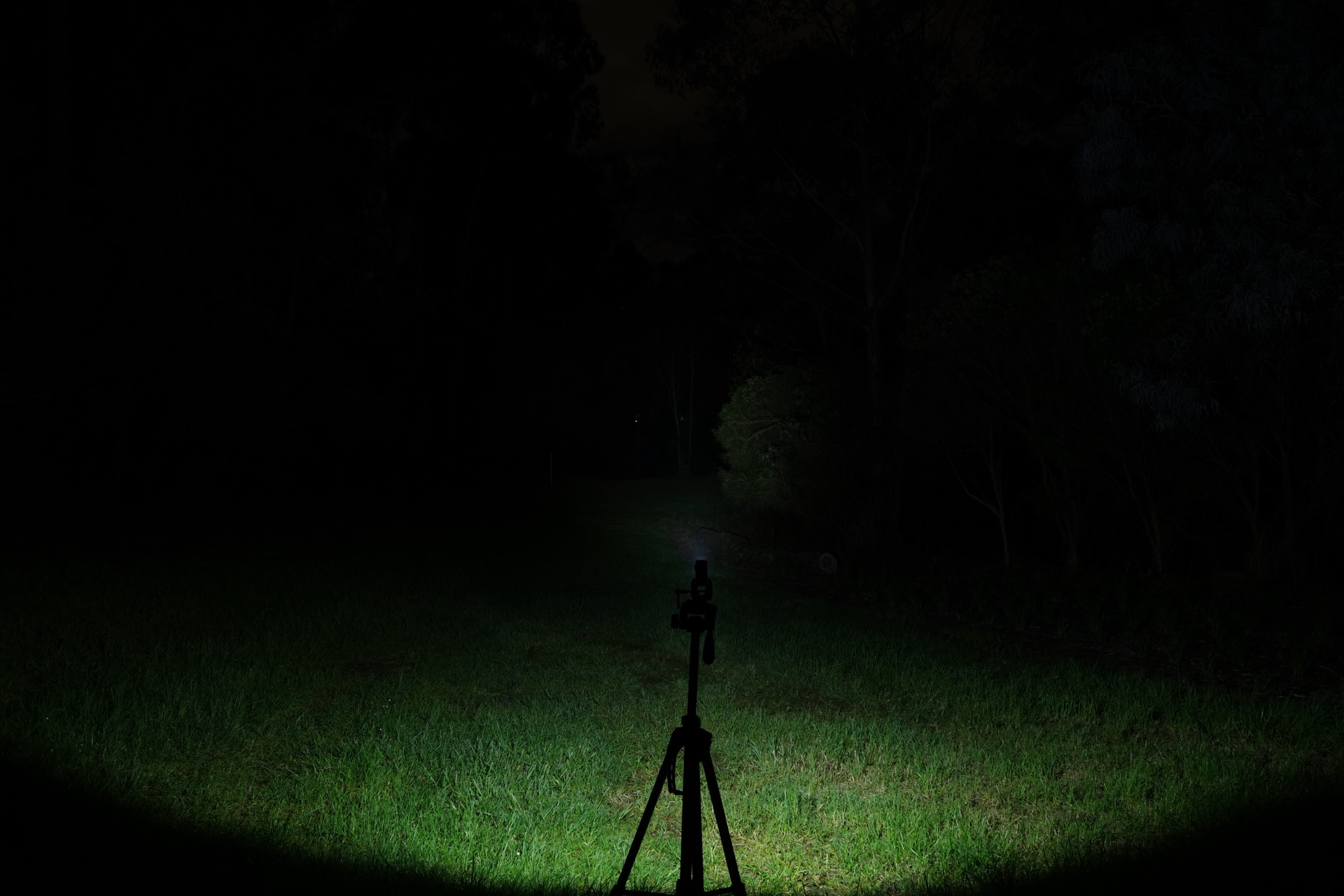
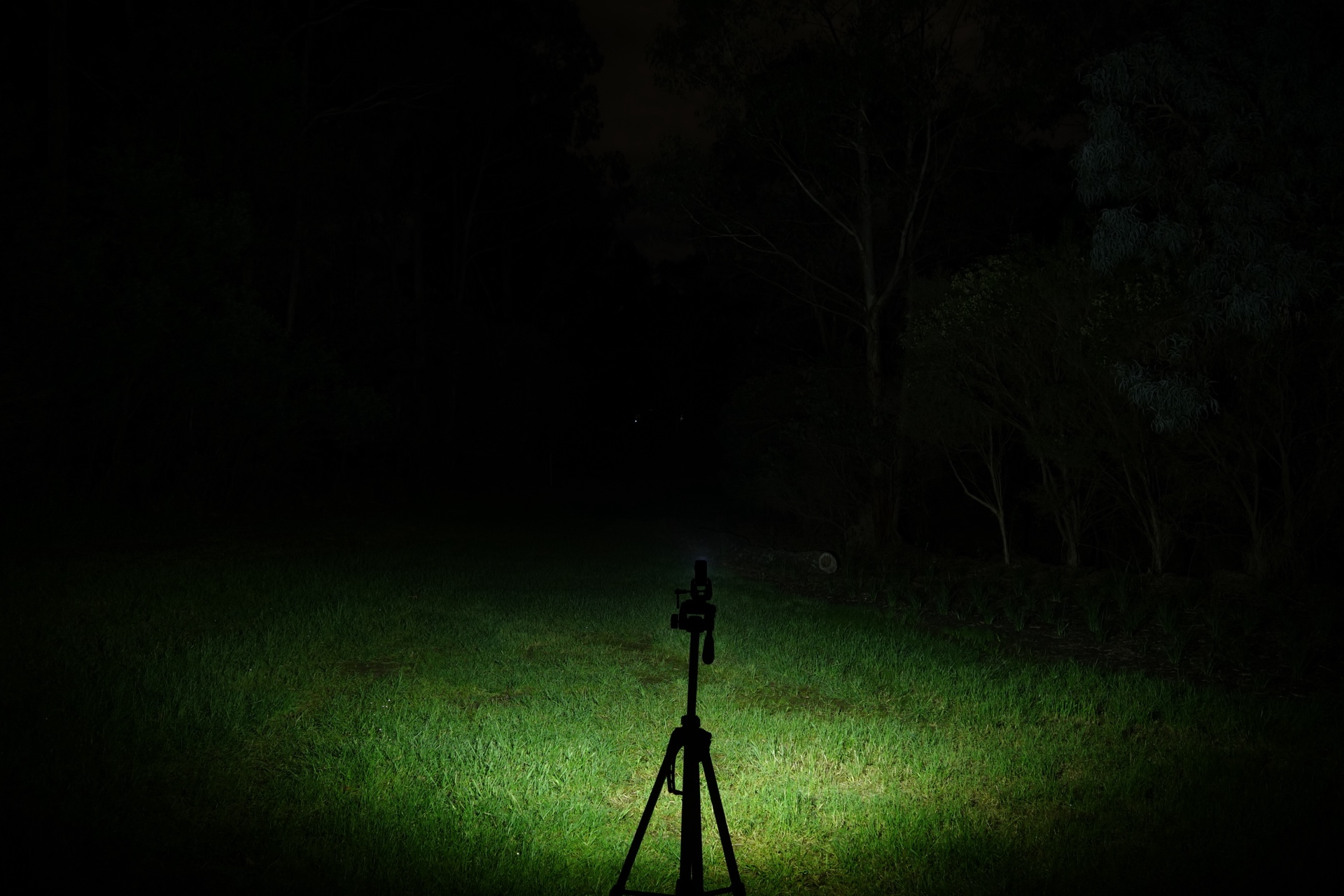
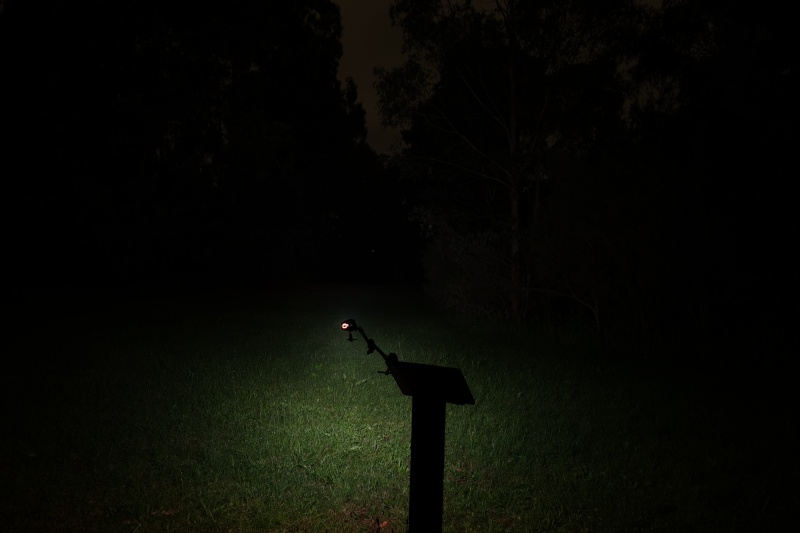
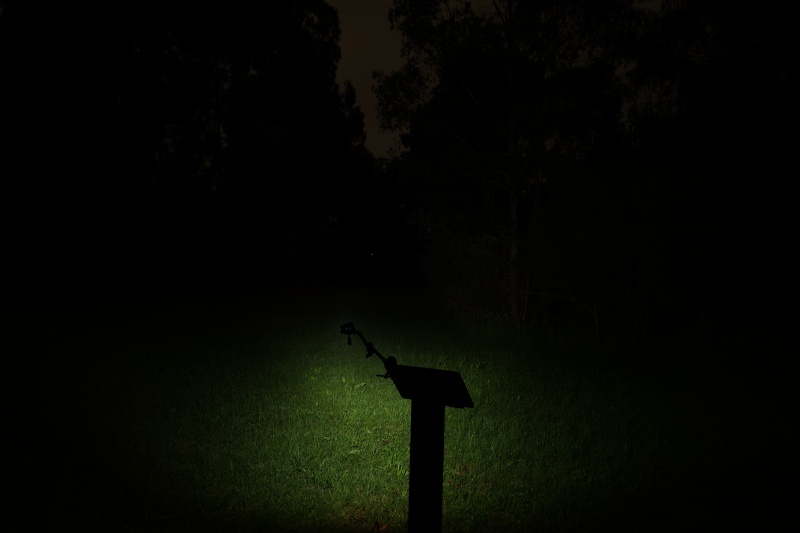
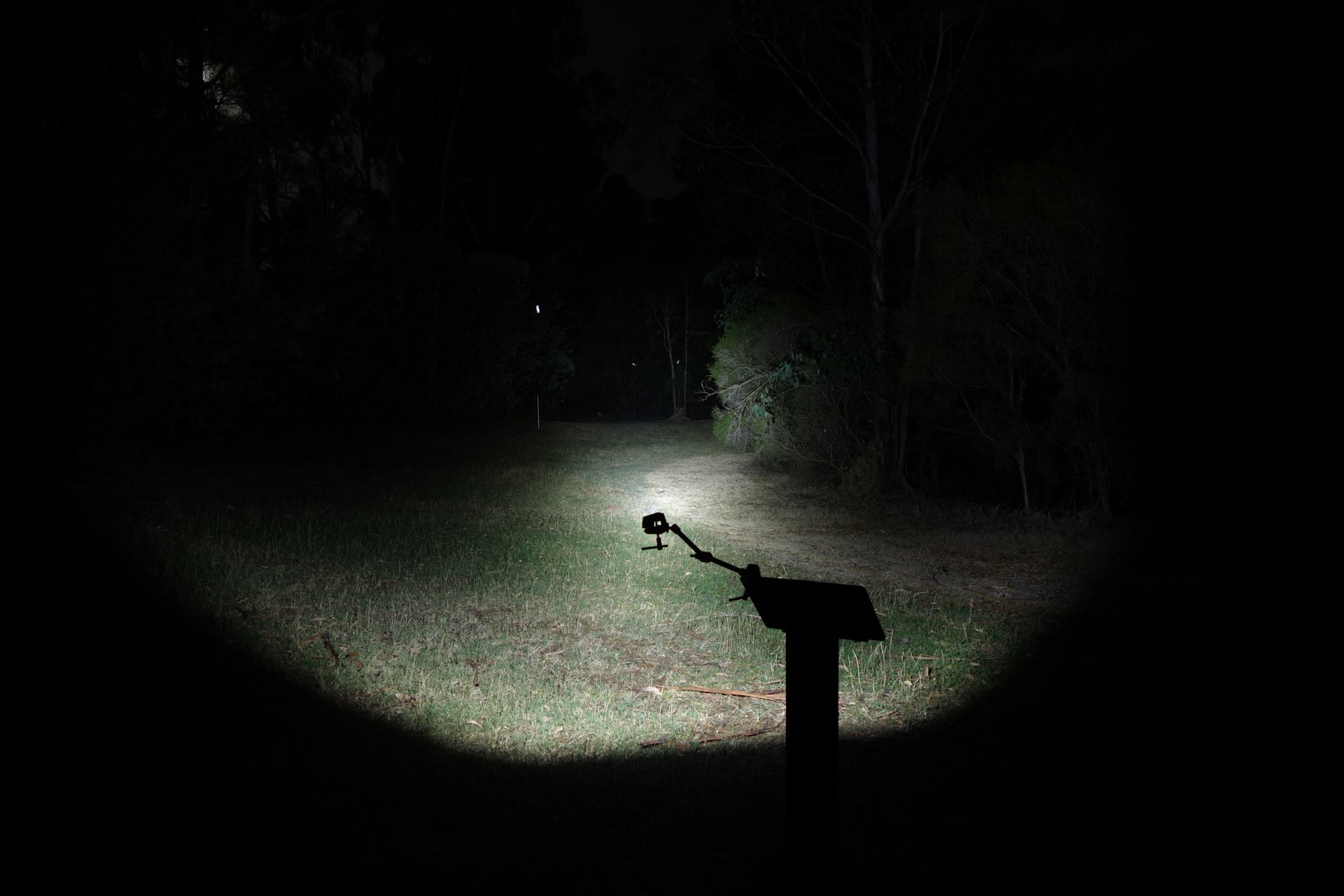
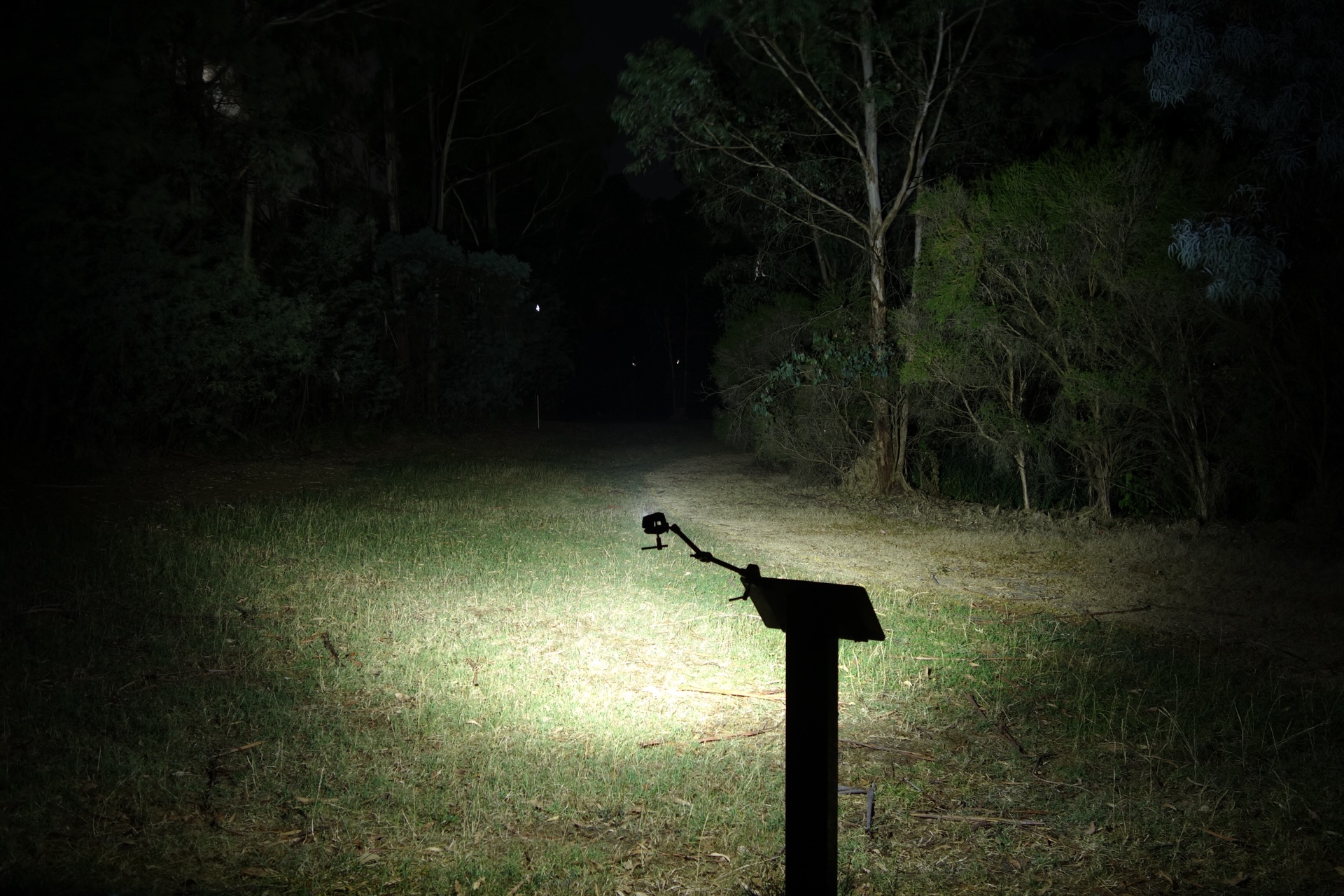
I went to a local park and aimed the torch at a tree 70 metres away while using Turbo.
Beamshots were taken using a Sony RX100M2 using 3.2", f3.2, ISO 100, 5000K WB.
Olight Oclip 2 Ultra Spotlight (Turbo)#
Olight Oclip 2 Ultra Pure Flood (Turbo)#
RovyVon A8 (High)#
Olight i1R 2 Pro (High)#
Olight ArkPro Ultra Spotlight (Turbo)#
Olight ArkPro Ultra Pure Flood (Turbo)#
UV Light#
Beamshots were taken with a phone set to 5000K.
Olight Oclip 2 Ultra UV (Low)#
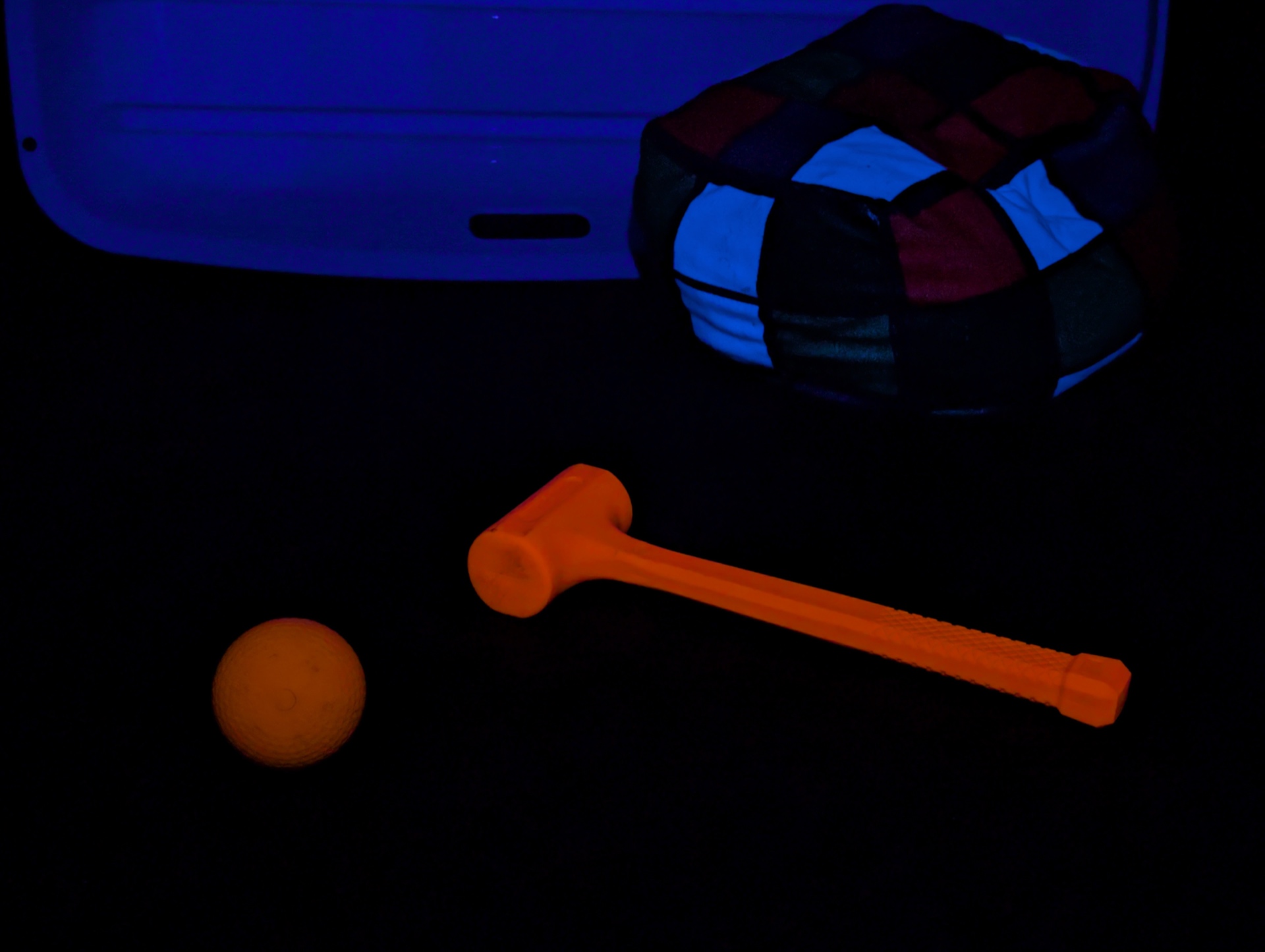
Olight Oclip 2 Ultra UV (High)#
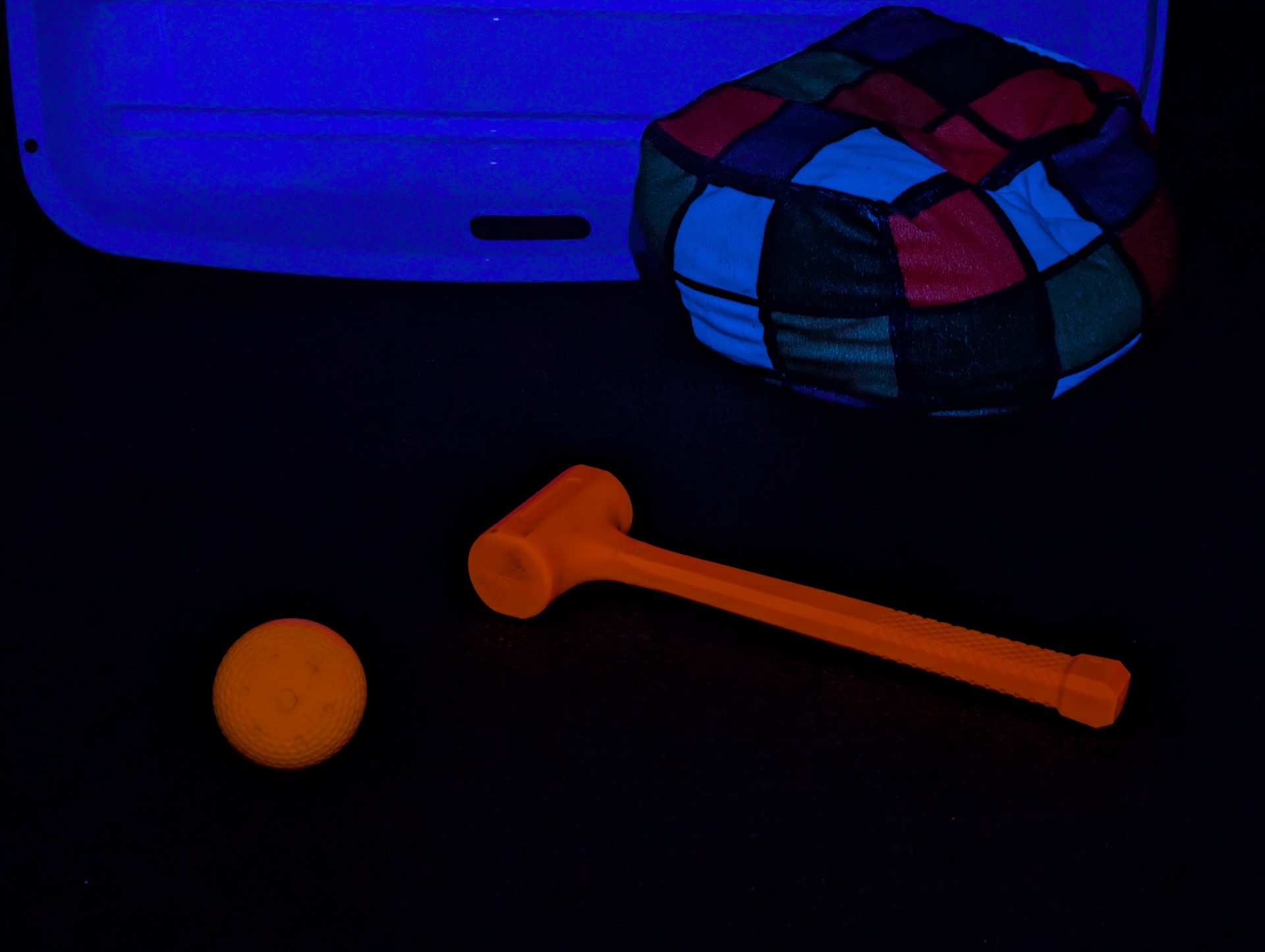
Convoy S21 UV (High)#
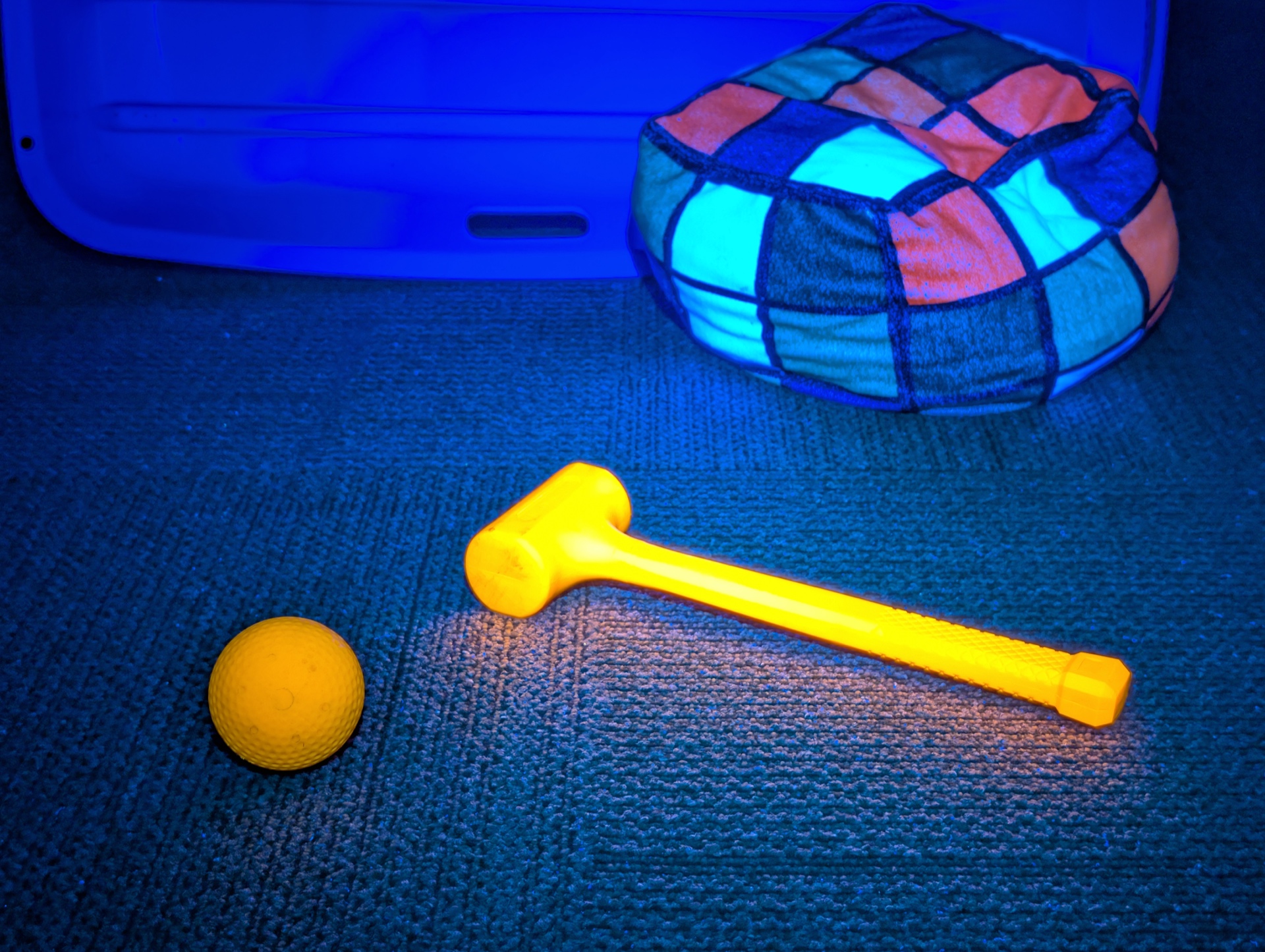
Olight Arkfeld Ultra UV#
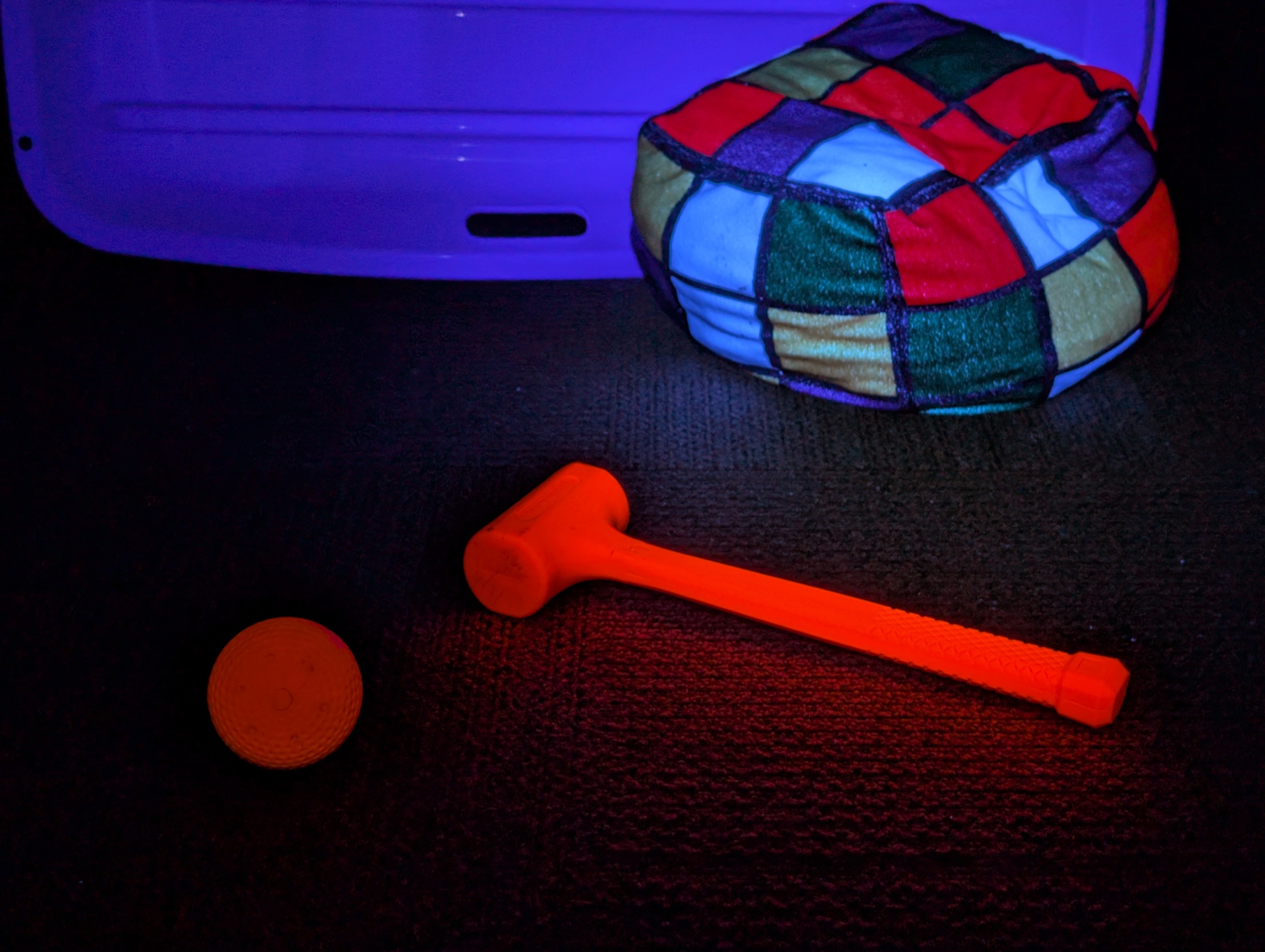
VTIGER S2 UV UV (Low)#
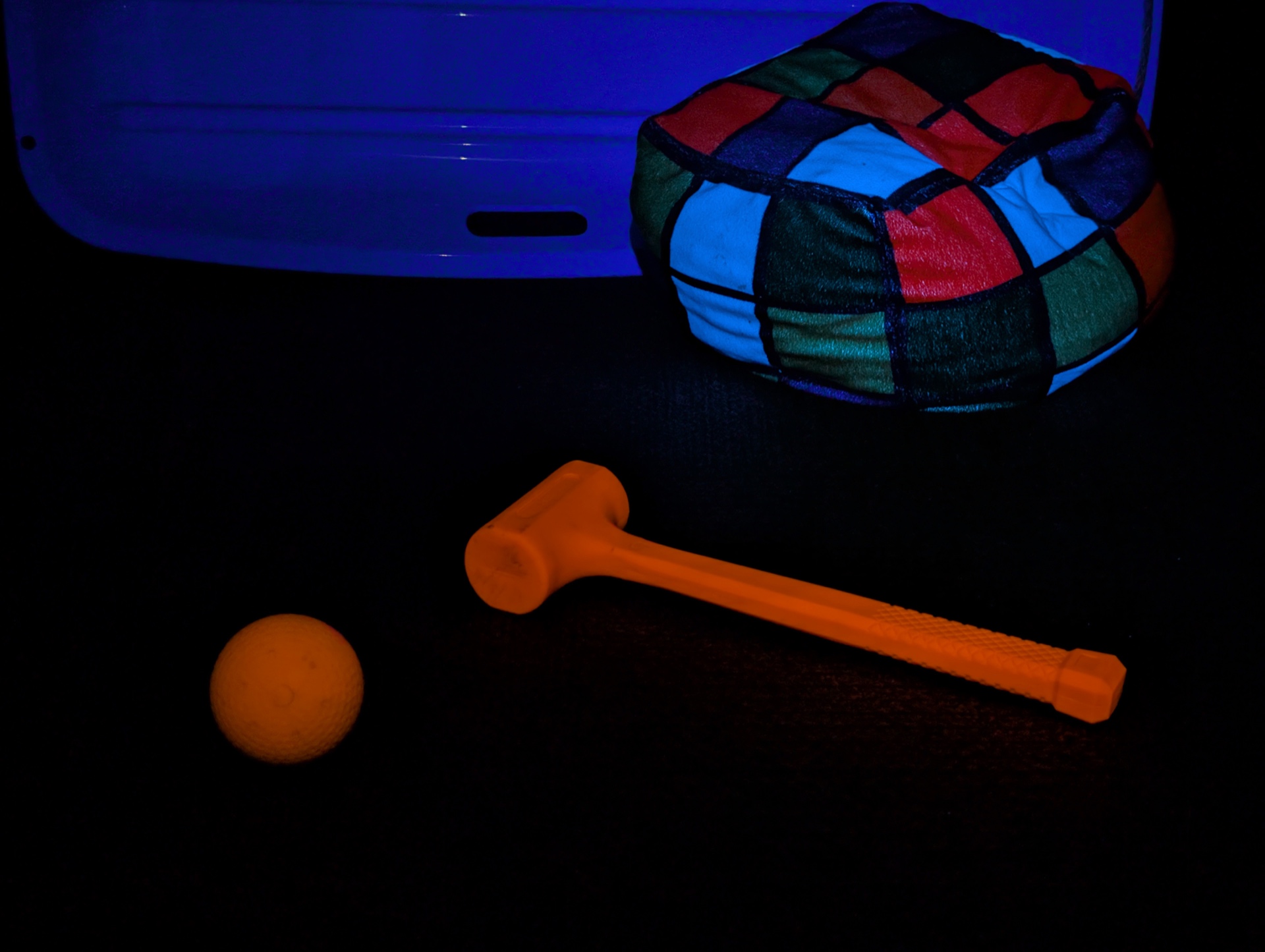
VTIGER S2 UV UV (High)#
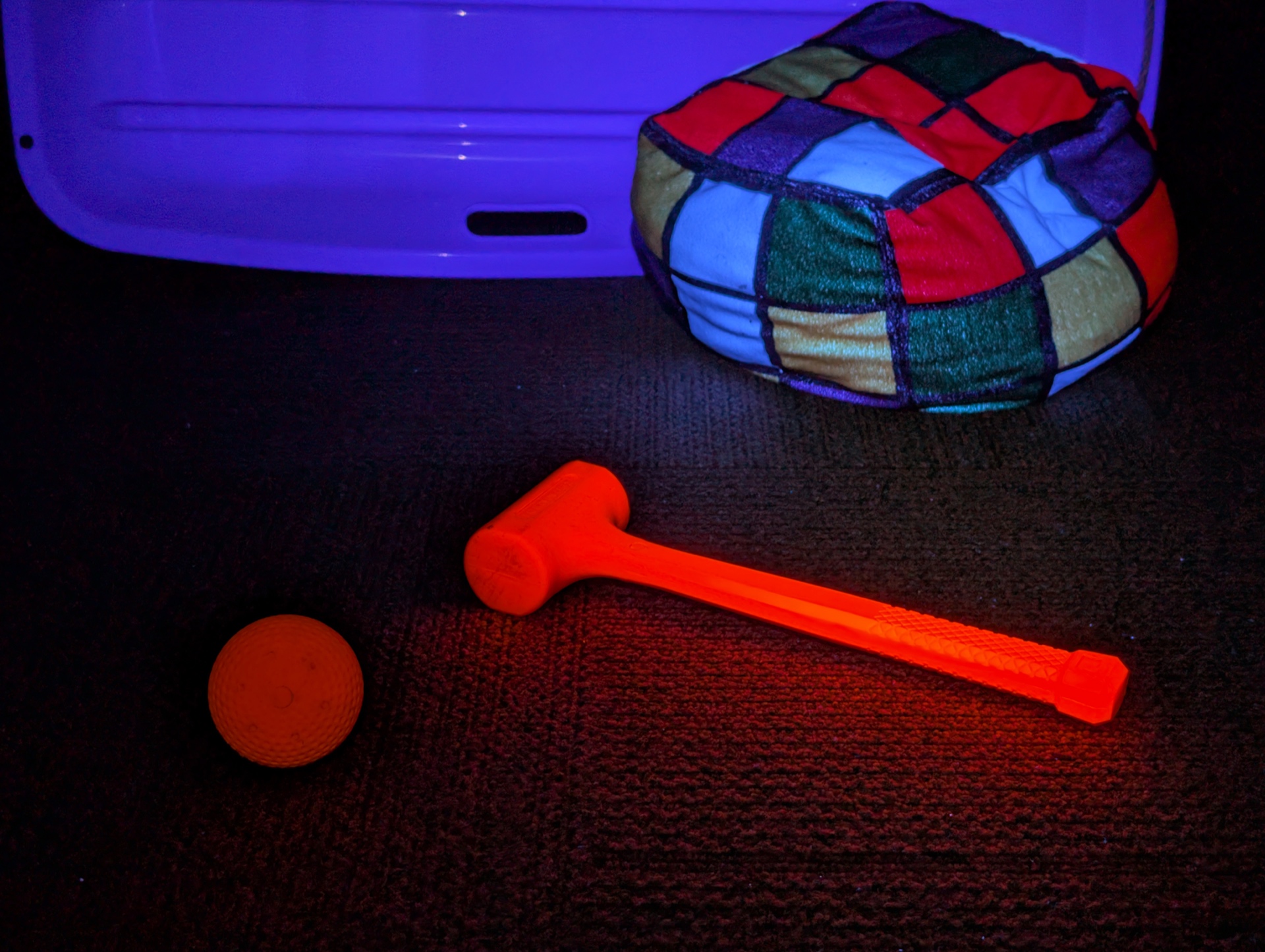
LOOP SK06 UV#
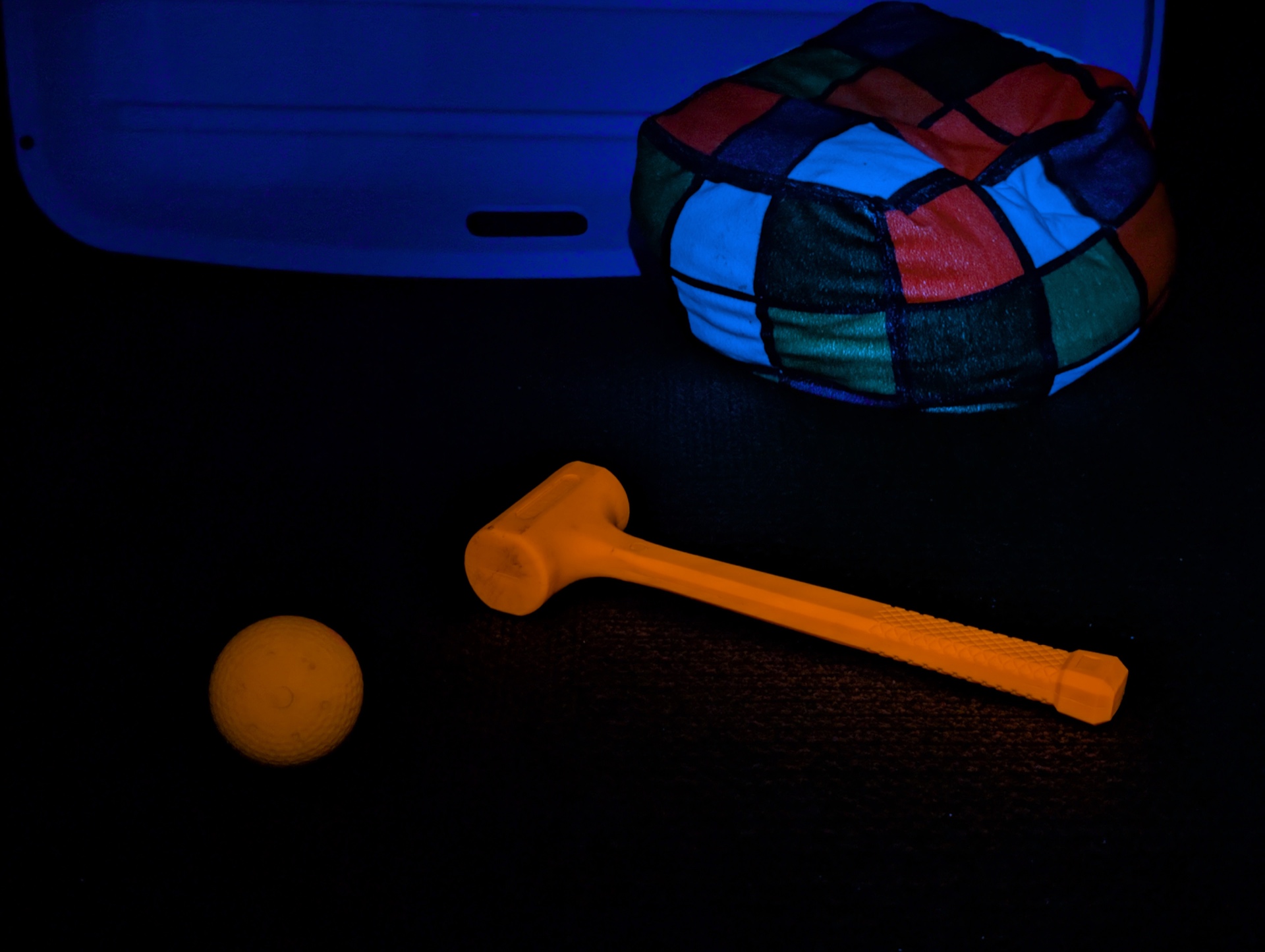
Thermal Images#
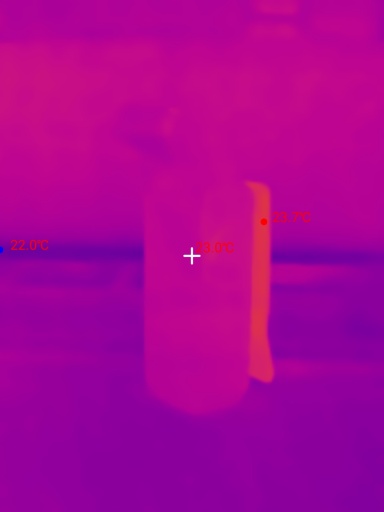
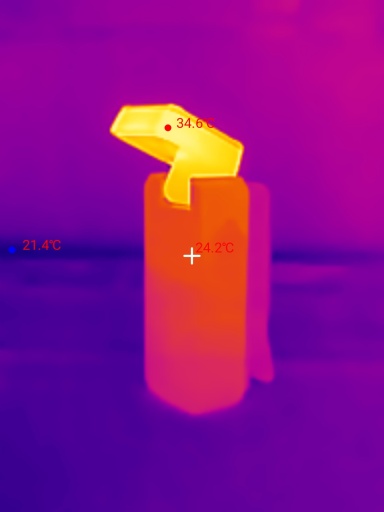
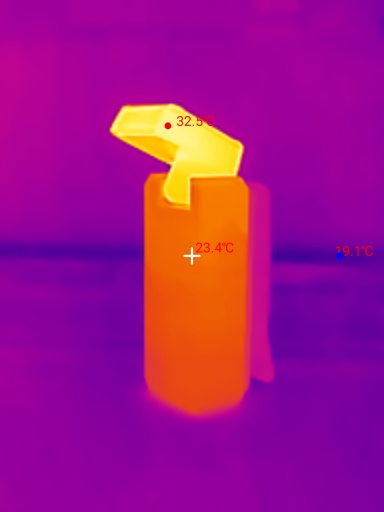
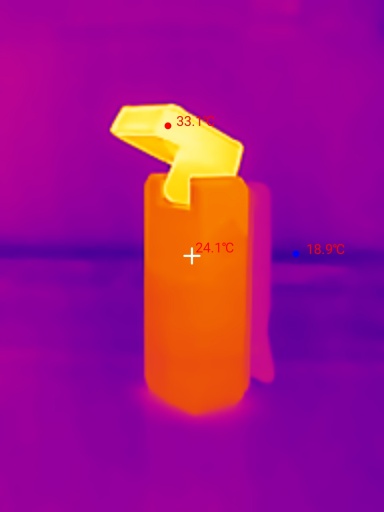
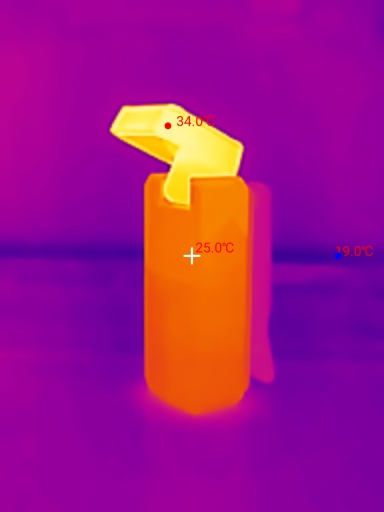
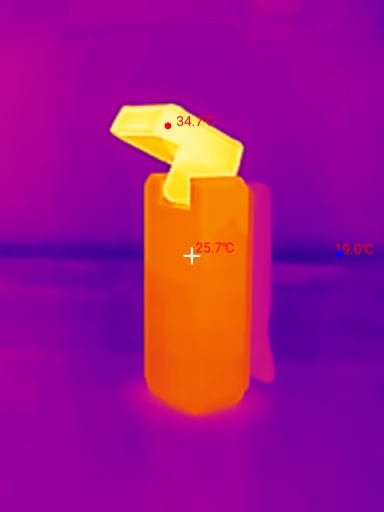
I used a Thermal Master P3 to take thermal images of the torch while using the Spotlight on Turbo. Get 10% off the Thermal Master P3 with code Mcmahon10
Room temperature: 21 C
| Time (mm:ss) | Max Temperature |
|---|---|
| 00:00 | 23.7 C |
| 01:00 | 34.6 C |
| 02:00 | 32.5 C |
| 03:00 | 33.1 C |
| 04:00 | 34.0 C |
| 05:00 | 34.7 C |
The heat from the head of the torch does not seem to transfer well to the body of the torch, especially when the swivel head is moved away from the body.
Conclusion#
The Olight Oclip 2 Ultra is what the Clip series of lights should have started with.
I held off buying the original Oclip because I did not want to mount the light upside down and risk having it fall out of a loop on my backpack strap.
This Oclip 2 Ultra is perfect for my needs! It clips into the loop of my backpack strap and it can be rotated around and tilted toward a path so that I can have my hands free.
Pure Flood and Red are my two favourite modes for this torch when attached to my backpack strap at night. They provide a practical wide beam. But the Spotlight bounces around as I walk and it can be a bit annoying.
The Red/UV light combination feels a bit gimmicky. Don’t get me wrong. The red light is great! But I would prefer it if Olight split out the Red and UV lights so that the UV light can have a filter to only allow UV light to pass. Olight added a filter to the Olight ArkPro Ultra) so why not add it to the Oclip 2 Ultra?
Overall, I am happy with my purchase. It is on my backpack strap while commuting daily.
Pros:#
- Excellent build quality.
- Good beam distance.
- Good runtimes (Low fell slightly short).
- Output is well regulated.
- USB-C and magnetic charging.
- Clip rotates 360 degrees.
- Head tilts 115 degrees.
Cons:#
- Lumen output is slightly lower than expected.
- Low CRI (60+).
- UV light does not have a ZWB2 filter.
- Rubber teeth on clip sometimes let the torch fall off.
Price#
The Olight Oclip 2 Ultra is AU$107.95 at olight.com
I bought it for AU$91.75 when it first launched. It might go on sale.
Product page#
Get 10% off with this promo code: TMM10
Olight Oclip 2 Ultra at olight.com (affiliate link)
I may earn a commission if you use an affiliate link or a promo code. This will help fund future torch reviews and tutorials.